Adjust the React Render Process:
look for 2 files:
/twittme-web/public/index.html
<!DOCTYPE html>
<html lang="en">
<head>
<meta charset="utf-8" />
<link rel="icon" href="%PUBLIC_URL%/favicon.ico" />
<meta name="viewport" content="width=device-width, initial-scale=1" />
<meta name="theme-color" content="#000000" />
<meta
 name="description"
 content="Web site created using create-react-app"
/>
<link rel="apple-touch-icon" href="%PUBLIC_URL%/logo192.png" />
<!--
 manifest.json provides metadata used when your web app is installed on a
 user's mobile device or desktop. See https://developers.google.com/web/fundamentals/web-app-manifest/
-->
<link rel="manifest" href="%PUBLIC_URL%/manifest.json" />
<!--
 Notice the use of %PUBLIC_URL% in the tags above.
 It will be replaced with the URL of the `public` folder during the build.
 Only files inside the `public` folder can be referenced from the HTML.

 Unlike "/favicon.ico" or "favicon.ico", "%PUBLIC_URL%/favicon.ico" will
 work correctly both with client-side routing and a non-root public URL.
 Learn how to configure a non-root public URL by running `npm run build`.
-->
<!-- Bootstrap CSS -->
<link rel="stylesheet" href="https://stackpath.bootstrapcdn.com/bootstrap/4.5.0/css/bootstrap.min.css" integrity="sha384-9aIt2nRpC12Uk9gS9baDl411NQApFmC26EwAOH8WgZl5MYYxFfc+NcPb1dKGj7Sk" crossorigin="anonymous">
<title>React App</title>
</head>
<body>
<noscript>You need to enable JavaScript to run this app.</noscript>
<div id="root"></div>
<!--
 This HTML file is a template.
 If you open it directly in the browser, you will see an empty page.

 You can add webfonts, meta tags, or analytics to this file.
 The build step will place the bundled scripts into the <body> tag.

 To begin the development, run `npm start` or `yarn start`.
 To create a production bundle, use `npm run build` or `yarn build`.
-->
</body>
</html>
/twittme-web/src/index.js ```javascript import React from ‘react’; import ReactDOM from ‘react-dom’; import ‘./index.css’; import App from ‘./App’; import * as serviceWorker from ‘./serviceWorker’;
ReactDOM.render(
// If you want your app to work offline and load faster, you can change // unregister() to register() below. Note this comes with some pitfalls. // Learn more about service workers: https://bit.ly/CRA-PWA serviceWorker.unregister();
- /twittme-web/public/index.html corresponds to the reactjs page we see
- for example
```html
<!DOCTYPE html>
<html lang="en">
  <head>
<!--<title>React App</title>-->
    <title>CFE App</title>
  </head>
  <body>
    <!---->
  </body>
</html>
refresh, and we get the same title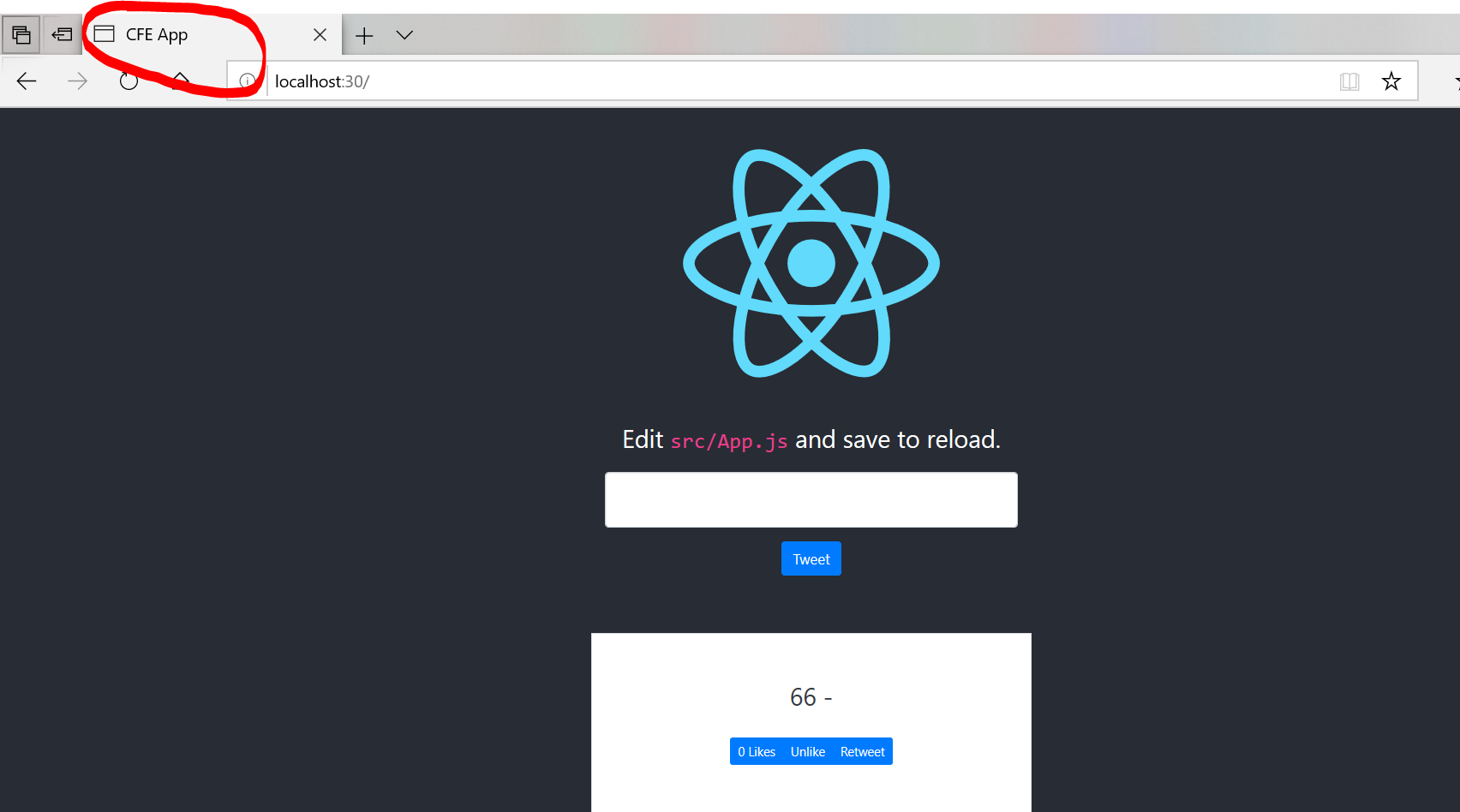
change the id of div into another one in index.html to test
<noscript>You need to enable JavaScript to run this app.</noscript>
<!--<div id="root"></div>-->
<div id="tweetme-2"></div>
render TweetsComponent instead of App to show just tweets in index.js ```javascript / ReactDOM.render(
import {TweetsComponent} from ‘./tweets’
const appEl = document.getElementById(‘root’)
if (appEl) {
ReactDOM.render(
runserver and npm start to see reactjs page<br />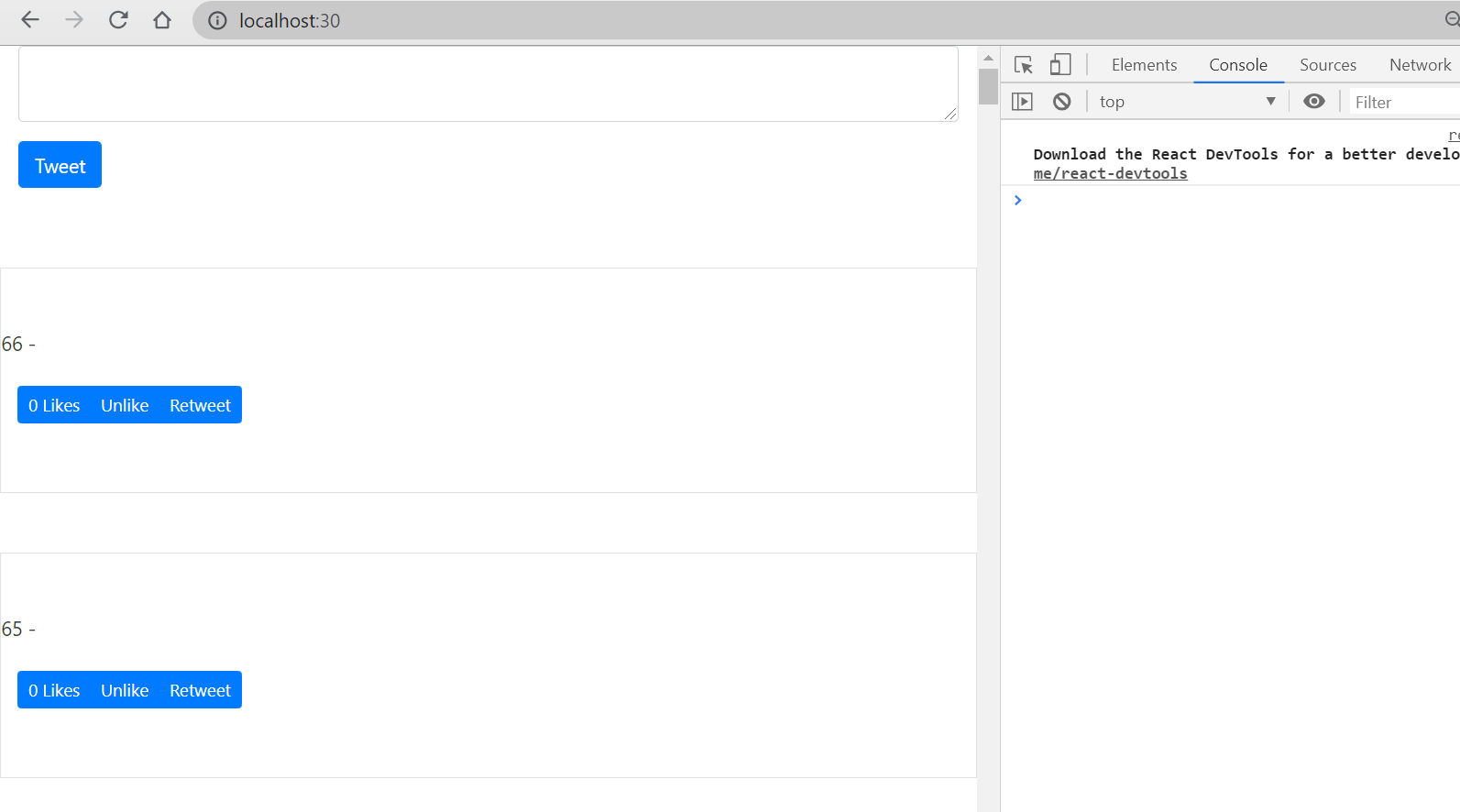<br />this time we only have plain text.
- we need to build a production ready reactjs file in the terminal:
```bash
[root@localhost twittme-web]# npm run build
> twittme-web@0.1.0 build /root/SourceCode/Python/reactjs/Twittme/twittme-web
> react-scripts build
Creating an optimized production build...
Compiled successfully.
File sizes after gzip:
39.66 KB build/static/js/2.139c3766.chunk.js
1.46 KB build/static/js/main.d4e98ece.chunk.js
762 B build/static/js/runtime~main.a8a9905a.js
537 B build/static/css/main.5d2ec634.chunk.css
The project was built assuming it is hosted at the server root.
You can control this with the homepage field in your package.json.
For example, add this to build it for GitHub Pages:
"homepage" : "http://myname.github.io/myapp",
The build folder is ready to be deployed.
You may serve it with a static server:
npm install -g serve
serve -s build
Find out more about deployment here:
https://bit.ly/CRA-deploy
and we will have a build/ directory under twittme-web: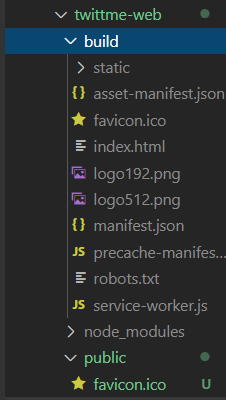
React Rendered by Django:
about static files: https://docs.djangoproject.com/en/2.2/howto/static-files/
add static files directory list and static root in /Twittme/settings.py
STATICFILES_DIRS = [ # where we store static files locally
  os.path.join(BASE_DIR, "static"),
]
STATIC_ROOT = os.path.join(BASE_DIR, "static-root")
and inside project directory, setup a static/ directory
the structure looks like
[root@localhost Twittme]# ls
db.sqlite3  manage.py  static  templates  todo.md  tweets  Twittme  twittme-web
copy files under /twittme-web/build/static/ to /static/ and we have
[root@localhost Twittme]# cd static/
[root@localhost static]# ls
css  js  media
also inside project directory, setup a static-root/ directory
[root@localhost Twittme]# ls
db.sqlite3  manage.py  static  static-root  templates  todo.md  tweets  Twittme  twittme-web
collect static to static-root/ ```python [root@localhost Twittme]# python3 ./manage.py collectstatic
172 static files copied to ‘/root/SourceCode/Python/reactjs/Twittme/static-root’.ash
- in order to serve static files during development, modify /Twittme/urls.py
```python
# ...
from django.conf import settings # new
from django.conf.urls.static import static # new

# ...

if settings.DEBUG: # new
    urlpatterns += static(settings.STATIC_URL,
                        document_root=settings.STATIC_ROOT)
- try to copy the relative path of main chunk.js in /static/js
- the runserver to browse it, such as mine is: http://localhost:80/static/js/main.d4e98ece.chunk.js
we get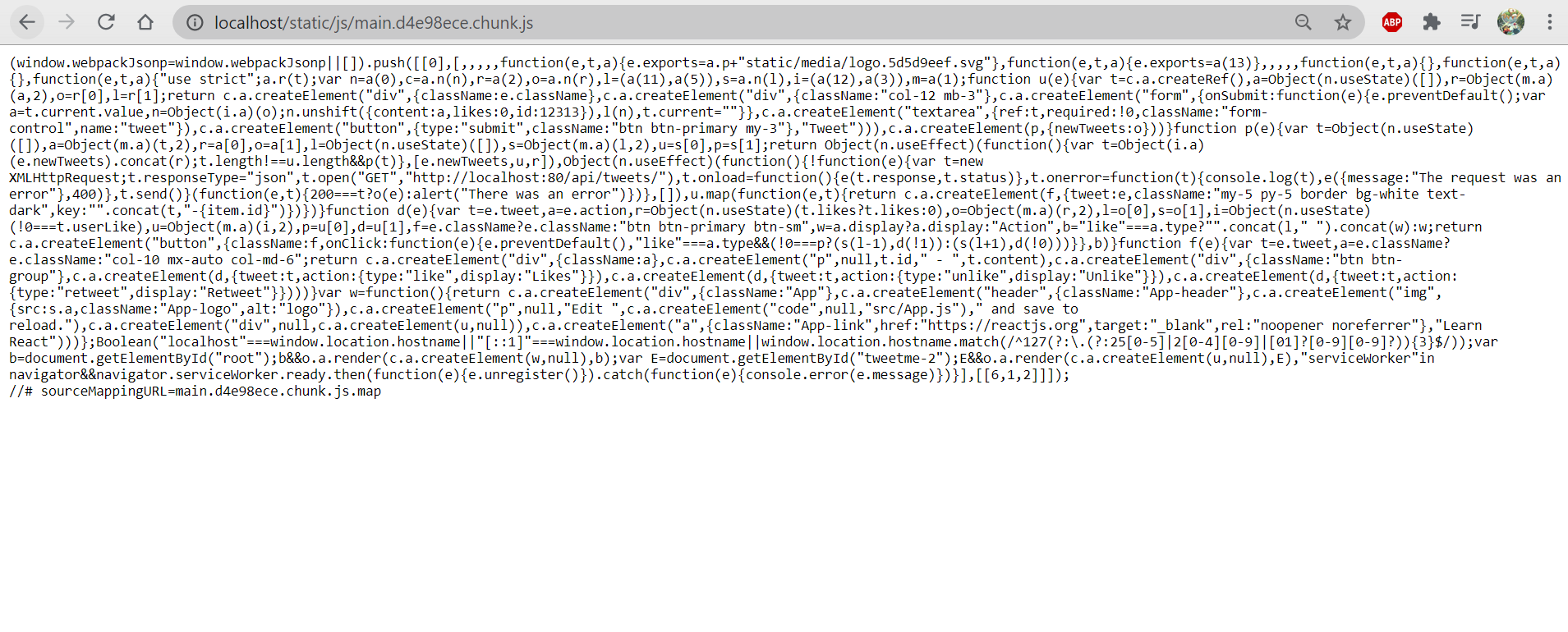
so this is now my reactjs application.
- create a react.html in /templates/
- copy the entire content of /twittme-web/build/index.html and paste into react.html
- Then /Twittme/urls.py
```python
…
from django.conf import settings from django.conf.urls.static import static from django.views.generic import TemplateView # new
…
urlpatterns = [
# ...
path('react/', TemplateView.as_view(template_name='react.html')), # new
]
if settings.DEBUG: # new urlpatterns += static(settings.STATIC_URL, document_root=settings.STATIC_ROOT)
to test, runserver (no need to npm start this time)<br />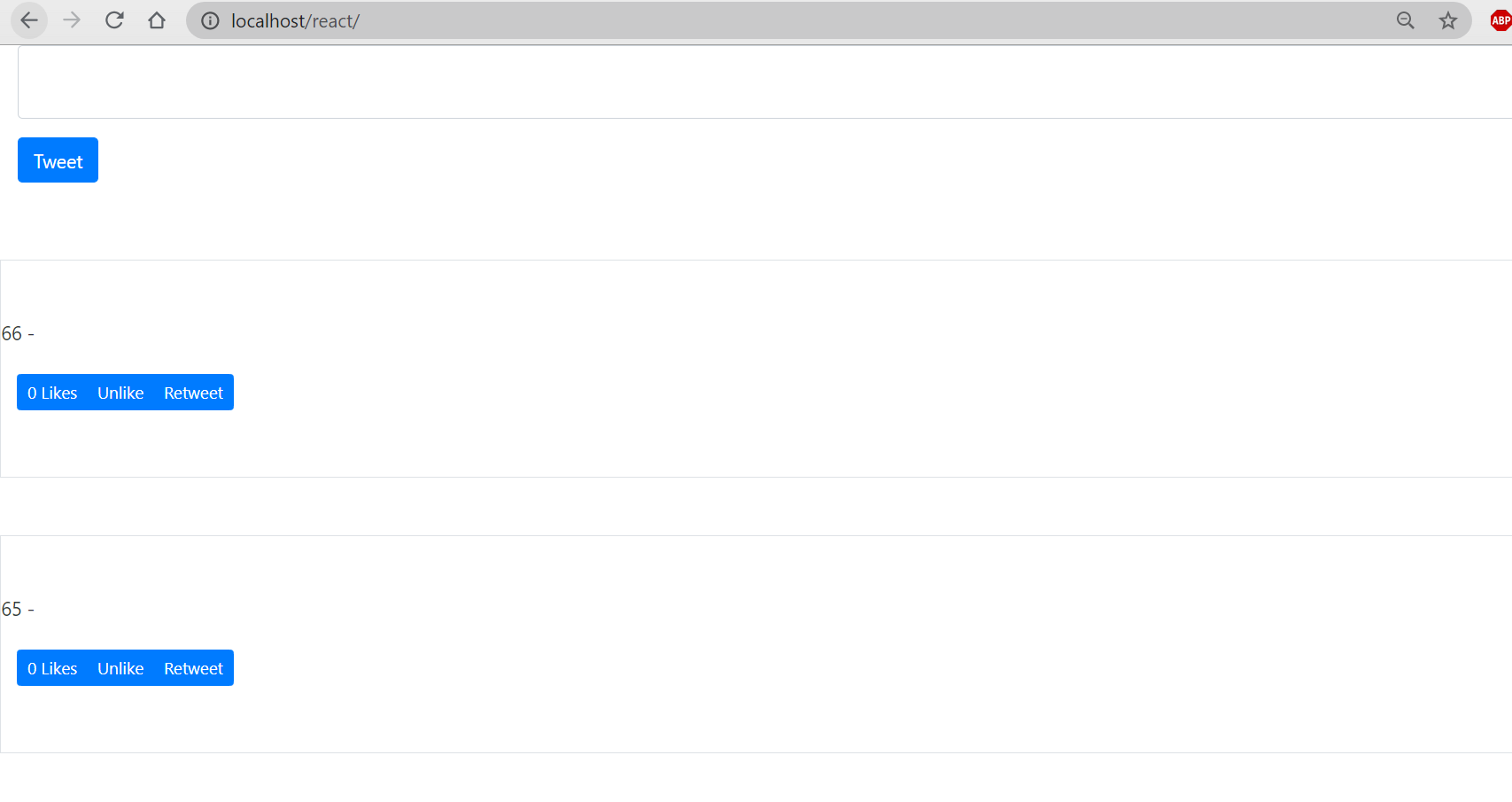<br />(title is also "CFE App" as what we set before)
and that's how react page is rendered by Django.
<a name="a1TYS"></a>
### Render React App via Any Django Template:
- in order to manage react better, create react/directory in /templates/
- and create a "base_embed.html" in react/
```bash
[root@localhost Twittme]# cd templates/
[root@localhost templates]# ls
base.html components pages react react.html tweets
[root@localhost templates]# cd react/
[root@localhost react]# ls
base_embed.html
- copy and paste the 1st

若有收获,就点个赞吧
0 人点赞


