about error “npm ERR! code ELIFECYCLE”:
if meet this situation when npm start:
https://stackoverflow.com/questions/42308879/npm-err-code-elifecycle
$ npm cache clean --force$ rm -rf node_modules package-lock.json$ npm install$ npm start
about err “System limit for number of file watchers reached”:
https://github.com/guard/listen/wiki/Increasing-the-amount-of-inotify-watchers#the-technical-details
$ echo fs.inotify.max_user_watches=524288 | sudo tee -a /etc/sysctl.conf$ sudo sysctl -p
React.js Action Btn:
This part is to make action buttons base on reactjs.
- add LikeBtn() in App.js
```javascript
//…
function LikeBtn(props) {
const {tweet} = props
return “<button class=’btn btn-primary btn-sm’ onclick=handleTweetActionBtn(“
}+ tweet.id + "," + tweet.likes + ",'like')>"+ tweet.likes+ " Likes</button>"
function Tweet(props) { //… return
{tweet.id} - {tweet.content}
both runserver and npm start, then access localhost:30<br />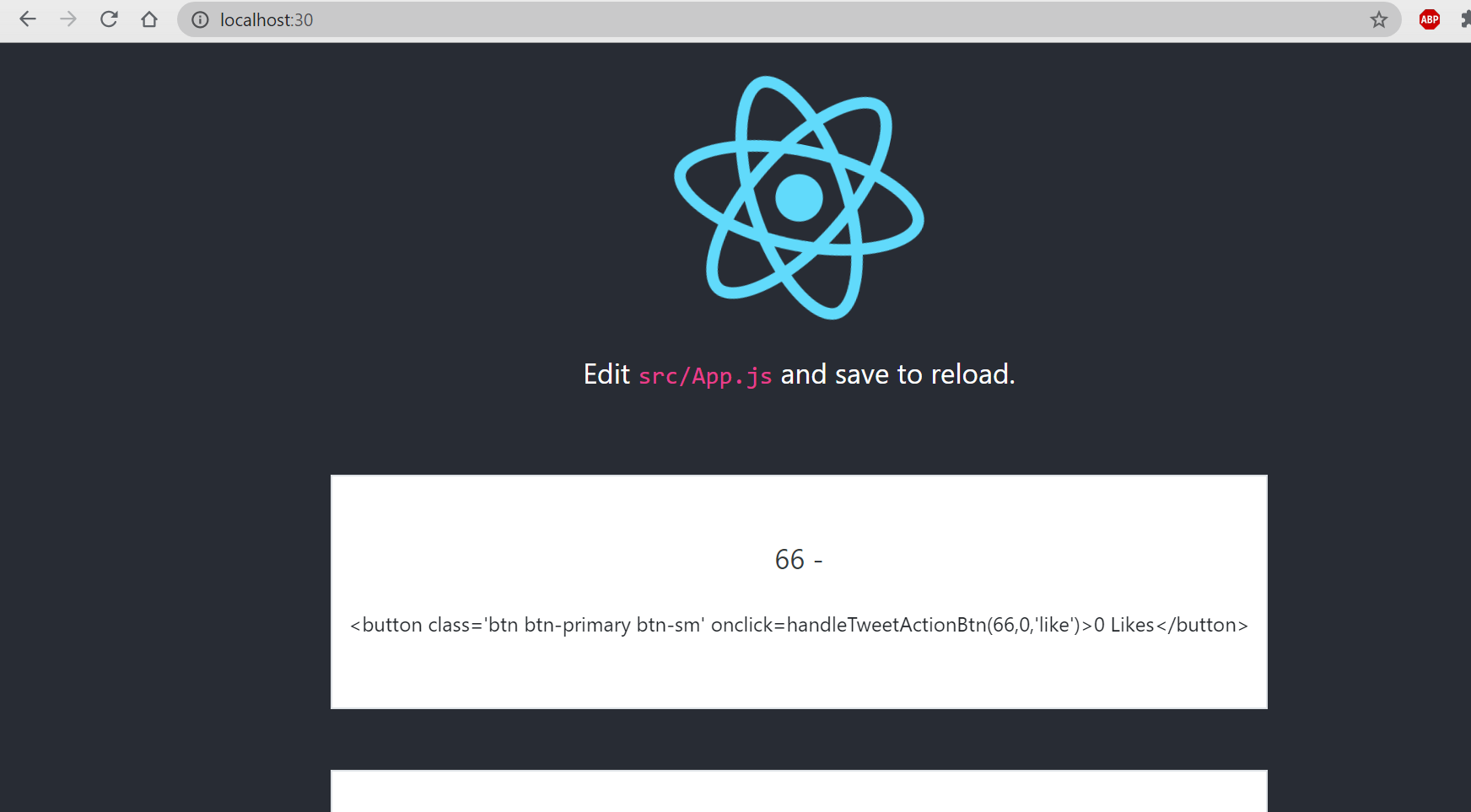<br />so we have the string of like button in the div.- a little modification on like button:```javascriptfunction LikeBtn(props) {const {tweet} = props/*return "<button class='btn btn-primary btn-sm' onclick=handleTweetActionBtn("+ tweet.id + "," + tweet.likes + ",'like')>"+ tweet.likes+ " Likes</button>"*/const className = props.className ? props.className : 'btn btn-primary btn-sm' //mewreturn <button className={className}>{tweet.likes} Likes</button> //new}
then see reactjs page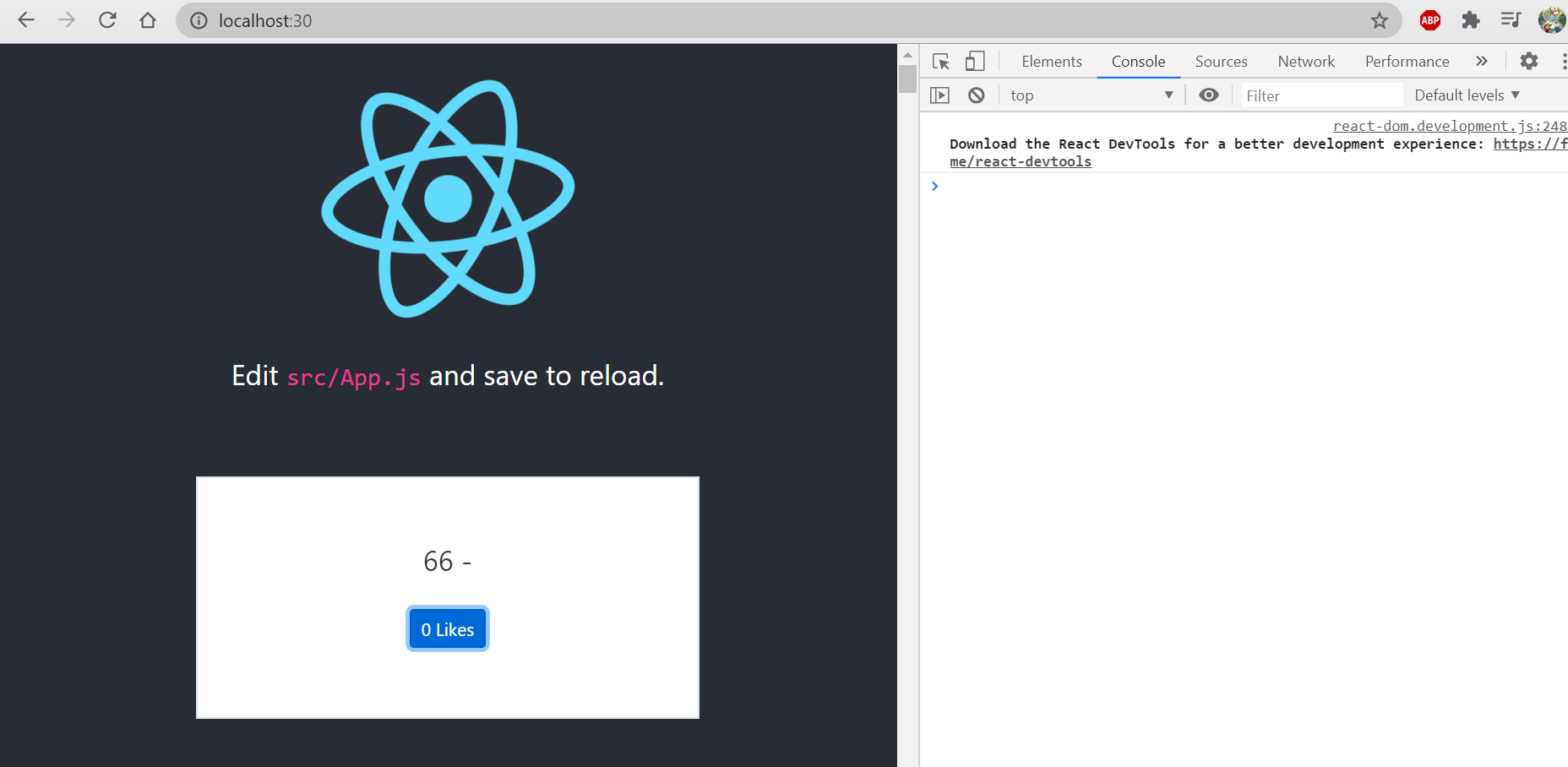
now we have buttons with out actual use.
- extend like button to action button in App.js: ```javascript //function LikeBtn(props) { function ActionBtn(props) { //const {tweet} = props const {tweet, action} = props const className = props.className ? props.className : ‘btn btn-primary btn-sm’ //return return action.type === ‘like’ ? : null }
function Tweet(props) { //… return
{tweet.id} - {tweet.content}
It shows the same thing on reactjs page as before.<a name="XT3da"></a>### Using JavaScript Modules:- in order to increase code reuse, create a tweets/ folder in /twittme/src to save frequently used functions- create index.js and components.js in tweets/- **cut** 2 functions in App.js then paste into components.js and modify them```javascriptimport React from 'react'export function ActionBtn(props) {const {tweet, action} = propsconst className = props.className ? props.className : 'btn btn-primary btn-sm'return action.type === 'like' ? <button className={className}>{tweet.likes} Likes</button> : null}export function Tweet(props) {const {tweet} = propsconst className = props.className ? props.className : 'col-10 mx-auto col-md-6'return <div className={className}><p>{tweet.id} - {tweet.content}</p><div className='btn btn-group'><ActionBtn tweet={tweet} action={{type: "like"}}/><ActionBtn tweet={tweet} action={{type: "unlike"}}/></div></div>}
- import and export 2 functions in index.js ```javascript import {ActionBtn, Tweet} from ‘./components’
export { ActionBtn, Tweet }
- create TweetsList() in components.js and **cut** loadTweets() in App.js to components.js```javascript//import React from 'react'import React, {useEffect, useState} from 'react' //newfunction loadTweets(callback){const xhr = new XMLHttpRequest()const method = 'GET'const url = "http://localhost:80/api/tweets/"const responseType = 'json'xhr.responseType = responseTypexhr.open(method, url)xhr.onload = function() {callback(xhr.response, xhr.status)}xhr.onerror = function (e) {console.log(e)callback({"message": "The request was an error"}, 400) //when status 400, callback "The request was an error"}xhr.send()}export function TweetsList(props) {const [tweets, setTweets] = useState([])useEffect(() => {const myCallback = (response, status) => {if (status === 200){setTweets(response)} else { //if status not 200, alert "There was an error"alert("There was an error")}}loadTweets(myCallback)}, [])return tweets.map((item, index)=>{return <Tweet tweet={item} className='my-5 py-5 border bg-white text-dark' key={`${index}-{item.id}`} />})}export function ActionBtn(props) {const {tweet, action} = propsconst className = props.className ? props.className : 'btn btn-primary btn-sm'return action.type === 'like' ? <button className={className}>{tweet.likes} Likes</button> : null}export function Tweet(props) {const {tweet} = propsconst className = props.className ? props.className : 'col-10 mx-auto col-md-6'return <div className={className}><p>{tweet.id} - {tweet.content}</p><div className='btn btn-group'><ActionBtn tweet={tweet} action={{type: "like"}}/><ActionBtn tweet={tweet} action={{type: "unlike"}}/></div></div>}
- modify App.js to apply the js module ```javascript //import React, {useEffect, useState} from ‘react’ import React from ‘react’; import logo from ‘./logo.svg’; import ‘./App.css’;
import {TweetsList} from ‘./tweets’
//loadTweets(), ActionBtn() and Tweets are moved to components.js
function App() { /* const [tweets, setTweets] = useState([])
useEffect(() => { const myCallback = (response, status) => { if (status === 200){ setTweets(response) } else { //if status not 200, alert “There was an error” alert(“There was an error”) } } loadTweets(myCallback) }, []) */
return (
Edit src/App.js and save to reload.
<div><TweetsList /></div><aclassName="App-link"href="https://reactjs.org"target="_blank"rel="noopener noreferrer">Learn React</a></header></div>
); }
export default App;
refresh to test<br />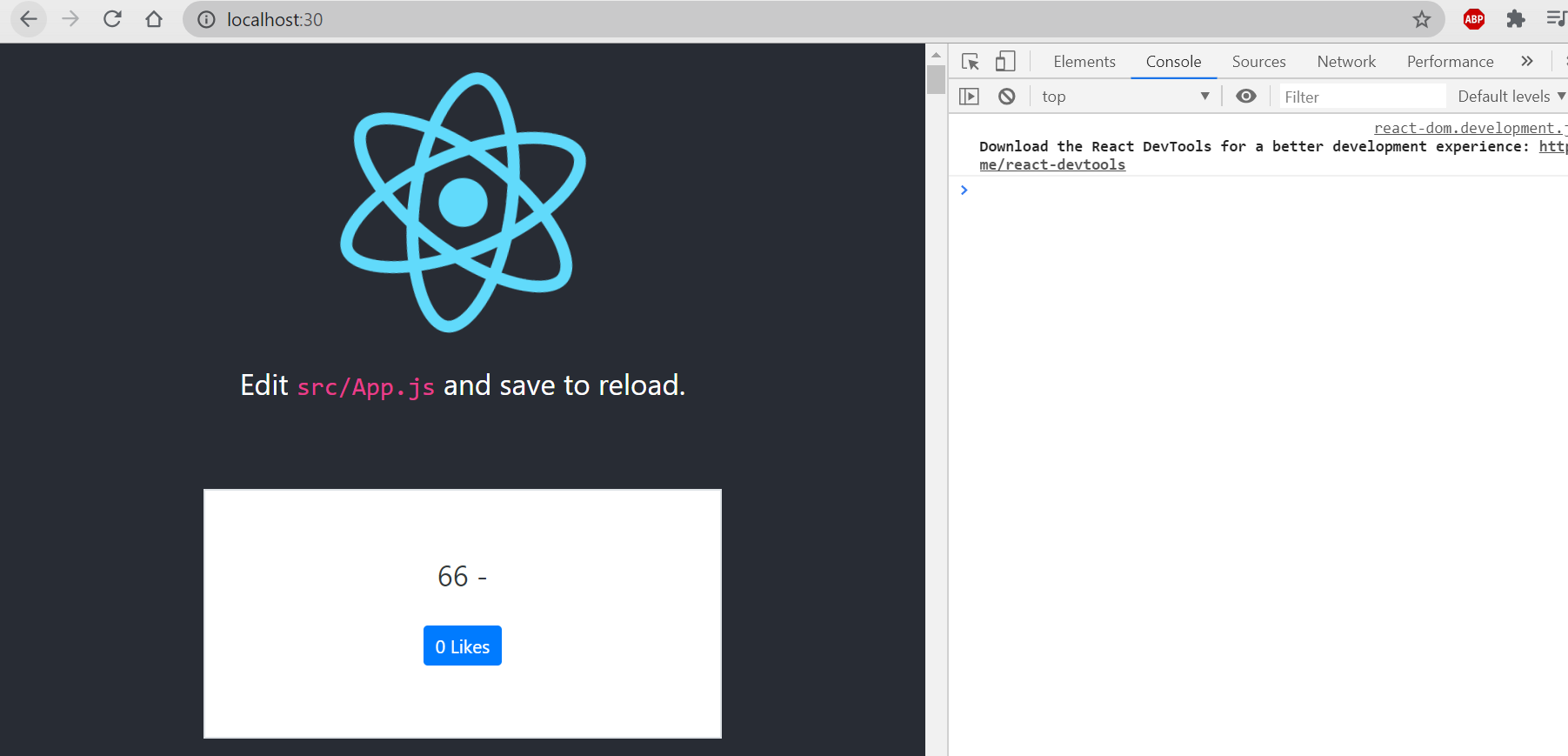<br />so that the module is successfully applied, there are no differences between 2 versions.- to make another module and separate functions, create lookup/ folder in /twittme/src to move loadTweets() inside- and 2 corresponding files: index.js and lookup.js in lookup/- **cut** loadTweets() in /twittme/src/tweets/components.js and paste in /twittme/src/lookup/lookup.js```javascriptexport function loadTweets(callback) {const xhr = new XMLHttpRequest()const method = 'GET' // "POST"const url = "http://localhost:8000/api/tweets/"const responseType = "json"xhr.responseType = responseTypexhr.open(method, url)xhr.onload = function() {callback(xhr.response, xhr.status)}xhr.onerror = function (e) {console.log(e)callback({"message": "The request was an error"}, 400)}xhr.send()}
- then import and export in /twittme/src/lookup/index.js ```javascript import {loadTweets} from ‘./lookup’
export { loadTweets }
- import loadTweets() again in /twittme/src/tweets/components.js```javascript//...import {loadTweets} from '../lookup'//...
refresh to check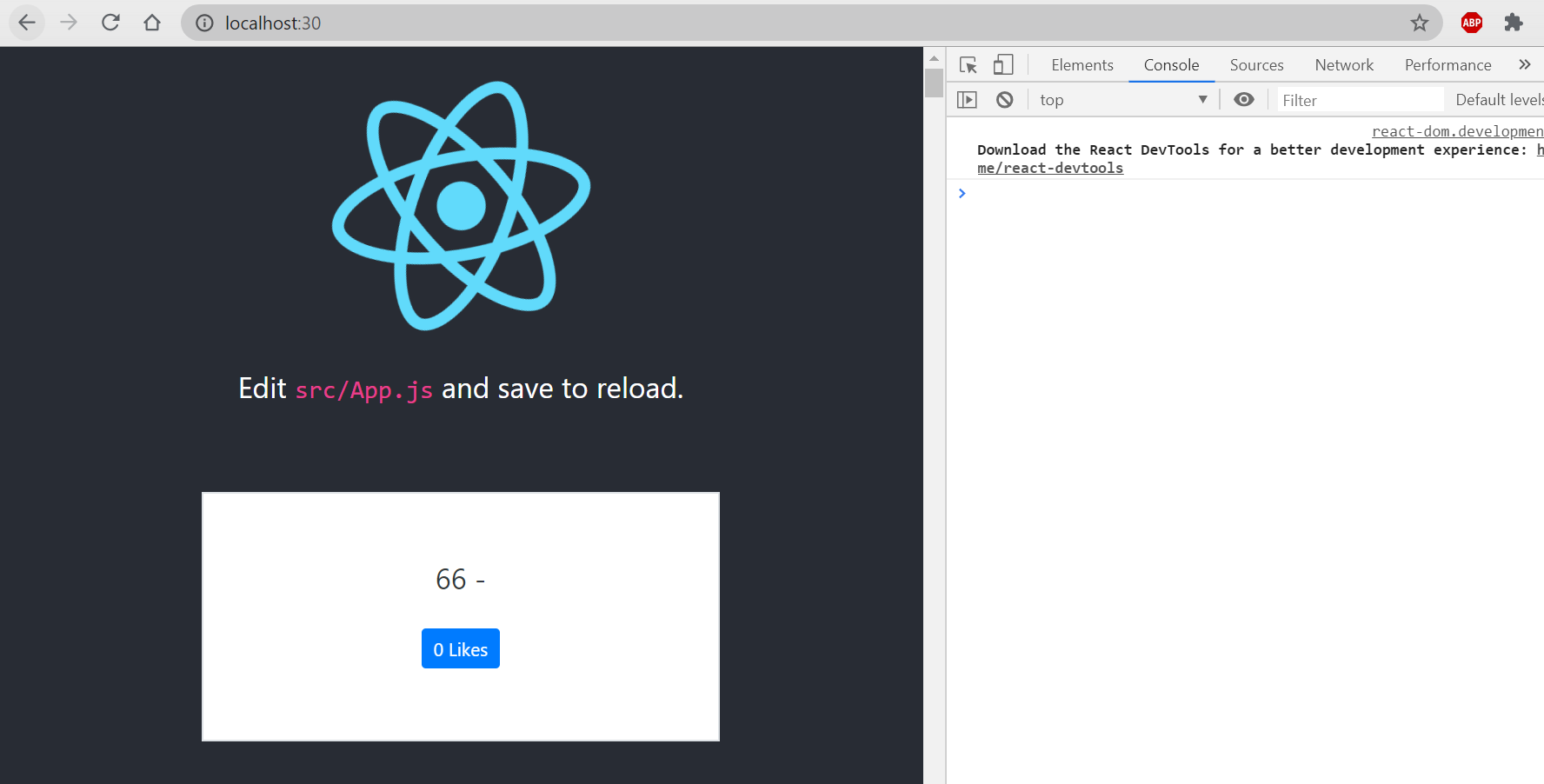
another import and export is also successful, and now we know how to apply js modules.
Improved Action Btn:
add new actions in /twittme/src/tweets/components.js and handle them ```javascript export function ActionBtn(props) { const {tweet, action} = props const className = props.className ? props.className : ‘btn btn-primary btn-sm’
const actionDisplay = action.display ? action.display : ‘Action’ //ensure that we have an action const display = action.type === ‘like’ ?
${tweet.likes} ${actionDisplay}: actionDisplay //new//return action.type === ‘like’ ? : null return }
export function Tweet(props) { //… return
{tweet.id} - {tweet.content}
refresh and we have new buttons for each action<br />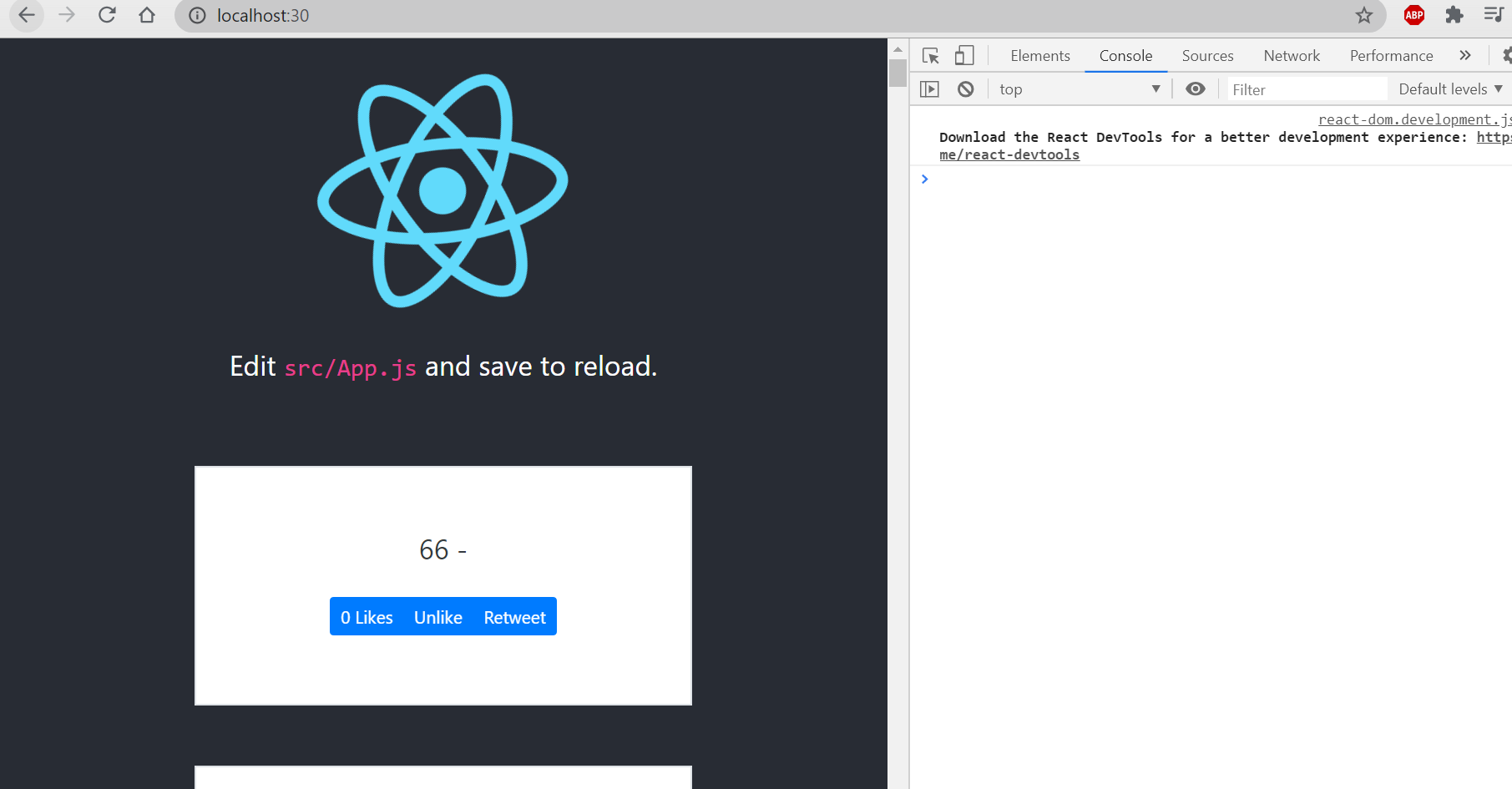- then add a callback method in /twittme/src/tweets/components.js```javascriptexport function ActionBtn(props) {const {tweet, action} = propsconst className = props.className ? props.className : 'btn btn-primary btn-sm'const actionDisplay = action.display ? action.display : 'Action' //ensure that we have an actionlet likes = tweet.likes//newconst handleClick = (event) => { //newevent.preventDefault()if (action.type === 'like') {console.log(tweet.likes+1)likes = tweet.likes + 1}}//const display = action.type === 'like' ? `${tweet.likes} ${actionDisplay}` : actionDisplayconst display = action.type === 'like' ? `${likes} ${actionDisplay}` : actionDisplay//return <button className={className}>{display}</button>return <button className={className} onClick={handleClick}>{display}</button>}
refresh and click a like button: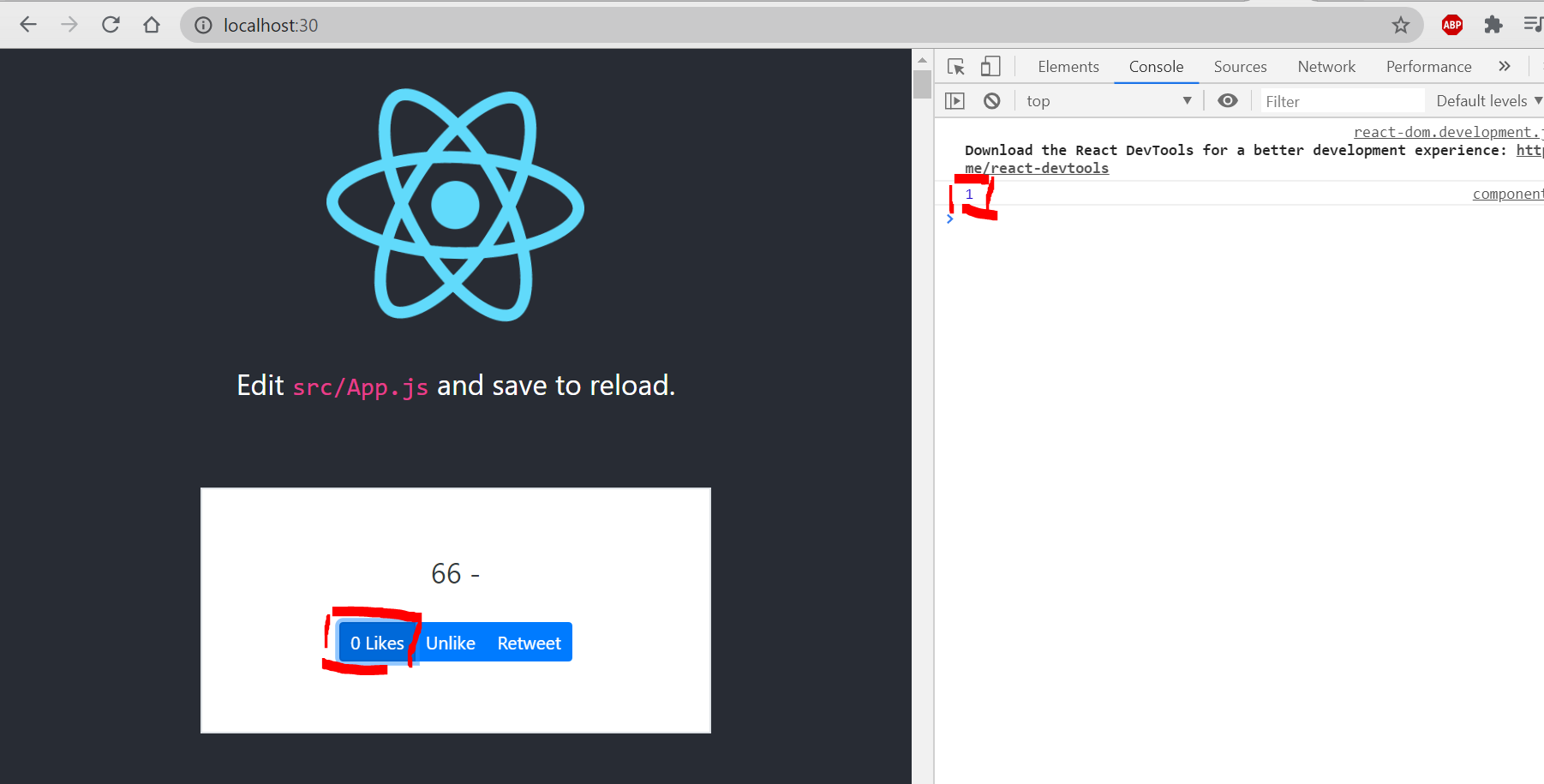
even though we have a “1” in the console log, but that’s because it’s tweet.likes+1
The button still shows 0 Likes so we haven’t change actual states.
Understanding setState Hook:
change components.js to make sure tweet.likes+1 become actual states
export function ActionBtn(props) {const {tweet, action} = propsconst [likes, setLikes] = useState(tweet.likes ? tweet.likes : 0) //newconst className = props.className ? props.className : 'btn btn-primary btn-sm'const actionDisplay = action.display ? action.display : 'Action' //ensure that we have an action//let likes = tweet.likesconst handleClick = (event) => {event.preventDefault()if (action.type === 'like') {setLikes(tweet.likes+1)//console.log(tweet.likes+1)//likes = tweet.likes + 1}}const display = action.type === 'like' ? `${likes} ${actionDisplay}` : actionDisplayreturn <button className={className} onClick={handleClick}>{display}</button>}
refresh and ‘like’
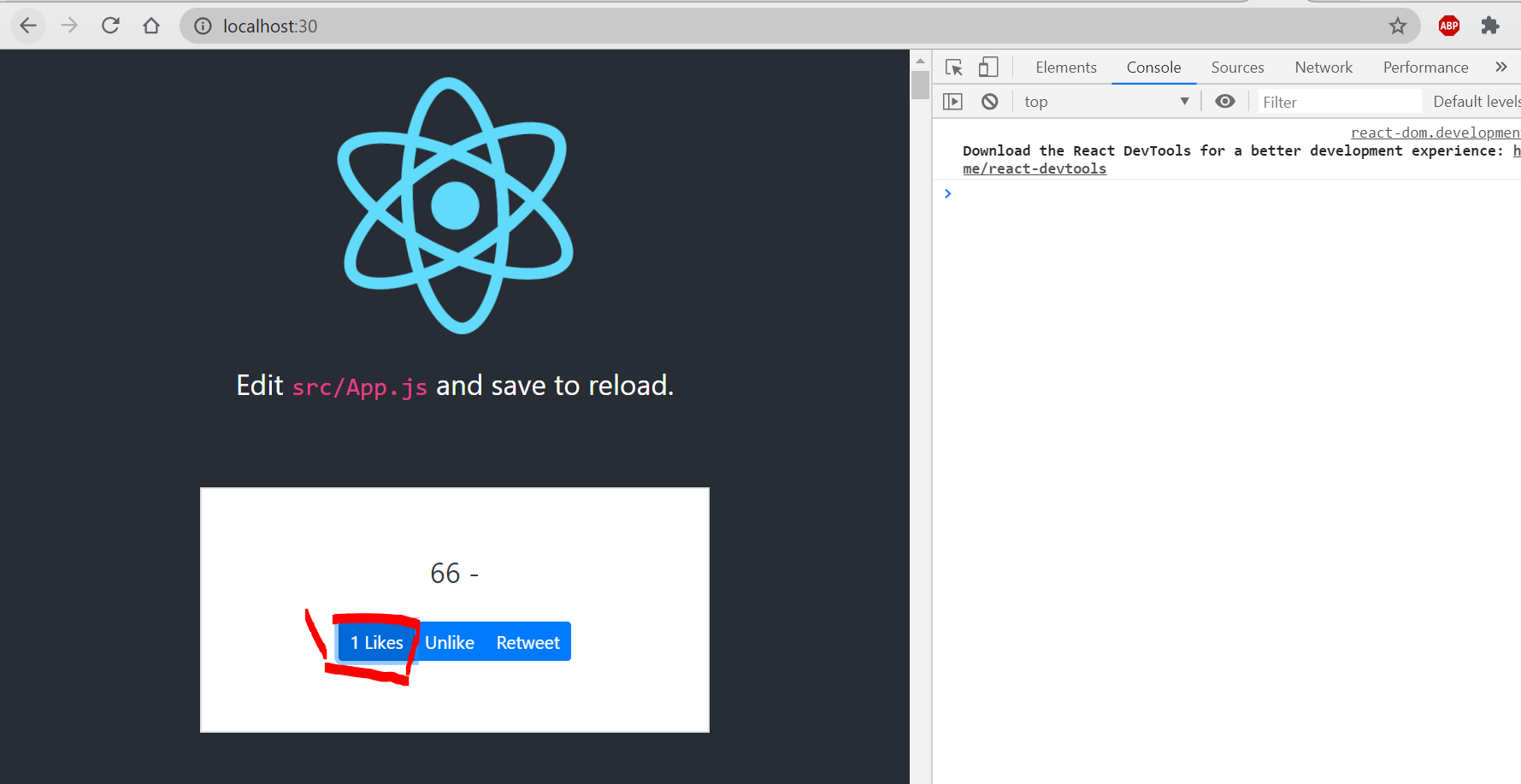
this time “0 Likes” to “1 Likes”, but still not actually saved.a user only can like a tweet for once, so modify in /twittme/src/tweets/components.js
export function ActionBtn(props) {const {tweet, action} = propsconst [likes, setLikes] = useState(tweet.likes ? tweet.likes : 0)//const [justClicked, setJustClicked] = useState(false)const [userLike, setUserLike] = useState(tweet.userLike === true ? true : false) //success the like state of userconst className = props.className ? props.className : 'btn btn-primary btn-sm'const actionDisplay = action.display ? action.display : 'Action' //ensure that we have an actionconst handleClick = (event) => {event.preventDefault()if (action.type === 'like') {//if(justClicked === true){if(userLike === true){setLikes(likes-1)setUserLike(false)} else {setLikes(likes+1)setUserLike(true)}//setLikes(tweet.likes+1)}}const display = action.type === 'like' ? `${likes} ${actionDisplay}` : actionDisplayreturn <button className={className} onClick={handleClick}>{display}</button>}
refresh and click likes, the number of likes will -1 if the current user just clicked like for this one.
Handling a Form in React:
In this part we submit new forms in reactjs.
add TweetsComponent() in /twittme/src/tweets/components.js
export function TweetsComponent(props) {const handleSubmit = (event) => {event.preventDefault()console.log(event)}return <div className={props.className}><div className='col-12 mb-3'><form onSubmit={handleSubmit}><textarea className='form-control' name='tweet'></textarea><button type='submit' className='btn btn-primary my-3'>Tweet</button></form></div><TweetsList /></div>}
import and export it in /twittme/src/tweets/index.js ```javascript //import {ActionBtn, Tweet, TweetsList} from ‘./components’ import {ActionBtn, Tweet, TweetsList, TweetsComponent} from ‘./components’
export { ActionBtn, Tweet, TweetsList, TweetsComponent //new }
- apply TweetsComponent in App.js```javascript//import {TweetsList} from './tweets'import {TweetsComponent} from './tweets'function App() {return (<div className="App"><header className="App-header"><img src={logo} className="App-logo" alt="logo" /><p>Edit <code>src/App.js</code> and save to reload.</p><div><TweetsComponent /> <!--new--></div><aclassName="App-link"href="https://reactjs.org"target="_blank"rel="noopener noreferrer">Learn React</a></header></div>);}
refresh and test by sending something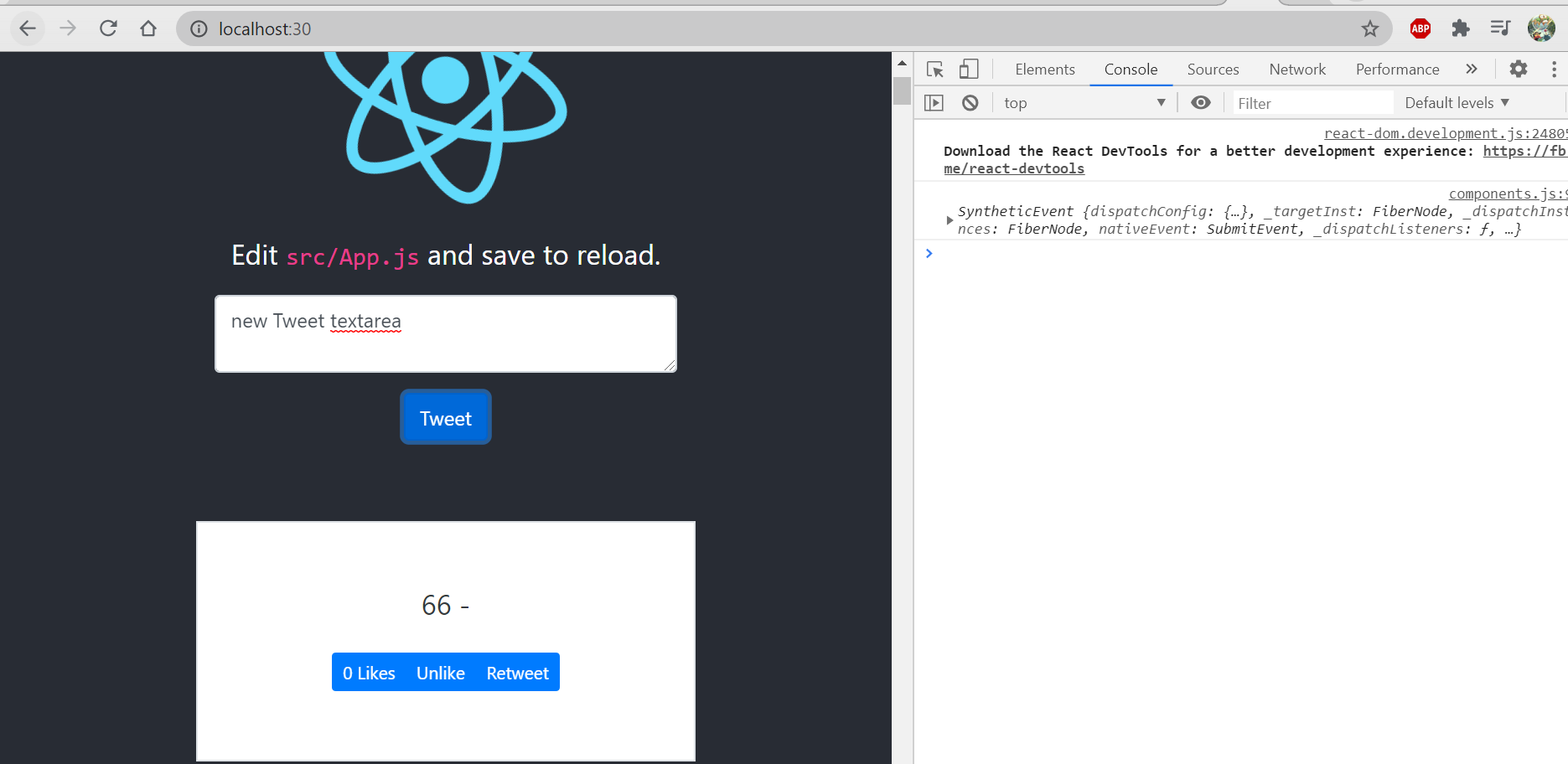
and this tweet is not actually submitted, so we have to grab the value in the textarea:
add a reference in /twittme/src/tweets/compontents.js in refer the textarea to it.
export function TweetsComponent(props) {const textAreaRef = React.createRef() //newconst handleSubmit = (event) => {event.preventDefault()console.log(event)console.log(textAreaRef.current.value) //new}return <div className={props.className}><div className='col-12 mb-3'><form onSubmit={handleSubmit}><textarea ref={textAreaRef} required={true} className='form-control' name='tweet'></textarea><button type='submit' className='btn btn-primary my-3'>Tweet</button></form></div><TweetsList /></div>}
send something:
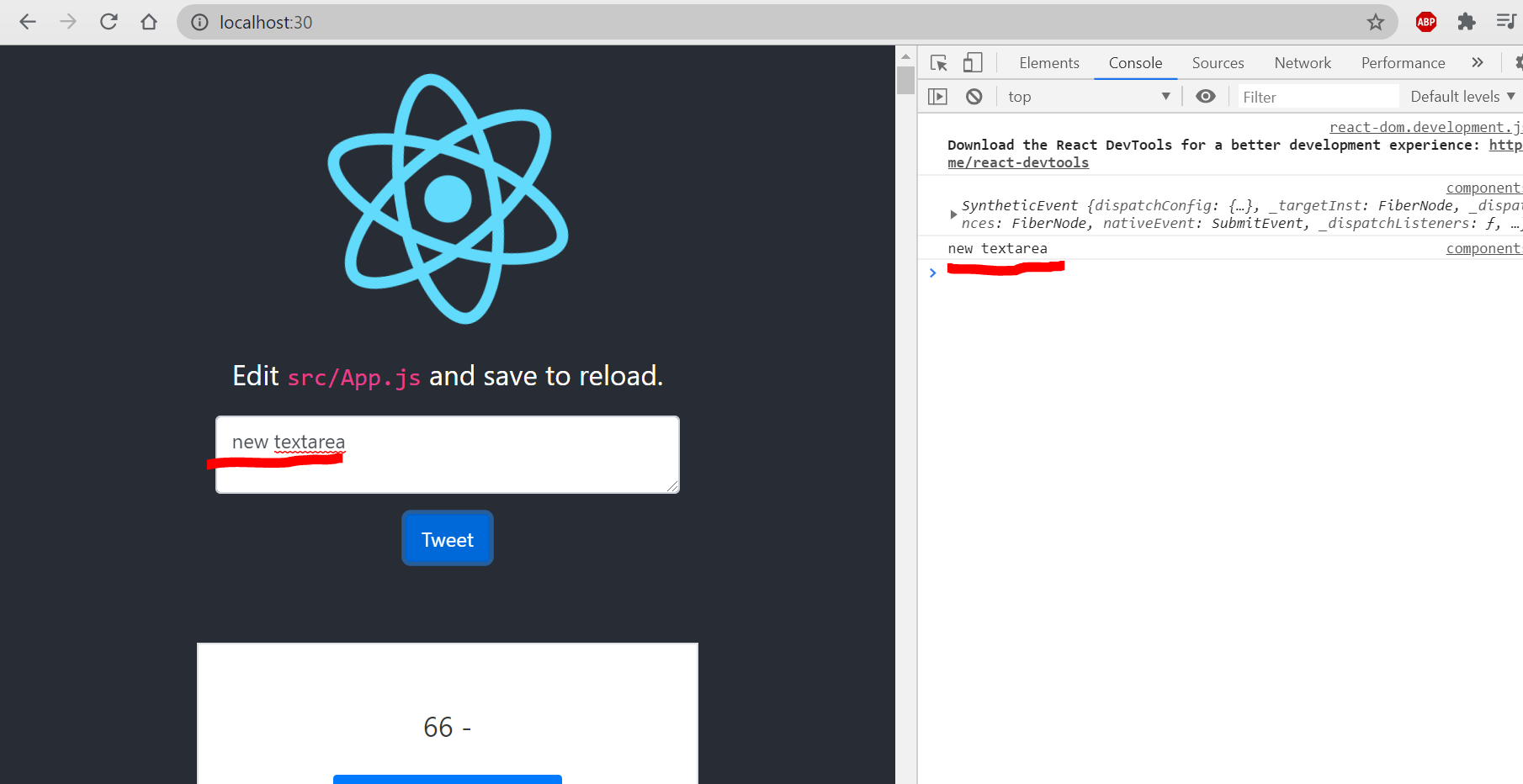
so textAreaRef.current.value is the value of the input.add more details:
export function TweetsComponent(props) {const textAreaRef = React.createRef() //newconst handleSubmit = (event) => {event.preventDefault()//console.log(event)//console.log(textAreaRef.current.value)const newVal = textAreaRef.current.valueconsole.log(newVal)textAreaRef.current = '' //after the submission, clear the textarea}return <div className={props.className}><div className='col-12 mb-3'><form onSubmit={handleSubmit}><textarea ref={textAreaRef} required={true} className='form-control' name='tweet'></textarea><button type='submit' className='btn btn-primary my-3'>Tweet</button></form></div><TweetsList /></div>}
and after the tweet is sent, the textarea will be cleared.
However, the tweet still cannot be actually submitted, so that we have to do more works.

若有收获,就点个赞吧
0 人点赞


