Setup Django Project:
update pipenv for python:
[root@localhost Python]# python -m pip install pipenv[root@localhost Python]# python3 -m pip install pipenv
(if I input “pipenv” in the terminal, I would see a bunch of commands of pipenv)
in the directory, use python 3.6 to create pip virtual environment,
- and install django 2.2: ```bash [root@localhost Python]# mkdir reactjs/ [root@localhost Python]# cd reactjs/
[root@localhost reactjs]# pipenv install —python 3.6 django==2.1.5
- get into the virtual env:```bash[root@localhost reactjs]# pipenv shell
- we can use django-admin and a series of subcommands: ```bash (reactjs) [root@localhost reactjs]# django-admin
Type ‘django-admin help
Available subcommands:
[django] check compilemessages createcachetable dbshell diffsettings dumpdata flush inspectdb loaddata makemessages makemigrations migrate runserver sendtestemail shell showmigrations sqlflush sqlmigrate sqlsequencereset squashmigrations startapp startproject test testserver Note that only Django core commands are listed as settings are not properly configured (error: Requested setting INSTALLED_APPS, but settings are not configured. You must either define the environment variable DJANGO_SETTINGS_MODULE or call settings.configure() before accessing settings.).
we actually need "startproject":```bash(reactjs) [root@localhost reactjs]# django-admin startproject Twittme(reactjs) [root@localhost reactjs]# tree.├── Pipfile├── Pipfile.lock└── Twittme├── manage.py└── Twittme├── __init__.py├── settings.py├── urls.py└── wsgi.py2 directories, 7 files
so now we have some more files(I just realized my directory name and project name are typos, but that’s not matter)
- furthermore we need a git repository for this project:
```bash
(reactjs) [root@localhost reactjs]# git init
Initialized empty Git repository in /root/SourceCode/Python/reactjs/.git/
(reactjs) [root@localhost reactjs]# git status
On branch master
#Initial commit
#Untracked files:
(use “git add
#…” to include in what will be committed) Pipfile
Pipfile.lock
Twittme/
nothing added to commit but untracked files present (use “git add” to track)
(reactjs) [root@localhost reactjs]# git add —all
(reactjs) [root@localhost reactjs]# git commit -m “Initial Commit” [master (root-commit) ac802b4] Initial Commit Committer: root root@localhost.localdomain Your name and email address were configured automatically based on your username and hostname. Please check that they are accurate. You can suppress this message by setting them explicitly:
git config --global user.name "Your Name"git config --global user.email you@example.com
After doing this, you may fix the identity used for this commit with:
git commit --amend --reset-author
7 files changed, 234 insertions(+) create mode 100644 Pipfile create mode 100644 Pipfile.lock create mode 100644 Twittme/Twittme/init.py create mode 100644 Twittme/Twittme/settings.py create mode 100644 Twittme/Twittme/urls.py create mode 100644 Twittme/Twittme/wsgi.py create mode 100755 Twittme/manage.py
- runserver:```bash(reactjs) [root@localhost Twittme]# ./manage.py runserver
and the default path is localhost:8000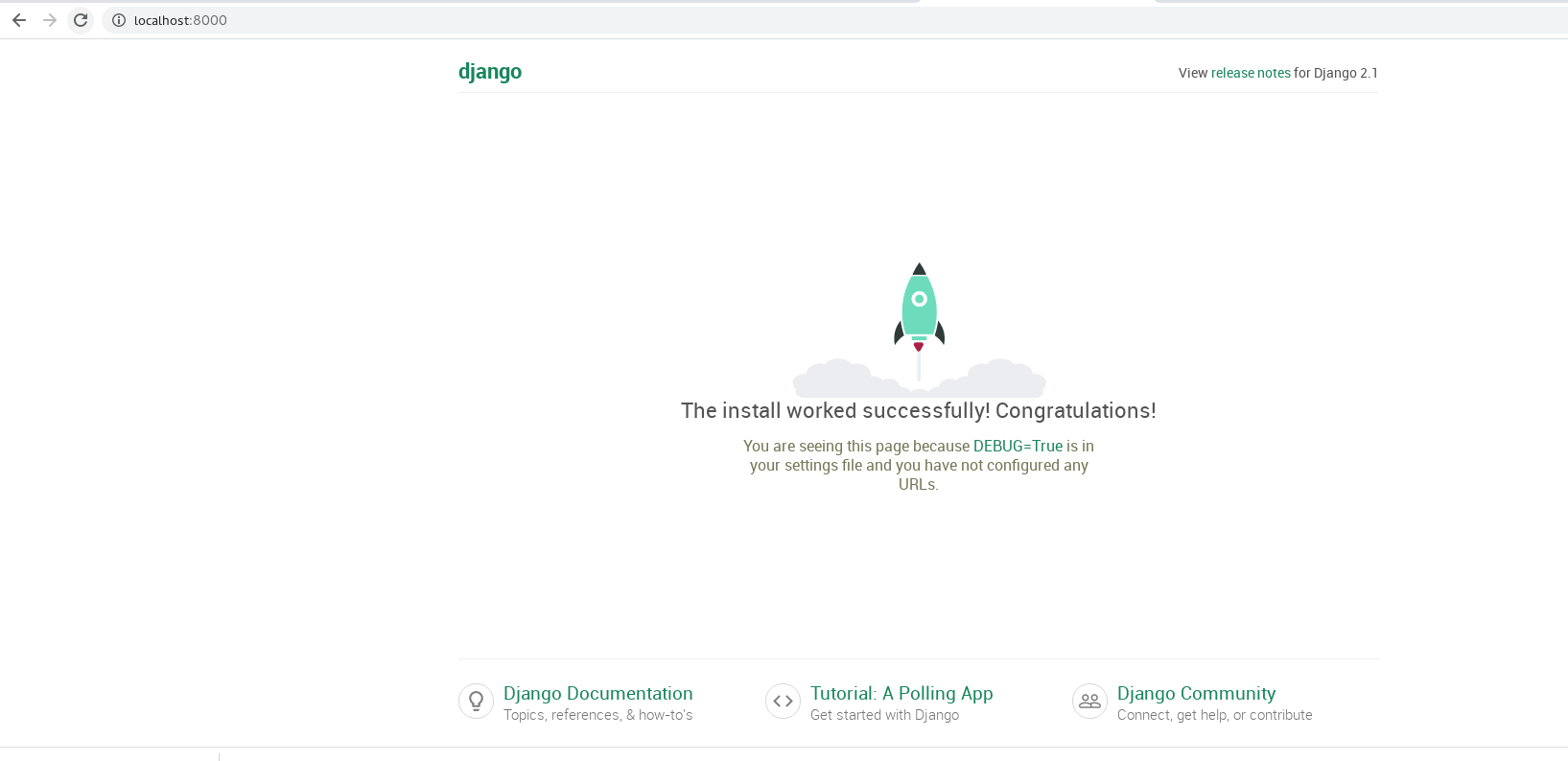
so the preparation is successful.
(and this step also initialized db.sqlite3)
also, install pylint for checking:
(reactjs) [root@localhost Twittme]# pipenv install pylint --dev
Our Roadmap:
create a todo.md to list our plan: ```bash (reactjs) [root@localhost Twittme]# tree . ├── db.sqlite3 ├── manage.py ├── todo.md └── Twittme ├── init.py ├── settings.py ├── urls.py └── wsgi.py
1 directory, 7 files
```1. Tweets-> Creating-> Text-> Image-> Delete-> Retweeting-> Liking2. Users-> Register-> Login-> Logout-> Profile-> Image?-> Text?-> Follow Button-> Feed-> User's feed only?-> User + who they follow?3. Following / FollowersLong term todos- Notifications- DM- Explore -> finding hashtags

若有收获,就点个赞吧
0 人点赞


