Authentication & Registration:
This step, we need to solve authentication and registration error as much as possible.
login and logout:
First we need to create a new app
use the terminals to create a new app “accounts”
[root@localhost Twittme]# python3 ./manage.py startapp accounts
and we have an accounts directory here
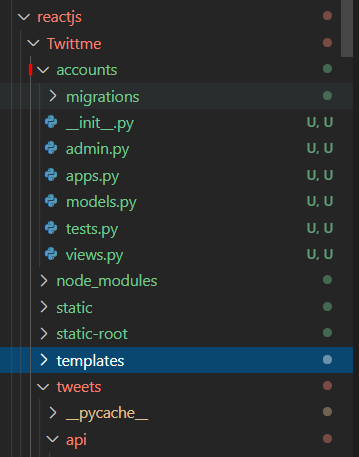
we need a bunch of views in /accounts/views.py ```python from django.shortcuts import render, redirect from django.contrib.auth import login, logout, authenticate from django.contrib.auth.forms import AuthenticationForm, UserCreationForm
def loginview(request, args, *kwargs): form = AuthenticationForm(request, data=request.POST or None) if form.is_valid(): user = form.getuser() # get user from the form if the request is valid login(request, user) # login with request and user return redirect(“/“) # back to the homepage
context = {"form": form,"btn_label": "Login","title": "Login",}return render(request, "accounts/auth.html", context)
def logout_view(request, args, *kwargs): if request.method == “POST”: logout(request) # logout with request return redirect(“/login”)
context = {"form": None,"btn_label": "Logout?","title": "Logout",}return render(request, "accounts/auth.html", context)
def register_view(request, args, *kwargs): form = UserCreationForm(request.POST or None) if form.is_valid(): print(form.cleaned_data)
context = {"form": form,"btn_label": "Register","title": "Register",}return render(request, "accounts/auth.html", context)
and we need templates for those urls we render.- create directory /templates/accounts- create file /templates/accounts/auth.html```html{% extends "base.html" %}{% block content %}<div class='col-10 col-md-4 mx-auto'><h1>{{ title }}</h1>{% include "components/form.html" with form=form btn_label=btn_label %}</div>{% endblock content %}
modify /templates/components/form.html
<form method='POST'> {% csrf_token %}{{ form.as_p }}<!--<button type='submit' class='btn btn-secondary'>Save</button>--><button type='submit' class='btn btn-secondary'>{% if btn_label %}{{ btn_label }} {% else %}Save{% endif %}</button></form>
register new app “accounts” in /Twittme/settings.py ```python
…
INSTALLED_APPS = [ ‘django.contrib.admin’, ‘django.contrib.auth’, ‘django.contrib.contenttypes’, ‘django.contrib.sessions’, ‘django.contrib.messages’, ‘django.contrib.staticfiles’,
# third-party'rest_framework','corsheaders',# internal'accounts','tweets',
]
…
- import and add new paths in /Twittme/urls.py```python# ...from accounts.views import ( # newlogin_view,logout_view,register_view,)# ...urlpatterns = [path('admin/', admin.site.urls),path('api/tweets/', include('tweets.api.urls')),path('', tweets_list_view),path('login/', login_view), # newpath('logout/', logout_view), # newpath('register/', register_view), # newpath('<int:tweet_id>', tweets_detail_view),path('profile/<str:username>', tweets_profile_view),]# ...
to test, runserver
logout from admin page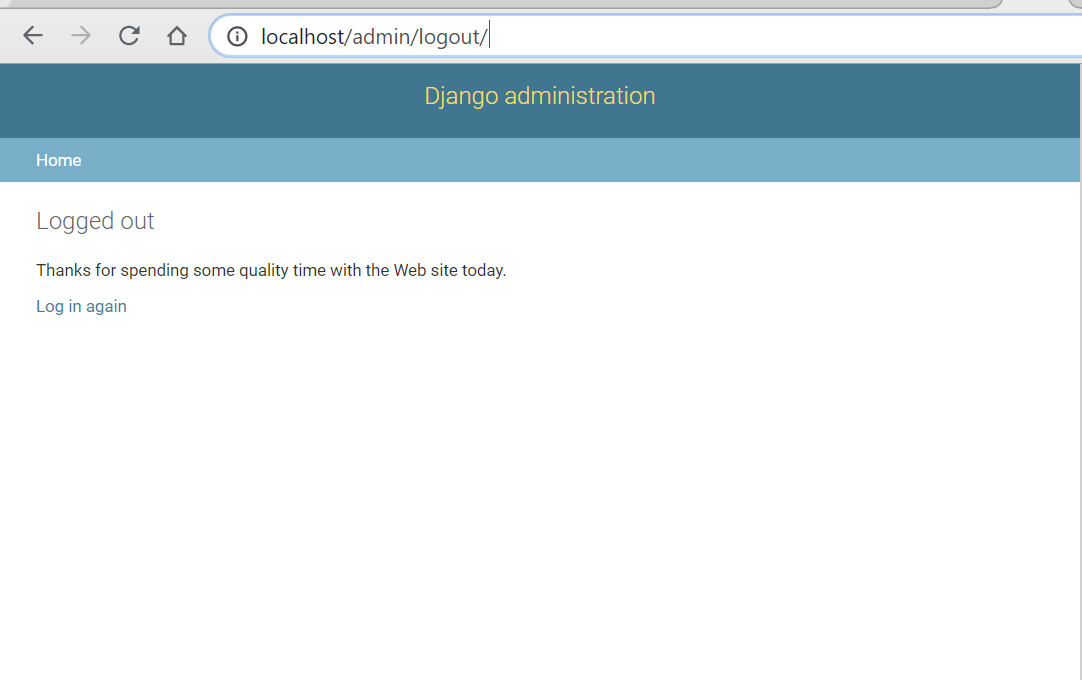
use http://localhost/login/ to login in Twittme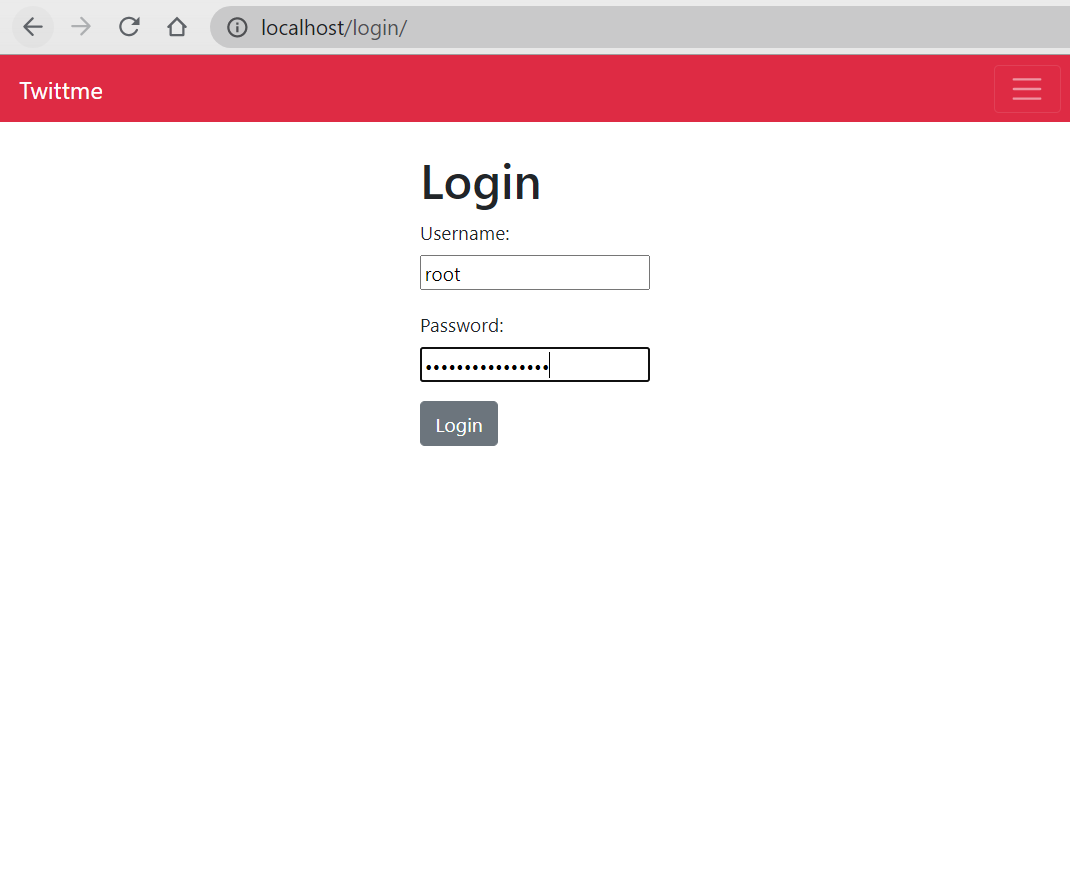
successfully logged in, can tweet without error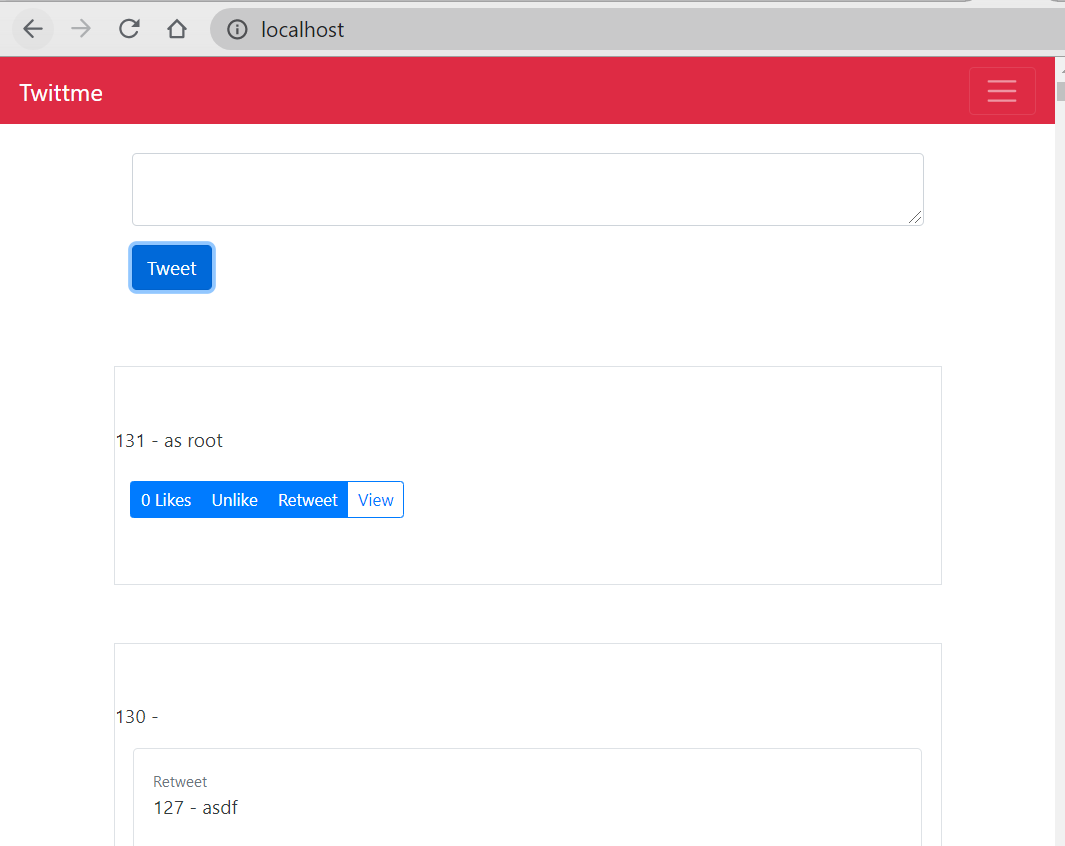
use http://localhost/logout/ to logout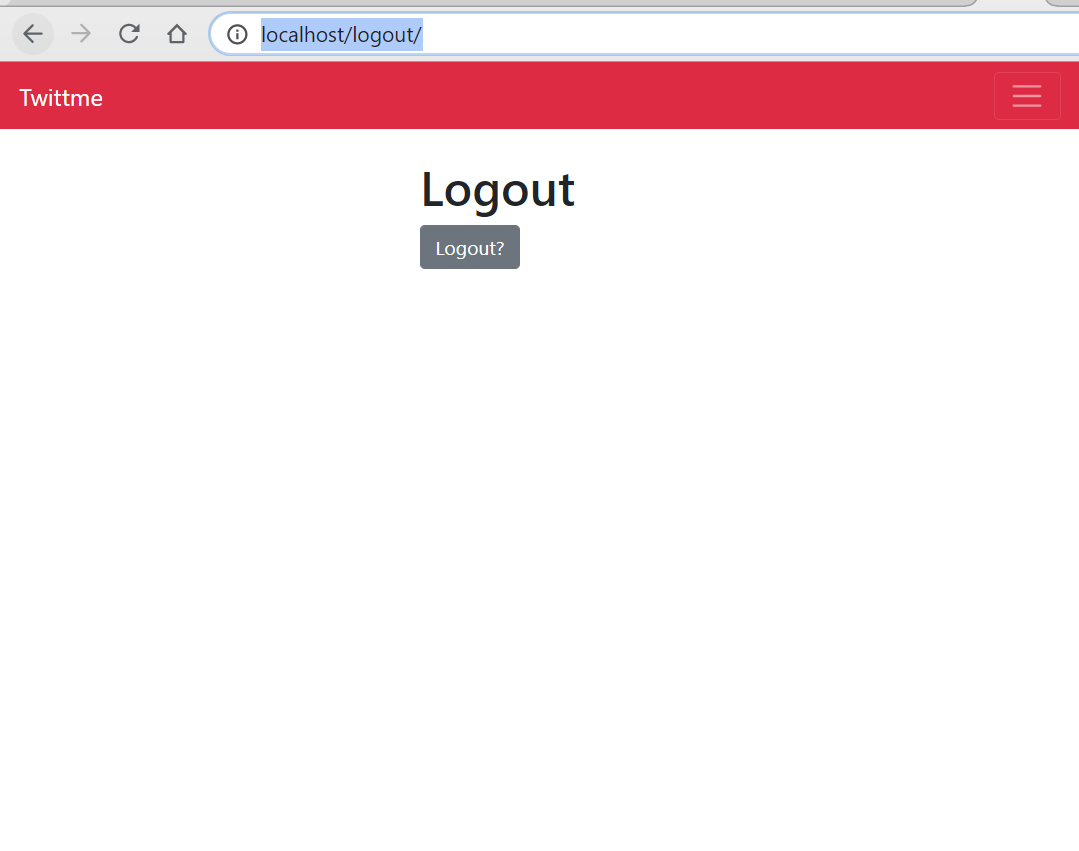
It is redirected to the login page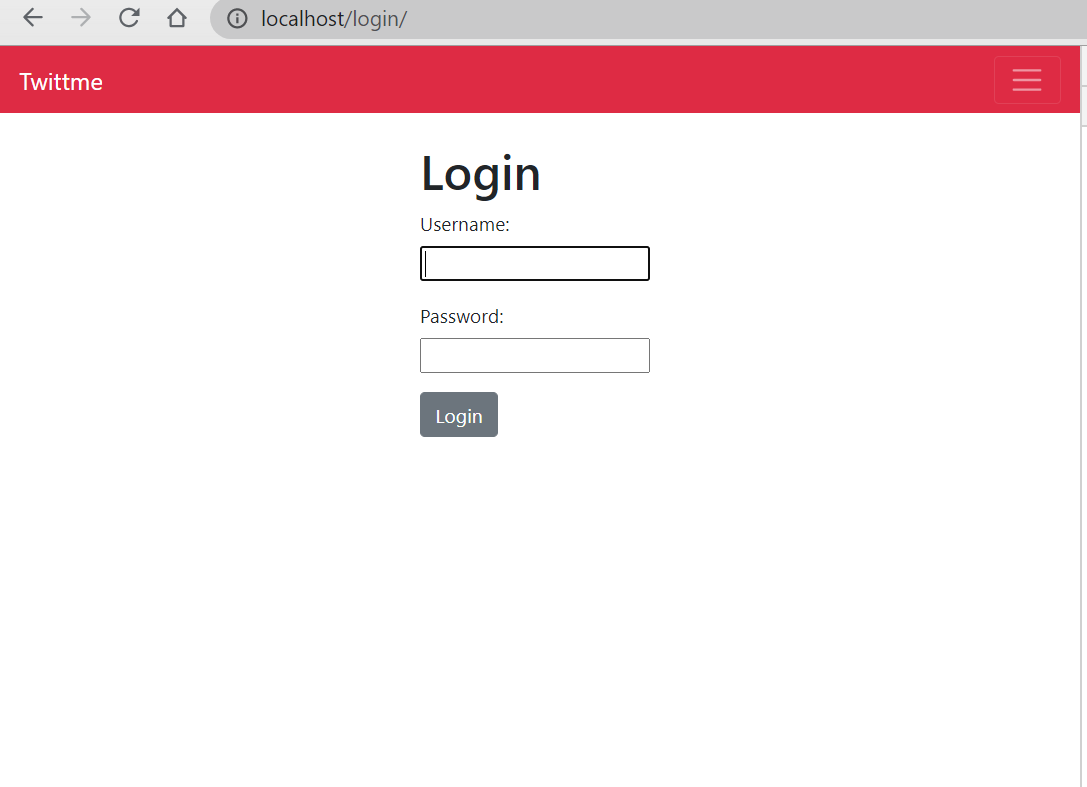
and the admin page shows it’s actually logged out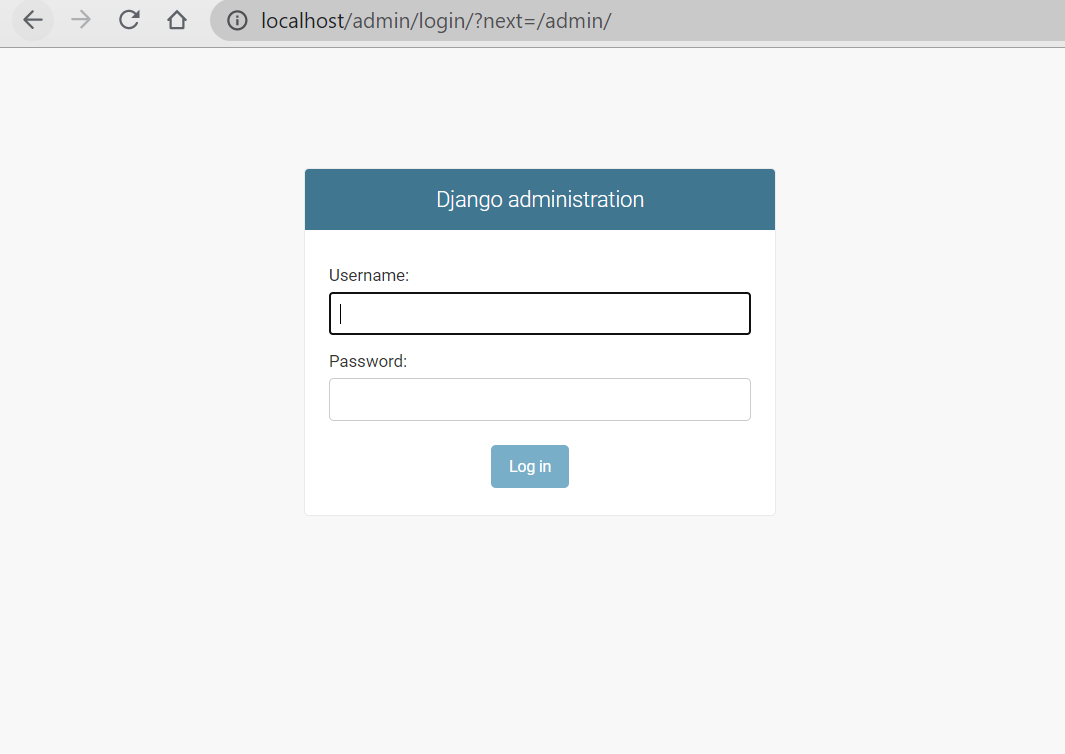
add description:
we need some more description in the logout page.
change context in /accounts/views.py
def logout_view(request, *args, **kwargs):if request.method == "POST":logout(request) # logout with requestreturn redirect("/login")# context = {# "form": None,# "btn_label": "Logout?",# "title": "Logout",# }context = {"form": None,"description": "Are you sure you want to logout?","btn_label": "Click to Confirm","title": "Logout",}return render(request, "accounts/auth.html", context)
add description part for /templates/accounts/auth.html ```html {% extends “base.html” %}
{% block content %}
{{ title }}
{% if description %}{{ description }}
{% endif %} {% include “components/form.html” with form=form btn_label=btn_label %}{% endblock content %}
and refresh to see [http://localhost/logout/](http://localhost/logout/)<br />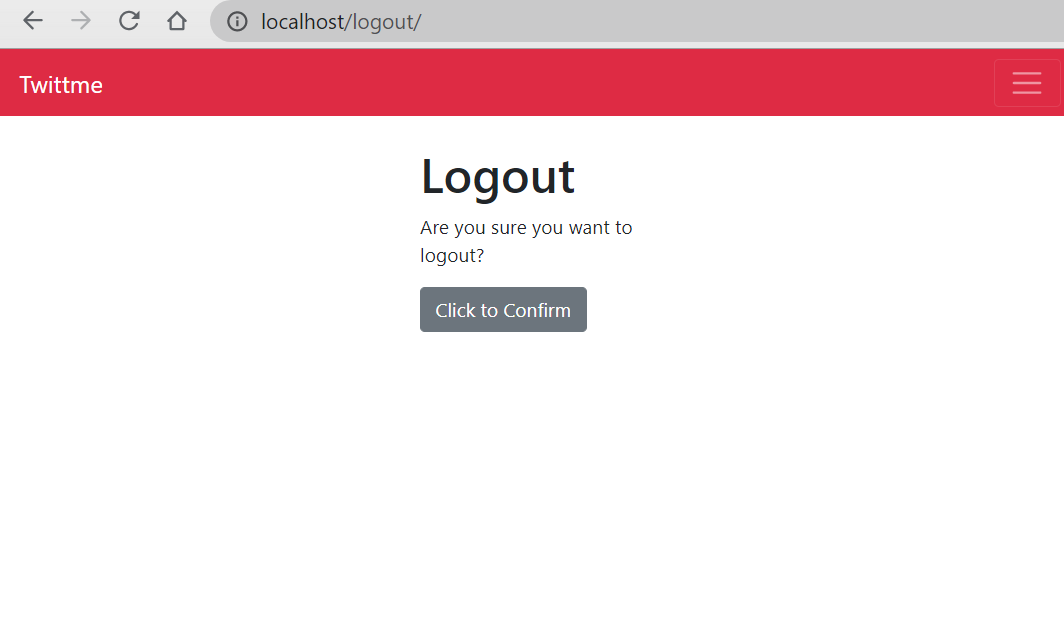<br />we have a description about logout.<a name="yoZ2s"></a>#### register:access [http://localhost/register/](http://localhost/register/) to test register a new user<br />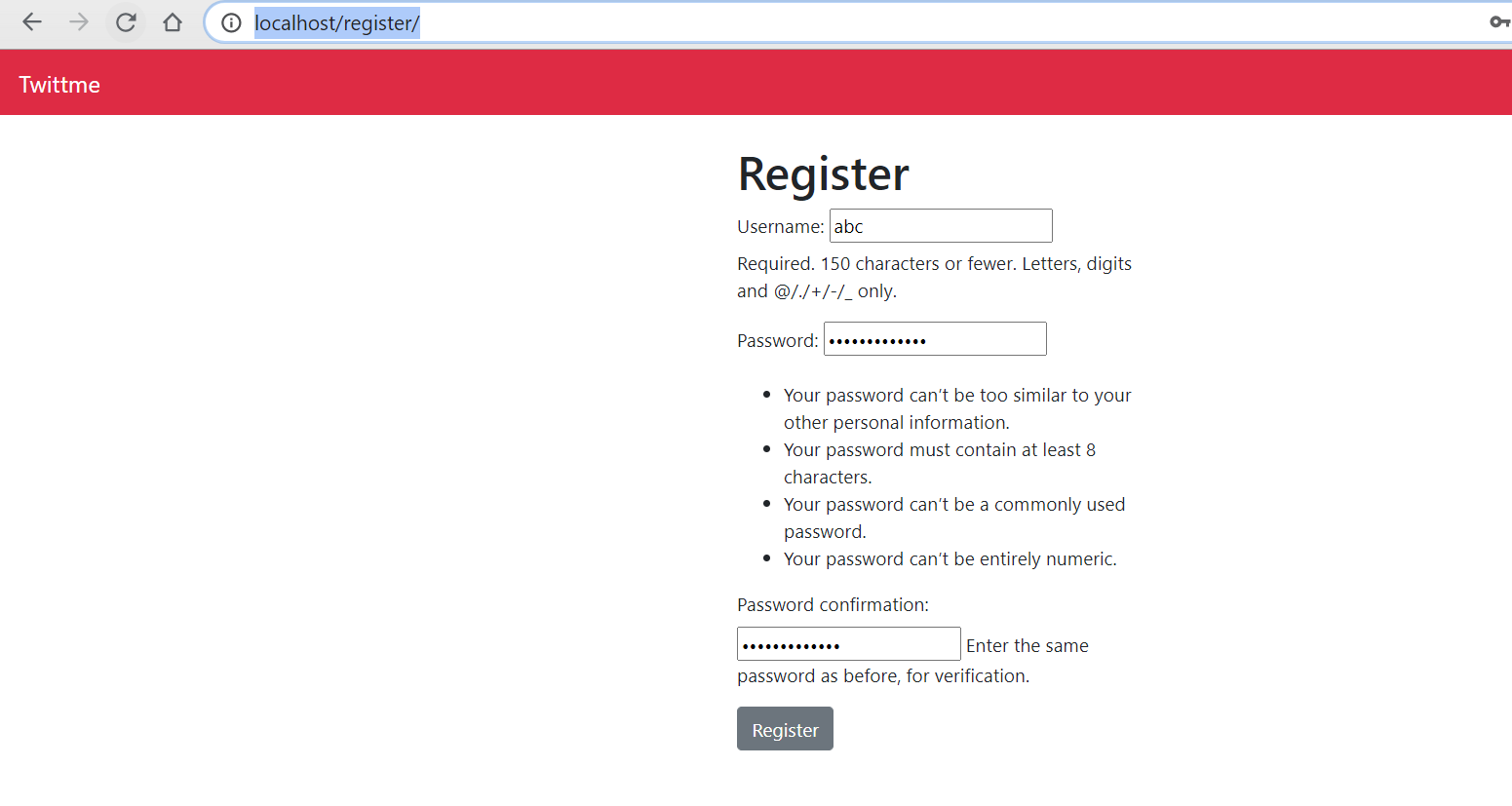<br />we can see what was passed in the terminal<br /><br />but there was no new user created<br />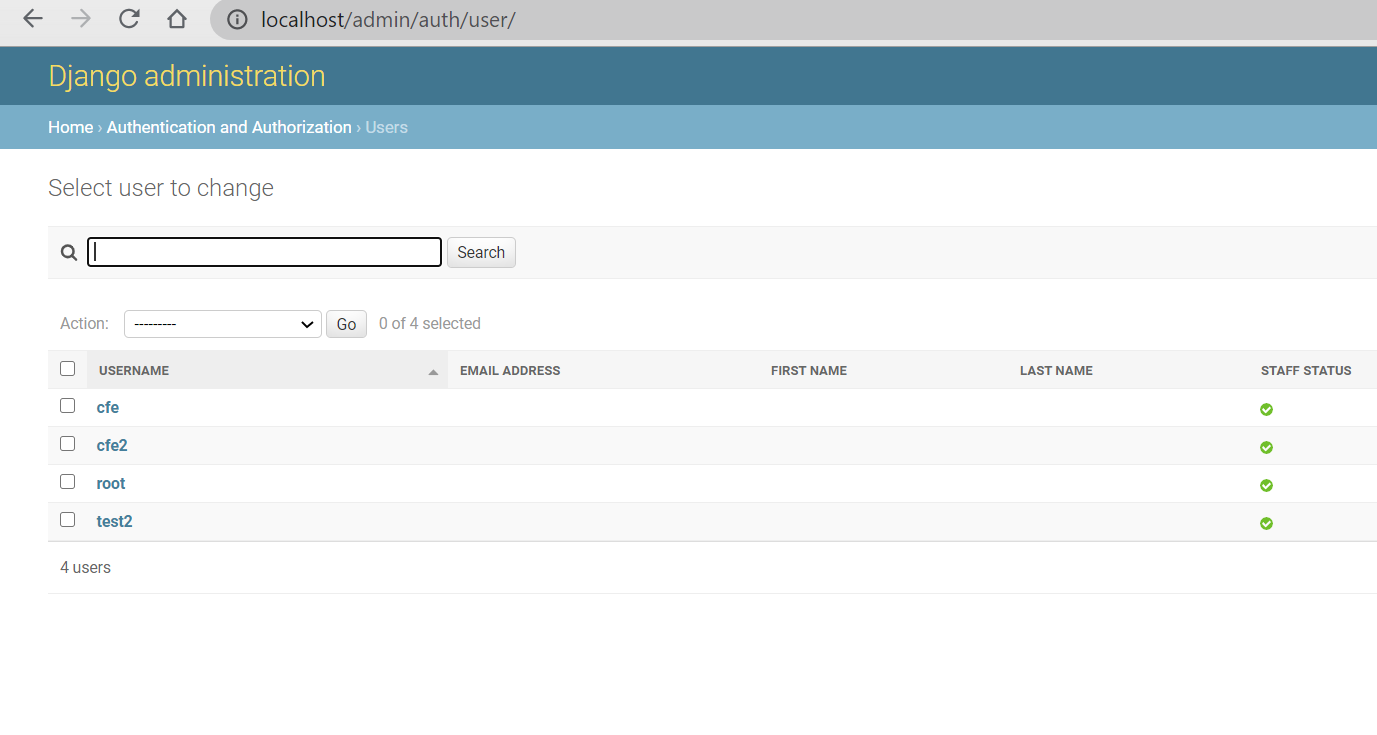<br />so we need to register a new user from our passed set.before that, becuase we have built in methods, so that we already can check is the username unique or are password and password confirmation both the same one.- change register function in /accounts/views.py```pythondef register_view(request, *args, **kwargs):form = UserCreationForm(request.POST or None)if form.is_valid():# print(form.cleaned_data)user = form.save(commit=True) # newuser.set_password(form.cleaned_data.get("password1")) # new# password1 is password, password2 is password confirmationlogin(request, user) # new, login with request and userreturn redirect("/") # new, after register, redirect to homepagecontext = {"form": form,"btn_label": "Register","title": "Register",}return render(request, "accounts/auth.html", context)
register a new account with http://localhost/register/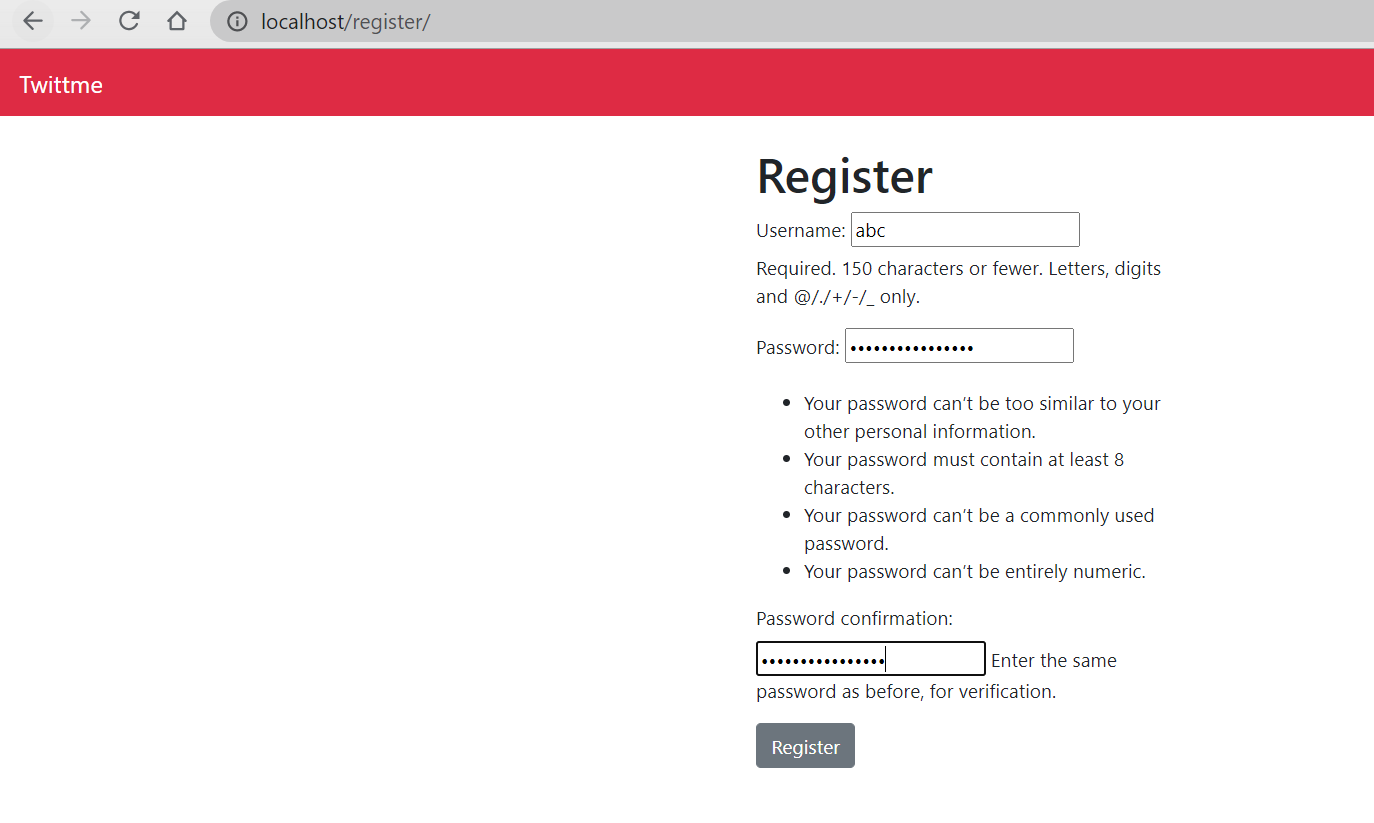
create successful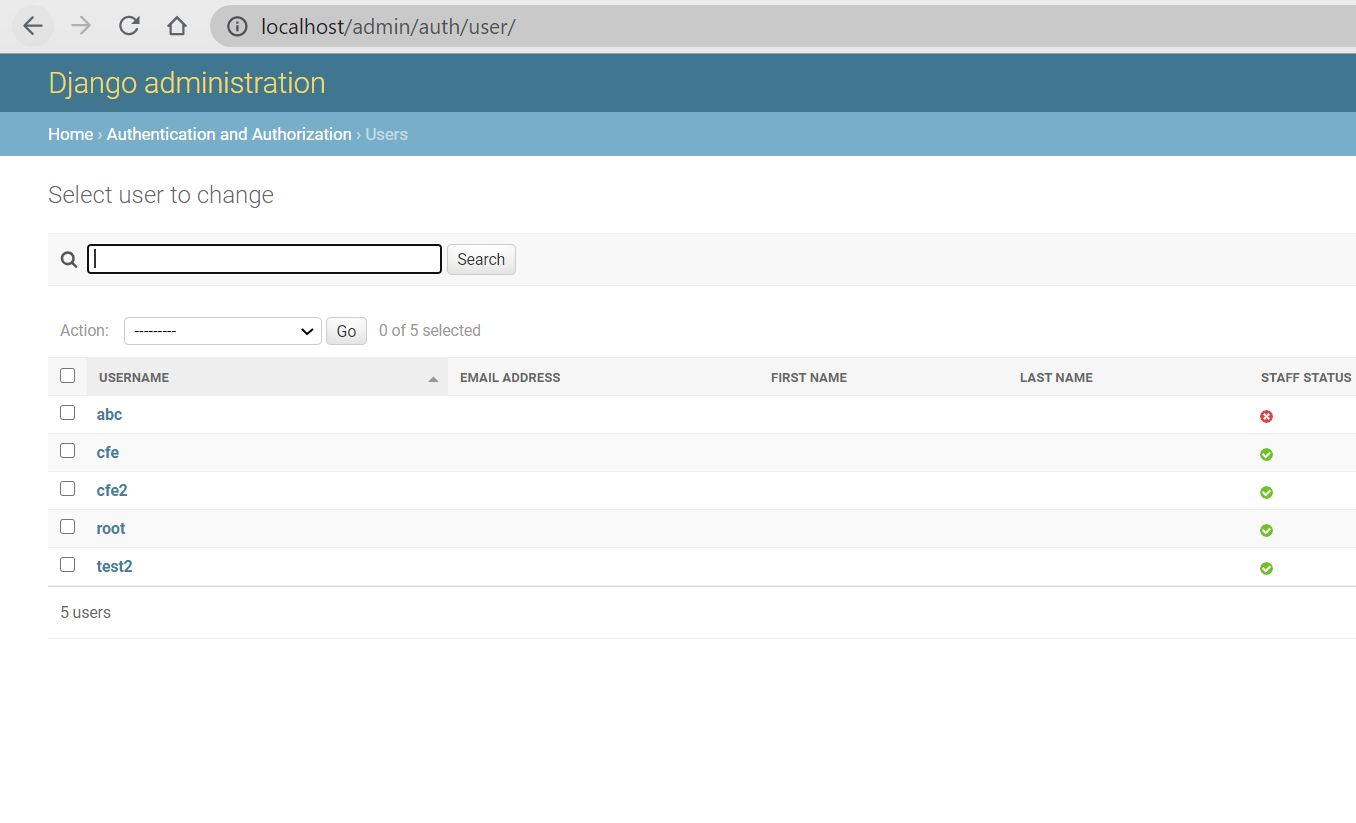

若有收获,就点个赞吧
0 人点赞


