Delete Tweet API View:
In this section, add a new view to allow deleting tweets as a authenticated user.
add delete_view in /tweets/views.py
@api_view(['DELETE', 'POST'])@permission_classes([IsAuthenticated])def tweet_delete_view(request, tweet_id, *args, **kwargs):qs = Tweet.objects.filter(id=tweet_id)if not qs.exists():return Response({}, status=404)qs = qs.filter(user=request.user)if not qs.exists():return Response({"message": "You cannot delete this tweet"}, status=401)obj = qs.first()obj.delete()return Response({"Tweet removed"}, status=200)
register the view and path in /Twittme/urls.py ```python from tweets.views import ( home_view, tweet_detail_view, tweet_list_view, tweet_create_view, tweet_delete_view, # new )
urlpatterns = [
path(‘admin/‘, admin.site.urls),
path(‘’, home_view),
path(‘tweets’, tweet_list_view),
path(‘create-tweet’, tweet_create_view),
path(‘tweets/
- another change in /Twittme/settings.py- allow rest_framework.renderers.BrowsableAPIRenderer in debug mode.```pythonDEFAULT_RENDERER_CLASSES = ['rest_framework.renderers.JSONRenderer',]if DEBUG:DEFAULT_RENDERER_CLASSES += ['rest_framework.renderers.BrowsableAPIRenderer',]REST_FRAMEWORK = {'DEFAULT_AUTHENTICATION_CLASSES': ['rest_framework.authentication.SessionAuthentication'],'DEFAULT_RENDERER_CLASSES': DEFAULT_RENDERER_CLASSES}
to test, runserver and login, try to delete the first “Hello World”: 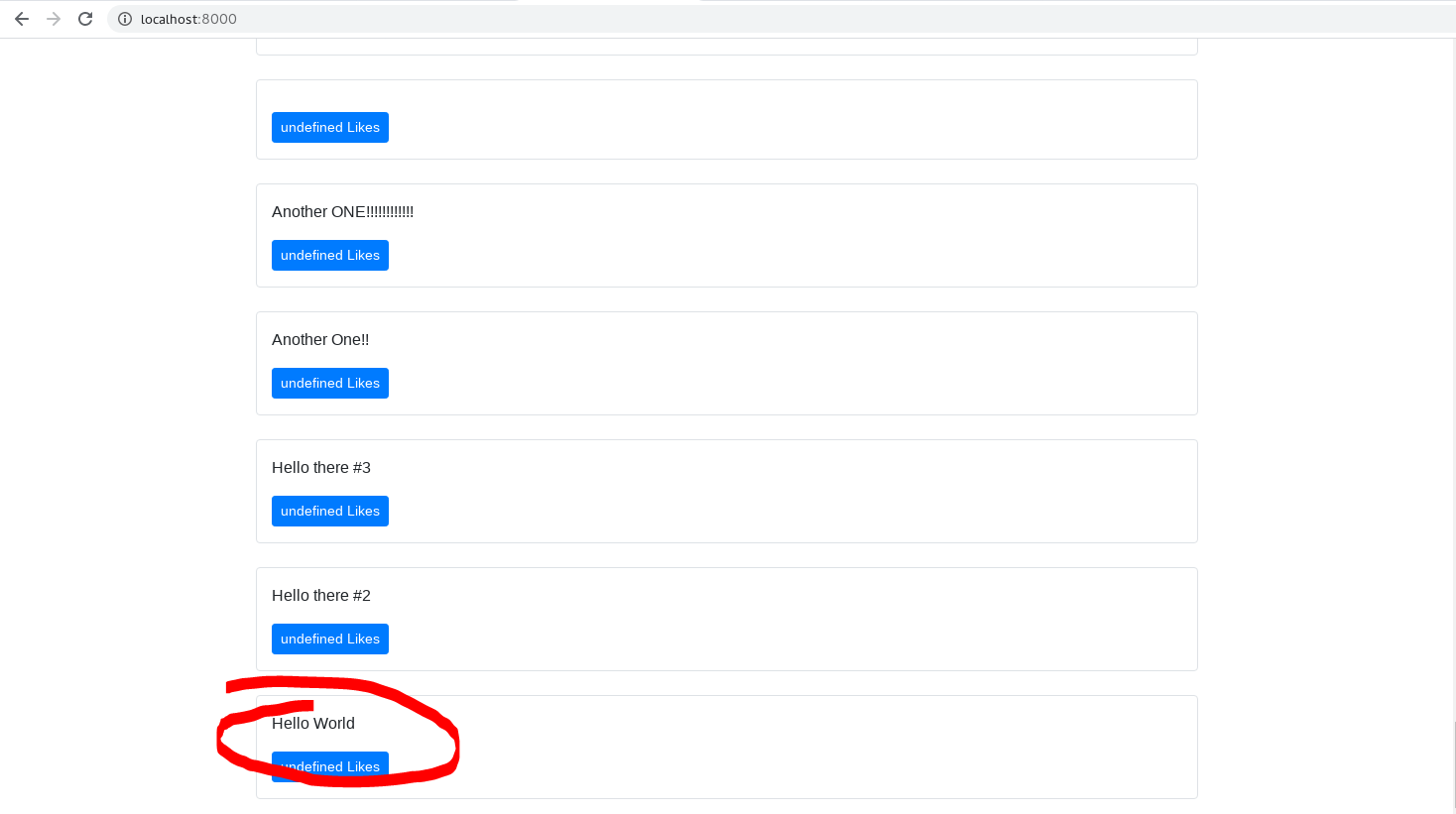
use http://localhost:8000/api/tweets/1/delete
click “DELETE”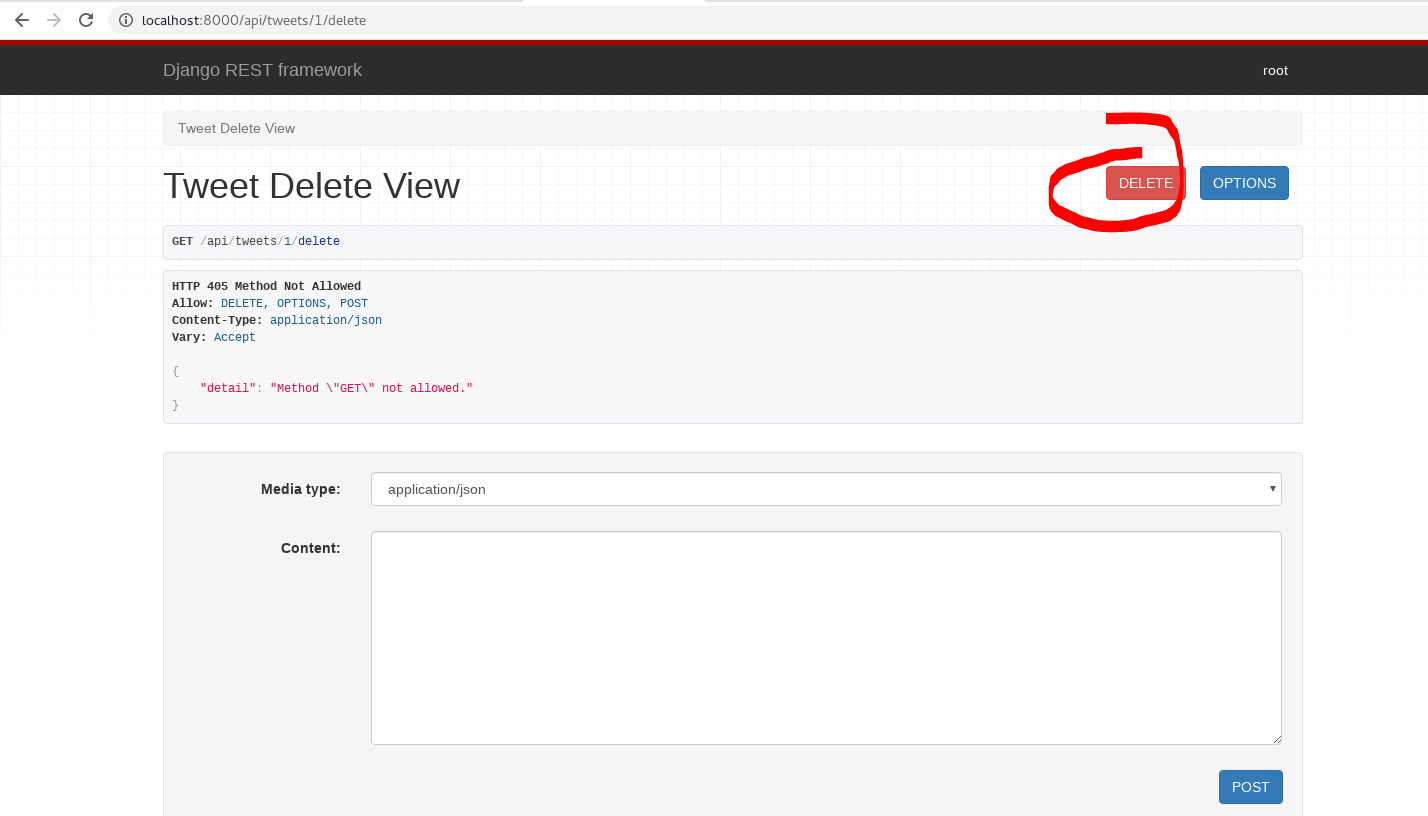

and access http://localhost:8000/tweets/1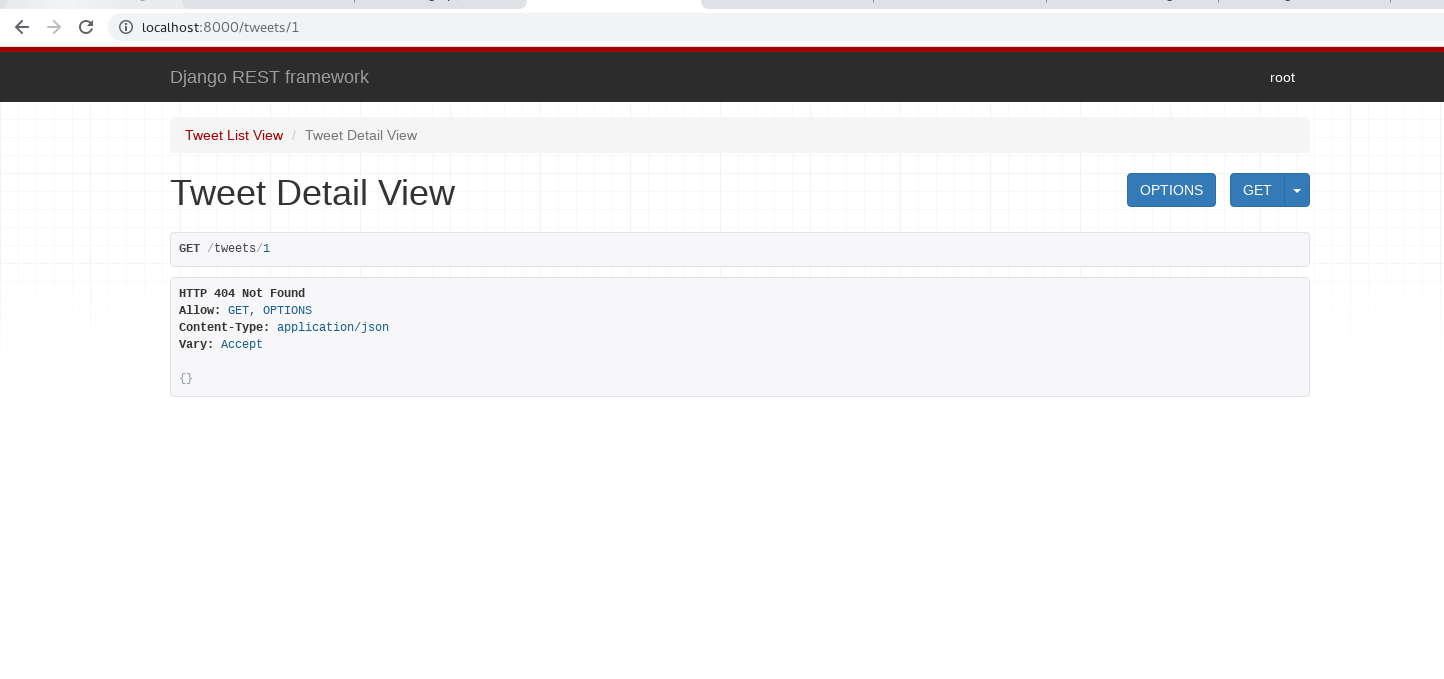
not found, delete is successful.
Addling a Like Field:
This section is to provide a real Like function for users.
- add like factor in /tweets/models.py ```python class TweetLike(models.Model): user = models.ForeignKey(User, on_delete=models.CASCADE) tweet = models.ForeignKey(“Tweet”, on_delete=models.CASCADE) timestamp = models.DateTimeField(auto_now_add=True)
class Tweet(models.Model):
# maps to SQL data# id = models.AutoField(primary_key=True)user = models.ForeignKey(User, on_delete=models.CASCADE) # many users can many tweets# newlikes = models.ManyToManyField(User, related_name='tweet_user', blank=True, through=TweetLike) # references TweetLikecontent = models.TextField(blank=True, null=True)image = models.FileField(upload_to="images/", blank=True, null=True)timestamp = models.DateTimeField(auto_now_add=True) # new# ...
- Then make migrations and migrate```bash(reactjs) [root@localhost Twittme]# ./manage.py makemigrationsYou are trying to add the field 'timestamp' with 'auto_now_add=True' to tweet without a default; the database needs something to populate existing rows.1) Provide a one-off default now (will be set on all existing rows)2) Quit, and let me add a default in models.pySelect an option: 1Please enter the default value now, as valid PythonYou can accept the default 'timezone.now' by pressing 'Enter' or you can provide another value.The datetime and django.utils.timezone modules are available, so you can do e.g. timezone.nowType 'exit' to exit this prompt[default: timezone.now] >>> timezone.nowMigrations for 'tweets':tweets/migrations/0005_tweet_timestamp.py- Add field timestamp to tweet(reactjs) [root@localhost Twittme]# ./manage.py migrateOperations to perform:Apply all migrations: admin, auth, contenttypes, sessions, tweetsRunning migrations:Applying tweets.0005_tweet_timestamp... OK
- setup tweet like model in admin.py ```python from django.contrib import admin
Register your models here.
from .models import Tweet, TweetLike # new
class TweetLikeAdmin(admin.TabularInline): # new model = TweetLike
class TweetAdmin(admin.ModelAdmin): inlines = [TweetLikeAdmin] # new listdisplay = [‘_str‘, ‘user’] search_fields = [‘content’, ‘userusername’, ‘useremail’] # only allow searches about content, username and email class Meta: model = Tweet
admin.site.register(Tweet, TweetAdmin)
to test, runserver<br />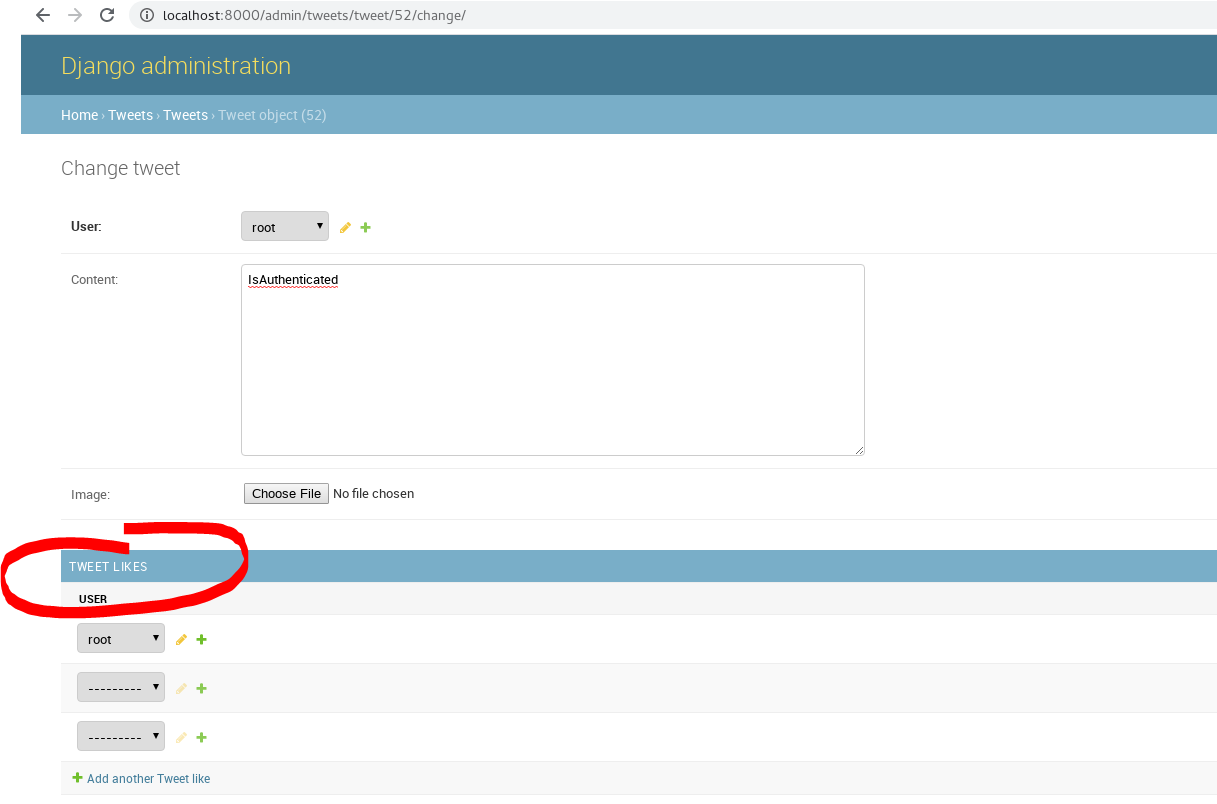<br />and we have a tweet likes field here.<br />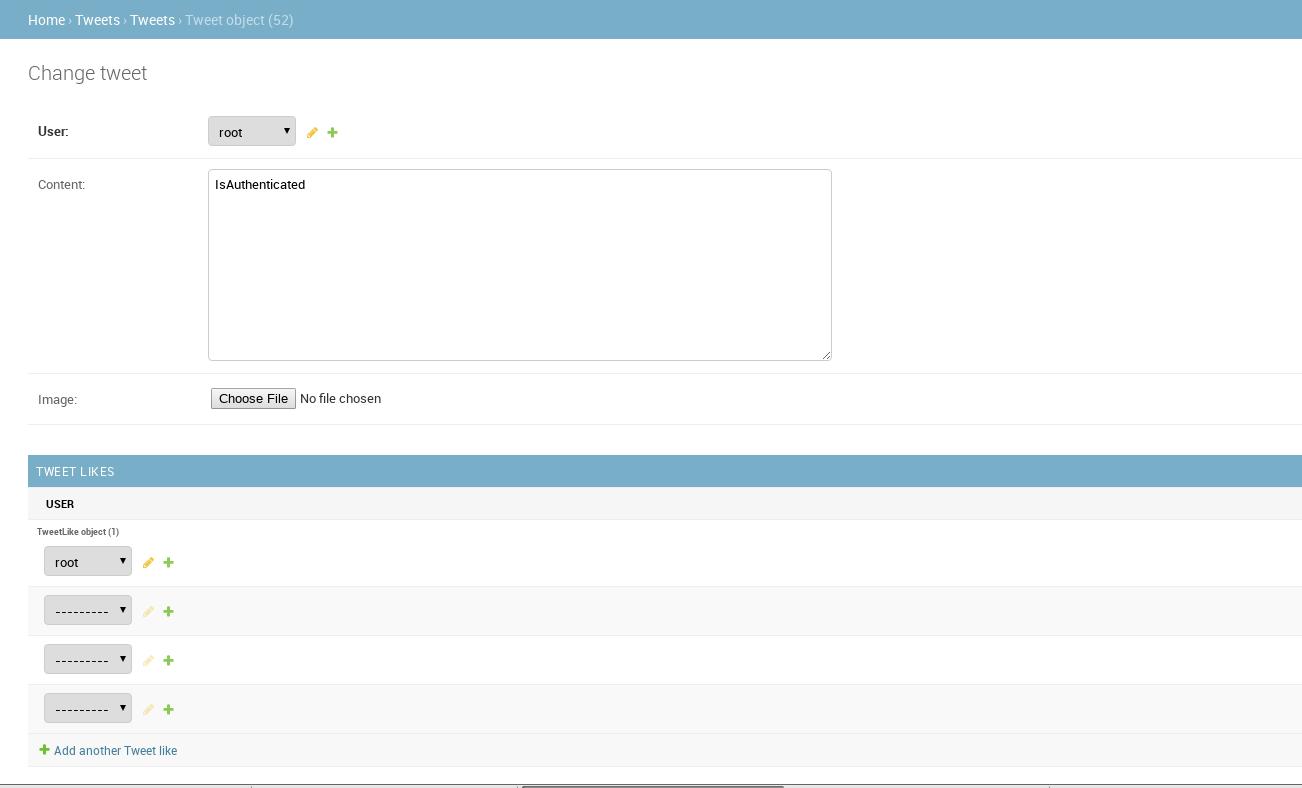<br />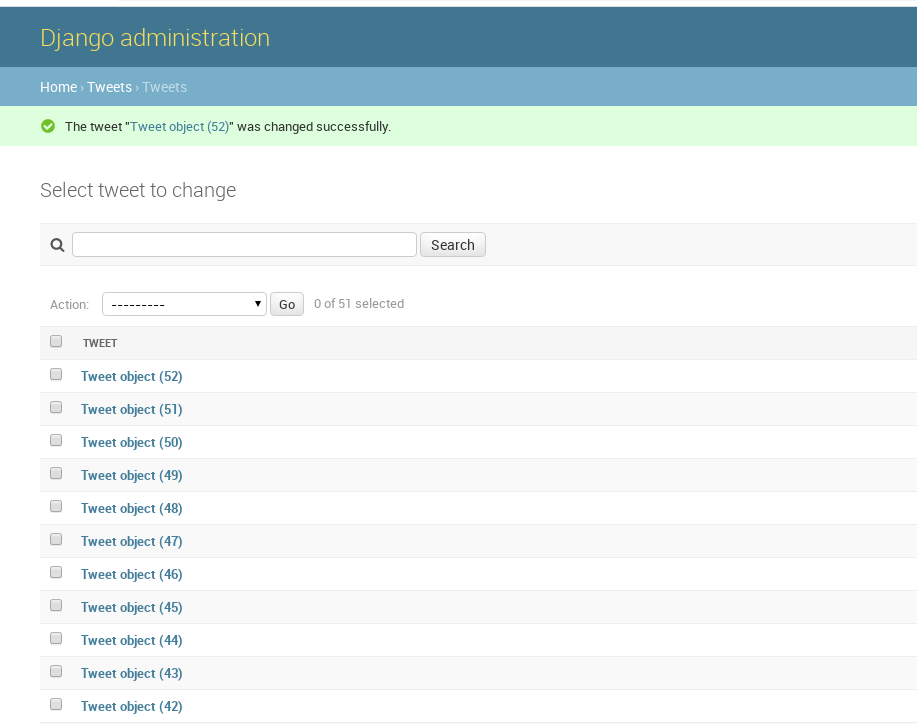<br />we add one like object to test later.<a name="TSakU"></a>#### Understanding Setting ManyToMany Fields:```bash(reactjs) [root@localhost Twittme]# ./manage.py shellPython 3.6.5 (default, Sep 10 2018, 09:39:42)[GCC 4.8.5 20150623 (Red Hat 4.8.5-28)] on linuxType "help", "copyright", "credits" or "license" for more information.(InteractiveConsole)>>> from tweets.models import Tweet, TweetLike>>> TweetLike.objects.all()<QuerySet [<TweetLike: TweetLike object (3)>]>>>> TweetLike.objects.all().delete()(1, {'tweets.TweetLike': 1})>>> TweetLike.objects.all()<QuerySet []>>>> Tweet.objects.all()<QuerySet [<Tweet: Tweet object (52)>, <Tweet: Tweet object (51)>, <Tweet: Tweet object (50)>, <Tweet: Tweet object (49)>, <Tweet: Tweet object (48)>, <Tweet: Tweet object (47)>, <Tweet: Tweet object (46)>, <Tweet: Tweet object (45)>, <Tweet: Tweet object (44)>, <Tweet: Tweet object (43)>, <Tweet: Tweet object (42)>, <Tweet: Tweet object (41)>, <Tweet: Tweet object (40)>, <Tweet: Tweet object (39)>, <Tweet: Tweet object (38)>, <Tweet: Tweet object (37)>, <Tweet: Tweet object (36)>, <Tweet: Tweet object (35)>, <Tweet: Tweet object (34)>, <Tweet: Tweet object (33)>, '...(remaining elements truncated)...']>>>> obj = Tweet.objects.first()>>> obj.likes.all()<QuerySet []>>>> from django.contrib.auth import get_user_model>>> User = get_user_model()>>> User.objects.all()<QuerySet [<User: root>]>>>> me = User.objects.first()>>> me<User: root>

若有收获,就点个赞吧
0 人点赞


