(continue)
- then import forms in views.py
- and create a new view tweet_create_view for that
```python
…
from .forms import TweetForm # new
…
def tweet_create_view(request, args, *kwargs): form = TweetForm(request.POST or None) if form.is_valid(): obj = form.save(commit=False) obj.save() form = TweetForm() return render(request, ‘components/form.html’, context={“form” : form})
…
- cause views need corresponding HTML files, create a template /components/form.html

(`{{ form.as_p }}` will render forms wrapped in `<p>` tags,<br />`{& csrf_token &}` is to prevent Cross-site request forgery)
```python
<form method='POST'> {% csrf_token %}
    {{ form.as_p }}
    <button type='submit' class='btn btn-secondary'>Save</button>
</form>
as in the request view, it’s a form that applied POST method.
- finally to apply that, we need a new path in /Twittme/urls.py ```python from django.contrib import admin from django.urls import path, re_path
from tweets.views import ( home_view, tweet_detail_view, tweet_list_view, tweet_create_view, # new )
urlpatterns = [
path(‘admin/‘, admin.site.urls),
path(‘’, home_view),
path(‘tweets’, tweet_list_view),
path(‘tweets/
to test, runserver and access localhost:8000/create-tweet<br />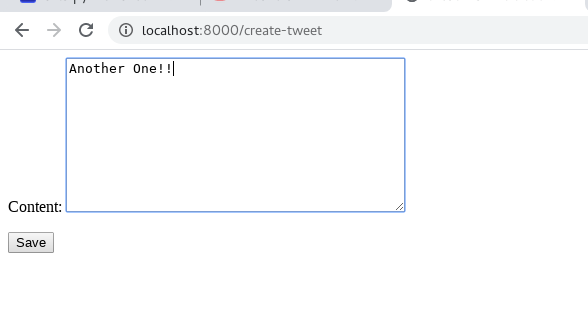<br />enter something and save, get back to the homepage:<br />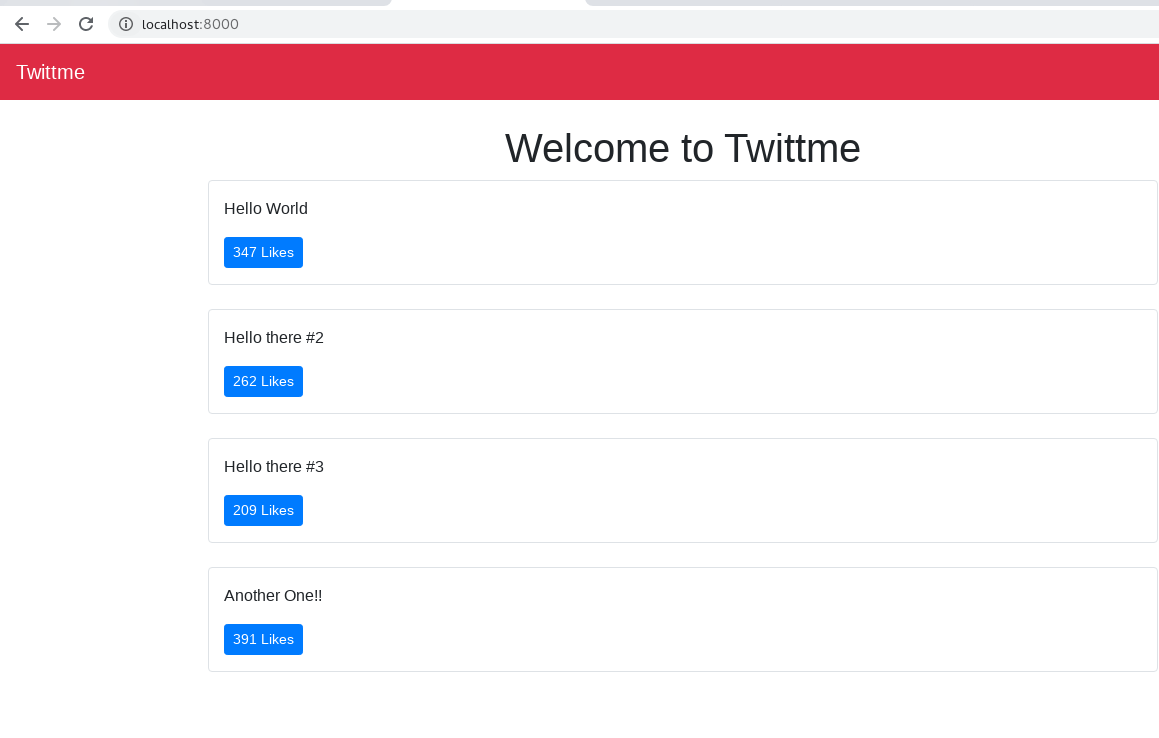<br />we have a new tweet.<br />if we input a very long text:<br />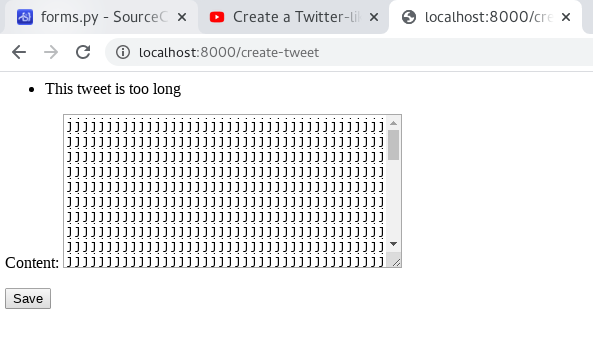<br />it will show "This tweet is too long"<br />if length is 0:<br />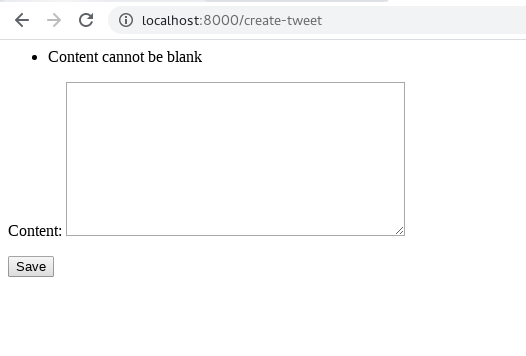<br />it will show "Content cannot be blank"
<a name="eTd9u"></a>
#### Tweet Form by Hand:
in Twitter or Facebook, we are used to sending posts in the homepage
- add this part under the title in home.html
```python
<div class='row mb-3'>
<div class='col-md-4 mx-auto col-10'>
<form class='form' method='POST' action='/create-tweet'>
{% csrf_token %}
<input type='hidden' value='/' name='next' />
<textarea class='form-control' name='content' placeholder='Your tweet...'></textarea>
<button type='submit' class='btn btn-primary'>Tweet</button>
</form>
</div>
</div>
and we see a textarea for tweet after runserver:
Then we input something: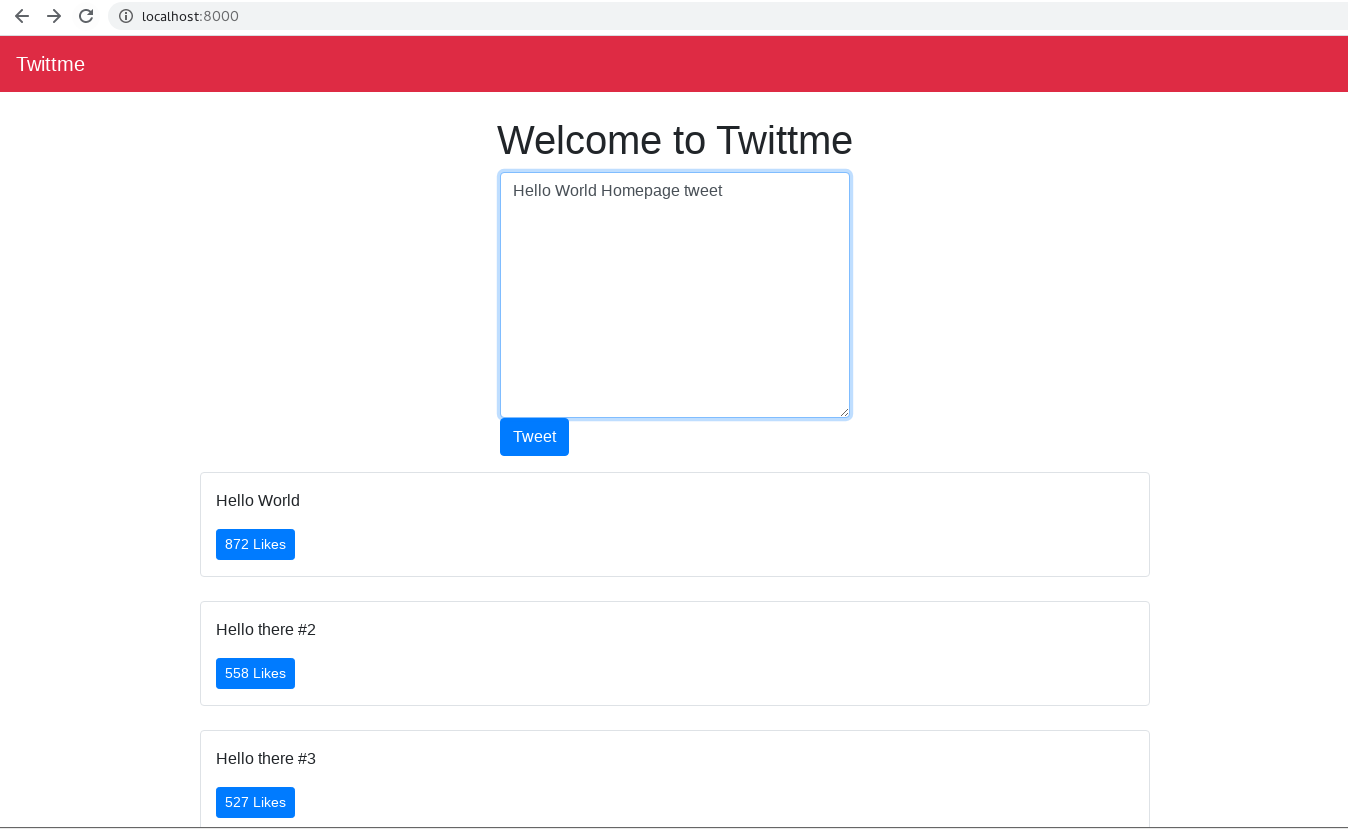
we jumped into /create-tweet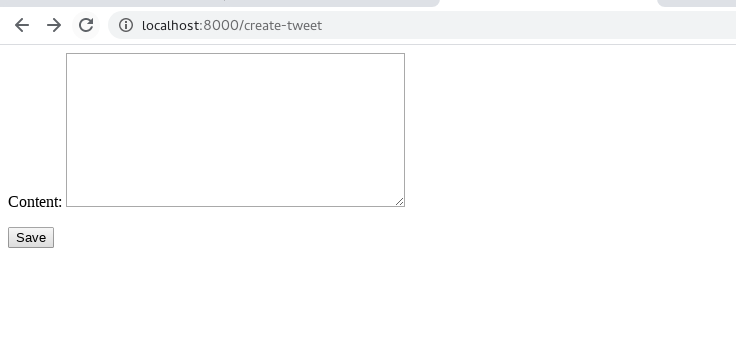
after we get back to the homepage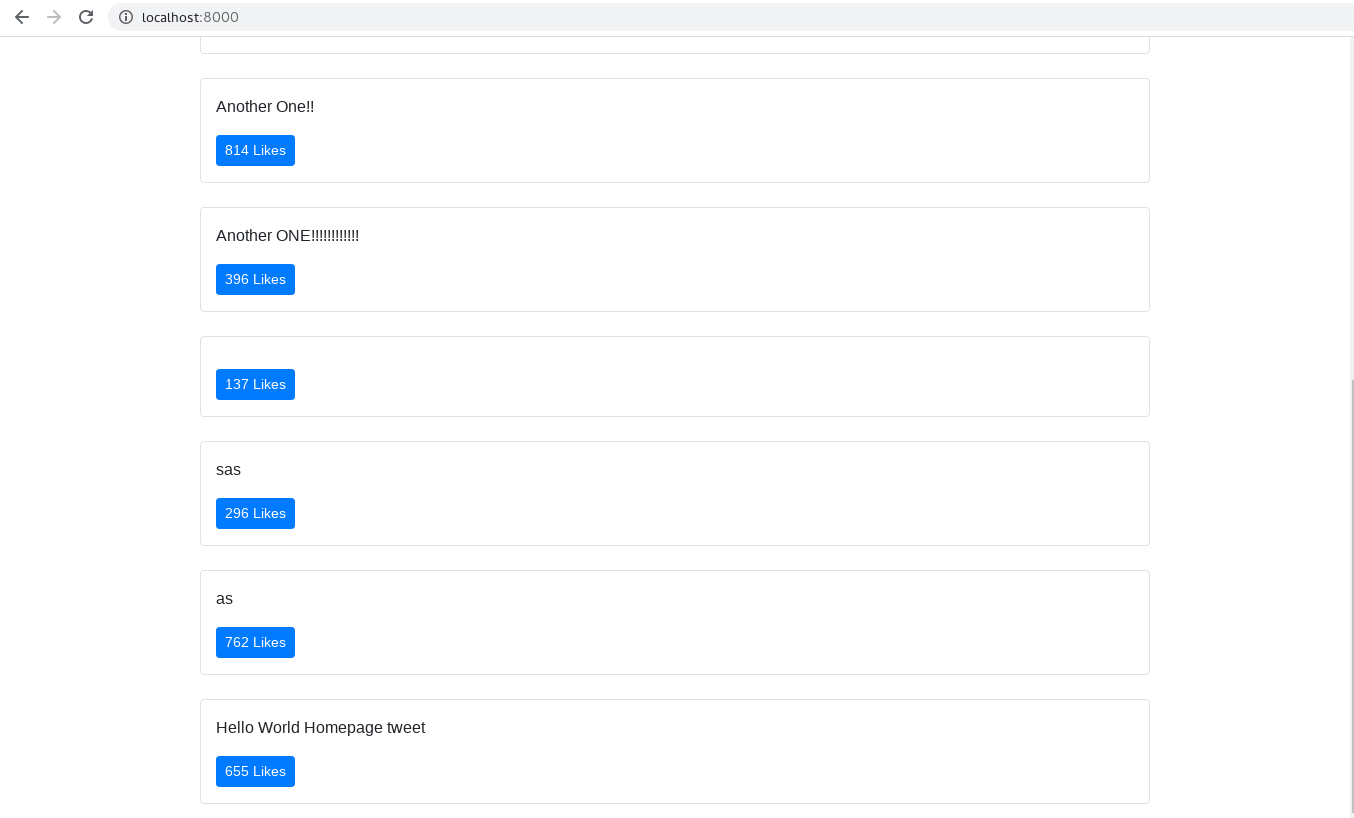
so that the update is successful.
- we can add a print to see what returns after we create new tweets in /tweets/views.html
to test, runserver and send:def tweet_create_view(request, *args, **kwargs): form = TweetForm(request.POST or None) print('post data is', request.POST) # new if form.is_valid(): obj = form.save(commit=False) obj.save() form = TweetForm() return render(request, 'components/form.html', context={"form" : form})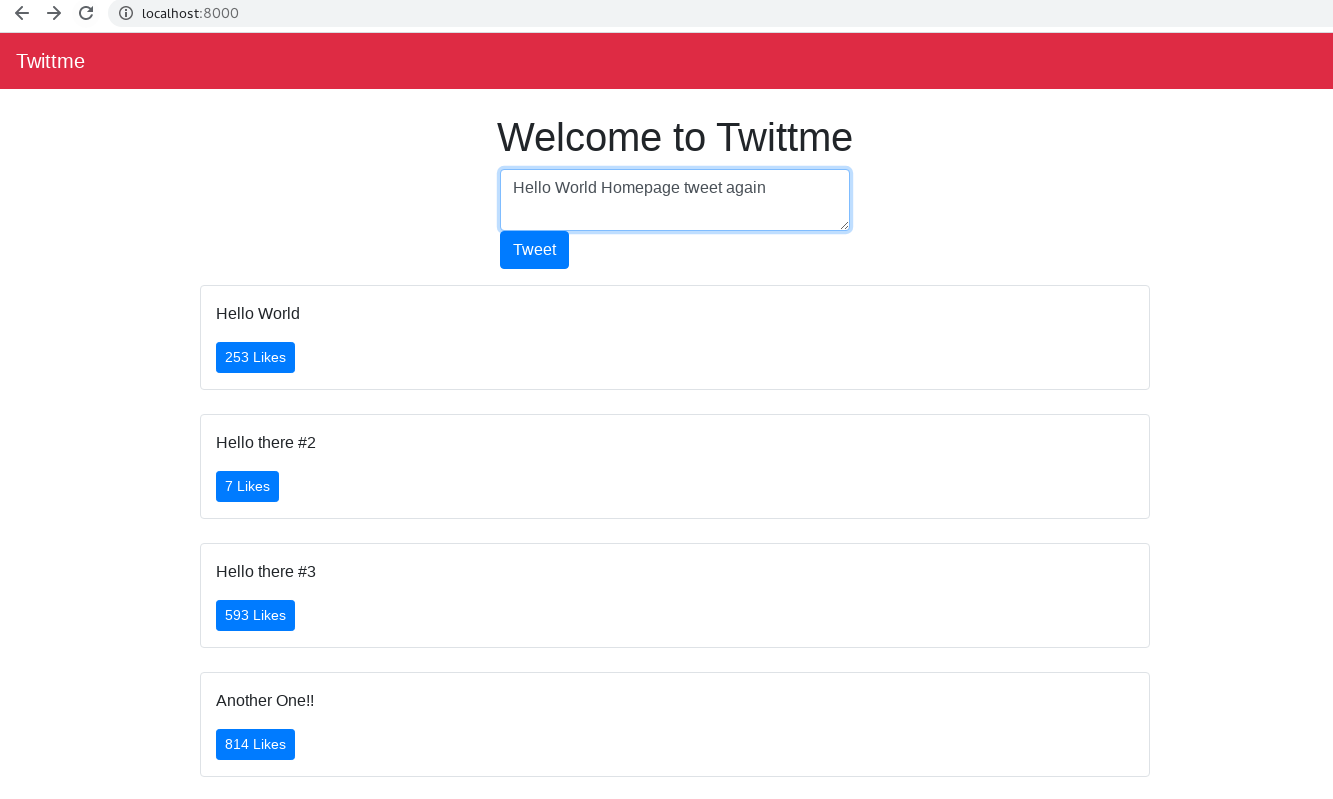
the post is created and the data we get is:post data is <QueryDict: {'csrfmiddlewaretoken': ['I4RJgStyVoRFD4orGrjxxJF25x2JogoWh1JKJO4g1w8XGNi1StcgyeAtGeHSWmYF'], 'next': ['/'], 'content': ['Hello World Homepage tweet again']}>
Successful Form Redirect:
Even if we create tweets in the homepage, we would still be directed into /create-tweet instead of the updated homepage, so we have to redirect it well.
the post data before includes ‘csrfmiddlewaretoken’, ‘next’, and ‘content’. ‘content’ is the content of our input, ‘next’ is defined in this line
<input type='hidden' value='/' name='next' />so we can only pick elements inside quickly
modify /tweets/views.html to do the test
def tweet_create_view(request, *args, **kwargs):
  form = TweetForm(request.POST or None)
  print('post data is', request.POST)
  next_url = request.POST.get("next") or None # new
  print('next_url', next_url) # new
  if form.is_valid():
      obj = form.save(commit=False)
      obj.save()
      form = TweetForm()
  return render(request, 'components/form.html', context={"form" : form})
to test, randomly input something
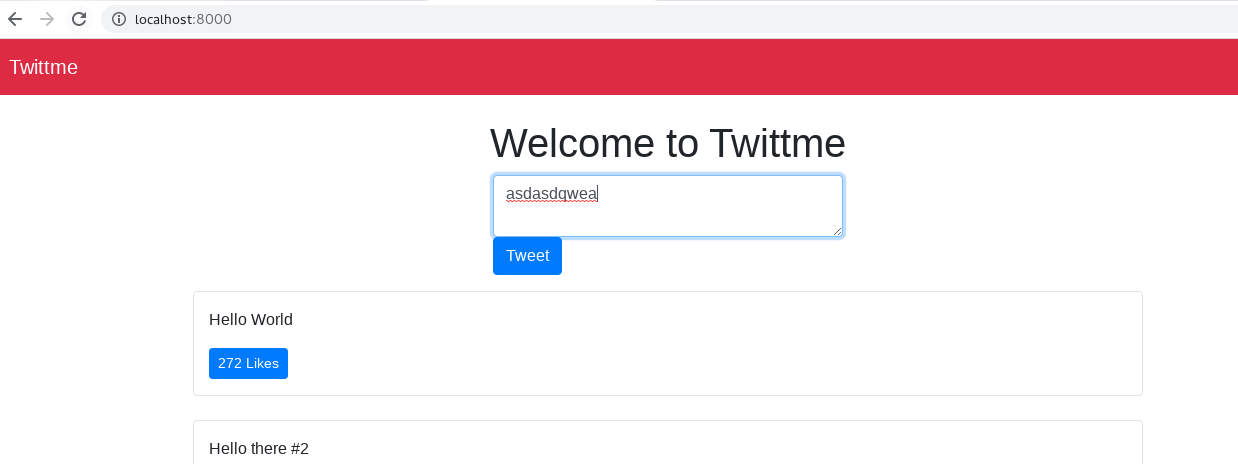
and see the terminal:next_url /and page is redirected to /create-tweet
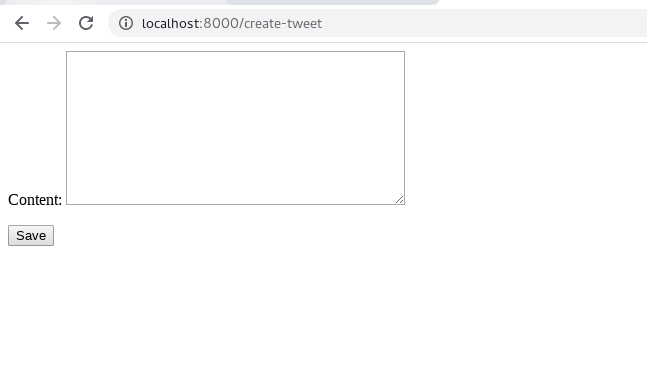
to fix this, we introduce “redirect” and apply it in /tweets/views.html
from django.http import HttpResponse, JsonResponse, HttpResponseRedirect # new
from django.shortcuts import render, redirect # new
# ...
def tweet_create_view(request, *args, **kwargs):
  form = TweetForm(request.POST or None)
  print('post data is', request.POST)
  next_url = request.POST.get("next") or None
  print('next_url', next_url)
  if form.is_valid():
      obj = form.save(commit=False)
      obj.save()
      if next_url != None: # new
          return redirect(next_url)
      form = TweetForm()
  return render(request, 'components/form.html', context={"form" : form})
# ...
to test, runserver and tweet something:
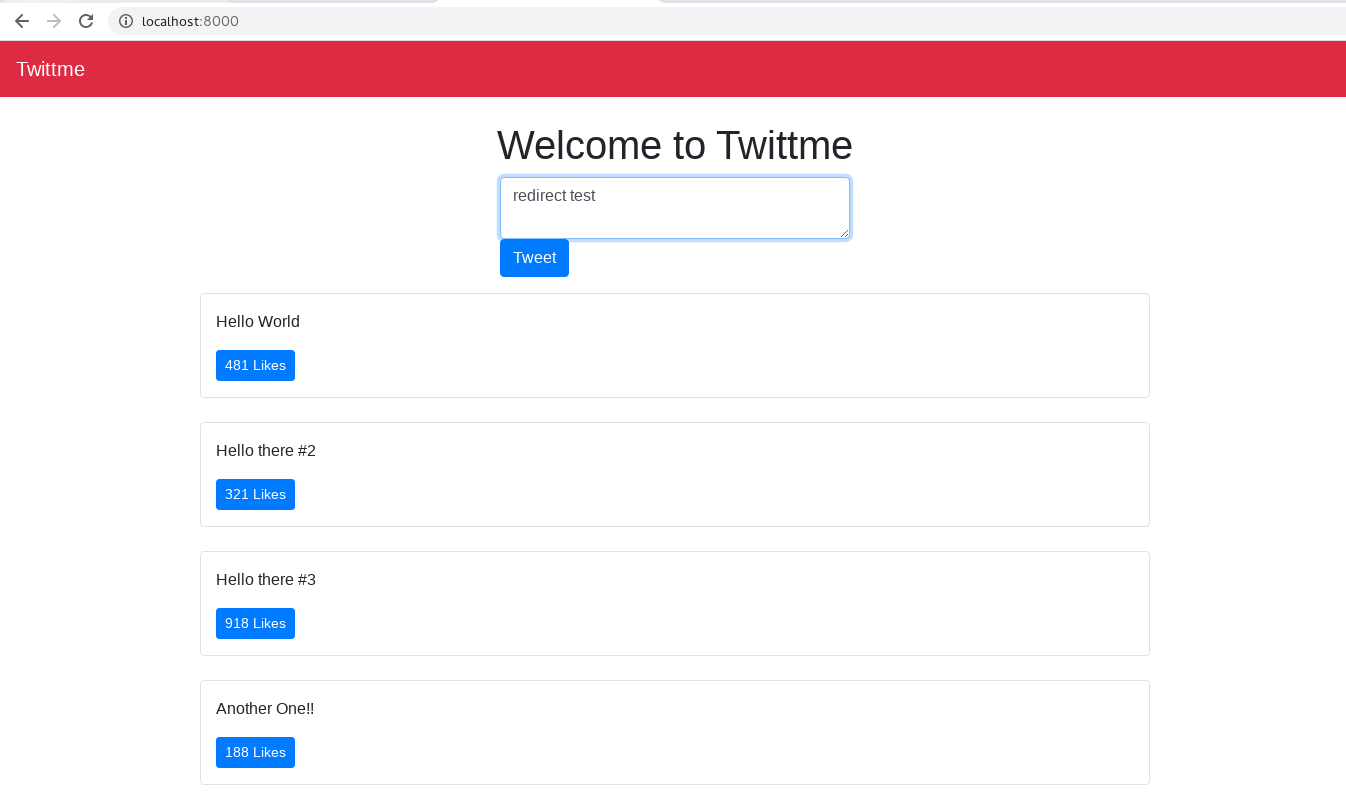
and it’s not redirected to /create-tweets this time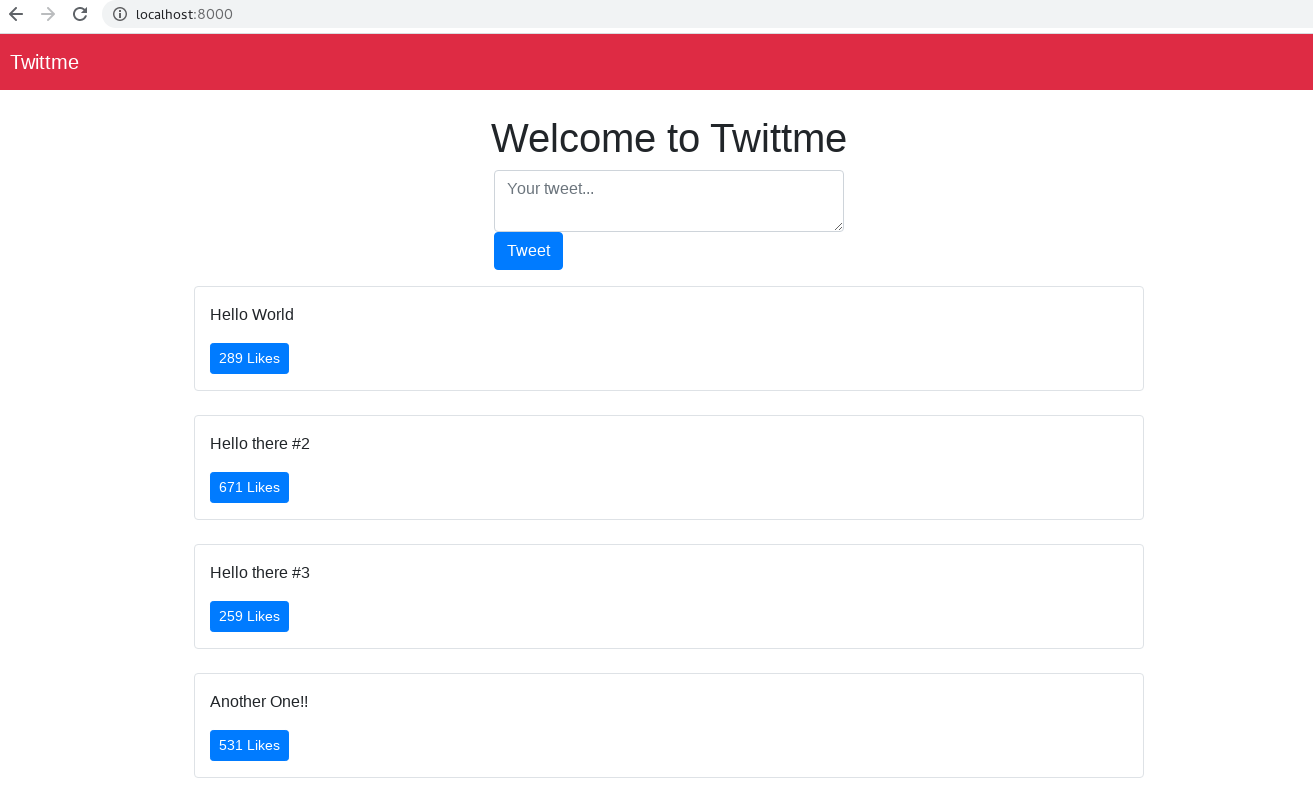
Safe URL redirect:
Sometimes it’s dangerous if you redirect to a URL that isn’t safe, we need to fix this threat.
add this line in /Twittme/settings.py
# ALLOWED_HOSTS = []
ALLOWED_HOSTS = ['127.0.0.1', 'localhost']
Use this host setting to check is the next url safe in /tweets/views.py ```python import random from django.http import HttpResponse, JsonResponse, HttpResponseRedirect from django.shortcuts import render, redirect from django.utils.http import is_safe_url # new from django.conf import settings # new
…
ALLOWED_HOSTS = settings.ALLOWED_HOSTS # new
…
def tweet_create_view(request, args, *kwargs): form = TweetForm(request.POST or None) print(‘post data is’, request.POST) next_url = request.POST.get(“next”) or None print(‘next_url’, next_url) if form.is_valid(): obj = form.save(commit=False) obj.save() if next_url != None and is_safe_url(next_url, ALLOWED_HOSTS): # new return redirect(next_url) form = TweetForm() return render(request, ‘components/form.html’, context={“form” : form})
to test, runserver and input: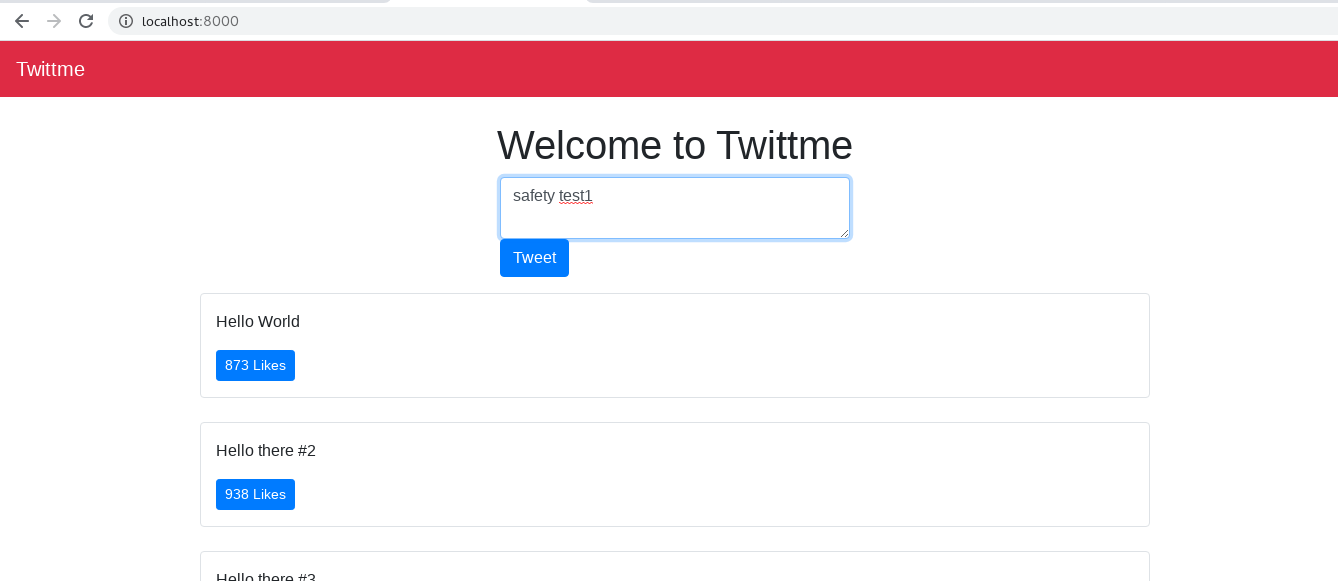<br />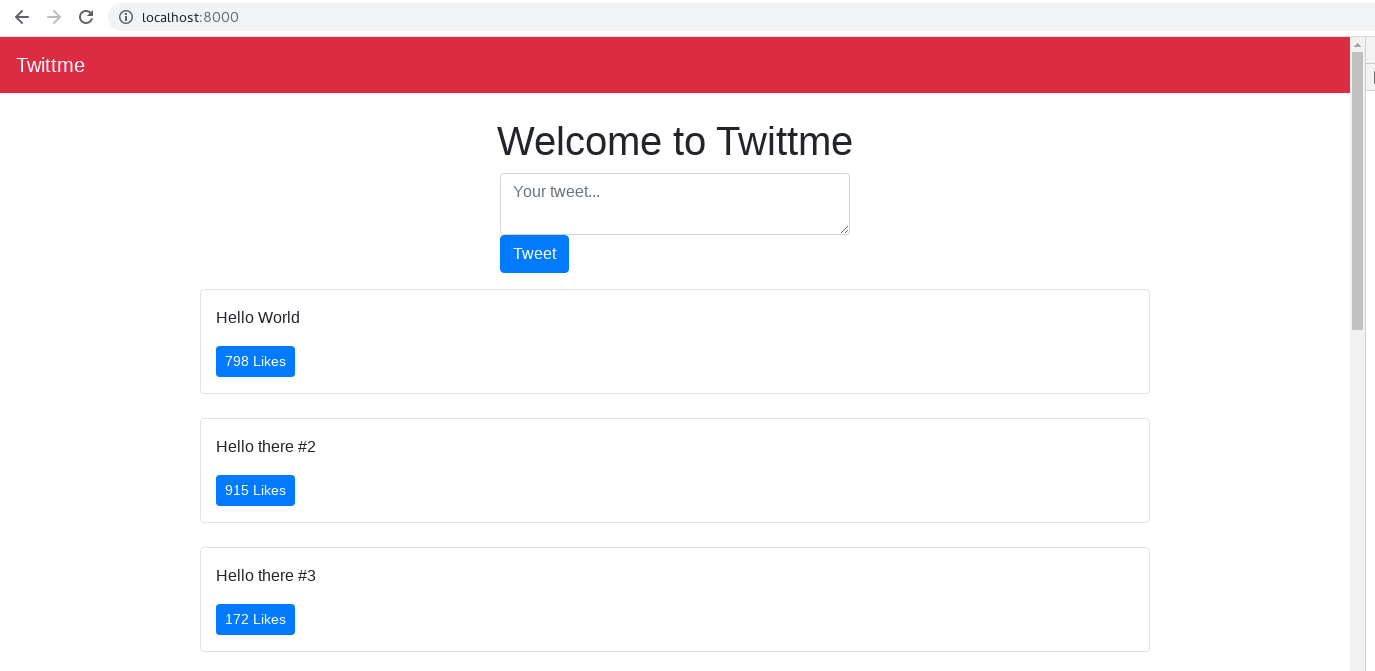<br />redirected.
- to test a not so safe next_url for us, **temporarily **change the value of next in home.html
```html
<div class='row mb-3'>
<div class='col-md-4 mx-auto col-10'>
<form class='form' method='POST' action='/create-tweet'>
{% csrf_token %}
<!--input type='hidden' value='/' name='next' /-->
<input type='hidden' value='http://google.com/' name='next' />
<textarea class='form-control' name='content' placeholder='Your tweet...'></textarea>
<button type='submit' class='btn btn-primary'>Tweet</button>
</form>
</div>
</div>
runserver and input something: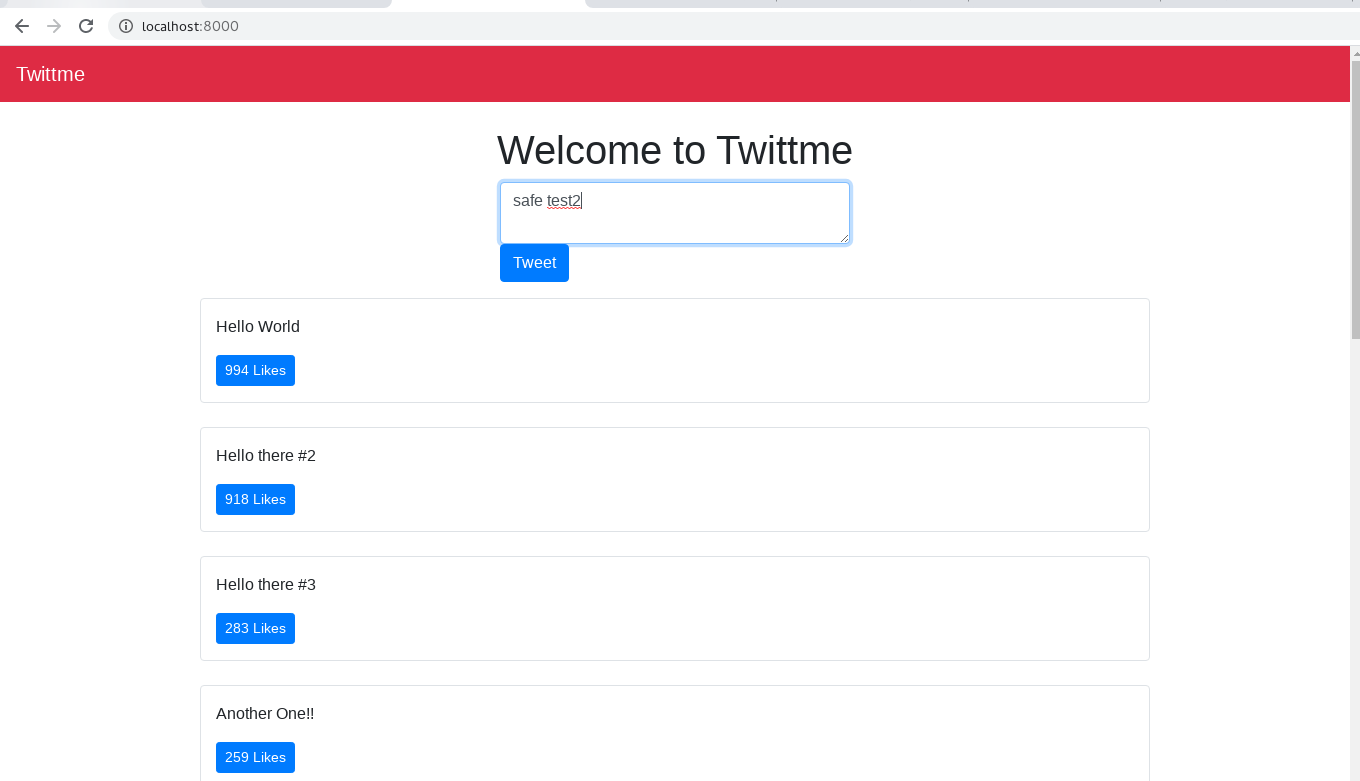
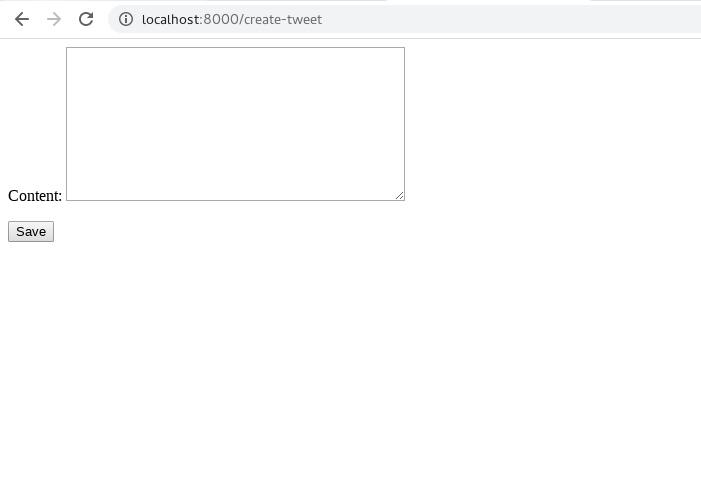
even the tweet is created successfully, the redirect doesn’t work because of is_safe_url()
Prevent Form Submit via JavaScript:
Before everything, we should increase code reuse in home.html by including everything possible into functions ```html
- try to prevent "submit" and print the event
```html
<!--...-->
<div class='row mb-3'>
  <div class='col-md-4 mx-auto col-10'>
 <!--form class='form' method='POST' action='/create-tweet'-->
    <form class='form' id='tweet-create-form' method='POST' action='/create-tweet'>
      {% csrf_token %}
      <input type='hidden' value='/' name='next' />
      <textarea class='form-control' name='content' placeholder='Your tweet...'></textarea>
      <button type='submit' class='btn btn-primary'>Tweet</button>
    </form>
  </div>
</div>

<!--...-->

<script>
  function handleTweetCreateFormDidSubmit(event) {
    event.preventDefault()
    console.log(event)
  }
//...
</script>
to test, runserver:
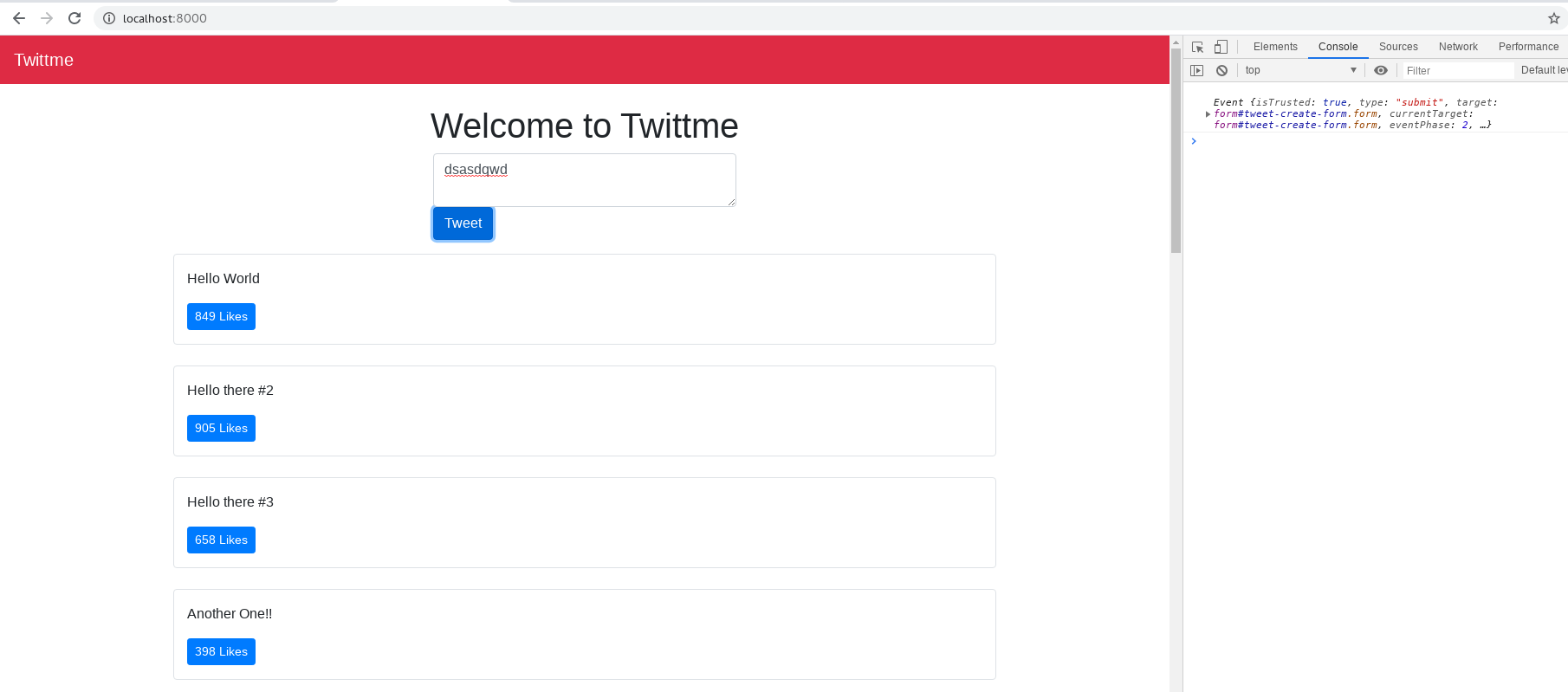
even we write something and click submit, it will prevent “submit” action.

若有收获,就点个赞吧
0 人点赞


