fix a problem before:
in /tweets/api/views.py
tweet_list_view should apply pagination either
@api_view(['GET'])def tweet_list_view(request, *args, **kwargs):qs = Tweet.objects.all()username = request.GET.get('username')if username != None:qs = qs.by_username(username)# serializer = TweetSerializer(qs, many=True)# return Response(serializer.data, status=200)return get_paginated_queryset_response(qs, request)
and username divided list view is also paginated, such as http://localhost/api/tweets/?username=root
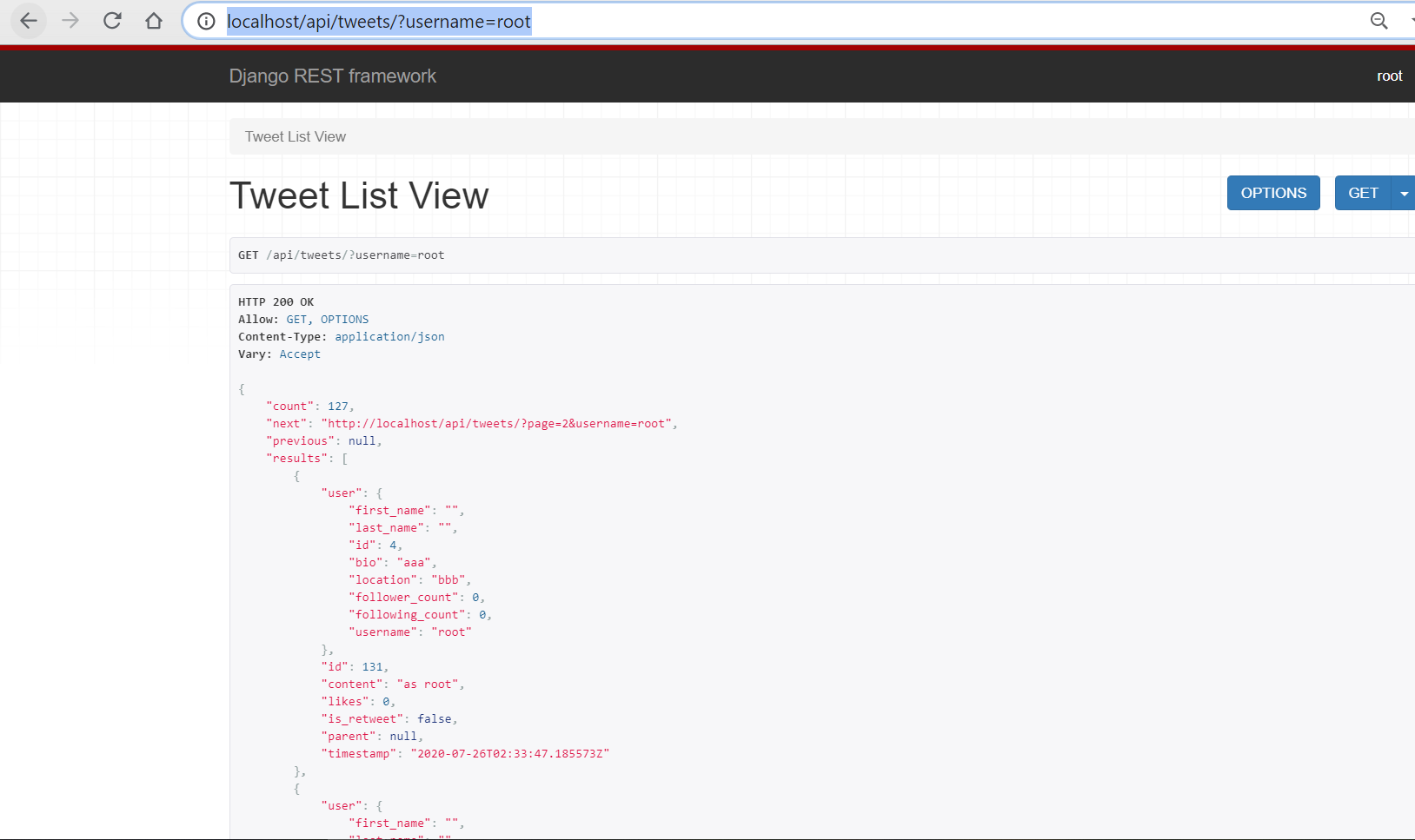
Handling our New List View Response:
in /twittme-web/public/index.html
- change data-username in div with id “tweetme-2” to a username with many tweets to do some tests later
(I kept “root” because that was my user with the most number of tweets) ```html
<!--This HTML file is a template.If you open it directly in the browser, you will see an empty page.You can add webfonts, meta tags, or analytics to this file.The build step will place the bundled scripts into the <body> tag.To begin the development, run `npm start` or `yarn start`.To create a production bundle, use `npm run build` or `yarn build`.-->
- in /twittme-web/src/tweets/list.js```javascript//...export function TweetsList(props) {//...const [nextUrl, setNextUrl] = useState(null); //new//...useEffect(() => {if (tweetsDidSet === false) {const handleTweetListLookup = (response, status) => {if (status === 200) {setNextUrl(response.next); //newconsole.log(response)//setTweetsInit(response);setTweetsInit(response.results);setTweetsDidSet(true);} else {alert("There was an error");}};apiTweetList(props.username, handleTweetListLookup);}}, [tweetsInit, tweetsDidSet, setTweetsDidSet, props.username]);//.../*return tweets.map((item, index) => {return (<Tweettweet={item}didRetweet={handleDidRetweet} //newclassName="my-5 py-5 border bg-white text-dark"key={`${index}-{item.id}`}/>);});*/return <React.Fragment>{tweets.map((item, index)=>{return <Tweettweet={item}didRetweet={handleDidRetweet}className='my-5 py-5 border bg-white text-dark'key={`${index}-{item.id}`} />})}{ nextUrl !== null && <button className='btn btn-outline-primary'>Load next</button>}</React.Fragment>}
runserver and npm start, access http://localhost:30/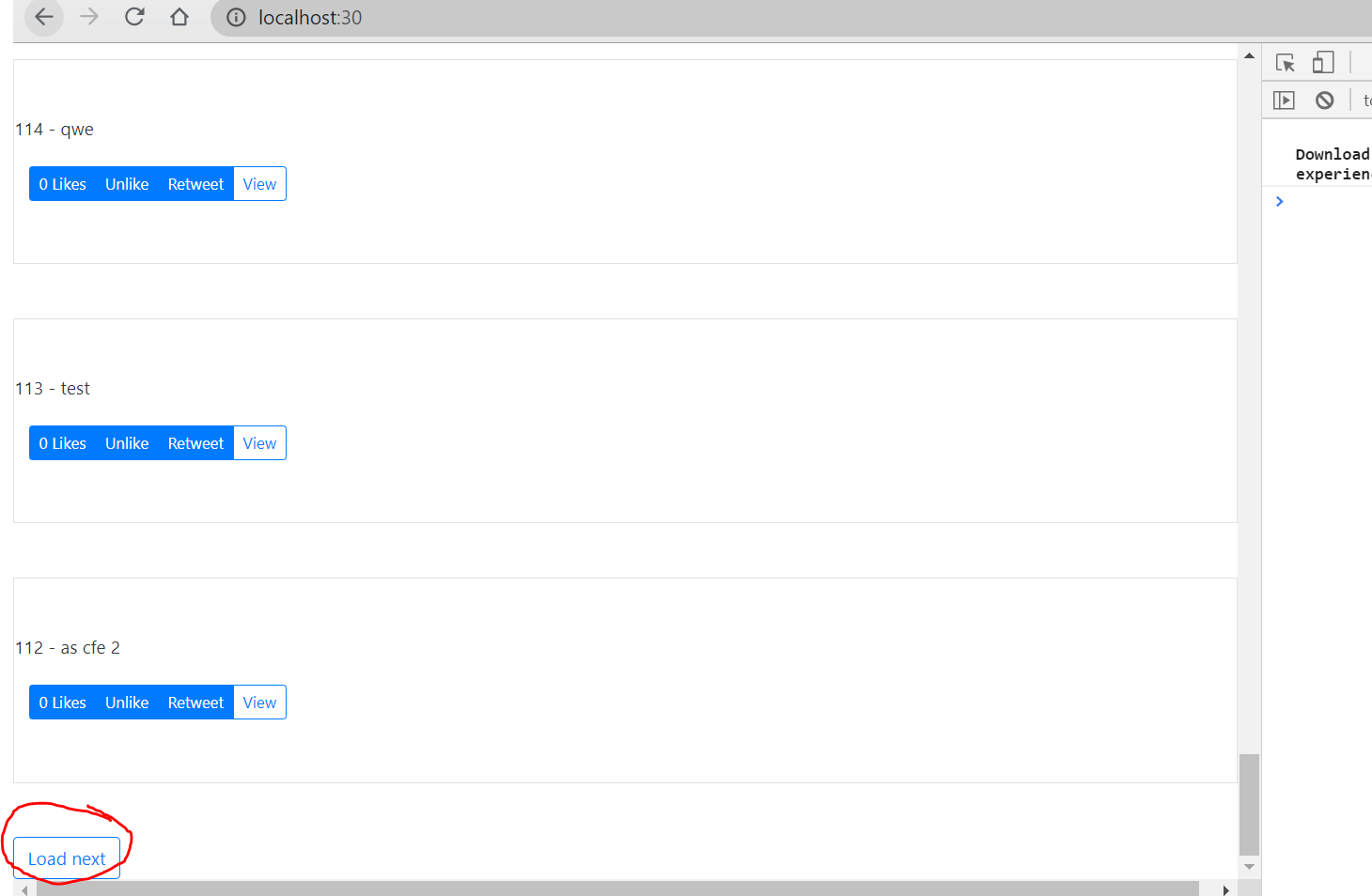
The reactjs page only shows 20 tweets as the django feed view before, and if the user has over 20 tweets, there will be a button to the next page(not a functional button now).
Handling Pagination in React:
runserver and access http://localhost/api/tweets/?username=root, click next page url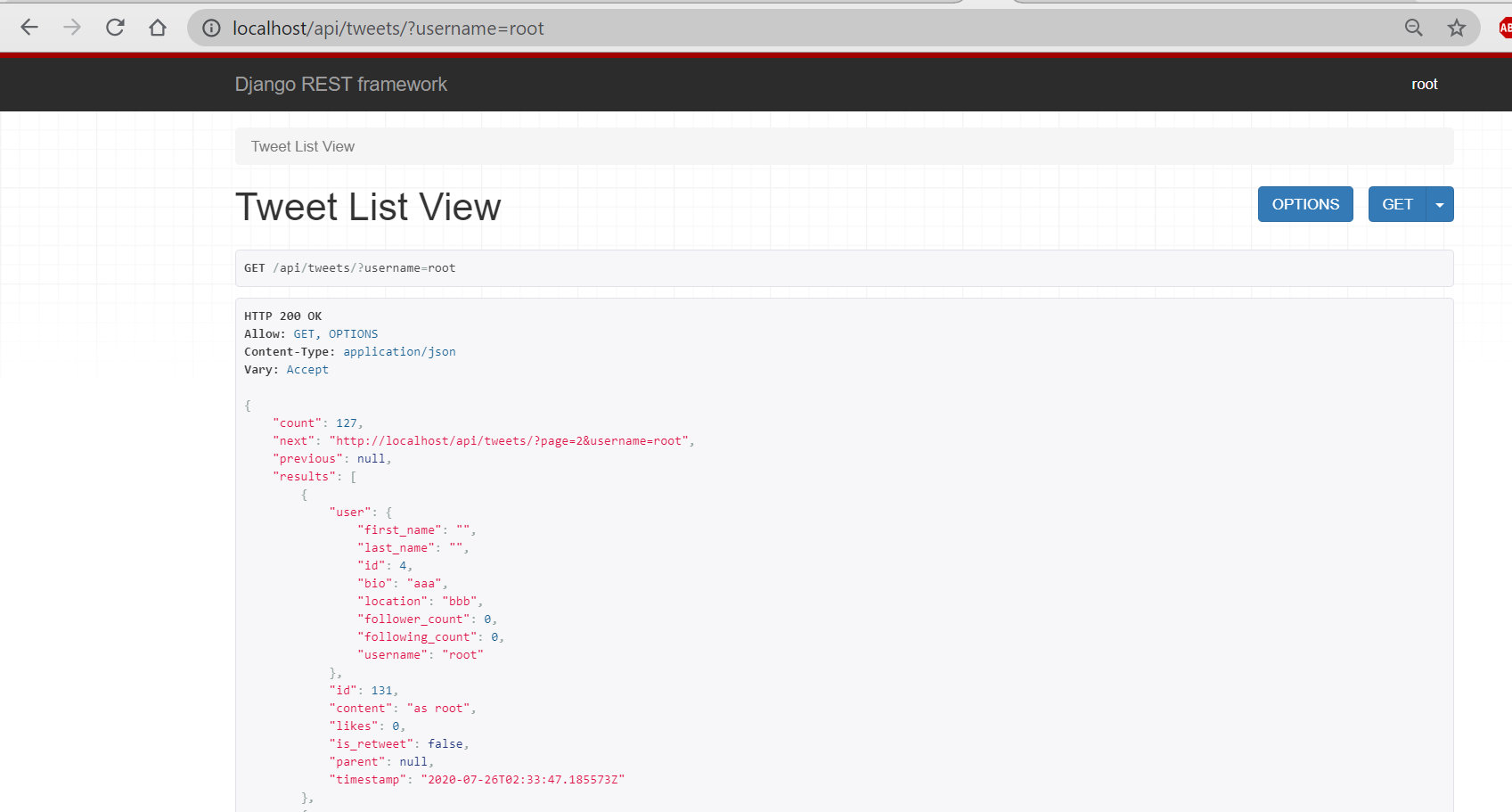
url is changed, but contents are still tweets on the 1st page. 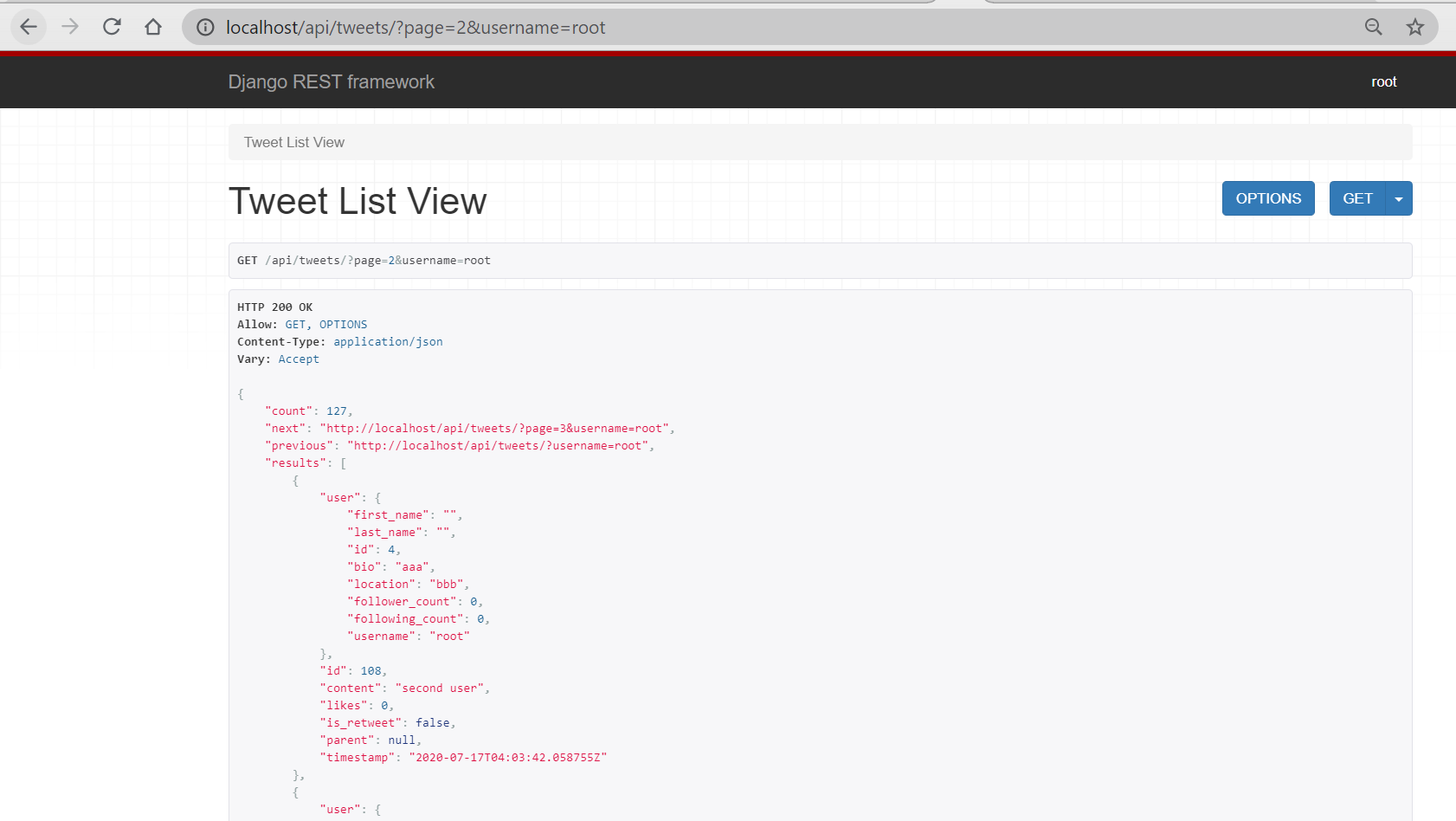
so the pagination is not actually applied on reactjs.
in /twittme-web/src/tweets/lookup.js
- prepare to handle “nextUrl” in apiTweetList()
``javascript
//export function apiTweetList(username, callback) {
export function apiTweetList(username, callback, nextUrl) {
let endpoint = "/tweets/"
if(username){
endpoint =
/tweets/?username=${username}` }
if (nextUrl !== null && nextUrl !== undefined) { //new //endpoint = nextUrl.replace(“http://localhost:8000/api“, “”) endpoint = nextUrl.replace(“http://localhost/api“, “”)
//endpoint becomes nextUrl without “http://localhost/api“ }backendLookup(“GET”, endpoint, callback); } ``` (becuase I met CORS problem here, so I changed “http://localhost:8000/api“ into “http://localhost/api“, and used chrome to access api page. )
- prepare to handle “nextUrl” in apiTweetList()
in /twittme-web/src/tweets/list.js
- write a method handleLoadNext to apply pagination and get into the next page
- add onClick event on “Load next” to apply handleLoadNext ```javascript //… export function TweetsList(props) {
const [tweetsInit, setTweetsInit] = useState([]); const [tweets, setTweets] = useState([]); const [nextUrl, setNextUrl] = useState(null);
//…
const handleLoadNext = (event) => { event.preventDefault() if (nextUrl !== null) {
const handleLoadNextResponse = (response, status) =>{if (status === 200){setNextUrl(response.next) //prepare for the next pageconst newTweets = [...tweets].concat(response.results) //response.results is 20 tweets from the current pagesetTweetsInit(newTweets)setTweets(newTweets)} else {alert("There was an error")}}apiTweetList(props.username, handleLoadNextResponse, nextUrl) //append nextUrl here
} }
/* return (
{tweets.map((item, index) => {return (<Tweettweet={item}didRetweet={handleDidRetweet}className="my-5 py-5 border bg-white text-dark"key={`${index}-{item.id}`}/>);})}{nextUrl !== null && (<button className="btn btn-outline-primary">Load next</button>)}
); */ return (
{tweets.map((item, index) => {return (<Tweettweet={item}didRetweet={handleDidRetweet}className="my-5 py-5 border bg-white text-dark"key={`${index}-{item.id}`}/>);})}{nextUrl !== null && (<button onClick={handleLoadNext} className="btn btn-outline-primary">Load next</button>)}
); } ``` runserver and npm start to test, access http://localhost:30/
click “Load next”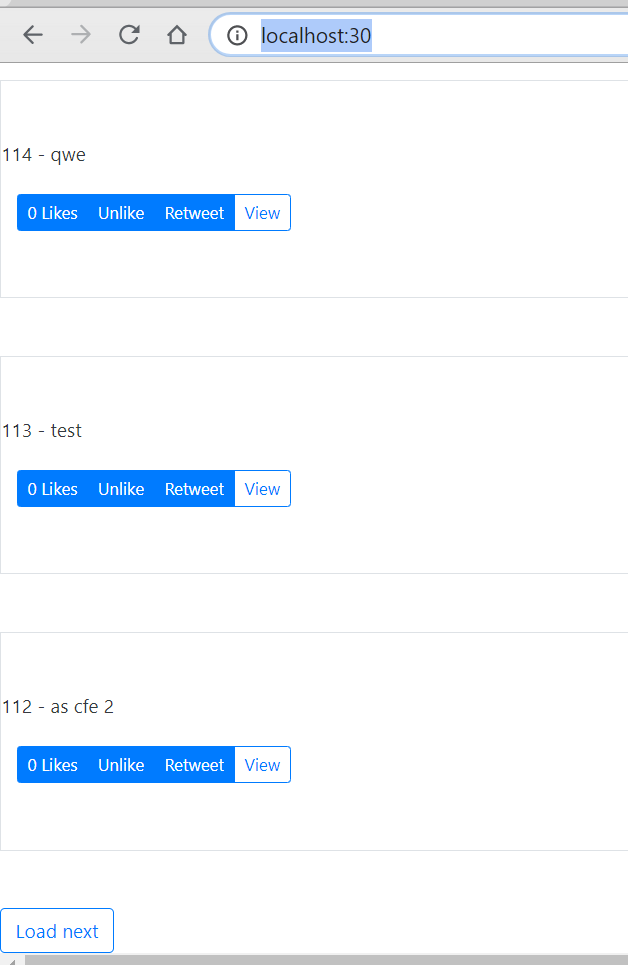
and we successfully get into the next page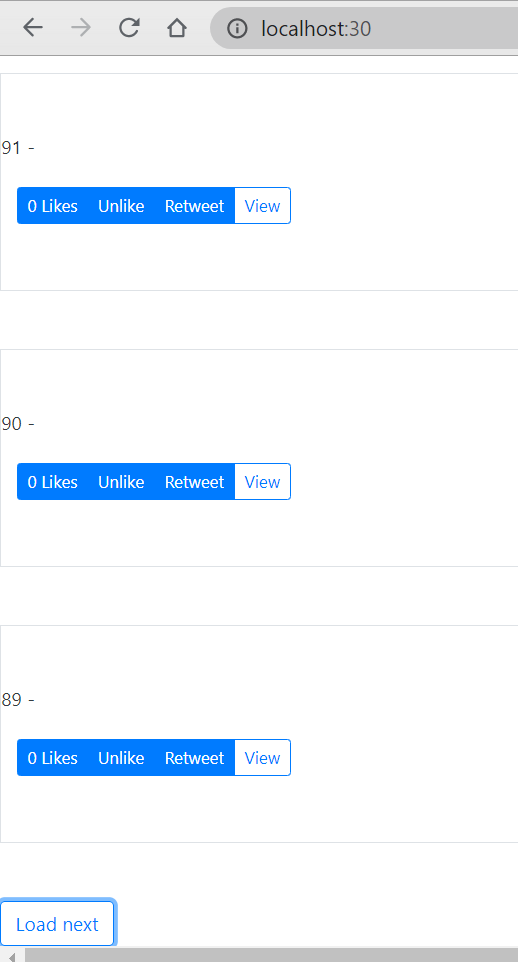
until there are no enough next tweets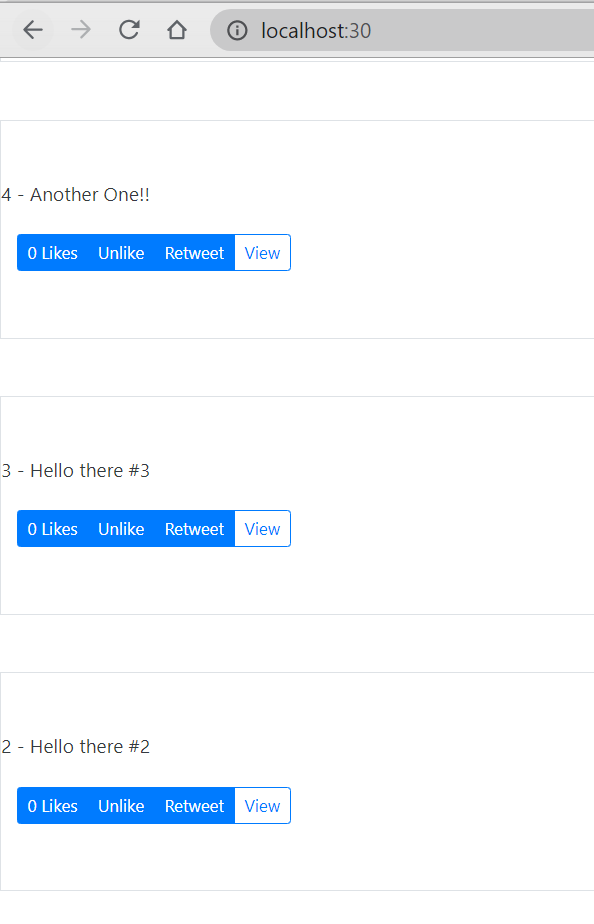

若有收获,就点个赞吧
0 人点赞


