Create React App:
- homepage of reactjs: https://reactjs.org/
- click “Get Started” -> choose “Create a New React App” on the right menu
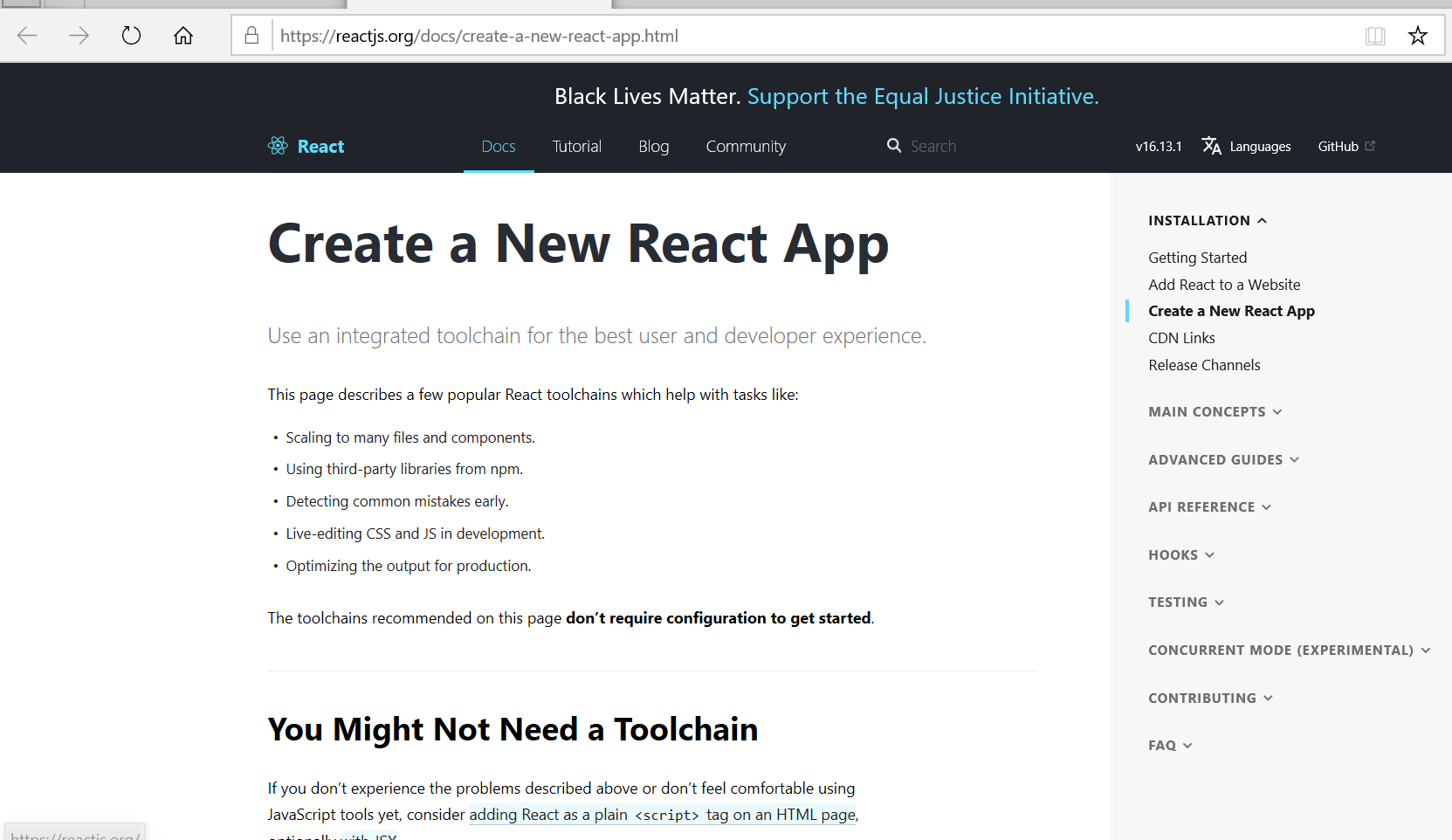
- How to create a reactjs app: https://github.com/codingforentrepreneurs/Tweetme-2/blob/64af9c04b3138b8a65c059d2c448306dcfdb4f14/React-notes.md
- I use
It takes a while.[root@localhost twittme-web]# npx create-react-app twittme-web
The structure of twittme-web is like: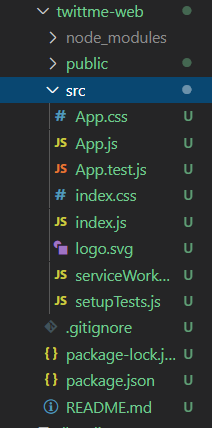
we mainly focus on /twittme-web/src/App.js
Understanding Functional Components:
to start development in reactjs:
[root@localhost Twittme]# cd twittme-web/[root@localhost twittme-web]# npm start
but because I use virtualbox and remote access, so I have a forwarding setting
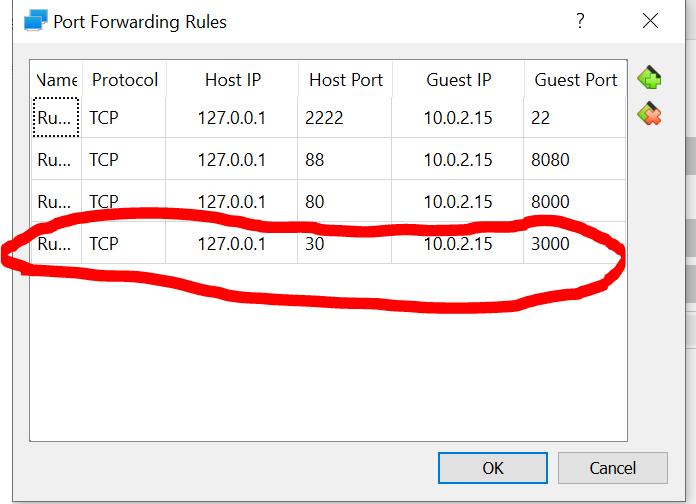
and I apply[root@localhost twittme-web]# npm start 0.0.0.0:3000
Meanwhile, runserver of Twittme.
Then access http://localhost:30/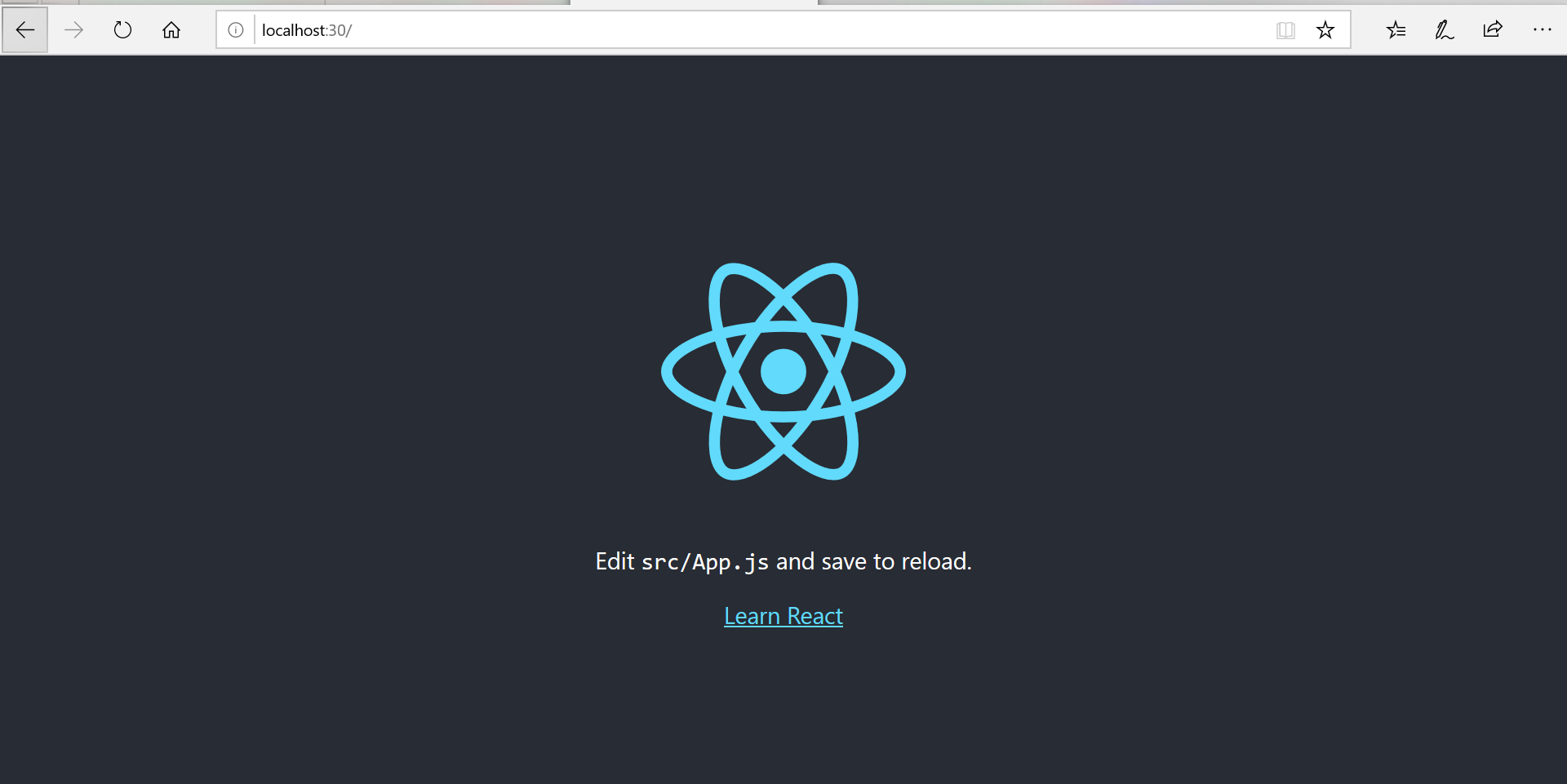
as the page above, take a look at /twittme-web/src/App.js ```javascript //import React from ‘react’; import React, {useEffect, useState} from ‘react’; //new import logo from ‘./logo.svg’; import ‘./App.css’;
function App() {
const [tweets, setTweets] = useState([{content: 123}]) //new
return (
Edit src/App.js and save to reload.
<!--new--><p>{tweets.map((tweet, index)=>{return <li>{tweet.content}</li>})}</p><aclassName="App-link"href="https://reactjs.org"target="_blank"rel="noopener noreferrer">Learn React</a></header></div>
); }
export default App;
back to react app page: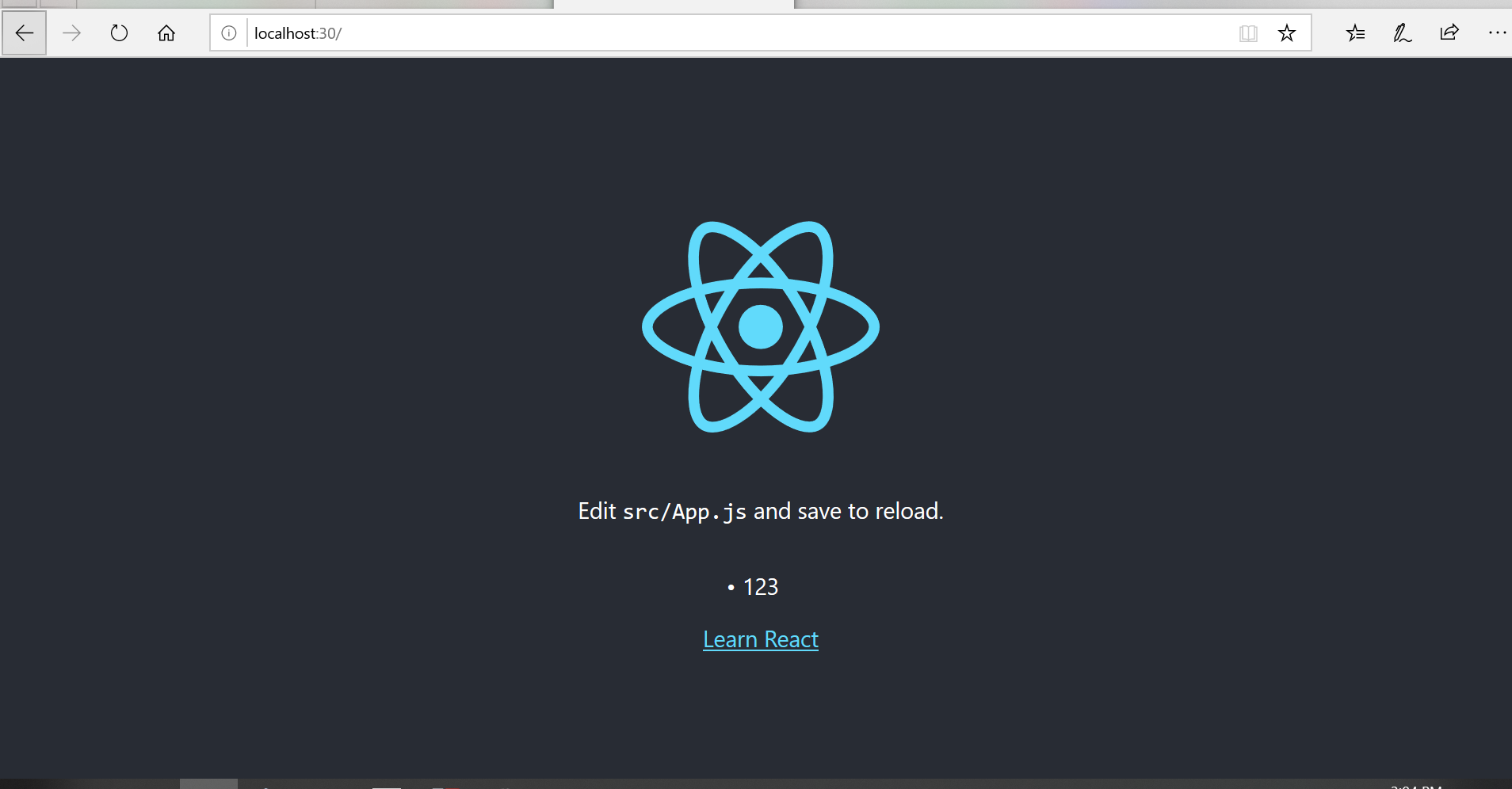<br />and "123" is correctly printed.- try use another pattern in /twittme-web/src/App.js```javascript//const [tweets, setTweets] = useState([{content: 123}])const [tweets, setTweets] = useState([])/* how to declare a functionconst performLookup = () => {...}orfunction performLookup () {...}*/useEffect(() => { // newconst tweetItems = [{"content": 123}, {"content": "Hello World"}]setTweets(tweetItems)}, [])
see reactjs page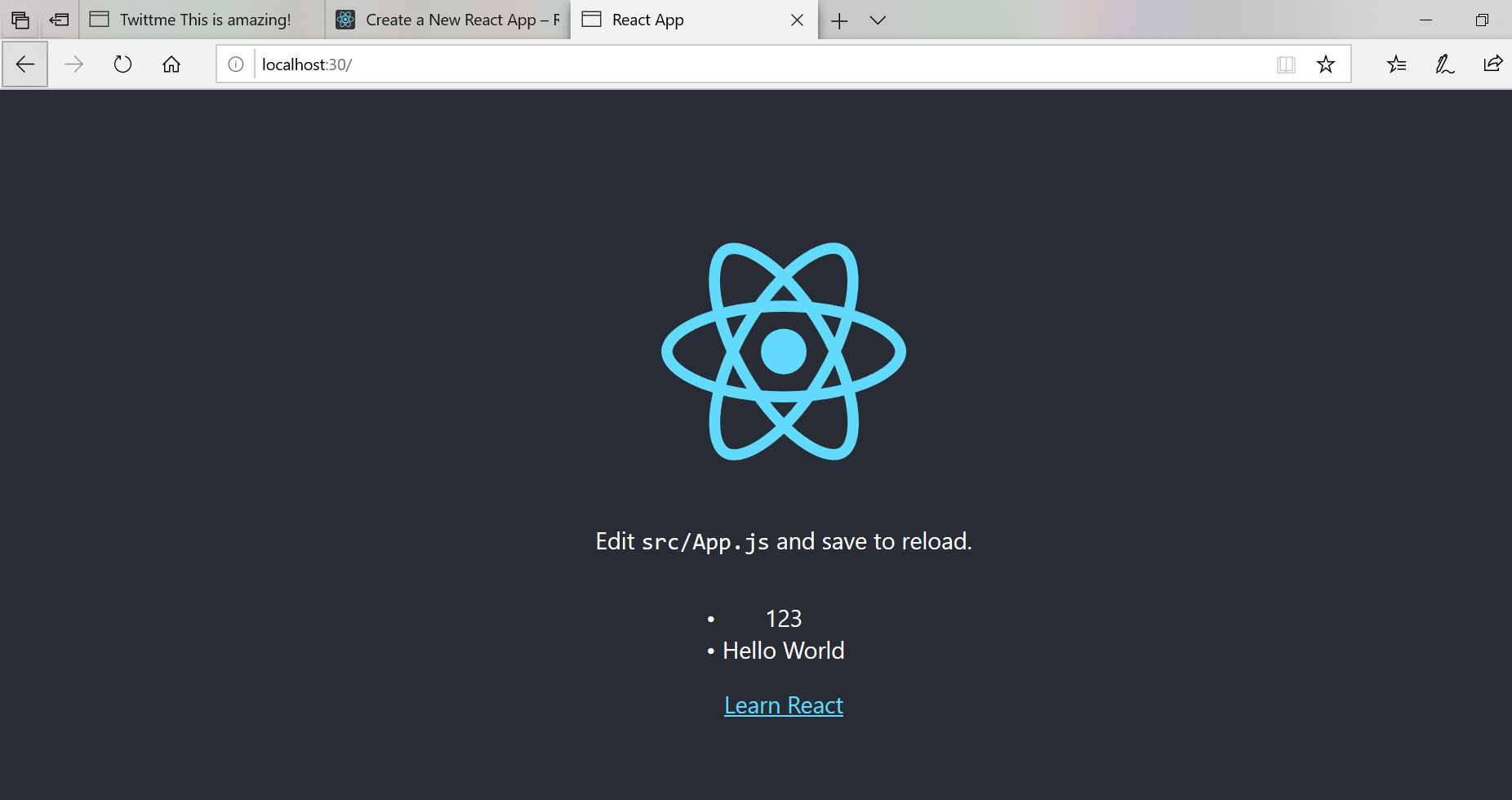
Ajax lookup via XHR in React.js:
- copy loadTweets() from template home.html to App.js and modify it to fit react.js
- apply it in App() ```javascript import React, {useEffect, useState} from ‘react’; import logo from ‘./logo.svg’; import ‘./App.css’;
function loadTweets(callback){ const xhr = new XMLHttpRequest() const method = ‘GET’ const url = “http://localhost:8000/api/tweets/“ const responseType = ‘json’
xhr.responseType = responseType xhr.open(method, url) xhr.onload = function() { callback(xhr.response, xhr.status) } xhr.onerror = function (e) { console.log(e) callback({“message”: “The request was an error”}, 400) //when status 400, callback “The request was an error” } xhr.send() }
function App() {
const [tweets, setTweets] = useState([])
useEffect(() => { const myCallback = (response, status) => { console.log(response, status) if (status === 200){ setTweets(response) } else { //if status not 200, alert “There was an error” alert(“There was an error”) } } loadTweets(myCallback) //const tweetItems = [{“content”: 123}, {“content”: “Hello World”}] //setTweets(tweetItems) }, [])
//...
}
export default App;
to test, access [http://localhost:30/](http://localhost:30/) after run the reactjs development server.<br />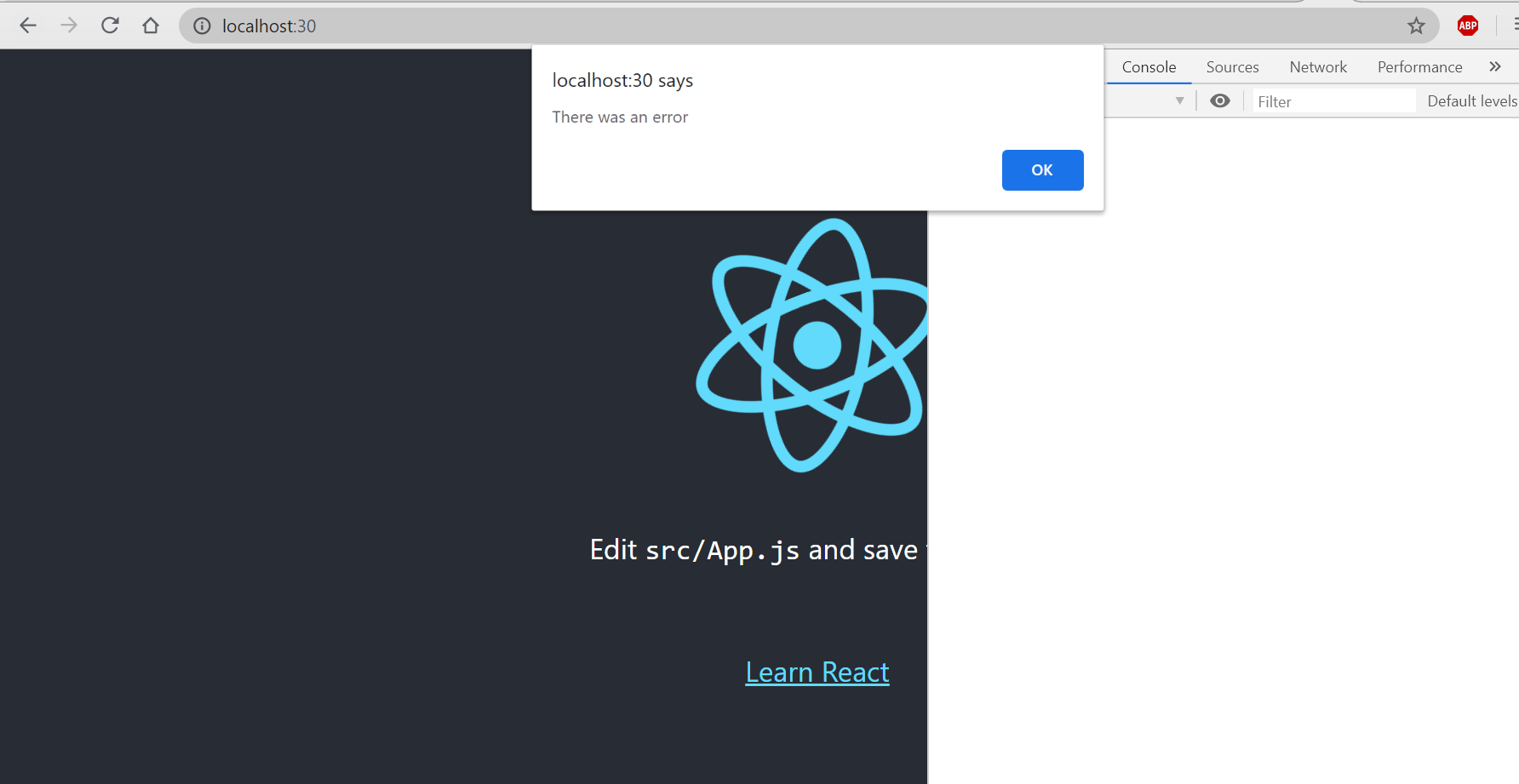<br />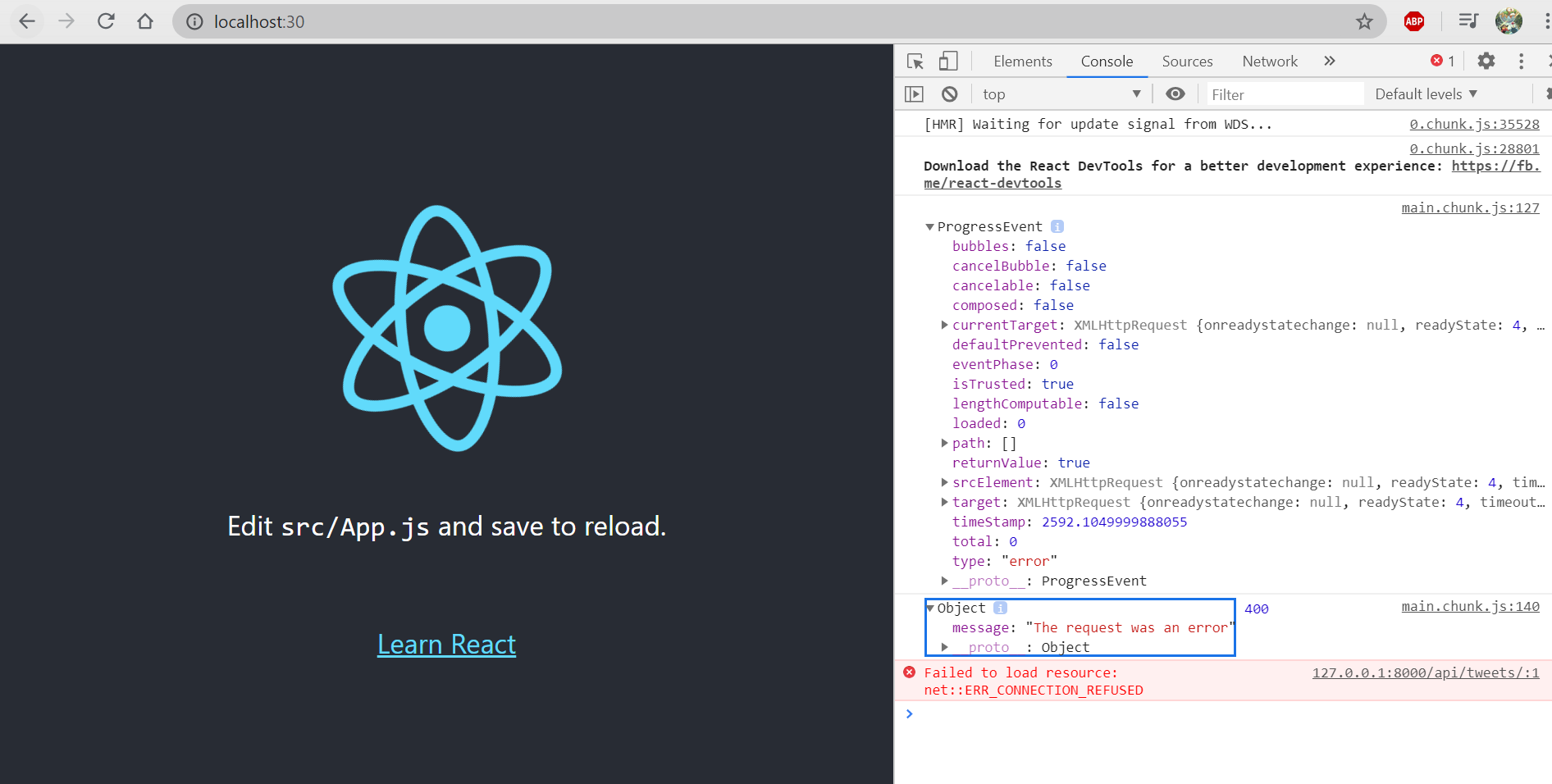<br />So that the current status is apparently 400.<a name="RnHDl"></a>### Handling CORS and Invalid HOST_HEADER in Django:- install django-cors-headers```javascriptpip install django-cors-headers# or pip3 for python3
about django-cors-headers: https://pypi.org/project/django-cors-headers/
- “django-cors-headers is a Django application for handling the server headers required for Cross-Origin Resource Sharing (CORS).”
in /Twittme/settings.py ```python INSTALLED_APPS = [
…
‘corsheaders’, # new
…
]
…
MIDDLEWARE = [
# ...'corsheaders.middleware.CorsMiddleware', # new# ...
]
…
CORS_ORIGIN_ALLOW_ALL = True # any website has access to my api CORS_URLS_REGEX = r’^/api/.*$’
For CORS setting, actually it's more safe to use methods like whitelist to restrict malicious accesses.- I realized cause I have a remote port forwarding, so a change in App.js```javascriptfunction loadTweets(callback){//...//const url = "http://localhost:8000/api/tweets/"const url = "http://localhost:80/api/tweets//...}
To test, runserver and start reactapp: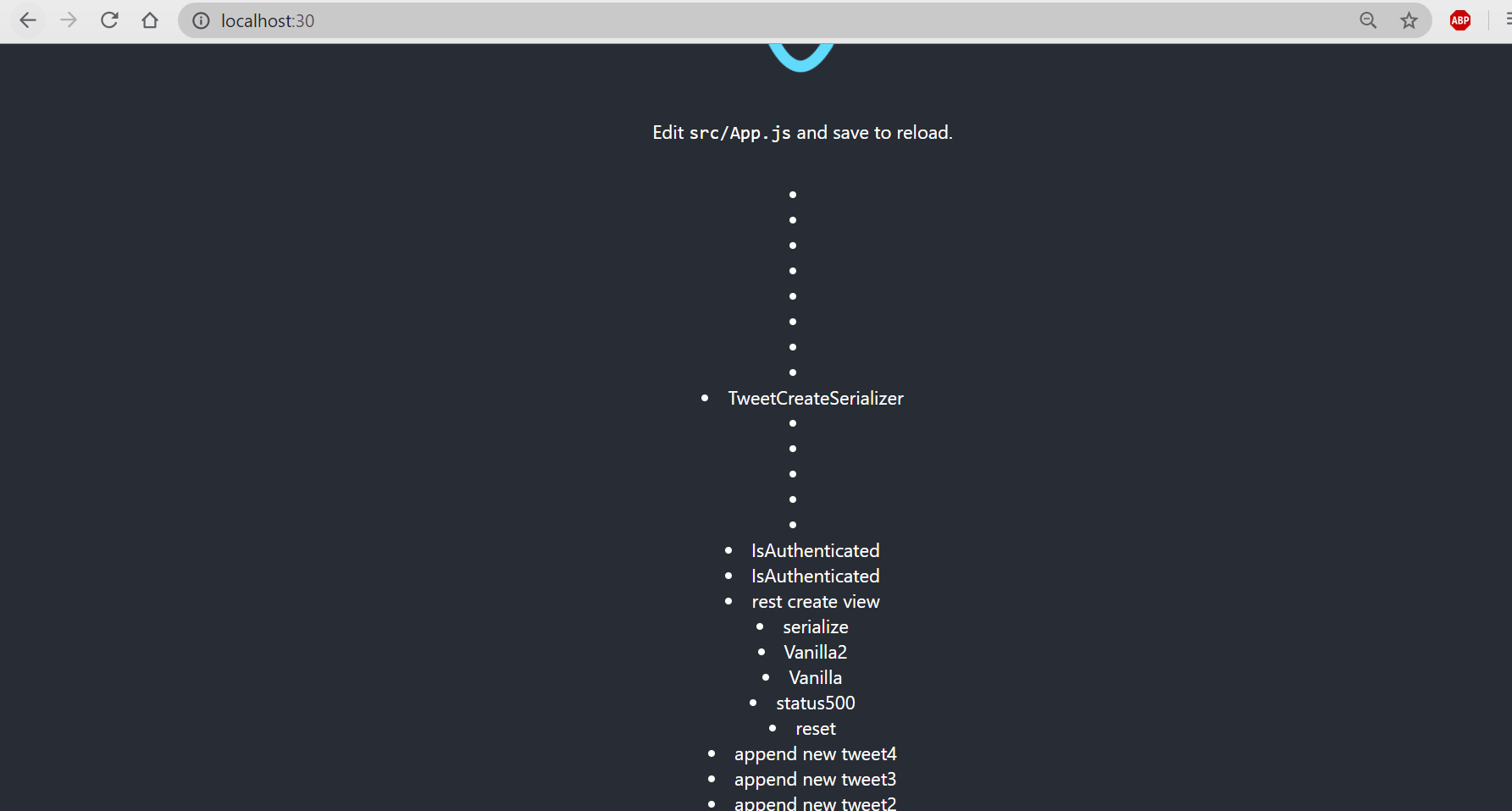
And reactjs page includes all tweet contents we have.
Functional Components in React:
- still in /twittme-web/src/App.js, add a Tweet() components that includes format.
- Then apply it.
another detail,
cannot be a descendent of
so change that pair of
into
function Tweet(props) {const {tweet} = propsconst className = 'col-10 mx-auto col-md-6'return <div className={className}><p>{tweet.id} - {tweet.content}</p></div>}//...//<p><div>{//tweets.map((tweet, index) => {tweets.map((item, index) => {//return <li>{tweet.content}</li>return <Tweet tweet={item} key={`${index}-{item.id}`}/>})}//</p></div>//...
to test runserver and npm start
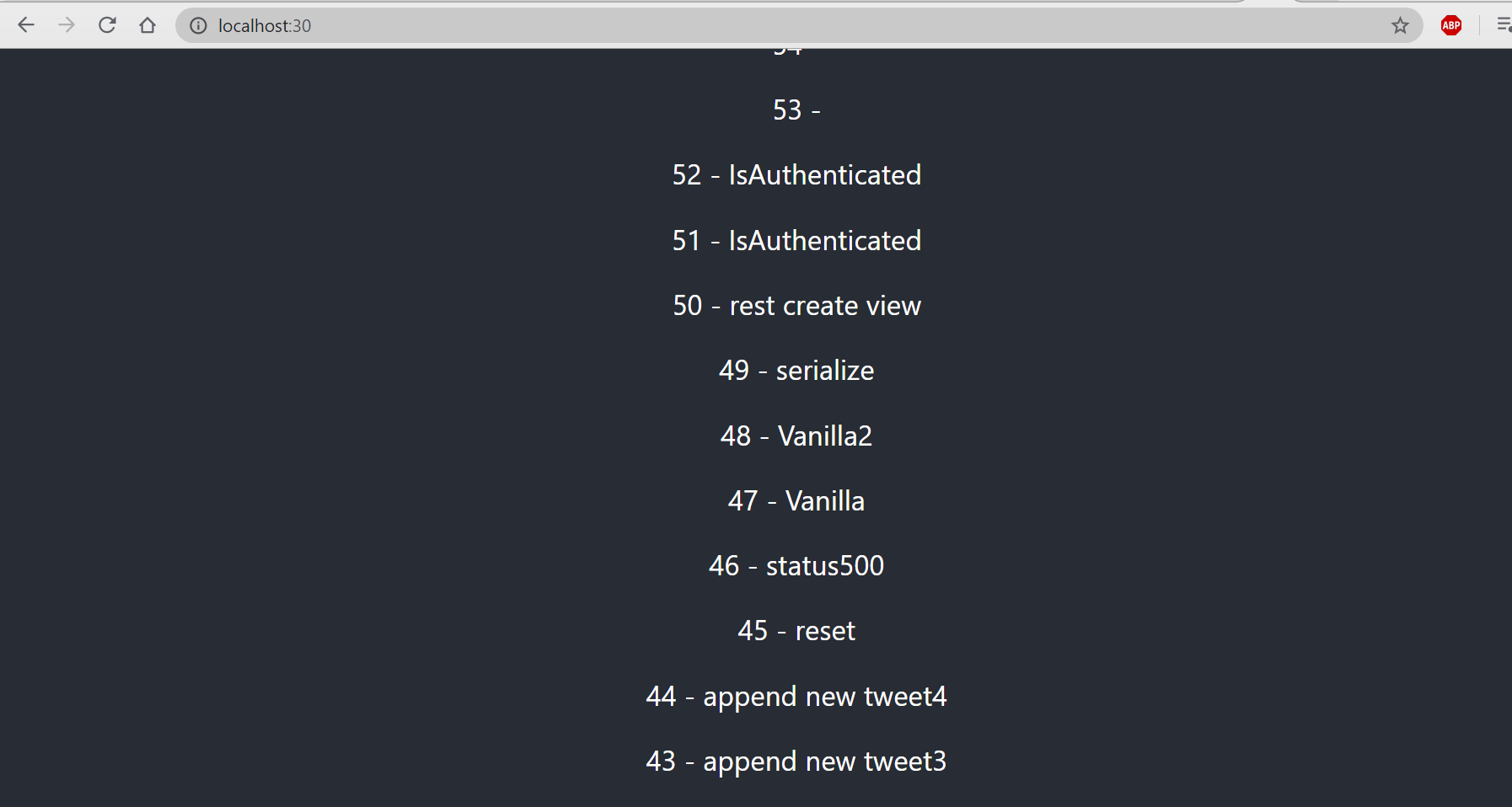
so all shown tweets have changed fonts and keys(indexes).another modification: allow webpage to pass format
if no passed format, setup a default one,
function Tweet(props) {const {tweet} = props//const className = 'col-10 mx-auto col-md-6'const className = props.className ? props.className : 'col-10 mx-auto col-md-6' //default formatreturn <div className={className}><p>{tweet.id} - {tweet.content}</p></div>}//...<div>{tweets.map((item, index) => {//return <Tweet tweet={item} key={`${index}-{item.id}`}/>return <Tweet tweet={item} key={`${index}-{item.id}`} className='my-5 py-5 border bg-white text-dark'/>})}</div>//...
Then to make sure the passed font is applied, add a white background for tweets to emphasize text-dark.
- add Bootstrap CSS before title in /twittme-web/public/index.html
refresh<!-- ... --><!-- Bootstrap CSS --><link rel="stylesheet" href="https://stackpath.bootstrapcdn.com/bootstrap/4.5.0/css/bootstrap.min.css" integrity="sha384-9aIt2nRpC12Uk9gS9baDl411NQApFmC26EwAOH8WgZl5MYYxFfc+NcPb1dKGj7Sk" crossorigin="anonymous"><title>React App</title><!-- ... -->
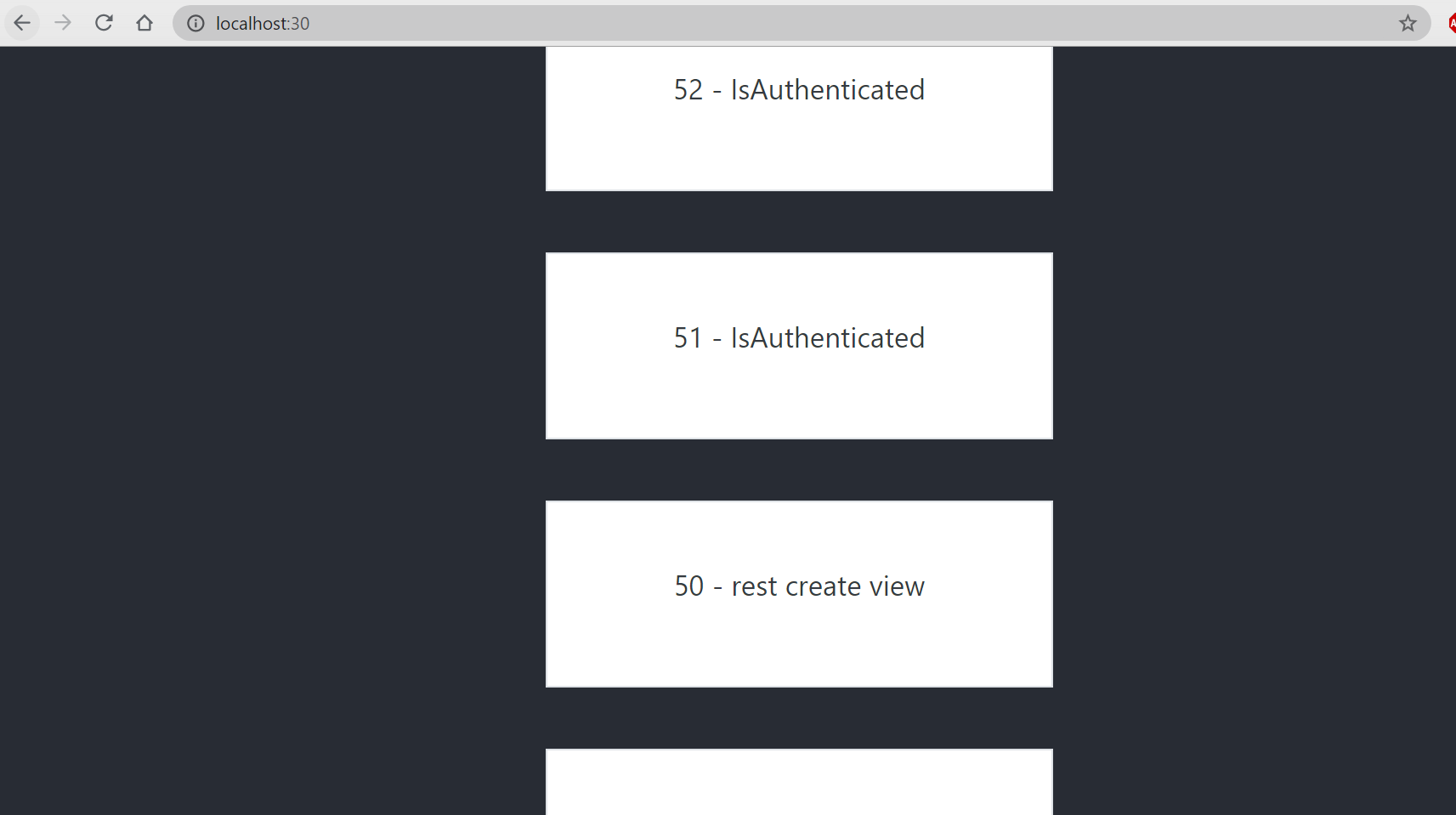
the rendering is successful.

若有收获,就点个赞吧
0 人点赞


