Jun. 4, 2020
Format Tweet Method:
- still in home.html
- create a function to move tweet formatting step into a function
- and we don’t need to return data to console log anymore
```htmlReplace me
{% endblock content %}
to test, runserver:<br />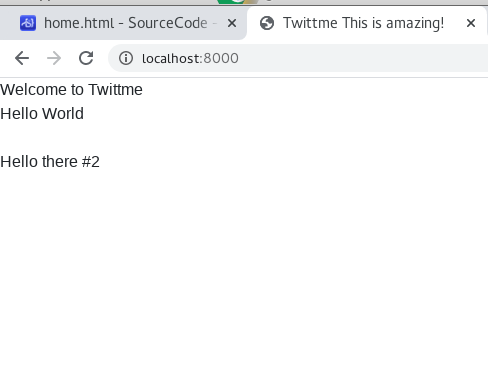<br />the replacement is successful<br />(tweet id became div id)
<a name="9rTDN"></a>
#### Like button rendering:
- If you see a post that you are intersted in, there should be a corresponding "Like" button for you to click.
- we add a button class and concatenate that class into formatted tweet.
- ...again and again, modify home.html before
```html
<script>
//...
function LikeBtn() {
return "<button class='btn btn-primary'>Like</button>"
}
function formatTweetElement(tweet) {
var formattedTweet = "<div class='mb-4 tweet' id='tweet-" + tweet.id + "'><p>"
+ tweet.content
+ "</p><div class='btn-group'>" + LikeBtn()
+ "</div></div>"
return formattedTweet
}
//...
</script>
to test, runserver: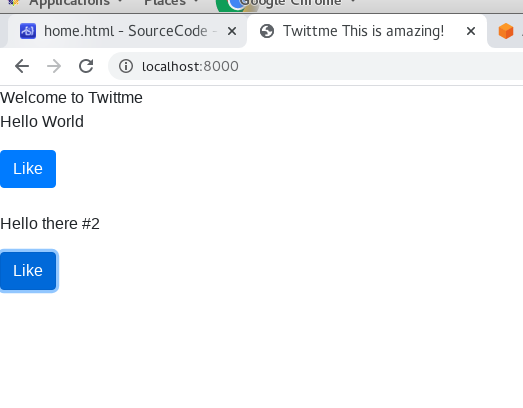
and we have buttons now, but they have no actual use.
cause we haven’t import “Likes” attribute yet, we use random number in /tweets/views.py to simulate it
import random # new
# ...
def tweet_list_view(request, *args, **kwargs):
  qs = Tweet.objects.all() # grab all objects in Tweet
  tweets_list = [{"id" : x.id, "content" : x.content, "likes" : random.randint(0, 1000)} for x in qs]
  data = {
      "isUser" : False,
      "response" : tweets_list
  }
  return JsonResponse(data)
# ...
again, back to home.html:
<script>
//...
function handleDidLike(tweet_id, currentCount) {
  console.log(tweet_id, currentCount)
  return
}

function LikeBtn(tweet) {
  return "<button class='btn btn-primary btn-sm' onclick=handleDidLike(" + tweet.id + "," + tweet.likes + ")>"
        + tweet.likes
        + " Likes</button>"
}

function formatTweetElement(tweet) {
 var formattedTweet = "<div class='mb-4 tweet' id='tweet-" + tweet.id + "'><p>"
                      + tweet.content
                      + "</p><div class='btn-group'>" + LikeBtn(tweet)
                      + "</div></div>"
 return formattedTweet
}
//...
</script>
runserver to see the outcome:
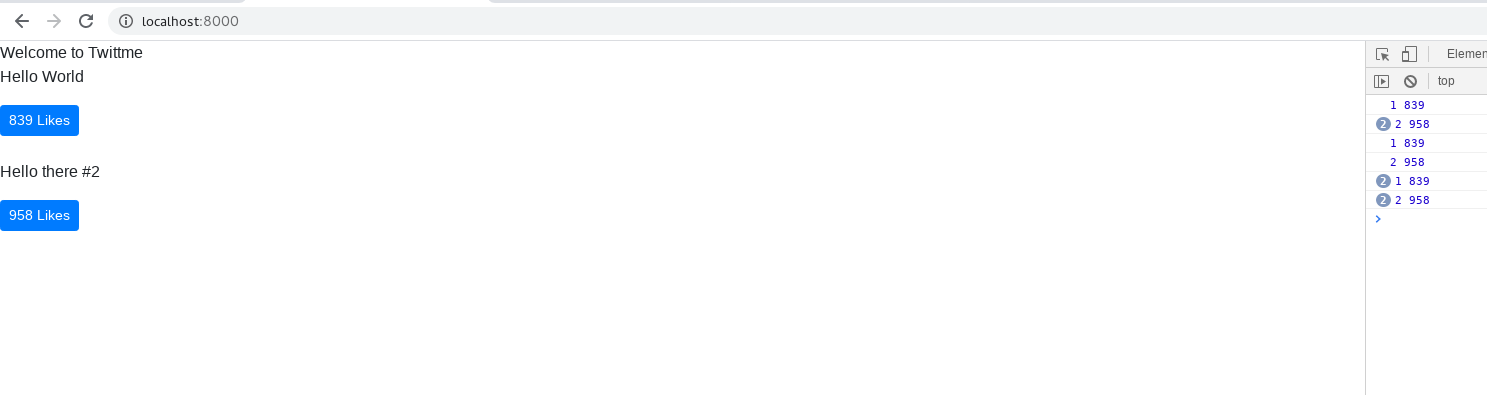
…the numbers of likes right now are randomly generated numbers, so don’t mind that.
If I click on buttons, handleDidLike() returns tweet_id and current like count.
I clicked 1(839 likes) once, 2(958 likes) 2 times, again 1 once, 2 once…
Now it’s possible for us to remember like status.
Jun. 5, 2020
Rapid Implement of Bootstrap Theme:
We need a navigation bar and other stuff
- under /templates folder, add a new folder /compoents
- and add a new HTML file navbar.html in /components
(based on https://getbootstrap.com/docs/4.5/components/navbar/)
<nav class="navbar navbar-expand-lg navbar-light bg-light">
  <a class="navbar-brand" href="#">Navbar</a>
  <button class="navbar-toggler" type="button" data-toggle="collapse" data-target="#navbarSupportedContent" aria-controls="navbarSupportedContent" aria-expanded="false" aria-label="Toggle navigation">
    <span class="navbar-toggler-icon"></span>
  </button>

  <div class="collapse navbar-collapse" id="navbarSupportedContent">
    <ul class="navbar-nav mr-auto">
      <li class="nav-item active">
        <a class="nav-link" href="#">Home <span class="sr-only">(current)</span></a>
      </li>
      <li class="nav-item">
        <a class="nav-link" href="#">Link</a>
      </li>
      <li class="nav-item dropdown">
        <a class="nav-link dropdown-toggle" href="#" id="navbarDropdown" role="button" data-toggle="dropdown" aria-haspopup="true" aria-expanded="false">
          Dropdown
        </a>
        <div class="dropdown-menu" aria-labelledby="navbarDropdown">
          <a class="dropdown-item" href="#">Action</a>
          <a class="dropdown-item" href="#">Another action</a>
          <div class="dropdown-divider"></div>
          <a class="dropdown-item" href="#">Something else here</a>
        </div>
      </li>
      <li class="nav-item">
        <a class="nav-link disabled" href="#" tabindex="-1" aria-disabled="true">Disabled</a>
      </li>
    </ul>
    <form class="form-inline my-2 my-lg-0">
      <input class="form-control mr-sm-2" type="search" placeholder="Search" aria-label="Search">
      <button class="btn btn-outline-success my-2 my-sm-0" type="submit">Search</button>
    </form>
  </div>
</nav>
and update base.html to include navbar.html
<!--...-->
      {% include "components/navbar.html" %}
  {% block content %}
  {% endblock content %}
<!--...-->
to test, runserver:
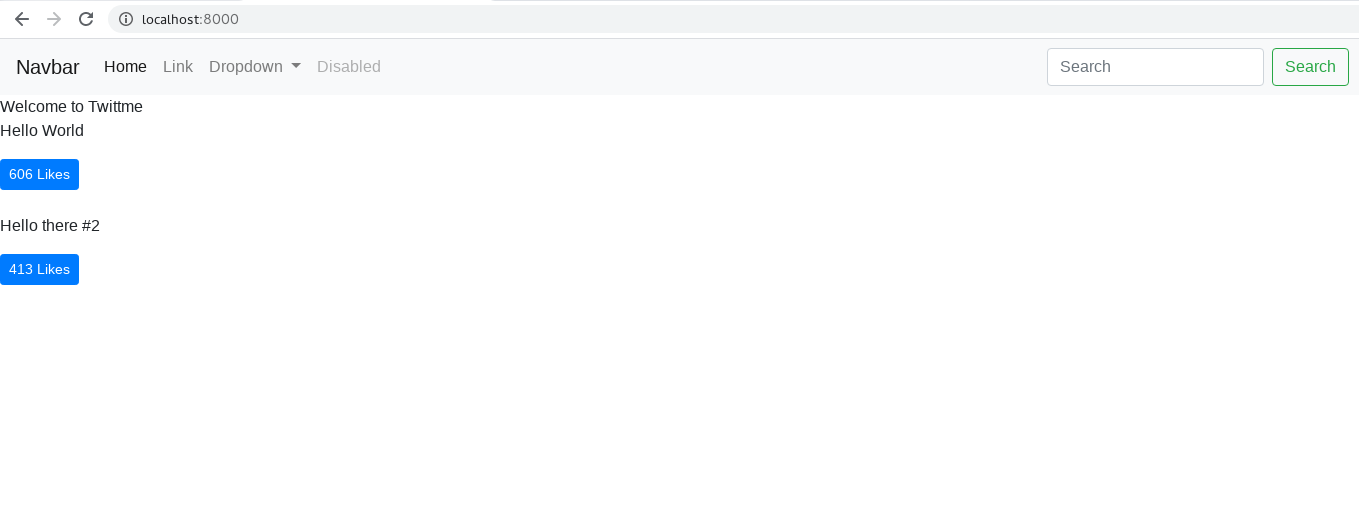
and now we have a basic navigation bar.we don’t need some factors, and we need to change the title
modify navbar.html:
<nav class="navbar navbar-expand-lg navbar-light bg-light">
<a class="navbar-brand" href="/">Twittme</a>
<button class="navbar-toggler" type="button" data-toggle="collapse" data-target="#navbarSupportedContent" aria-controls="navbarSupportedContent" aria-expanded="false" aria-label="Toggle navigation">
  <span class="navbar-toggler-icon"></span>
</button>

<div class="collapse navbar-collapse d-none" id="navbarSupportedContent">
  <ul class="navbar-nav mr-auto d-none">
    <li class="nav-item active">

      <a class="nav-link" href="#">Home <span class="sr-only">(current)</span></a>
    </li>
    <li class="nav-item">
      <a class="nav-link" href="#">Link</a>
    </li>
    <li class="nav-item dropdown">
      <a class="nav-link dropdown-toggle" href="#" id="navbarDropdown" role="button" data-toggle="dropdown" aria-haspopup="true" aria-expanded="false">
        Dropdown
      </a>
      <div class="dropdown-menu" aria-labelledby="navbarDropdown">
        <a class="dropdown-item" href="#">Action</a>
        <a class="dropdown-item" href="#">Another action</a>
        <div class="dropdown-divider"></div>
        <a class="dropdown-item" href="#">Something else here</a>
      </div>
    </li>
    <li class="nav-item">
      <a class="nav-link disabled" href="#" tabindex="-1" aria-disabled="true">Disabled</a>
    </li>
  </ul>
  <form class="form-inline my-2 my-lg-0 d-none">
    <input class="form-control mr-sm-2" type="search" placeholder="Search" aria-label="Search">
    <button class="btn btn-outline-success my-2 my-sm-0" type="submit">Search</button>
  </form>
</div>
</nav>
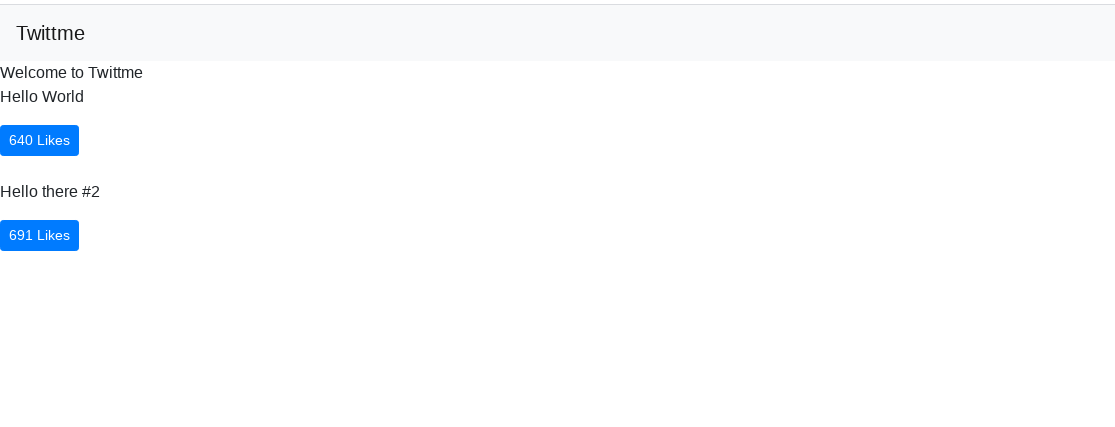
now the bar only includes a changed title:
again, modify base.html by define a div and apply a class about position
<!--...-->
<body>
{% include "components/navbar.html" %}
<div class='container-fluid'>
  {% block content %}
  {% endblock content %}
</div>
<!--...-->
</body>
<!--...-->
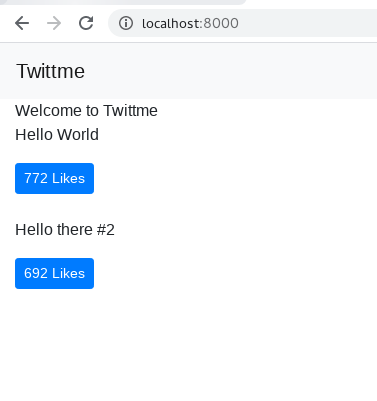
it would make the content moves a bit right forward
apply this class change in home.html ```html {% block content %}
Welcome to Twittme
and we see the title is in the center<br />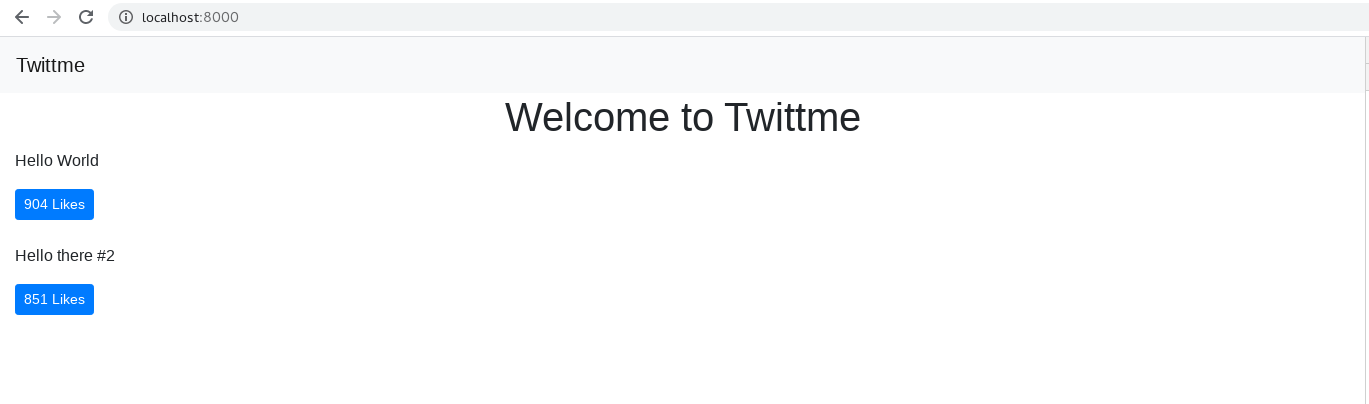
- also, change home.html for tweets
```html
<!--...-->
<div class='row' id='tweets'>
Replace me
</div>
<!--...-->
<script>
//...
function formatTweetElement(tweet) {
var formattedTweet = "<div class='col-12 col-md-10 mx-auto border rounded py-3 mb-4 tweet' id='tweet-" + tweet.id + "'><p>"
+ tweet.content
+ "</p><div class='btn-group'>" + LikeBtn(tweet)
+ "</div></div>"
return formattedTweet
}
//...
</script>
then we get a more organized list of tweets
we also the apply another color on navbar by changing base.html
<!--...-->
      <link rel="stylesheet" href="https://stackpath.bootstrapcdn.com/bootstrap/4.5.0/css/bootstrap.min.css" integrity="sha384-9aIt2nRpC12Uk9gS9baDl411NQApFmC26EwAOH8WgZl5MYYxFfc+NcPb1dKGj7Sk" crossorigin="anonymous">
  <style>
    .bg-tweetme {
        background-color: #de2b44!important;
    }
  </style>
  <title>Twittme {% block head_title %} {% endblock head_title %} </title>
<!--...-->
the color I have chosen applied f12 like this:
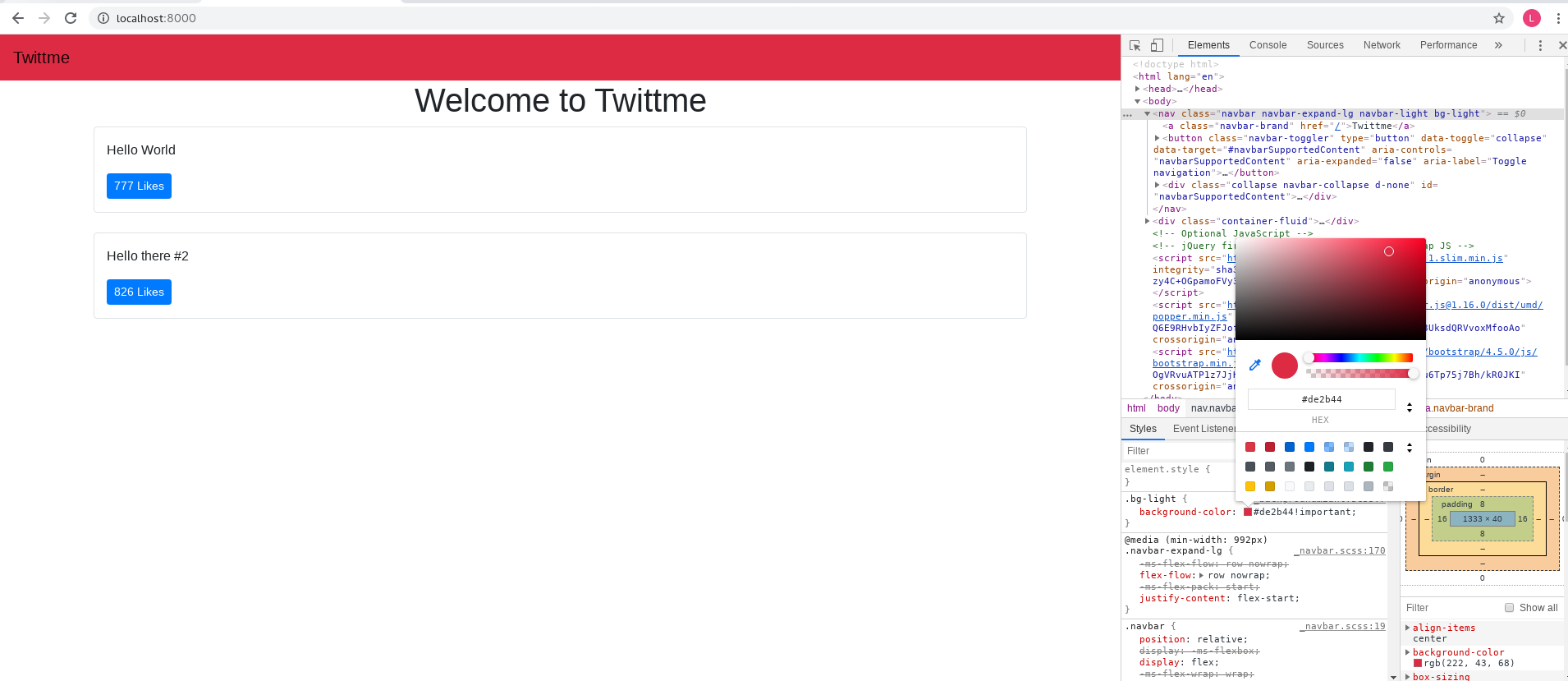
and change the first line of navbar.html<nav class="navbar navbar-expand-lg navbar-dark bg-tweetme mb-4">to test, and we get a red navbar with white “Twittme” sign:
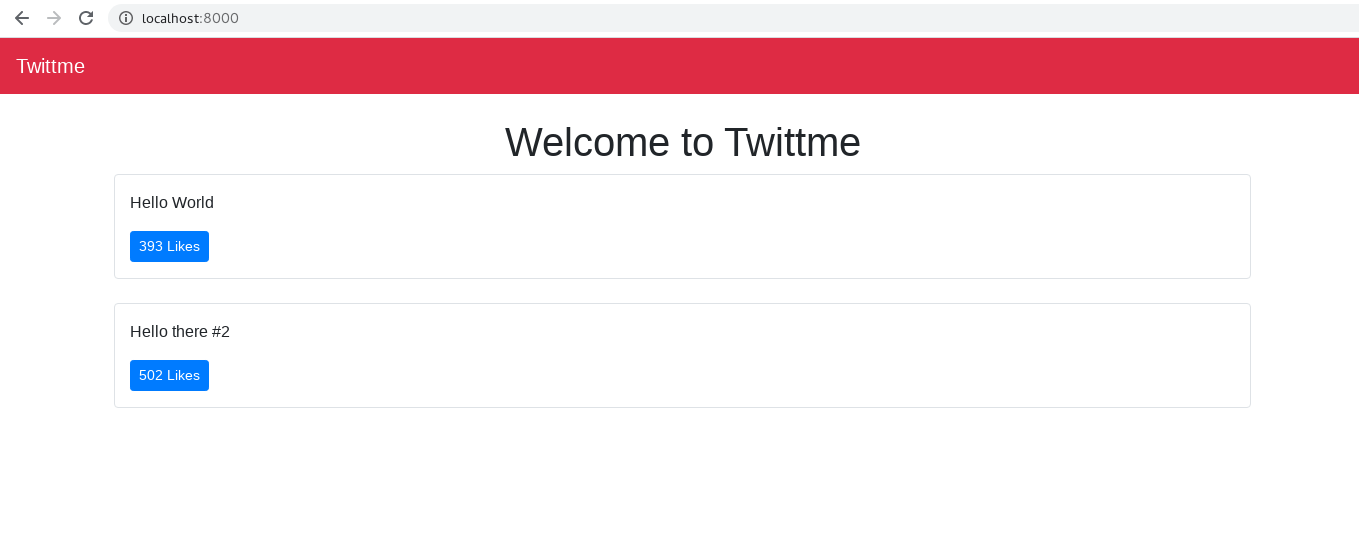
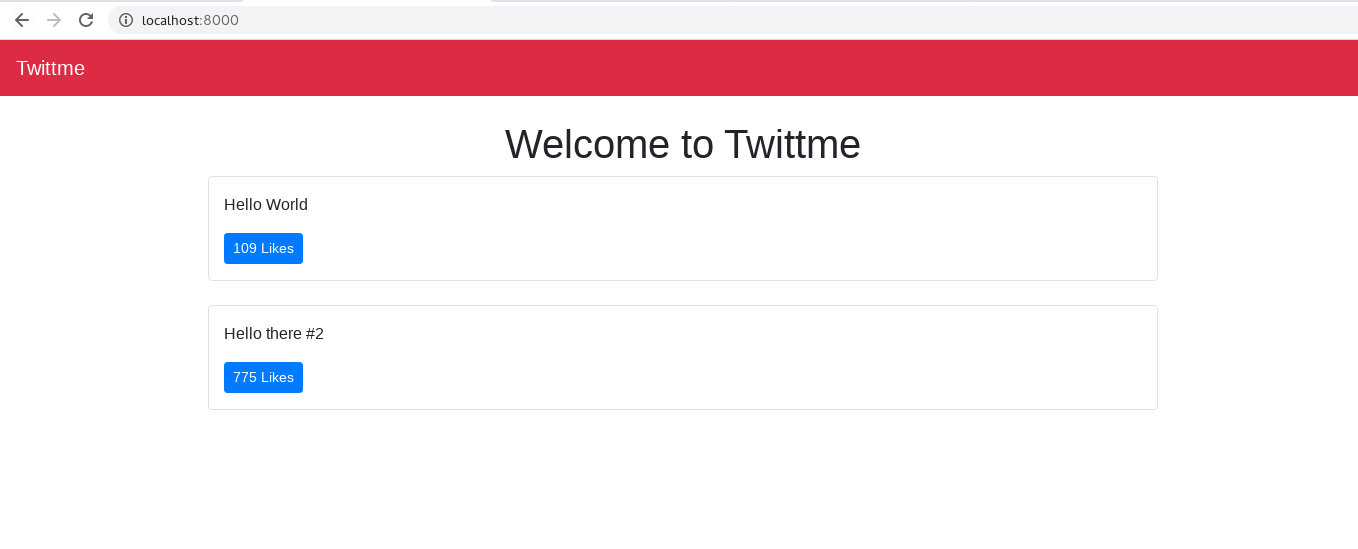
since tweets looks too wide, change the class in base.html from “container-fluid” to “container”
<!--...-->
<body>
{% include "components/navbar.html" %}
<div class='container'>
  {% block content %}
  {% endblock content %}
</div>
<!--...-->
</body>
<!--...-->
we get:
Tweet Create Form:
in this part, we have to define what format tweets should follow, and create new tweets:
- create /tweets/forms.py that define the maximum length of a tweet to be 240 ```python from django import forms from .models import Tweet
MAX_TWEET_LENGTH = 240
class TweetForm(forms.ModelForm): class Meta: model = Tweet fields = [‘content’]
def clean_content(self):
    content = self.cleaned_data.get("content")
    if len(content) > MAX_TWEET_LENGTH:
        raise forms.ValidationError("This tweet is too long")
    if len(content) == 0:
        raise forms.ValidationError("Content cannot be blank")
    return content
```

若有收获,就点个赞吧
0 人点赞


