- Install Agent on the Failback Host and register with HyperBDR">Install Agent on the Failback Host and register with HyperBDR
- Linux Failback Host
- Windows Failback Host
- Log in to the HyperBDR Console">Log in to the HyperBDR Console
- Download the Agent installation package to the local of the Failback Host.">Download the Agent installation package to the local of the Failback Host.
- Antivirus Software Inspection and Measures on Source Windows Host">Antivirus Software Inspection and Measures on Source Windows Host
Install Agent on the Failback Host and register with HyperBDR
Linux Failback Host
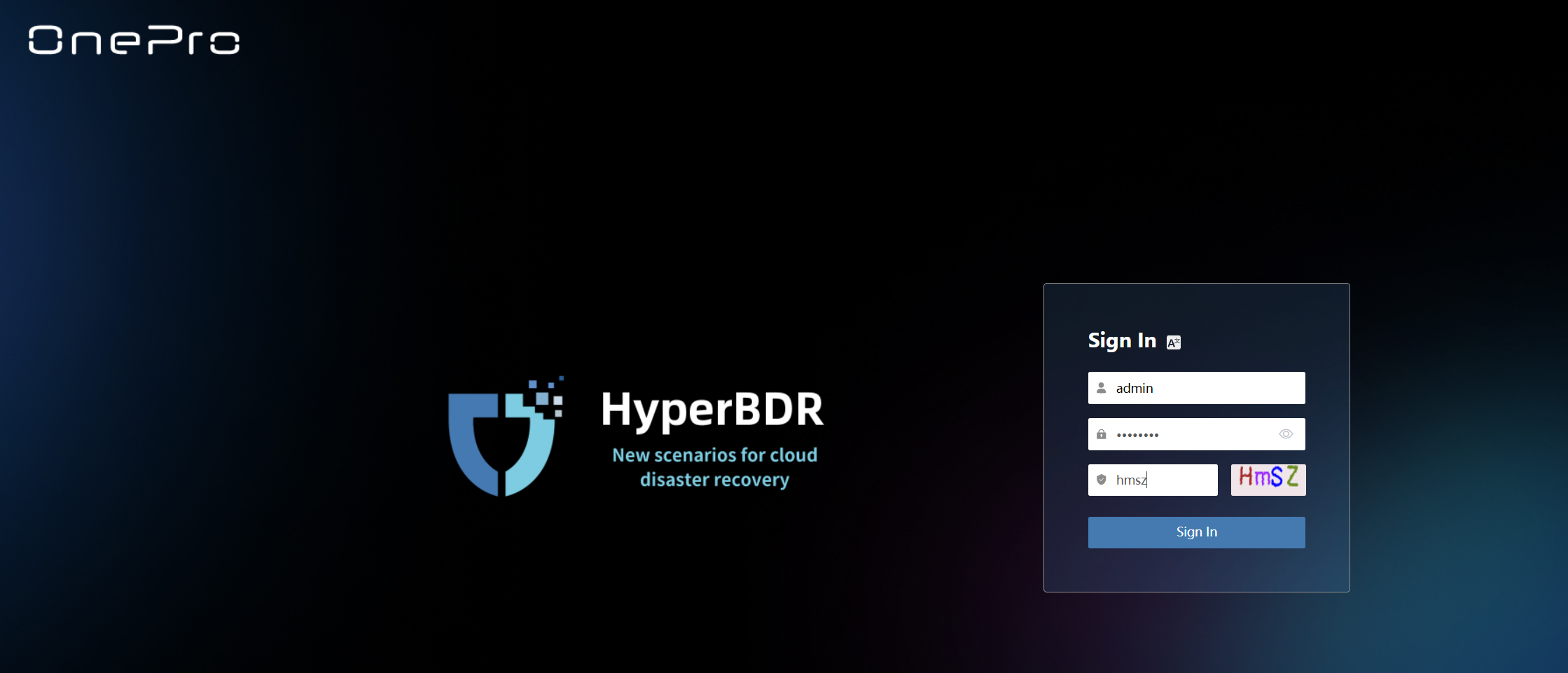
Log in to the HyperBDR Console
Copy the Agent installation command
Click on the ‘DR’ tab above, then select ‘Host Failback’ on the left. Click on ‘Add Host,’ choose the Agent mode.

Run the installation command on the Failback Host
Log in to the Failback Host, and then run the Agent installation command. Wait for the installation to complete.
Windows Failback Host
Log in to the HyperBDR Console
Download the Agent installation package to the local of the Failback Host.
Click on the ‘DR’ tab above, then select ‘Host Failback’ on the left. Click on ‘Add Host,’ choose the Agent mode.

Antivirus Software Inspection and Measures on Source Windows Host
Refer to the following documentation and perform the operations on the Windows Failback Host. Documentation Link:https://docs.oneprocloud.com/userguide/poc/agent-pre-settings.html#antivirus-software-inspection-and-measures-on-source-windows-host #### Install Agent on the Windows Failback Host Refer to the following documentation and perform the operations on the Windows Failback Host.Documentation Link:https://docs.oneprocloud.com/userguide/poc/agent-pre-settings.html#install-agent-on-the-source-windows-host

若有收获,就点个赞吧
0 人点赞


