安装所需要的环境
#sudo yum install -y curl policycoreutils-python openssh-server perl#systemctl enable sshd //设置sshd服务自启#systemctl start sshd //启动sshd服务#yum install postfix //搭建邮件系统#systemctl enable postfix#systemctl start postfix
添加GitLab包存储库并安装
#curl https://packages.gitlab.com/install/repositories/gitlab/gitlab-ee/script.rpm.sh | sudo bash
下载getlab
#vim /etc/yum.repos.d/gitlab.repo //创建并编辑该文件,将以下字符填入[gitlab-ce]name=Gitlab CE Repositorybaseurl=https://mirrors.tuna.tsinghua.edu.cn/gitlab-ce/yum/el$releasever/gpgcheck=0enabled=1#yum install -y gitlab-ce //开始安装gitlab#gitlab-ctl reconfigure //重载gitlab,可能会非常长哦!#gitlab-ctl start //开启gitlab服务
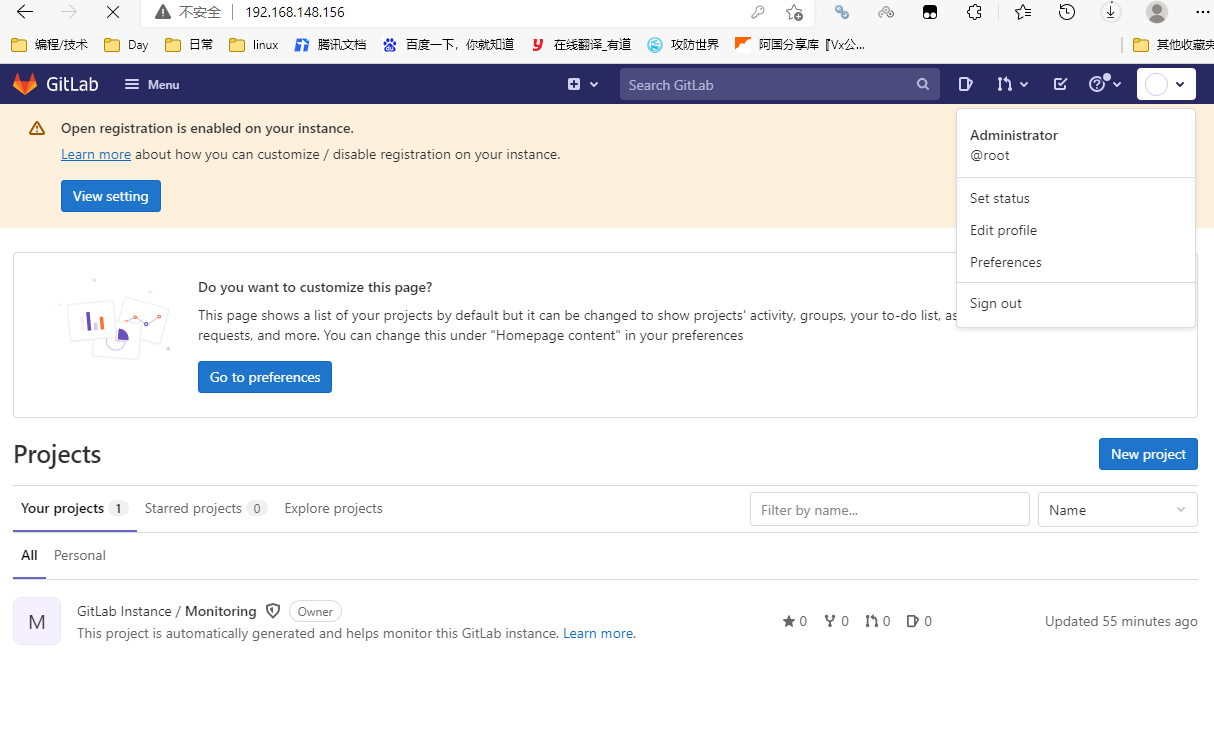
此时即可以虚拟机ip进入搭建的gitlab了。
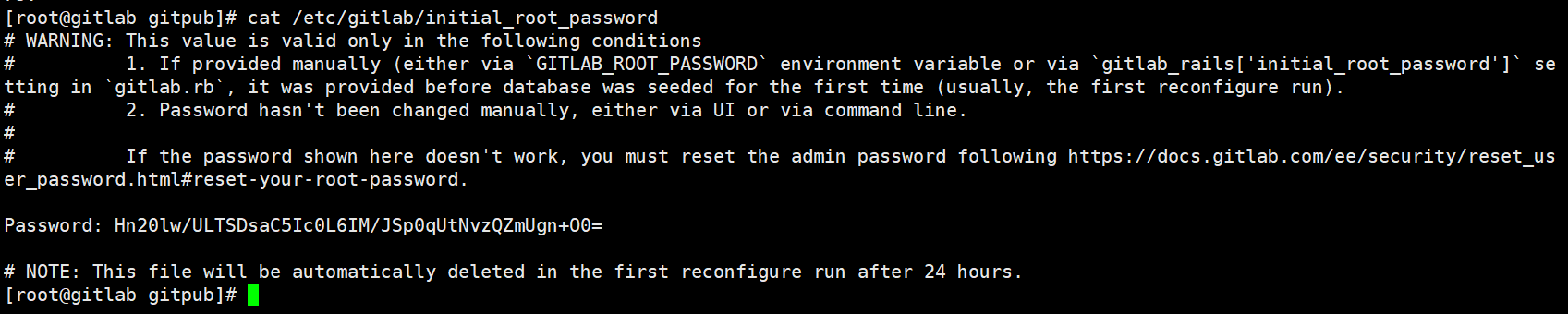
查看初始默认密码
#cat /etc/gitlab/initial_root_passwordpassword后,就是密码
注意:
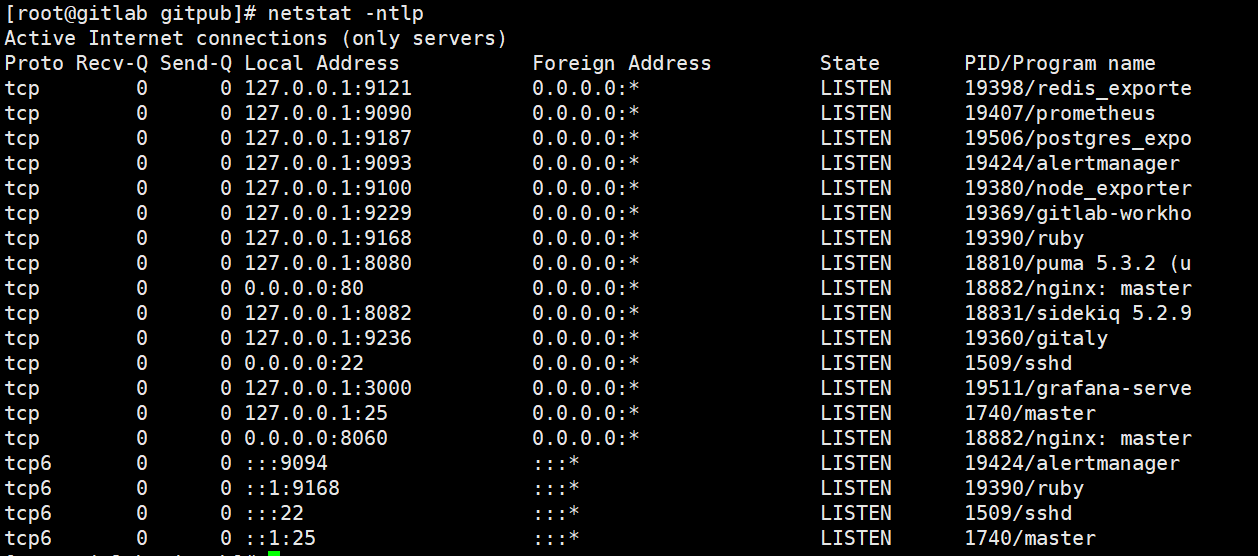
gitlab启动后,会使用非常多个端口。所以尽量在一个干净的服务器/虚拟机中搭建!

若有收获,就点个赞吧
0 人点赞


