Sign up or sign in to mBlock 5
To save or share your projects, you need to sign in to mBlock 5. Sign up if you haven’t got an mBlock 5 account.
In addition, you can sign in to the mBlock community with the same account to share your projects or view others’ projects.
- Click Sign up/Sign in on the right of the toolbar.
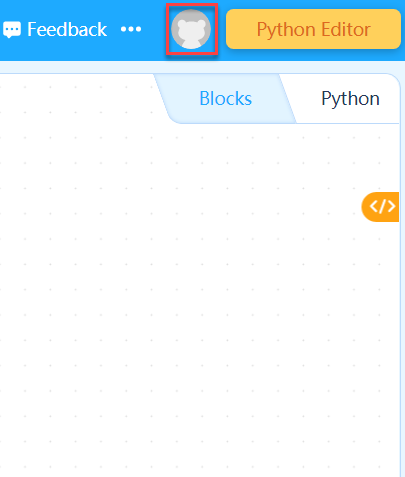
2. Follow the on-interface instructions to sign up/sign in.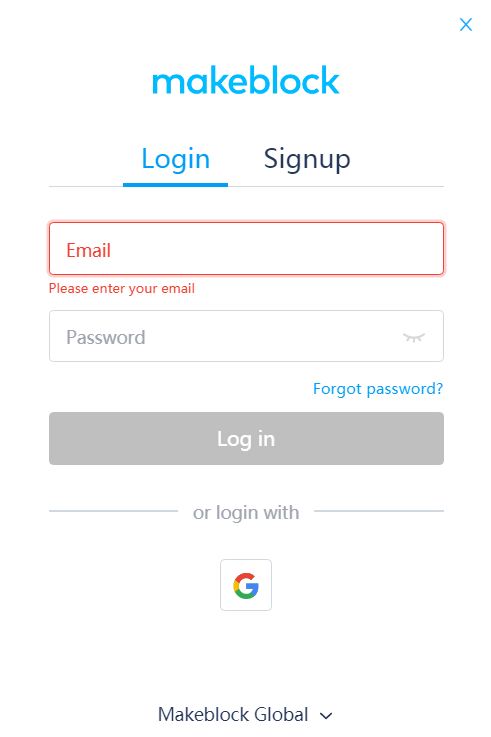
:::info Note: To sign in to the global community, you need to use a global account. :::
After signing in, you can manage or publish your projects, and use cloud services.
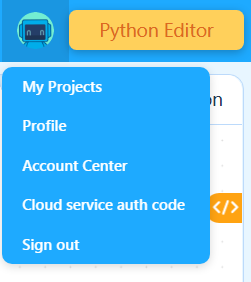
My Projects: Choose it to view all the projects you have saved.
Profile: Choose it to enter your homepage in the mBlock community.
Account Center: Choose it to enter the account setting page.
Cloud service authentication code: Choose it to view your cloud service authentication code, which is required for some cloud services.
Sign out: Choose it to sign out from mBlock 5.Modify account information
After signing up to mBlock 5, you can modify your account information, including your nickname, bio, email address, password.
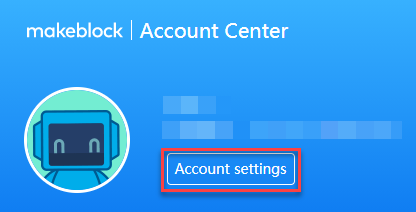
Sign in to your account, click your user icon, and choose Account Center.
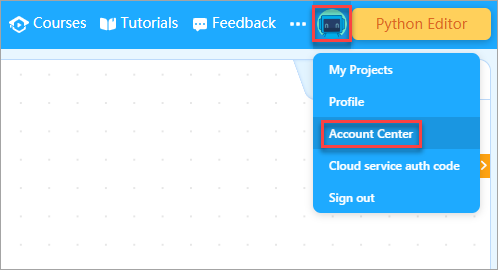
- Click Account settings on the Account Center page.
On the account setting page, you can set your profile and account security information, such as password, email address, and mobile phone number.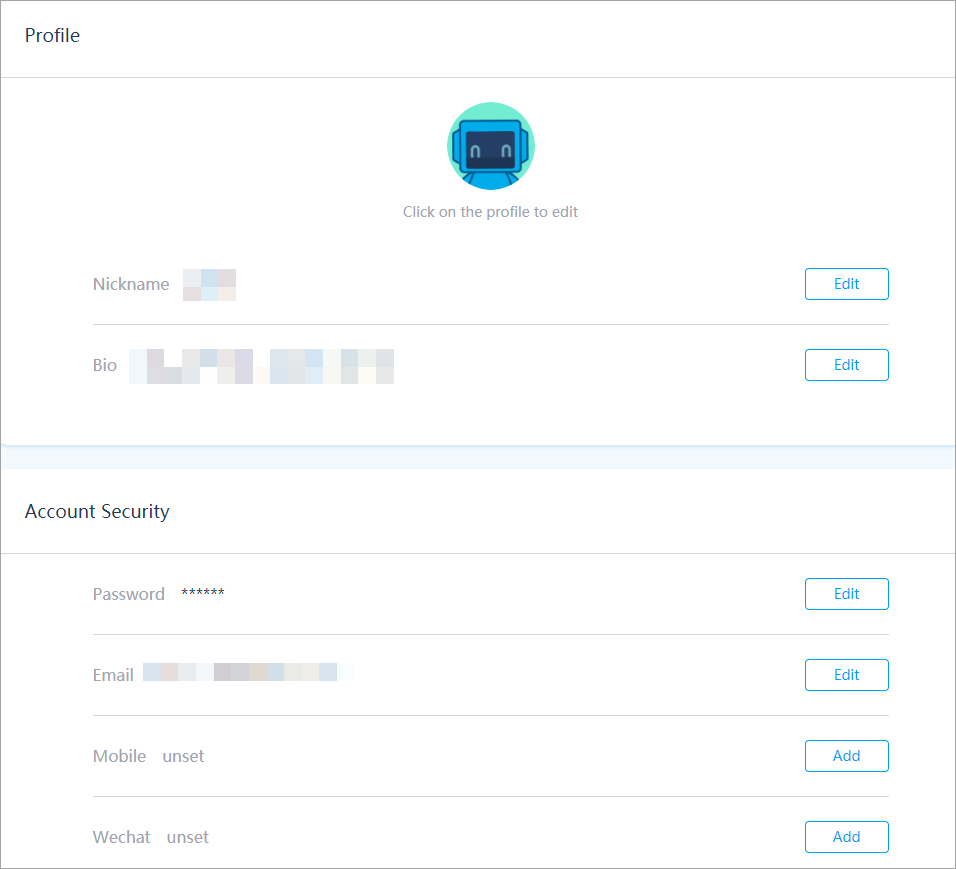

若有收获,就点个赞吧
0 人点赞


