一、补间动画
1.alpha 透明度
2.rotate 旋转
3.scale 缩放
4.translate 平移
二、实现步骤
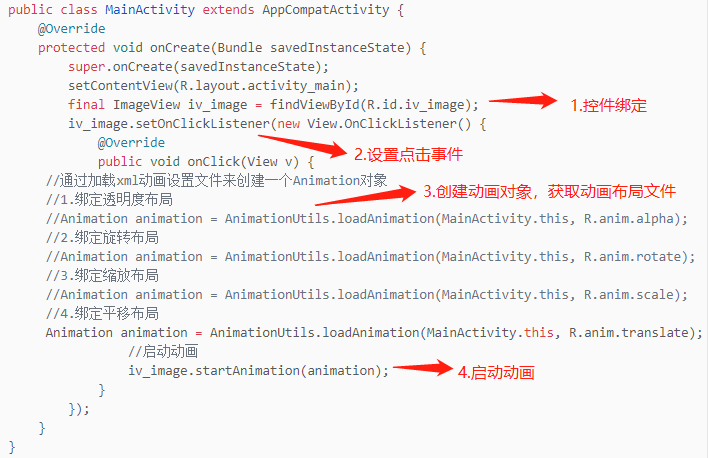
三、整体代码
1.动画透明度alpha.xml文件
<?xml version="1.0" encoding="utf-8"?><set xmlns:android="http://schemas.android.com/apk/res/android"><alphaandroid:fromAlpha="0"android:toAlpha="1"android:duration="2000"/></set>
2.动画旋转rotate.xml文件
<?xml version="1.0" encoding="utf-8"?><set xmlns:android="http://schemas.android.com/apk/res/android"><rotate android:fromDegrees="0"android:toDegrees="360"android:pivotX="50%"android:pivotY="50%"android:duration="2000"/></set>
3.动画缩放scale.xml文件
<?xml version="1.0" encoding="utf-8"?><set xmlns:android="http://schemas.android.com/apk/res/android"><scaleandroid:fromXScale="1"android:fromYScale="1"android:toXScale="2"android:toYScale="2"android:pivotX="50%"android:pivotY="50%"android:duration="2000"/></set>
4.动画平移translate.xml文件
<?xml version="1.0" encoding="utf-8"?><set xmlns:android="http://schemas.android.com/apk/res/android"><translateandroid:fromXDelta="0"android:fromYDelta="0"android:toXDelta="300"android:toYDelta="400"android:duration="2000"/></set>
5.布局activity_main.xml文件
<?xml version="1.0" encoding="utf-8"?><RelativeLayout xmlns:android="http://schemas.android.com/apk/res/android"android:layout_width="match_parent"android:layout_height="match_parent"><ImageViewandroid:id="@+id/iv_image"android:layout_width="wrap_content"android:layout_height="wrap_content"android:layout_centerInParent="true"android:adjustViewBounds="true"android:maxWidth="300dp"android:maxHeight="300dp"android:src="@drawable/jin"/></RelativeLayout>
6.MainActivity文件代码
package com.example.mytweenedanimation;import androidx.appcompat.app.AppCompatActivity;import android.os.Bundle;import android.view.View;import android.view.animation.Animation;import android.view.animation.AnimationUtils;import android.widget.ImageView;import android.widget.RelativeLayout;public class MainActivity extends AppCompatActivity {@Overrideprotected void onCreate(Bundle savedInstanceState) {super.onCreate(savedInstanceState);setContentView(R.layout.activity_main);final ImageView iv_image = findViewById(R.id.iv_image);iv_image.setOnClickListener(new View.OnClickListener() {@Overridepublic void onClick(View v) {//通过加载xml动画设置文件来创建一个Animation对象//1.绑定透明度布局//Animation animation = AnimationUtils.loadAnimation(MainActivity.this, R.anim.alpha);//2.绑定旋转布局//Animation animation = AnimationUtils.loadAnimation(MainActivity.this, R.anim.rotate);//3.绑定缩放布局//Animation animation = AnimationUtils.loadAnimation(MainActivity.this, R.anim.scale);//4.绑定平移布局Animation animation = AnimationUtils.loadAnimation(MainActivity.this, R.anim.translate);//启动动画iv_image.startAnimation(animation);}});}}
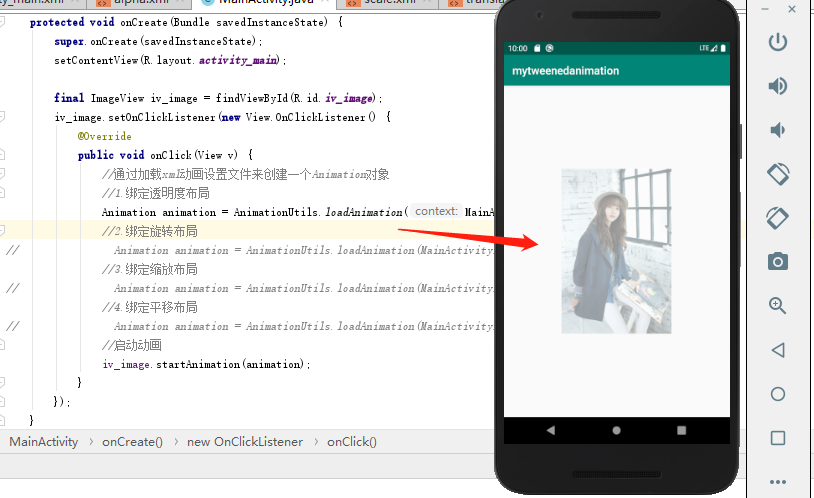
7.效果图:
(1)透明度alpha效果
(2)旋转rotate效果

(3)缩放scale效果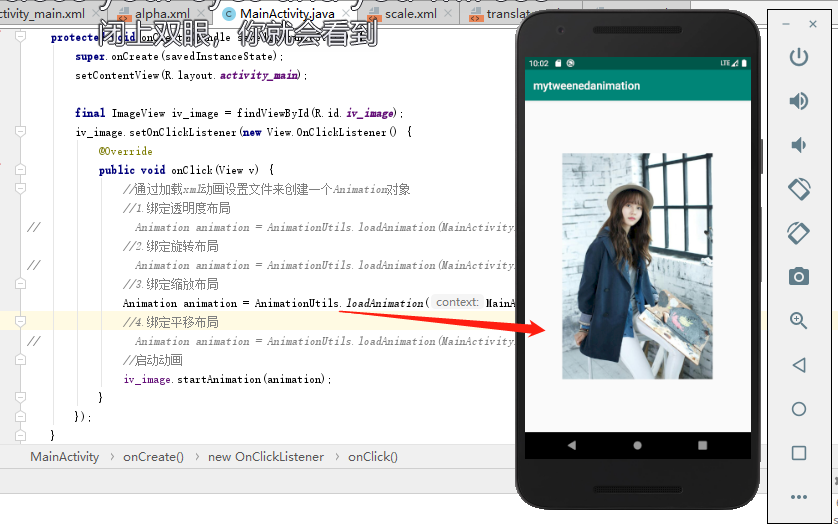
(4)平移translate效果


若有收获,就点个赞吧
0 人点赞


