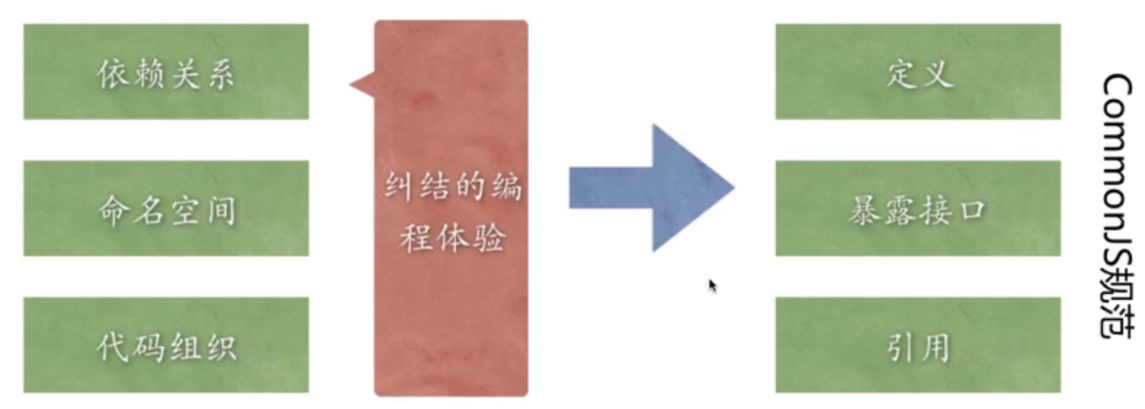
模块

引用模块
const 模块变量名 = require('模块名\路径')
自己定义的模块,路径要准确,没有路径的话会优先是查找内置模块,然后再查找这个项目下已安装的模块,再查找自己定义的模块,这样就浪费时间。
API文档
第三方模块
1、自动创建package.json
npm init
在项目文件夹内打开命令行,运行上面命令,就会在项目内自动创建一个包配置文件package.json
2、安装需要的包
npm i 包的名字
在项目文件夹内打开命令行,运行上面命令,就会在这个项目内安装这个包
同时package.json文件内就会多出这个包的名字,如下图的“request”包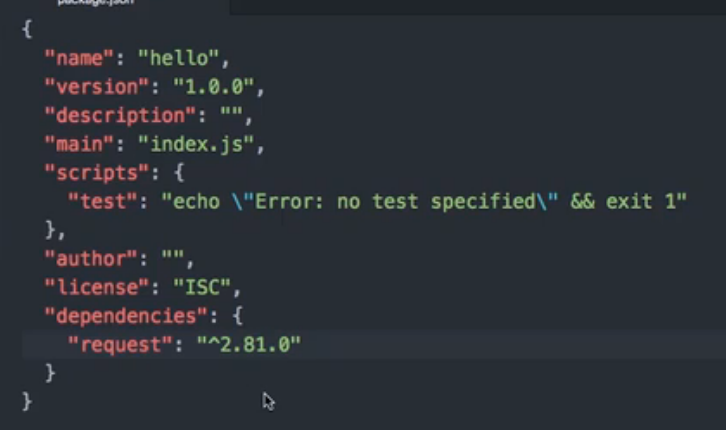
并且会在目录生成一个node_models文件夹,存放这些包和这些包依赖的包的文件。
导出模块
一个js文件就是模块,可以导出这个模块的功能,给其他文件引用。
module.exports.导出的名字 = 导出的变量;
module.exports是一个对象,可以设置属性,导出就是一个多属性的对象。
模块初始化
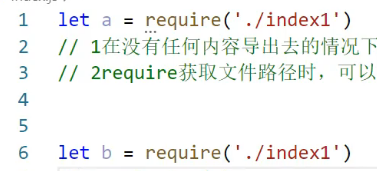
引入模块,被引入的模块只会执行1次,反复require是不会反复执行的。
常用内置模块
url 解析地址
const url = require('url'); //引入内置模块url.parse('https://www.baidu.com') //解析链接,已弃用//解析结果Url {protocol: 'https:',slashes: true,auth: null,host: 'www.baidu.com',port: null,hostname: 'www.baidu.com',hash: null,search: null,query: null,pathname: '/',path: '/',href: 'https://www.baidu.com/'}
url.format(URL[, options]) 按格式输出
const myURL = new URL('https://a:b@測試?abc#foo');console.log(myURL.href);// 打印 https://a:b@xn--g6w251d/?abc#fooconsole.log(myURL.toString());// 打印 https://a:b@xn--g6w251d/?abc#fooconsole.log(url.format(myURL, { fragment: false, unicode: true, auth: false }));,已弃用// 打印 'https://測試/?abc'
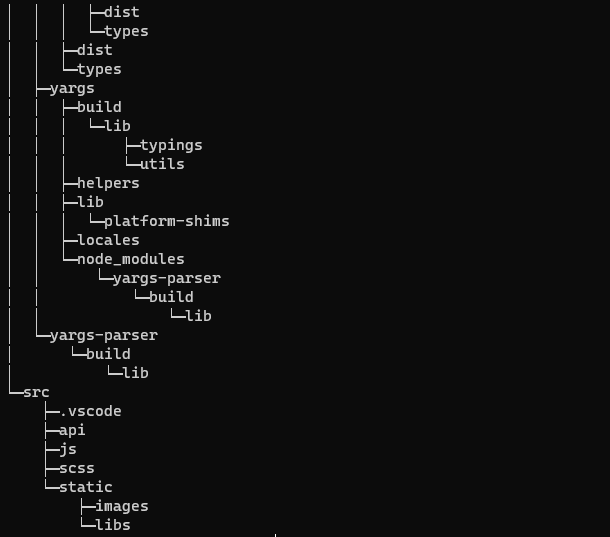
tree 生成文件树目录
querystring 查询字符串
解码,也就是文本变对象,参数参考api文档
querystring.parse(str[, sep[, eq[, options]]])
或
querystring.decode()
//引入模块const querystring = require('querystring');//解码let testobj = querystring.parse('foo=bar&abc=xyz&abc=123')//{ foo: 'bar', abc: [ 'xyz', '123' ] }
编码,对象变文本,参数参考api文档
querystring.stringify(obj[, sep[, eq[, options]]])
或
querystring.encode()
//引入模块const querystring = require('querystring');//编码let test = querystring.encode({id:123,name:'yjl',sex:'man'})//id=123&name=yjl&sex=man
querystring.escape(str)是转换成%编码
querystring.unescape(str)是把%编码转成文本
path 路径
解析后缀名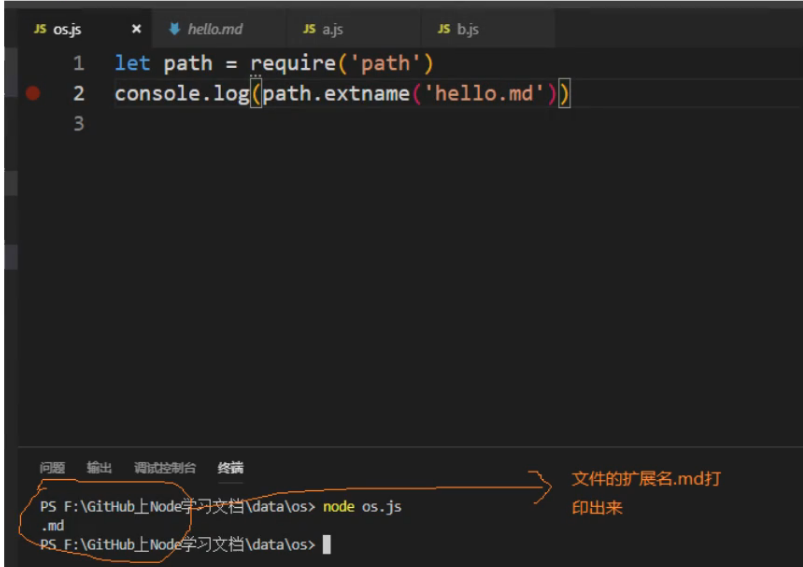
拼接路径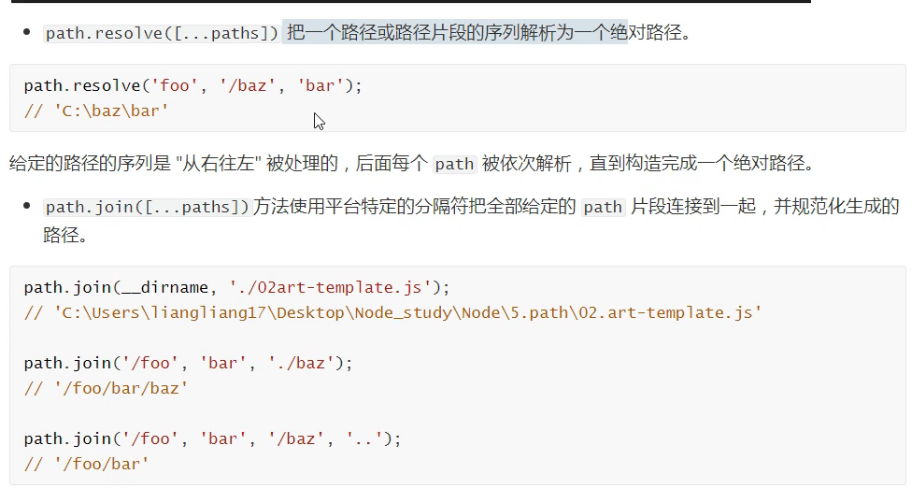
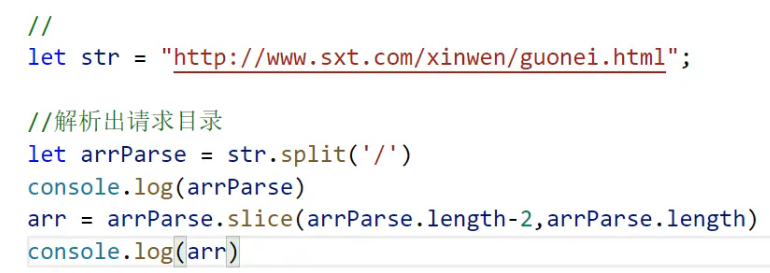
内置路径
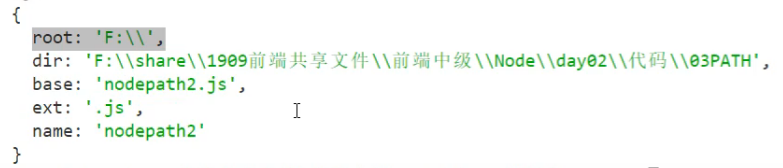
以对象的方式解析路径

若有收获,就点个赞吧
0 人点赞


