学习内容分析
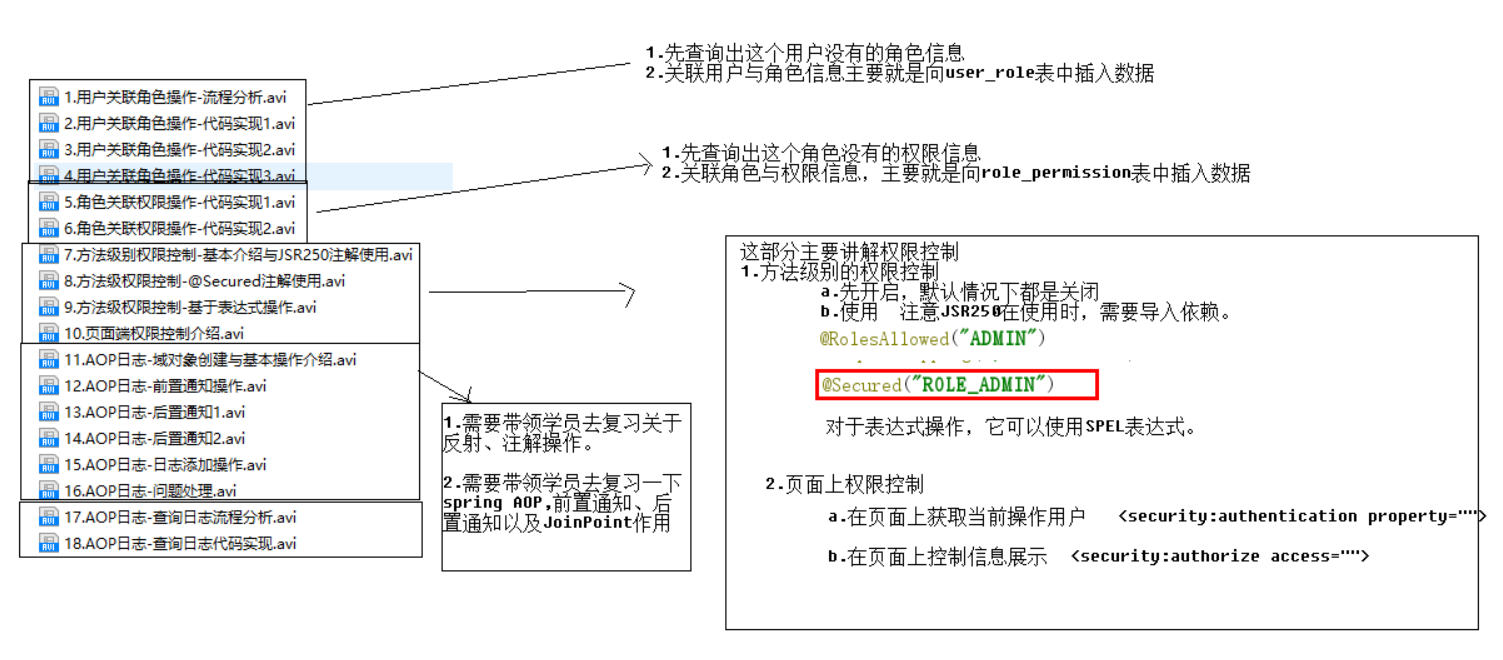
资料区
本章节工程文件:changlu_ssm.zip
一、页面展示
1、user-role-add.jsp(与用户未关联的角色信息展示)
user-role-add.jsp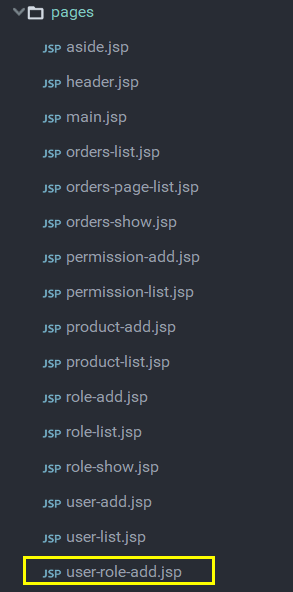
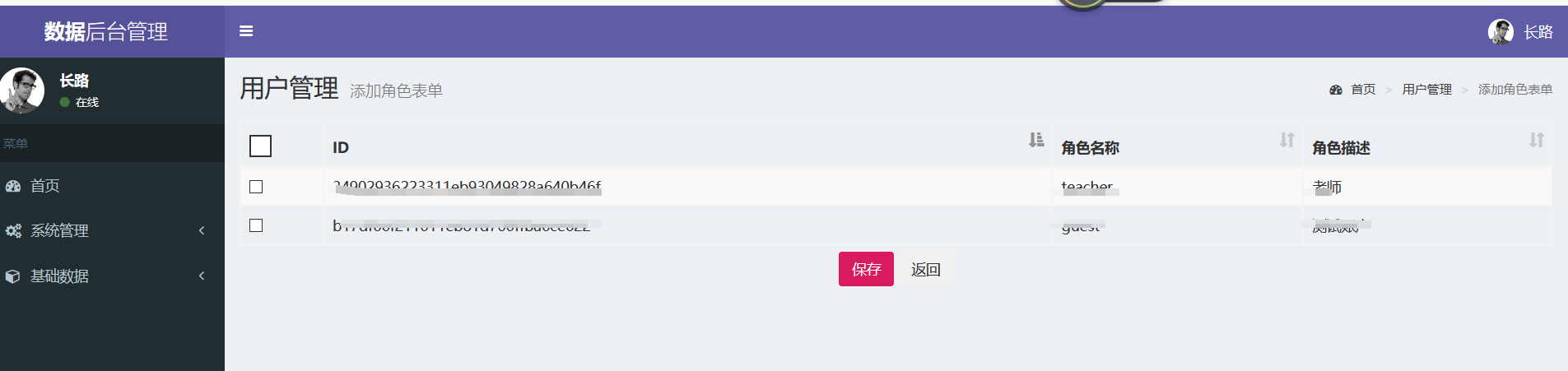
可以看到这两个关键信息来进行存储到users_role这个中间表中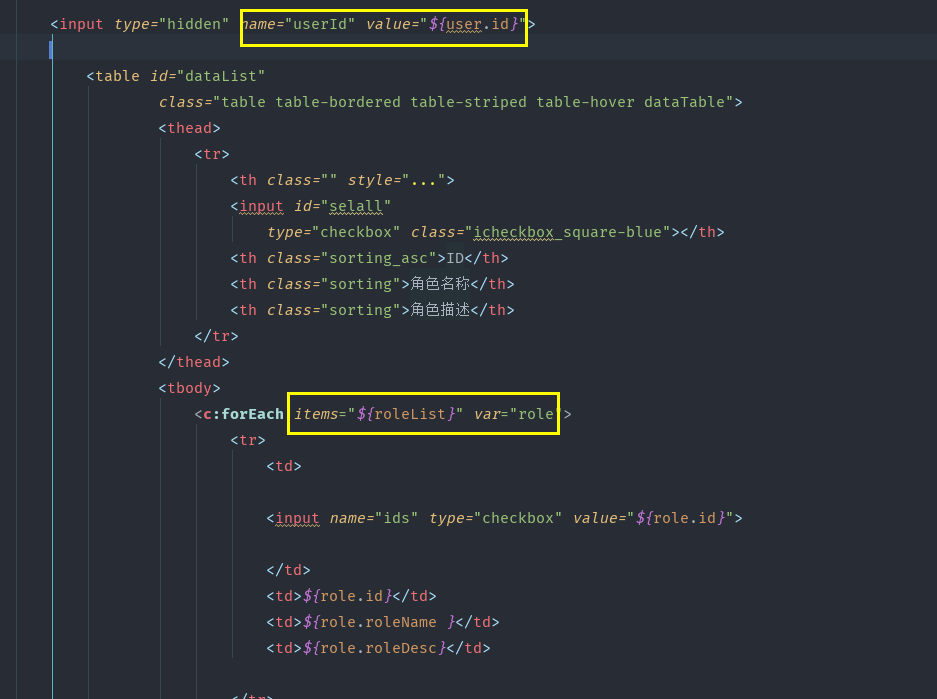
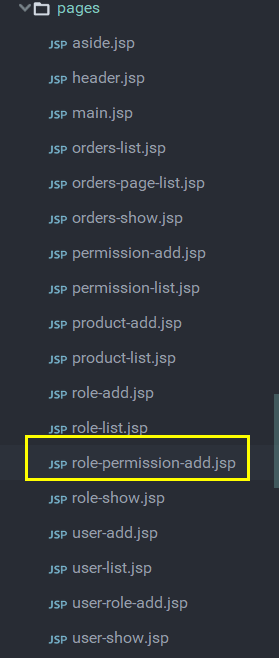
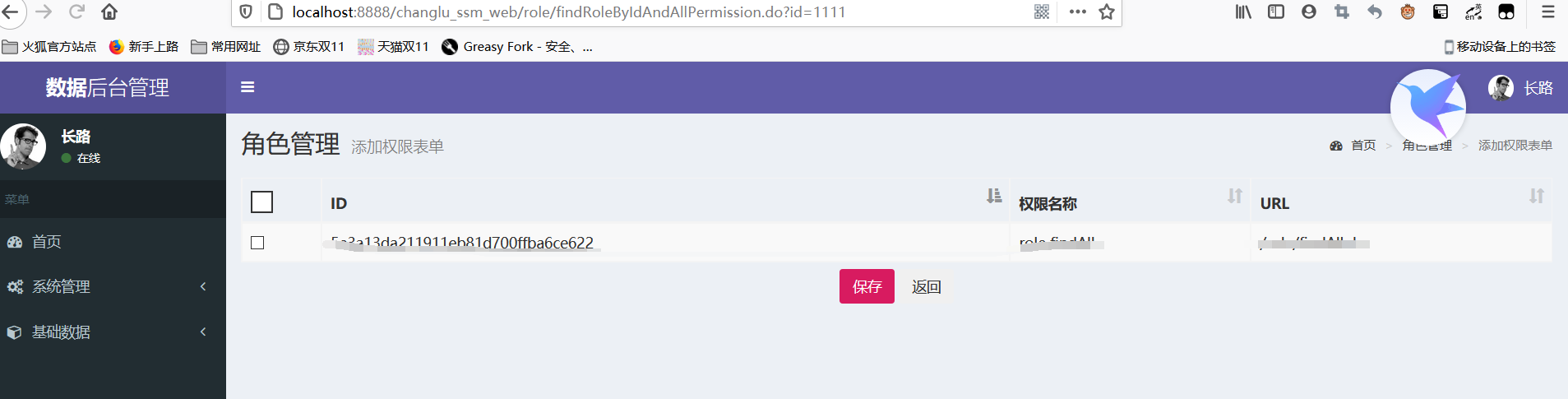
2、role-permission-add.jsp(与角色未关联的权限信息展示)
二、权限关联
1、用户关联角色
对于给用户添加权限,①首先需要查询到对应用户没有的权限信息,并在user-role-add.jsp页面展示,②接着点击添加对应权限再次发出请求来进行添加角色,最后跳转到用户页面。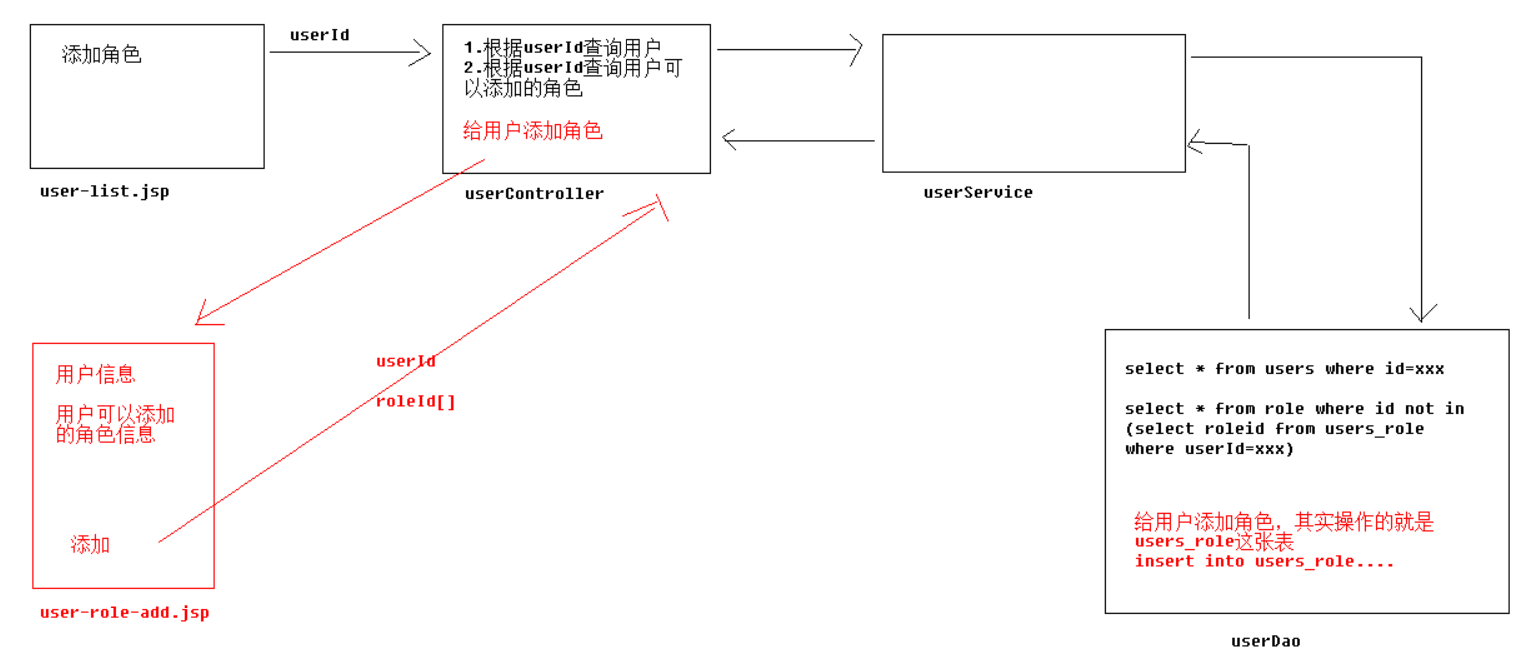
① 查询未关联用户的所有权限
请求页面

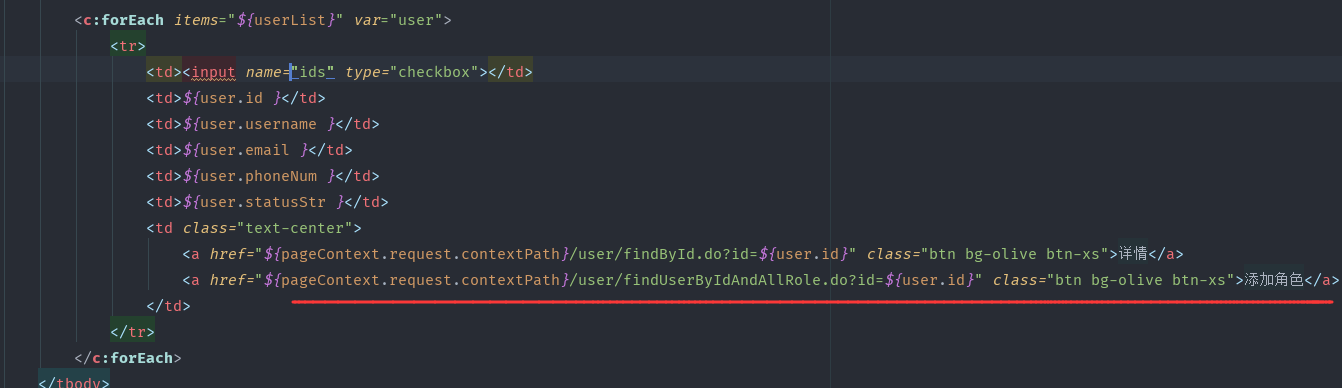
对应以下界面: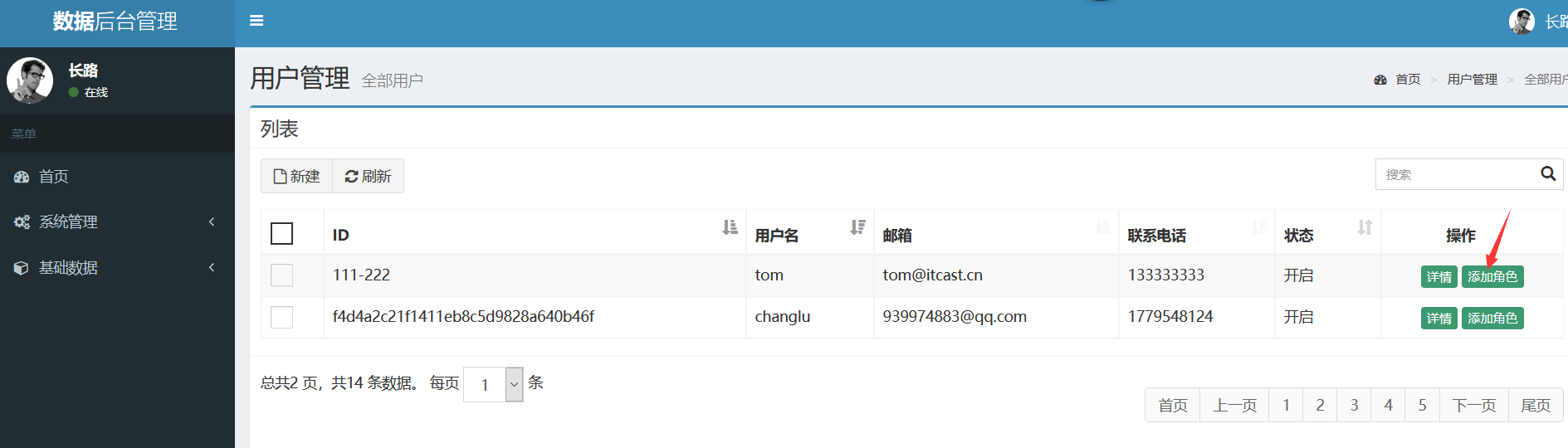
【三层代码实现】
Controller层
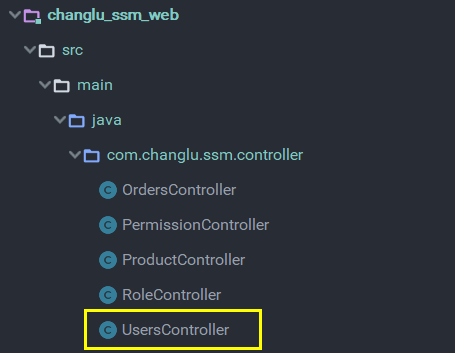
这里注意使用了两次业务层方法调用,第一次是查询对应的用户信息,第二次是查询未关联user的角色role信息,分别存放到request域中存储,为了之后发送请求包含对应userId以及想要添加的role的id。
/*** @anthor changlu* @create 2020-11-03-23:26*/@Controller@RequestMapping("/user")public class UsersController {@Autowiredprivate IUserService userService;...//根据用户id来查询没有关联的角色信息@RequestMapping("/findUserByIdAndAllRole.do")public ModelAndView findUserByIdAndAllRole(@RequestParam(name = "id")String userId) throws Exception {ModelAndView mv = new ModelAndView();//查询用户信息,用于传递用户UserInfo userInfo = userService.findById(userId);//查询与该userId没有相关联的权限信息List<Role> roleList = userService.findOtherRoles(userId);mv.addObject("user",userInfo);mv.addObject("roleList",roleList);mv.setViewName("user-role-add");return mv;}}
Service层
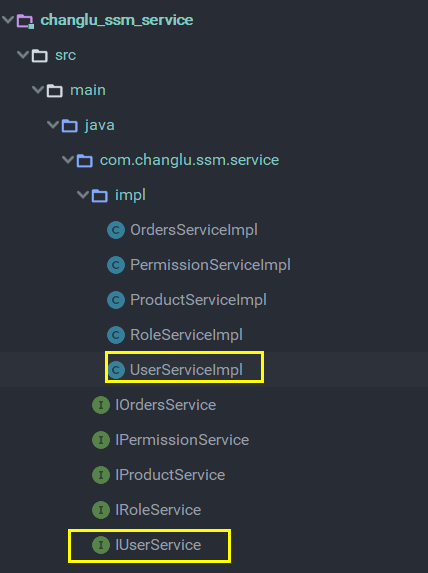
接口:
/*** @anthor changlu* @create 2020-10-30-11:40*/public interface IUserService extends UserDetailsService{...List<Role> findOtherRoles(String userId)throws Exception;}
实现类:
/*** @anthor changlu* @create 2020-10-30-11:40*/@Service("userService")@Transactionalpublic class UserServiceImpl implements IUserService {@Autowiredprivate IUserDao userDao;...@Overridepublic List<Role> findOtherRoles(String userId)throws Exception {return userDao.findOtherRoles(userId);}}
Dao层
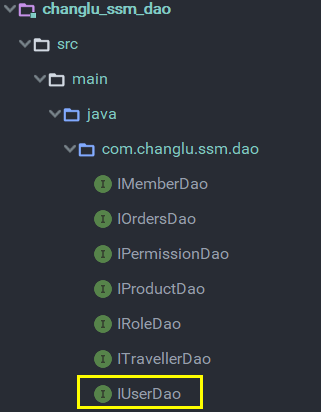
/*** @anthor changlu* @create 2020-10-30-14:34*/public interface IUserDao {...@Select("select * from role where id not in (select roleId from users_role where userId = #{userId})")List<Role> findOtherRoles(String userId)throws Exception;//根据用户id来查询没有相关联的角色信息}
效果展示: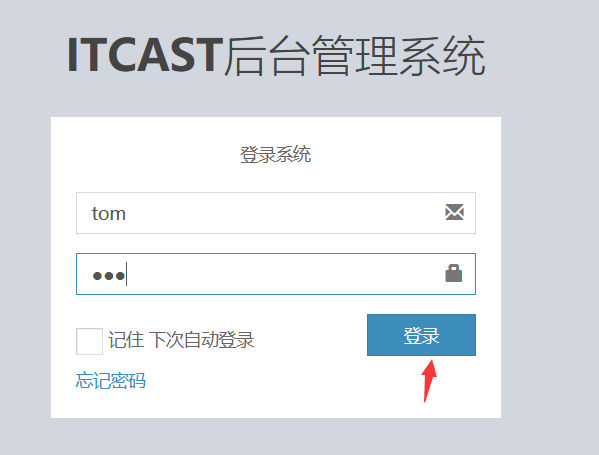
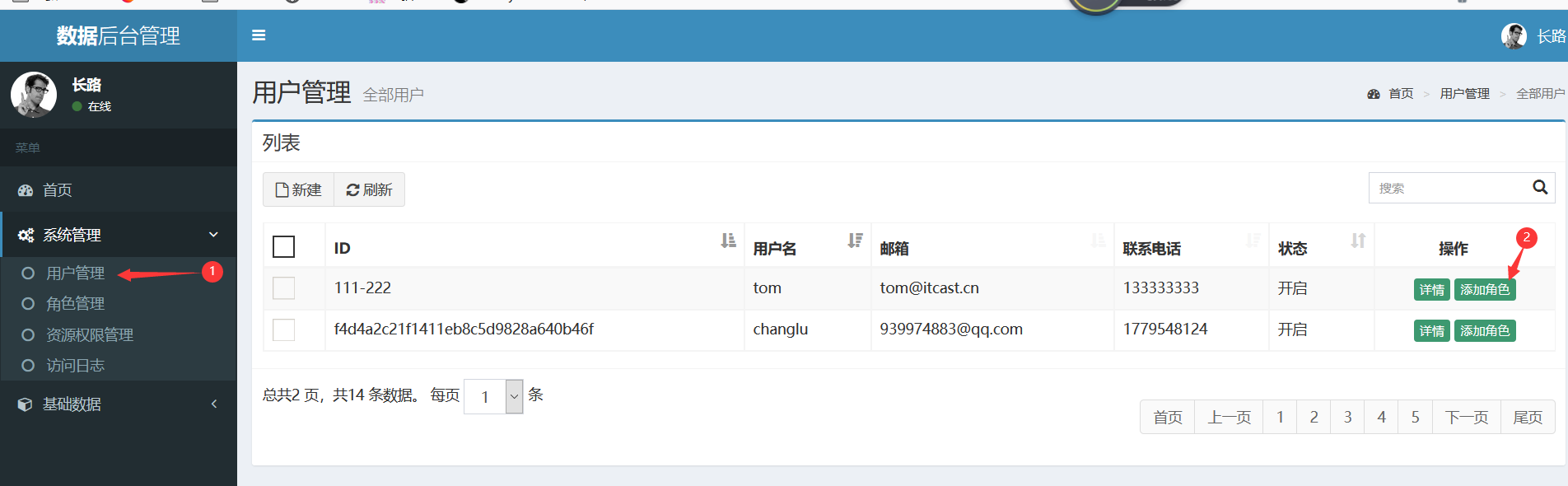
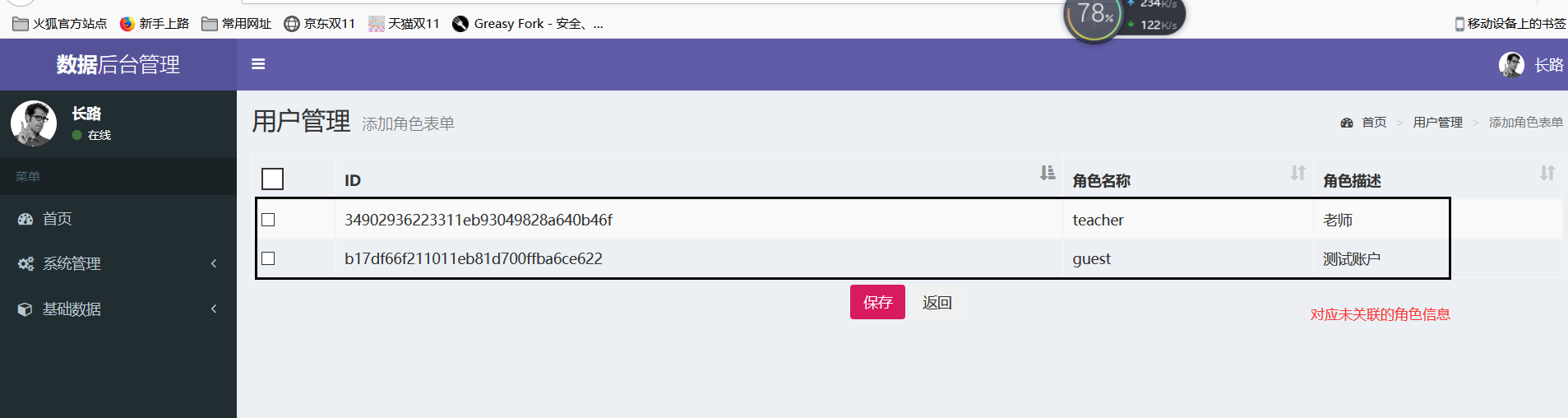
② 添加角色到指定用户
请求页面
对应user-role-add.jsp页面中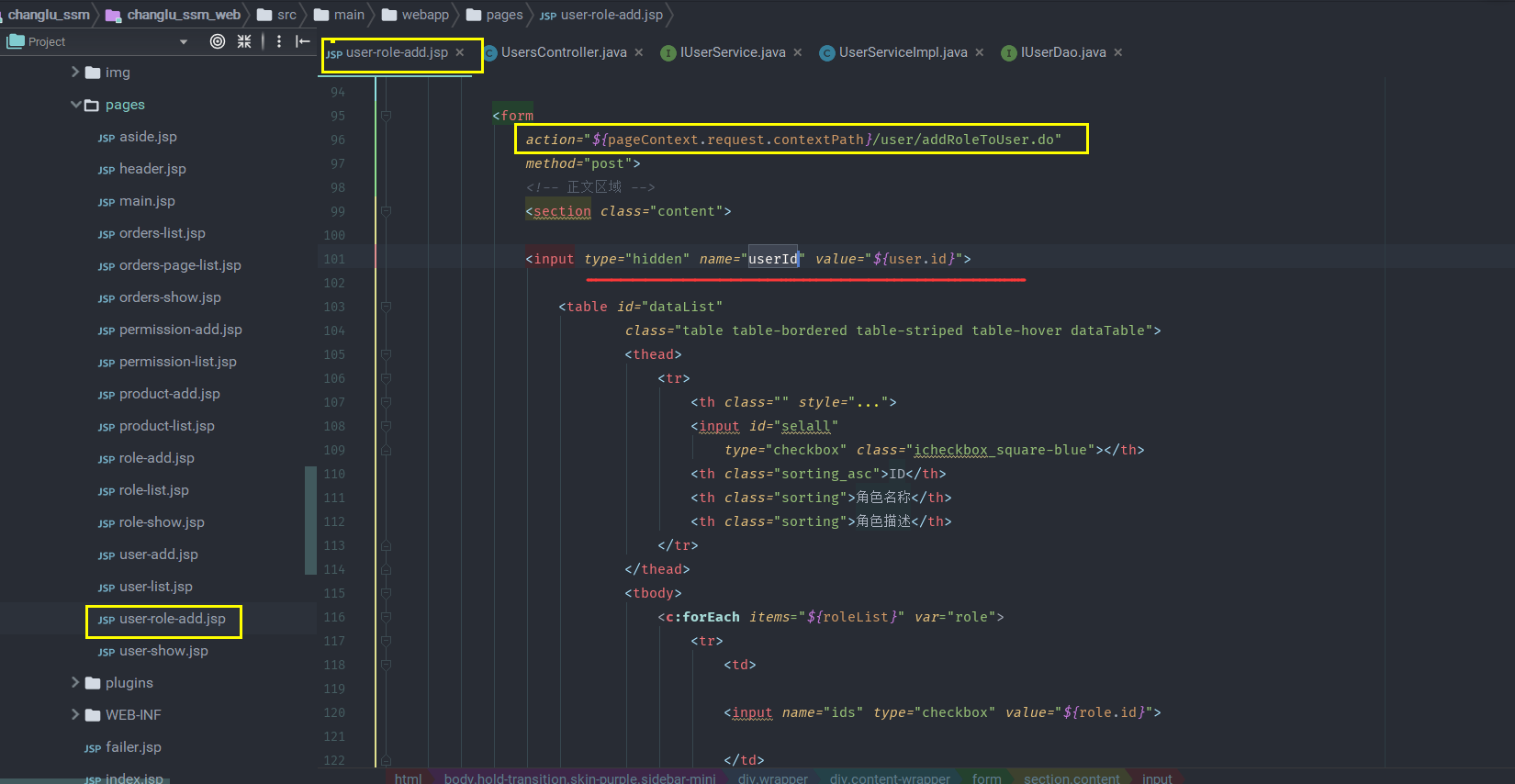
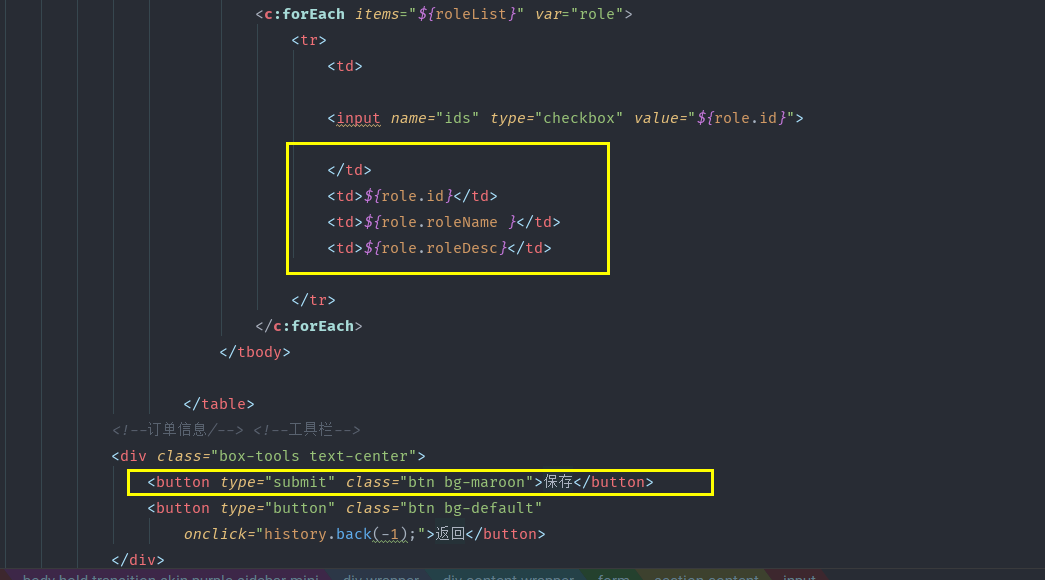
【三层代码实现】
Controller层
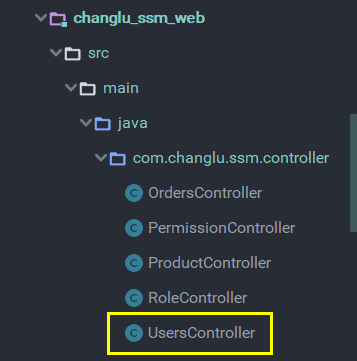
有多个name相同的来传送请求过来,就可以使用数组来接收:
/*** @anthor changlu* @create 2020-11-03-23:26*/@Controller@RequestMapping("/user")public class UsersController {@Autowiredprivate IUserService userService;...//存储userId与多个roleId到中间表users_role中@RequestMapping("/addRoleToUser.do")public String addRoleToUser(String userId,String[] ids)throws Exception{//进行一条一条存储到中间表中for (String roleId : ids) {userService.addRoleToUser(userId,roleId);}return "redirect:findAll.do";}}
Service层:
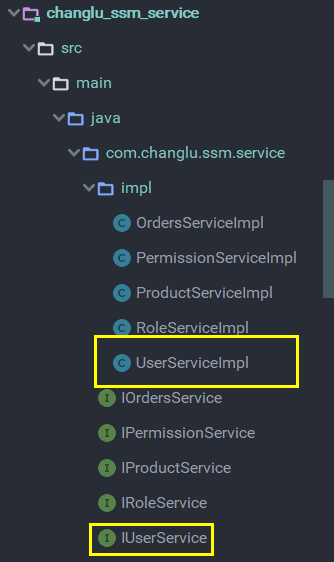
实现类:
/*** @anthor changlu* @create 2020-10-30-11:40*/@Service("userService")@Transactionalpublic class UserServiceImpl implements IUserService {@Autowiredprivate IUserDao userDao;...@Overridepublic void addRoleToUser(String userId, String roleId) throws Exception {userDao.addRoleToUser(userId,roleId);}}
Dao层
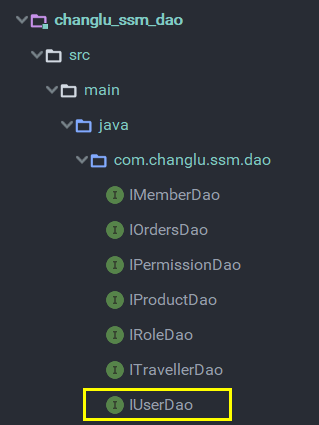
/*** @anthor changlu* @create 2020-10-30-14:34*/public interface IUserDao {...@Insert("insert into users_role values(#{userId},#{roleId})")void addRoleToUser(@Param("userId") String userId,@Param("roleId") String roleId)throws Exception;}
效果展示: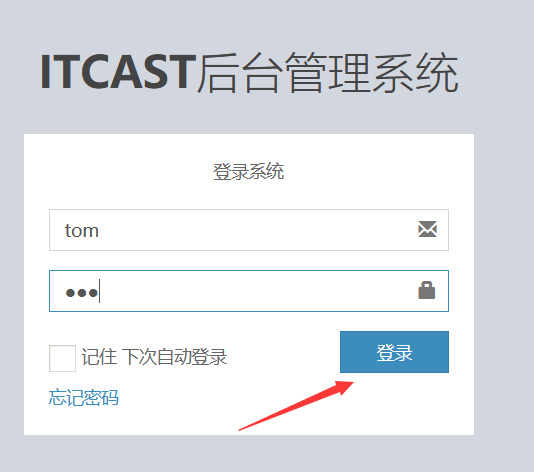
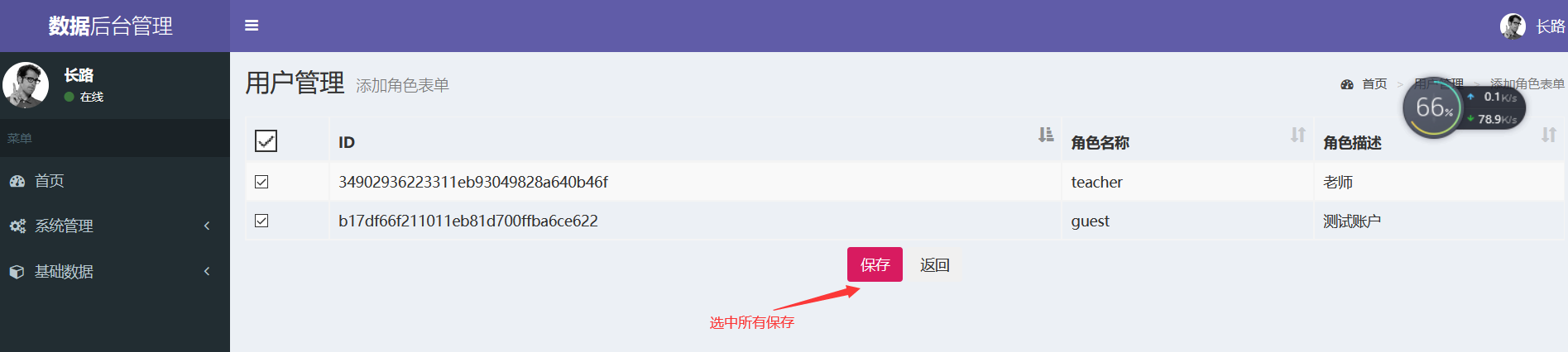
保存之后,我们来查看一下是否添加了角色: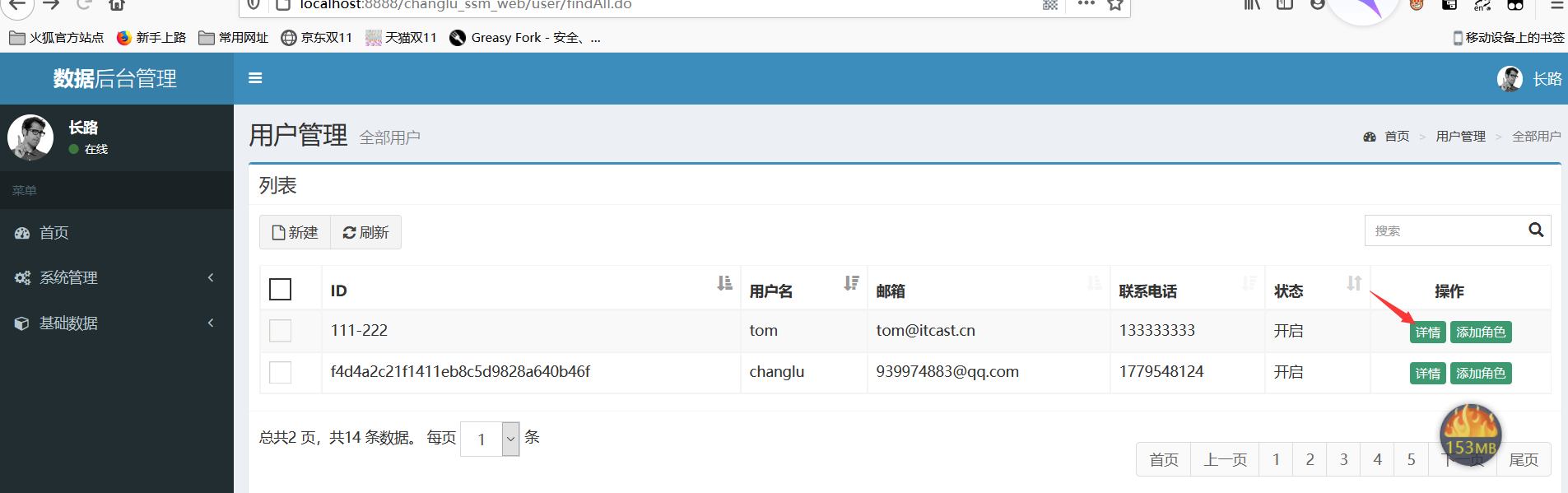
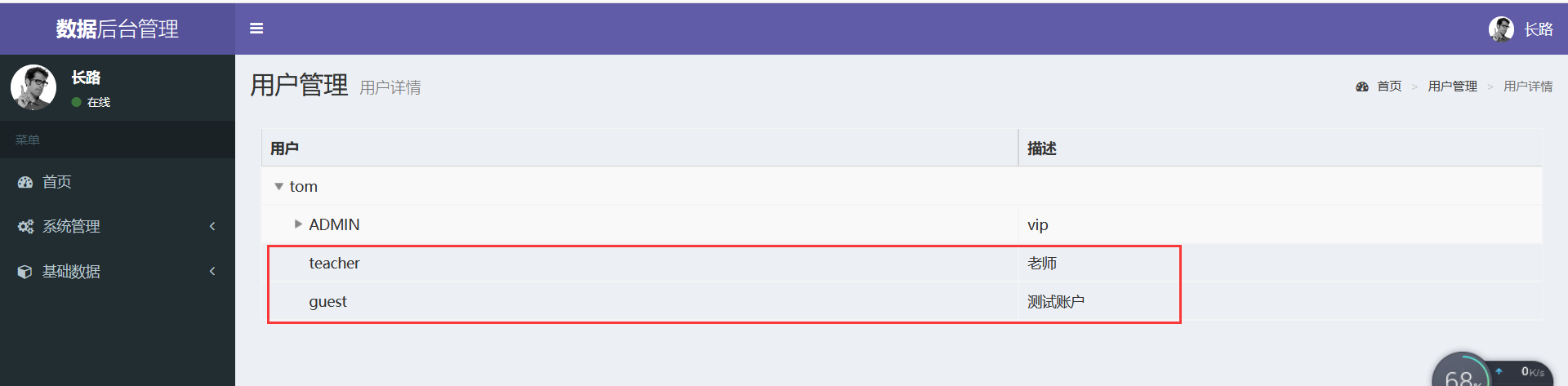
成功添加
**
2、角色关联权限
① 查询未关联角色的所有权限
请求页面
在role-list中发送请求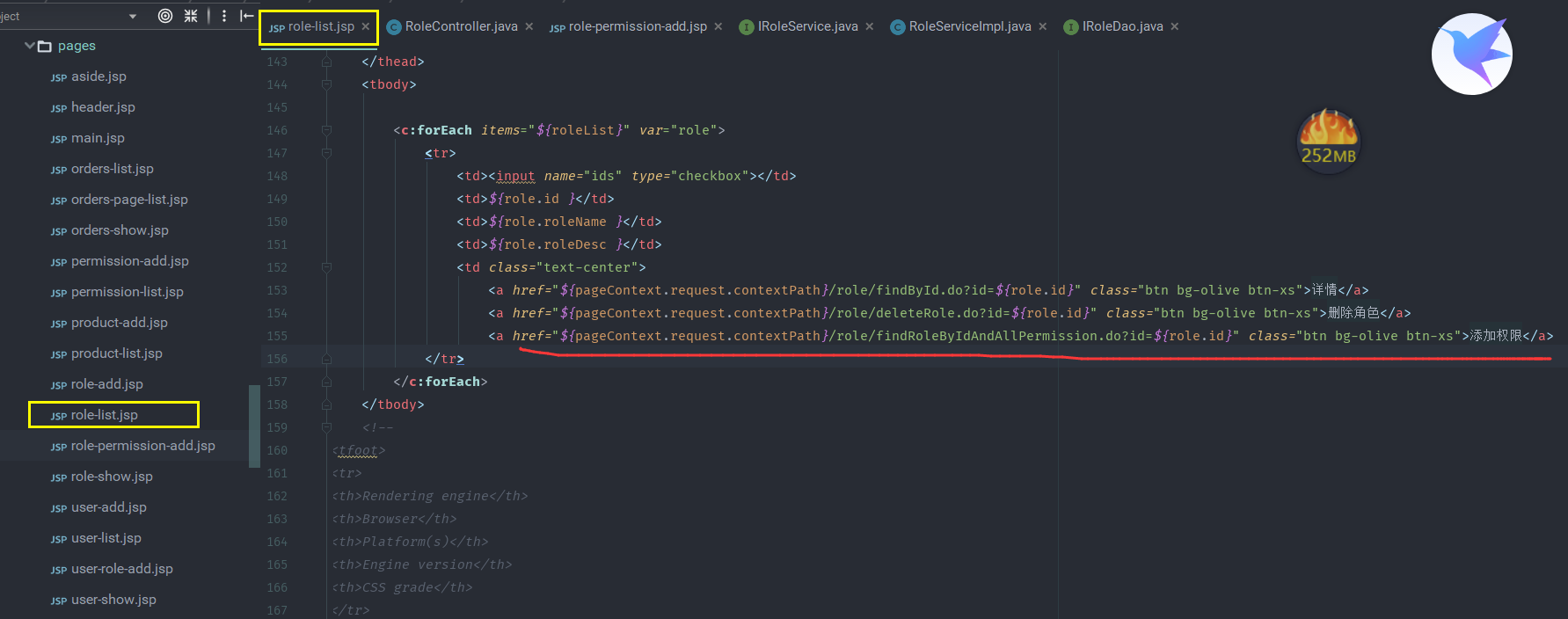
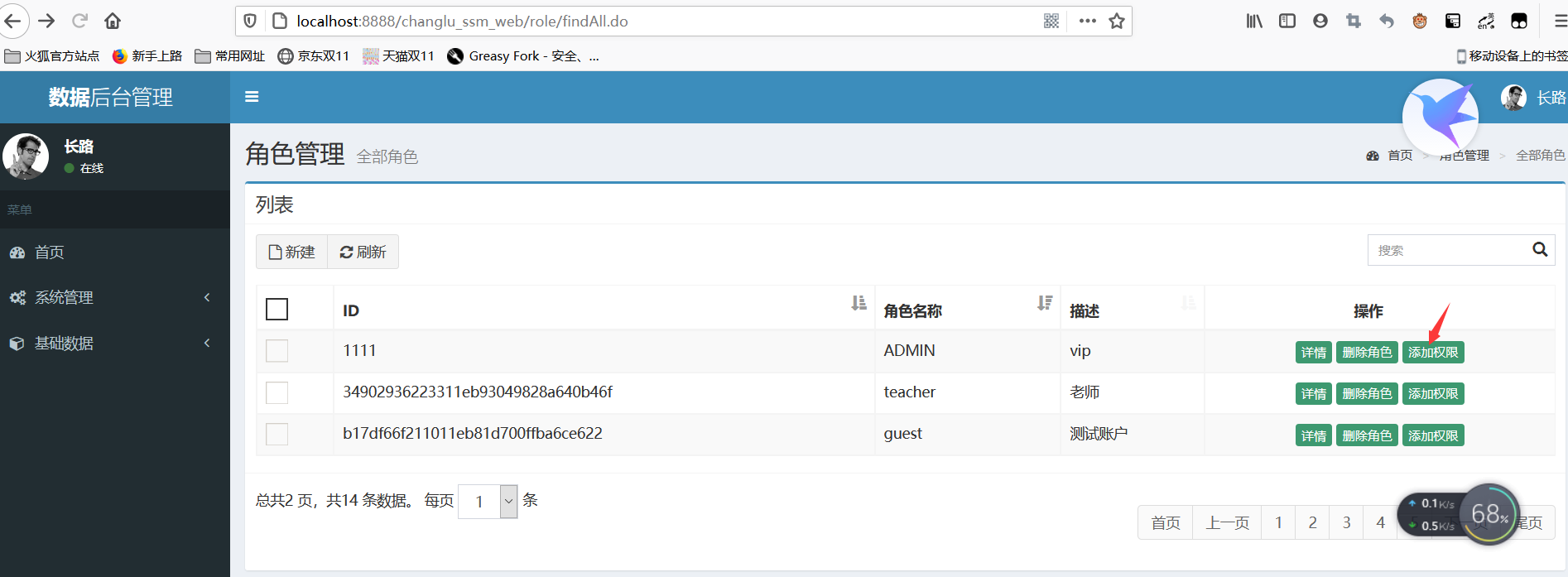
【三层代码实现】
Controller层
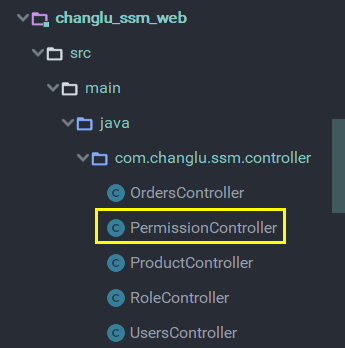
这里也是调用了两次service,分别查询角色以及未关联的权限信息
/*** @anthor changlu* @create 2020-11-07-23:11*/@Controller@RequestMapping("/role")public class RoleController {@Autowiredprivate IRoleService roleService;...@RequestMapping("/findRoleByIdAndAllPermission.do")public ModelAndView findRoleByIdAndAllPermission(@RequestParam(name = "id") String roleId) throws Exception {ModelAndView mv = new ModelAndView();//来查询角色信息Role role = roleService.findById(roleId);//查询对应角色未关联权限信息List<Permission> permissionList = roleService.findOtherPermissions(roleId);mv.addObject("role",role);mv.addObject("permissionList",permissionList);mv.setViewName("role-permission-add");return mv;}}
Service层
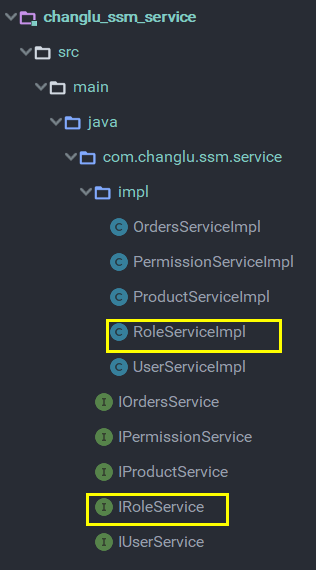
实现类
/*** @anthor changlu* @create 2020-11-07-23:15*/@Service@Transactionalpublic class RoleServiceImpl implements IRoleService {@Autowiredprivate IRoleDao roleDao;...@Overridepublic List<Permission> findOtherPermissions(String roleId) {return roleDao.findOtherPermissions(roleId);}}
Dao层
/*** @anthor changlu* @create 2020-10-30-17:13*/public interface IRoleDao {...@Select("select * from permission where id not in (select permissionId from role_permission where roleId = #{roleId})")List<Permission> findOtherPermissions(String roleId);}
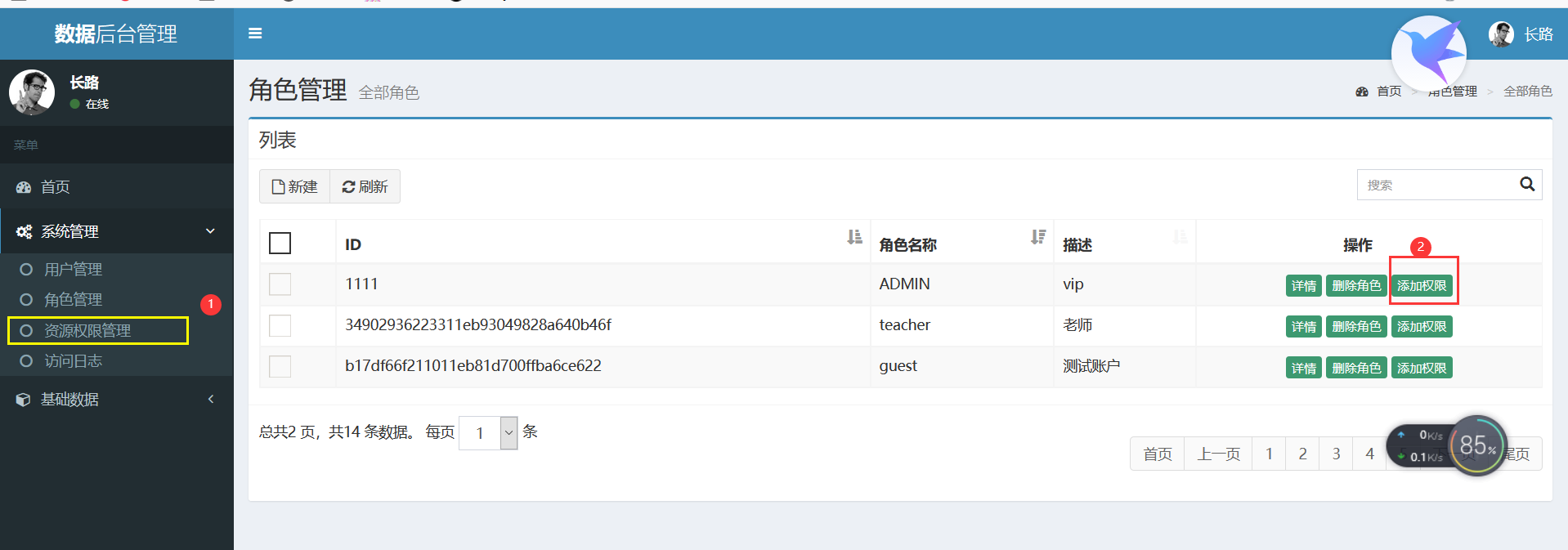
展示效果: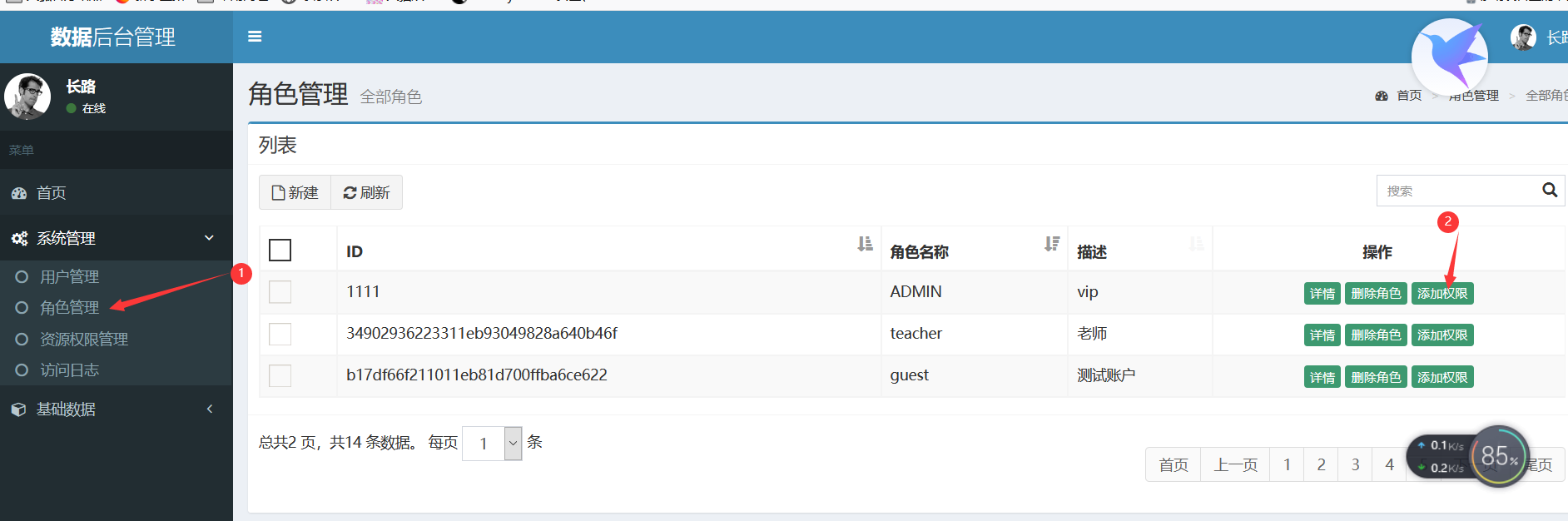
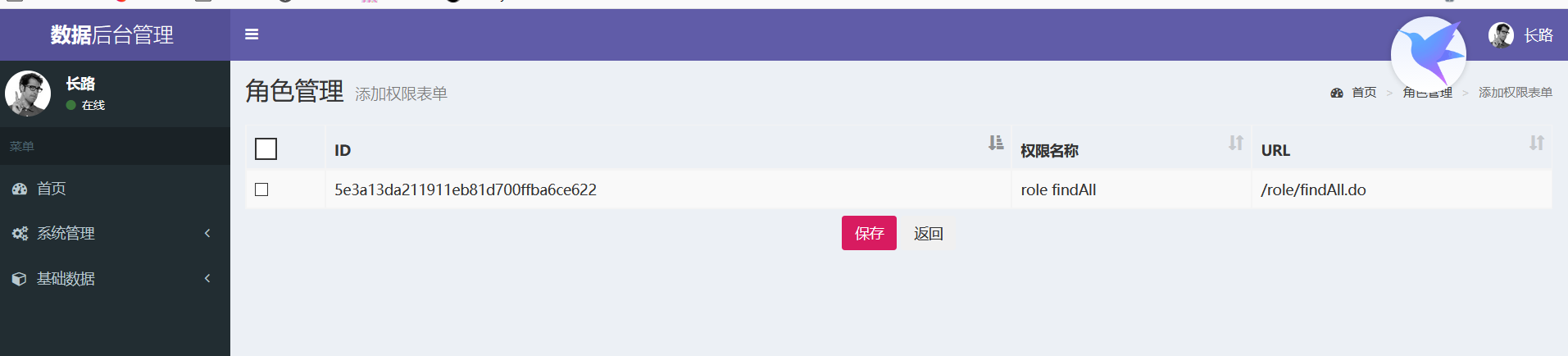
② 添加权限到指定角色
请求页面
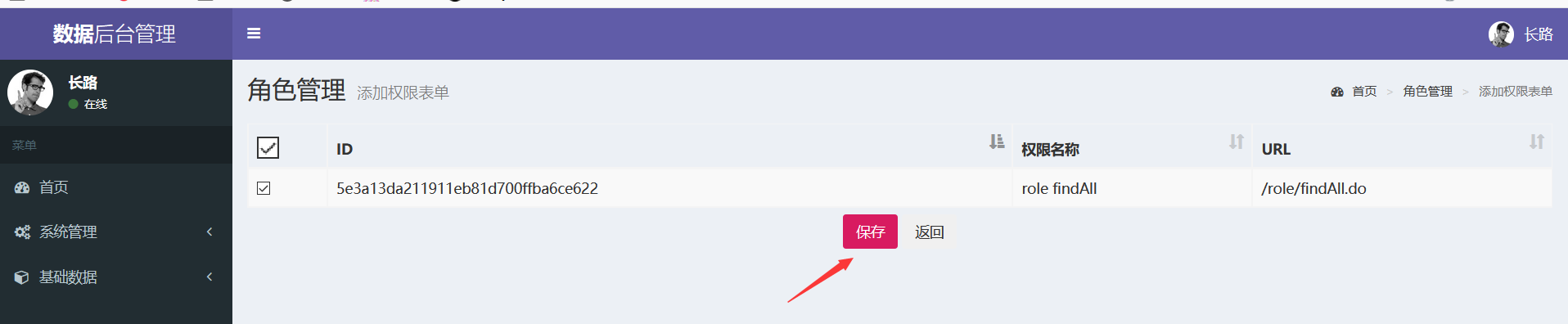
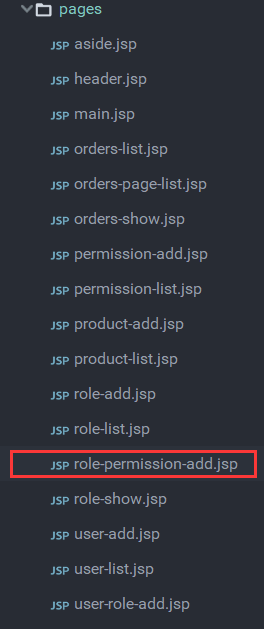 role-permission-add.jsp页面
包含以下主要内容:对应roleId以及权限Id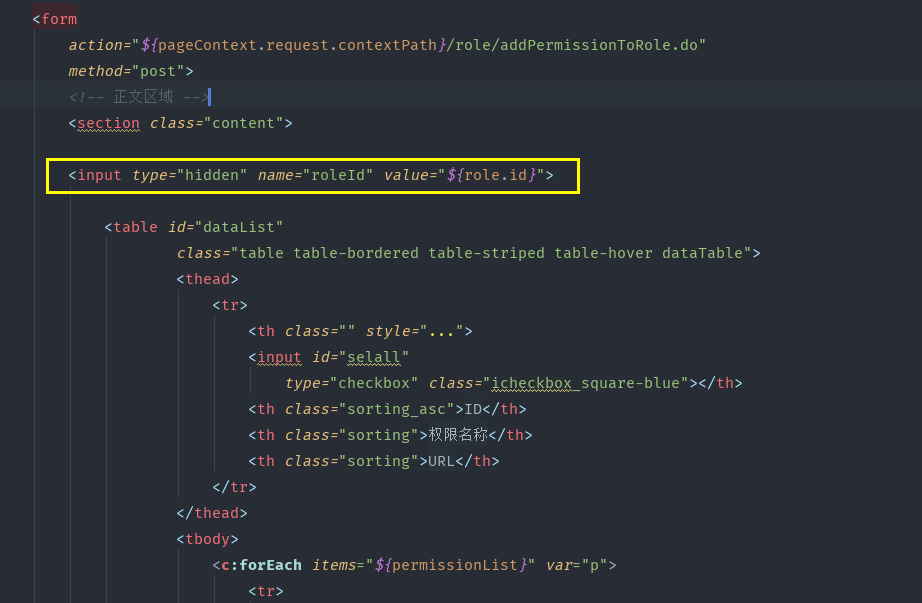
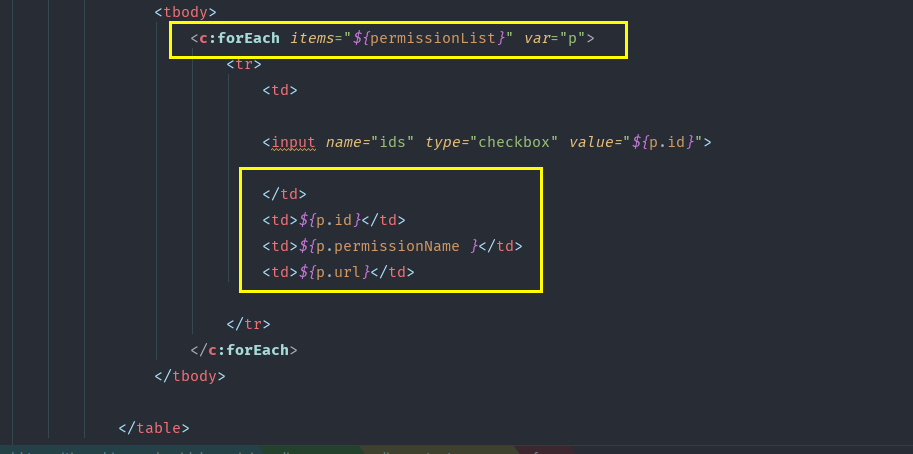
【三层代码实现】
Controller层
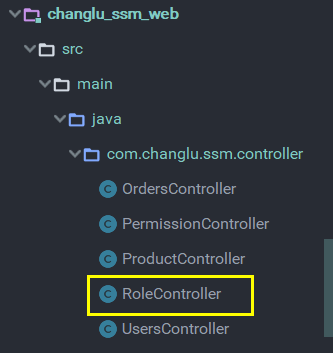
/*** @anthor changlu* @create 2020-11-07-23:11*/@Controller@RequestMapping("/role")public class RoleController {@Autowiredprivate IRoleService roleService;...@RequestMapping("/addPermissionToRole.do")public String addPermissionToRole(String roleId,String[] ids)throws Exception{//逐条插入到role-permission中间表roleService.addPermissionToRole(roleId,ids);return "redirect:findAll.do";}}
Service层
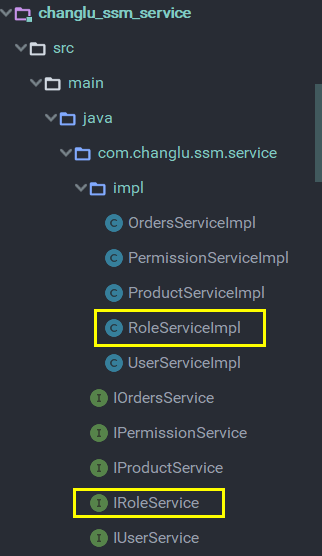
实现类
/*** @anthor changlu* @create 2020-11-07-23:15*/@Service@Transactionalpublic class RoleServiceImpl implements IRoleService {@Autowiredprivate IRoleDao roleDao;...@Overridepublic void addPermissionToRole(String roleId, String[] ids) throws Exception{for (String permissionId : ids) {roleDao.addPermissionToRole(roleId,permissionId);}}}
Dao层
/*** @anthor changlu* @create 2020-10-30-17:13*/public interface IRoleDao {...@Insert("insert into role_permission values(#{permissionId},#{roleId})")void addPermissionToRole(@Param("roleId") String roleId,@Param("permissionId") String permissionId)throws Exception;}
展示效果:
接着,我们来查看详情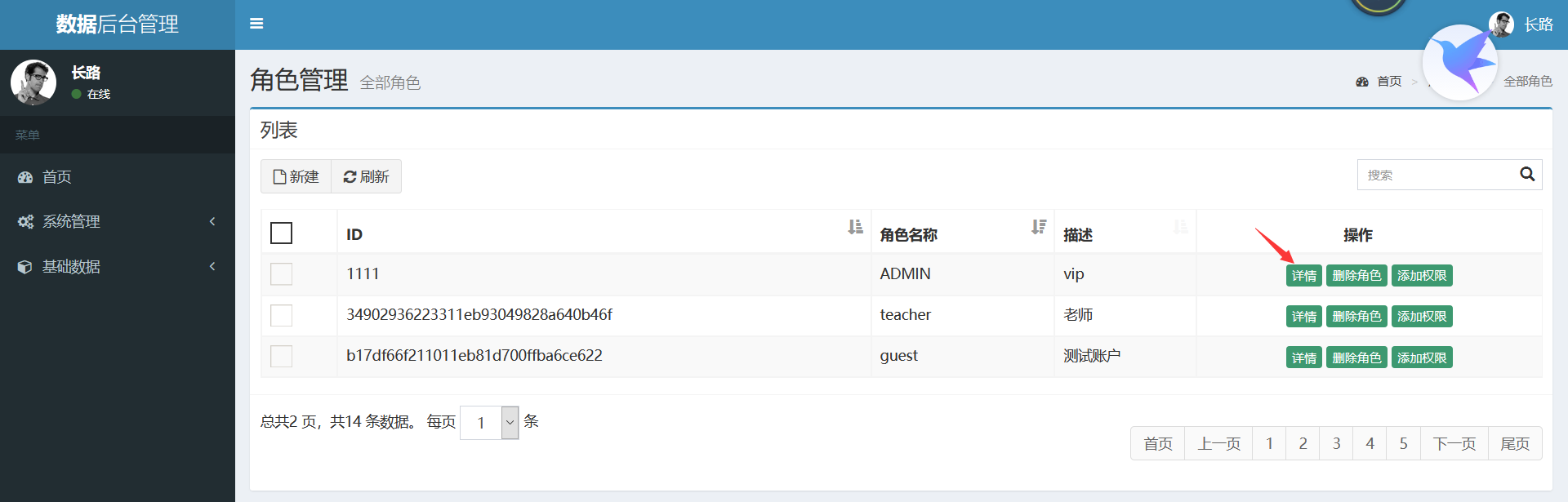
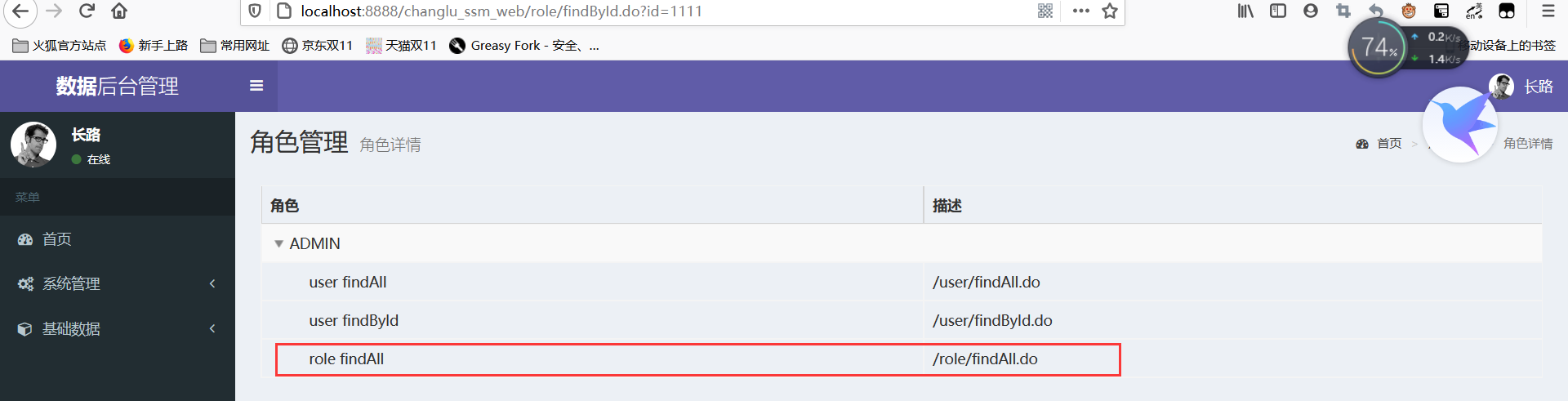
添加权限成功
三、权限控制(security知识部分)
1、服务端方法级权限控制
① JSR-250注解使用
详细三步骤(包含效果展示)
① spring-security配置文件中配置
<!--开启jsr250注解--><security:global-method-security jsr250-annotations="enabled"/>
② pom.xml中添加JSR-250的依赖
  <dependency>
      <groupId>javax.annotation</groupId>
      <artifactId>jsr250-api</artifactId>
      <version>1.0</version>
  </dependency>
③ 这里在用户controller中方法上添加注解
可以省略ROLE_
@RolesAllowed("ADMIN")
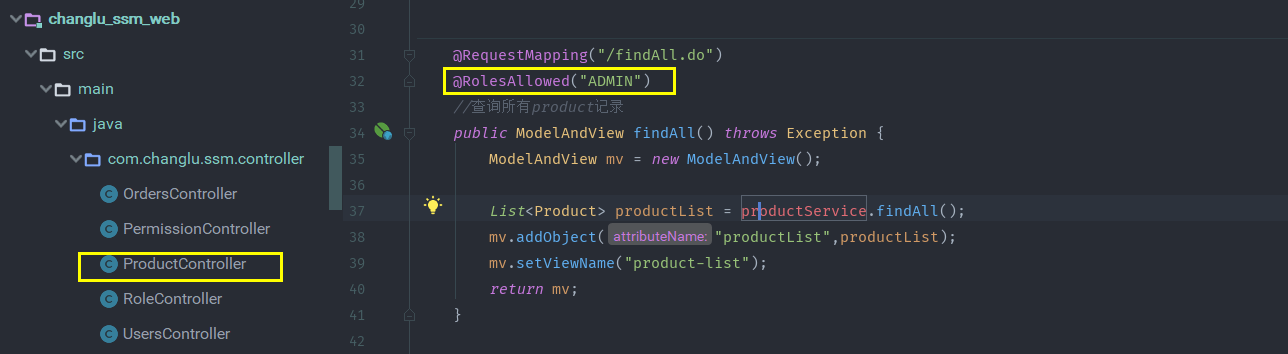
效果展示
可以看到changlu这个用户没有任何角色,我们就使用长路来进行测试
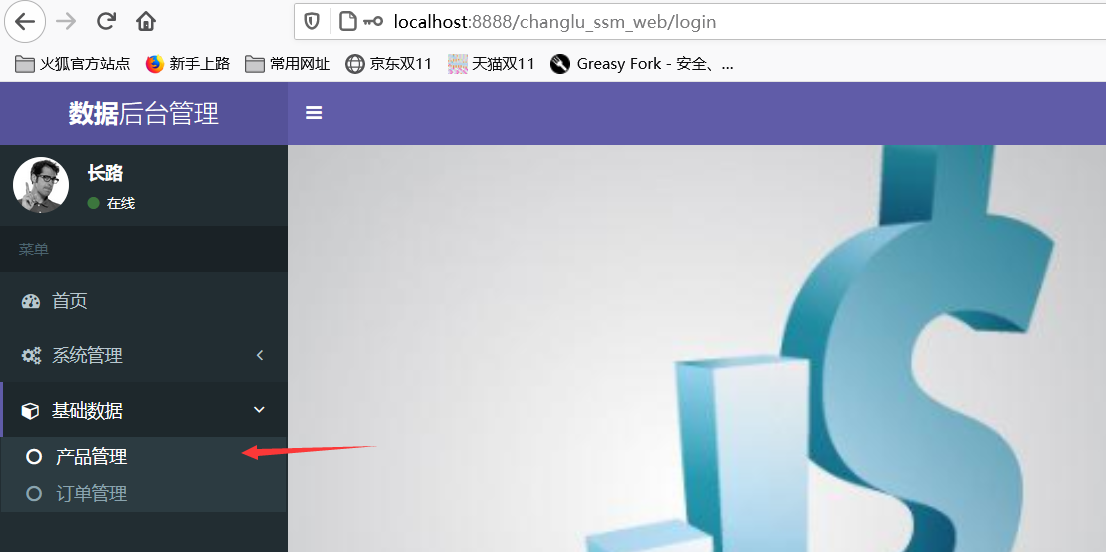
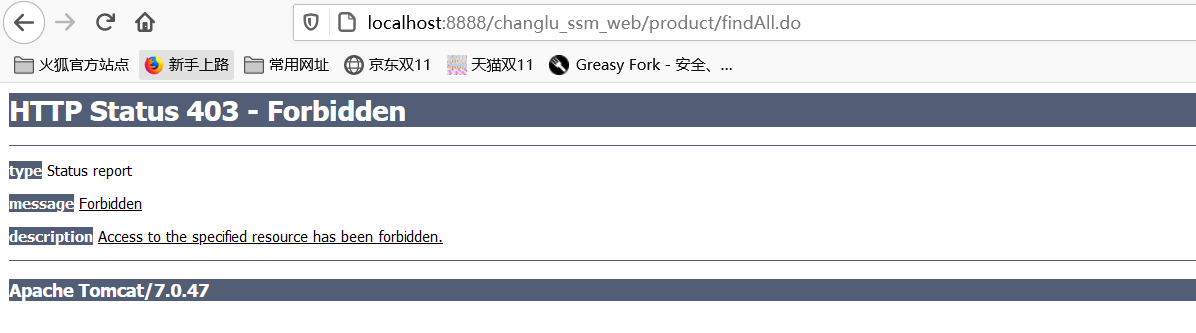
我们可以看到权限控制生效了,错误码为403,表示控制权限不够
② Secured注解
详细步骤
① spring-security配置文件中配置
<!--开启secured注解-->
<security:global-method-security secured-annotations="enabled"/>
② 在方法上使用Secured注解
@Secured("ROLE_ADMIN")
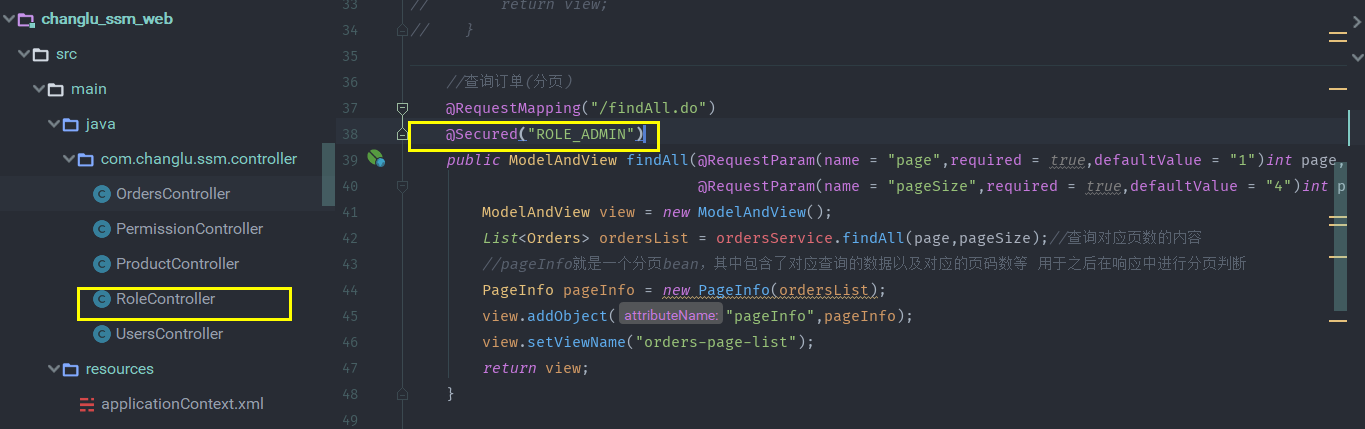
效果展示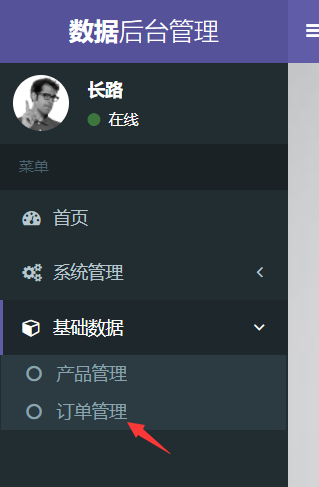

③ 表达式注解
详细步骤
① 在spring-security配置文件中添加配置
<!--开启表达式注解-->
<security:global-method-security pre-post-annotations="enabled"/>
② 在方法中添加表达式注解(这里两个)
第一个:执行这个方法必须对应name名称为Tom,也就是用户名
第二个:执行这个find方法必须有对应权限为ROLE_ADMIN才能只能
权限不够,错误码为403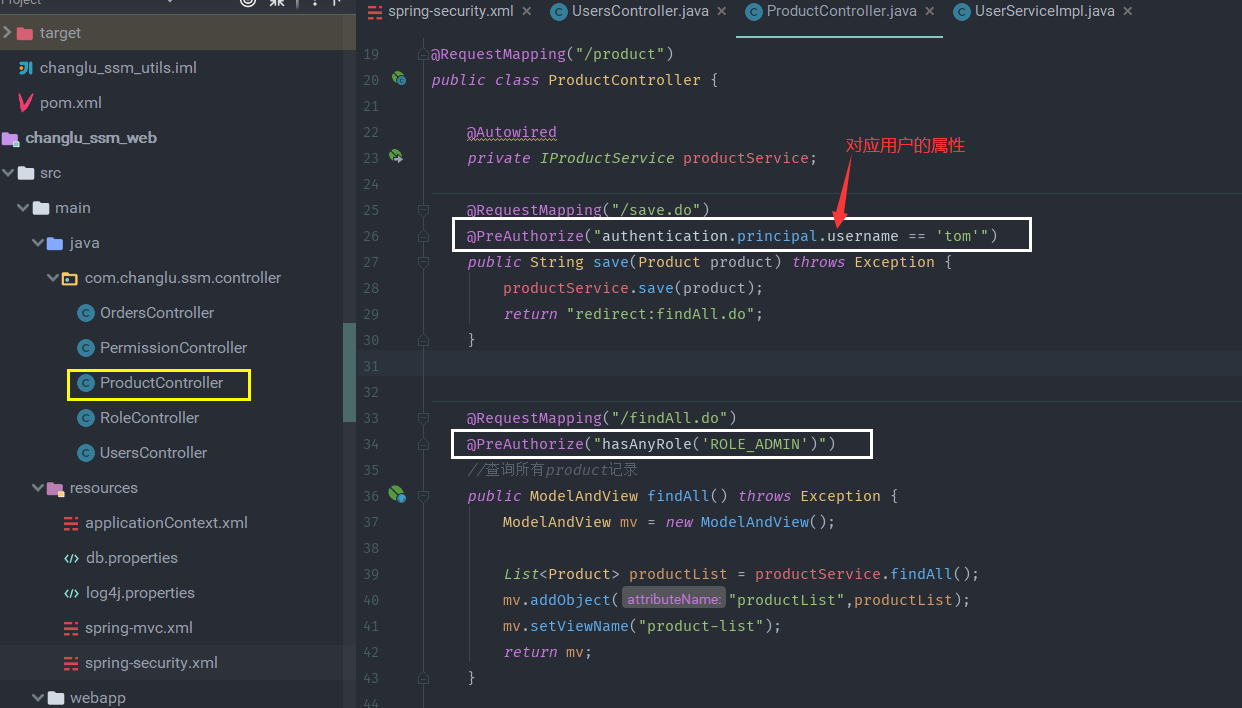
效果展示(有权限与无权限展示)
两个账户,tom账户有ADMIN权限,changlu账户没有权限
首先对tom账户进行测试,有权限的
能够对产品进行列表查询: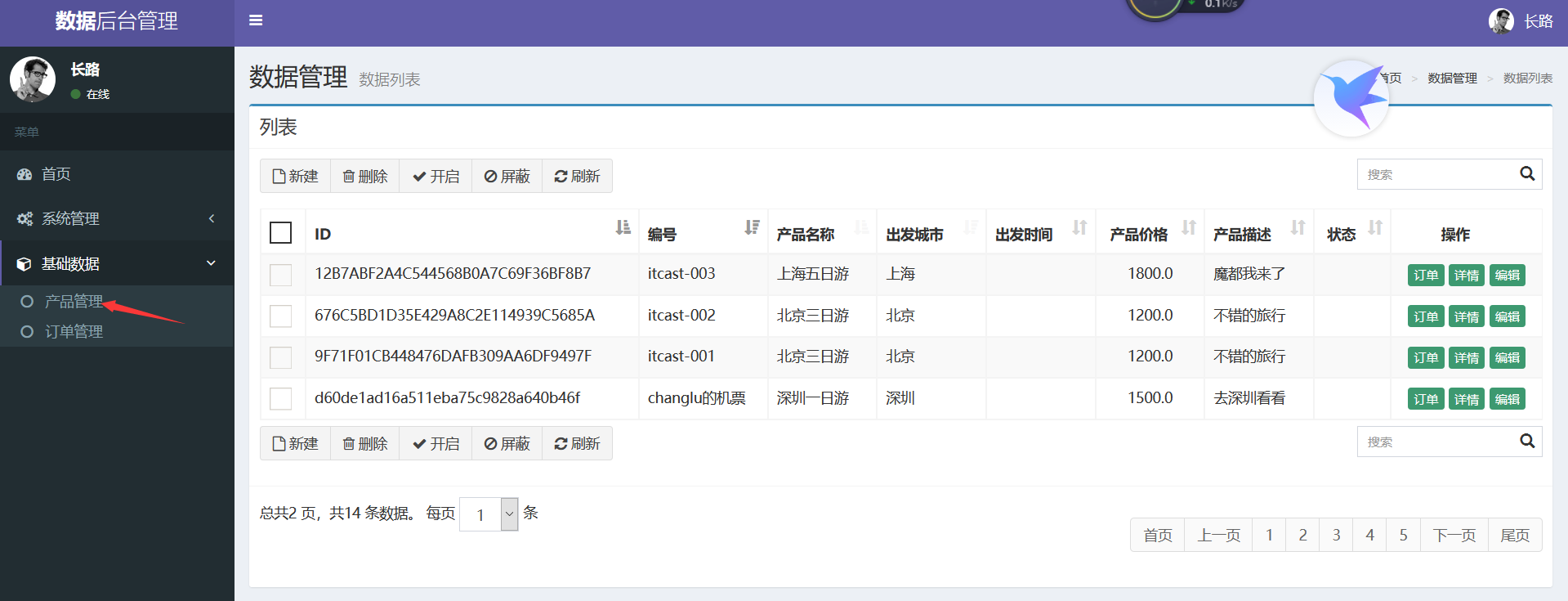
添加产品:因为有权限就可以添加成功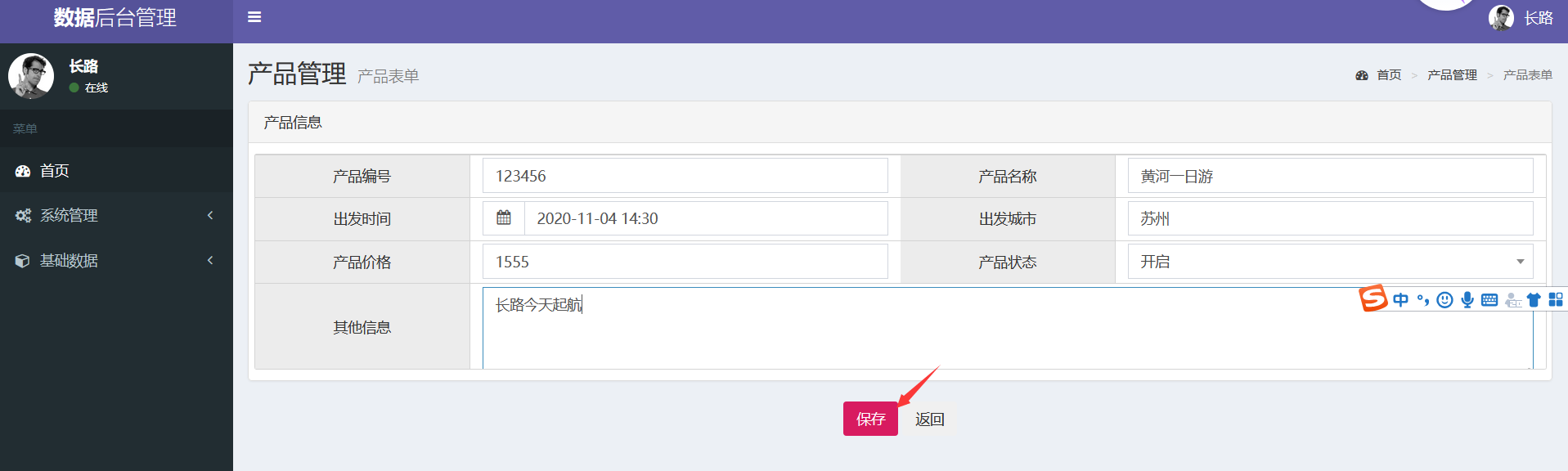
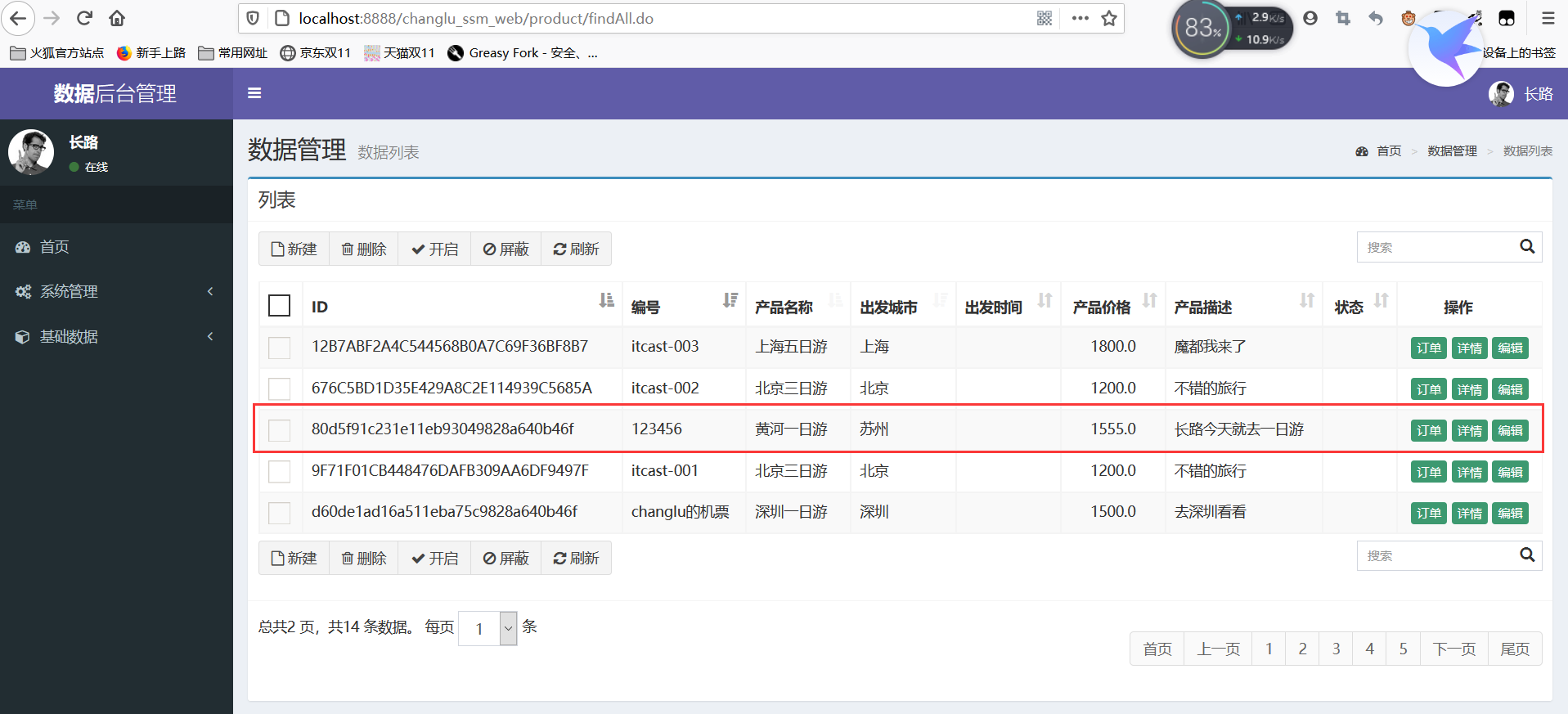
changlu账户测试:有ADMIN权限,添加产品无效
测试查询产品登陆:跳转403页面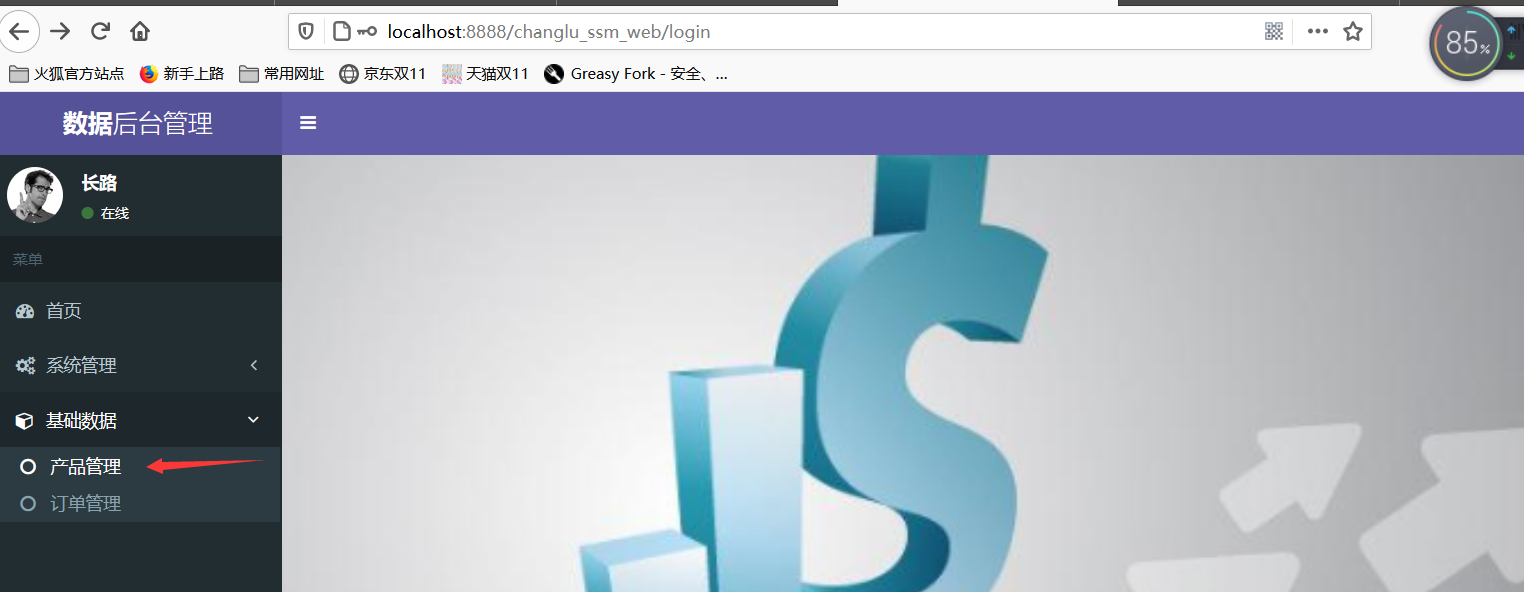
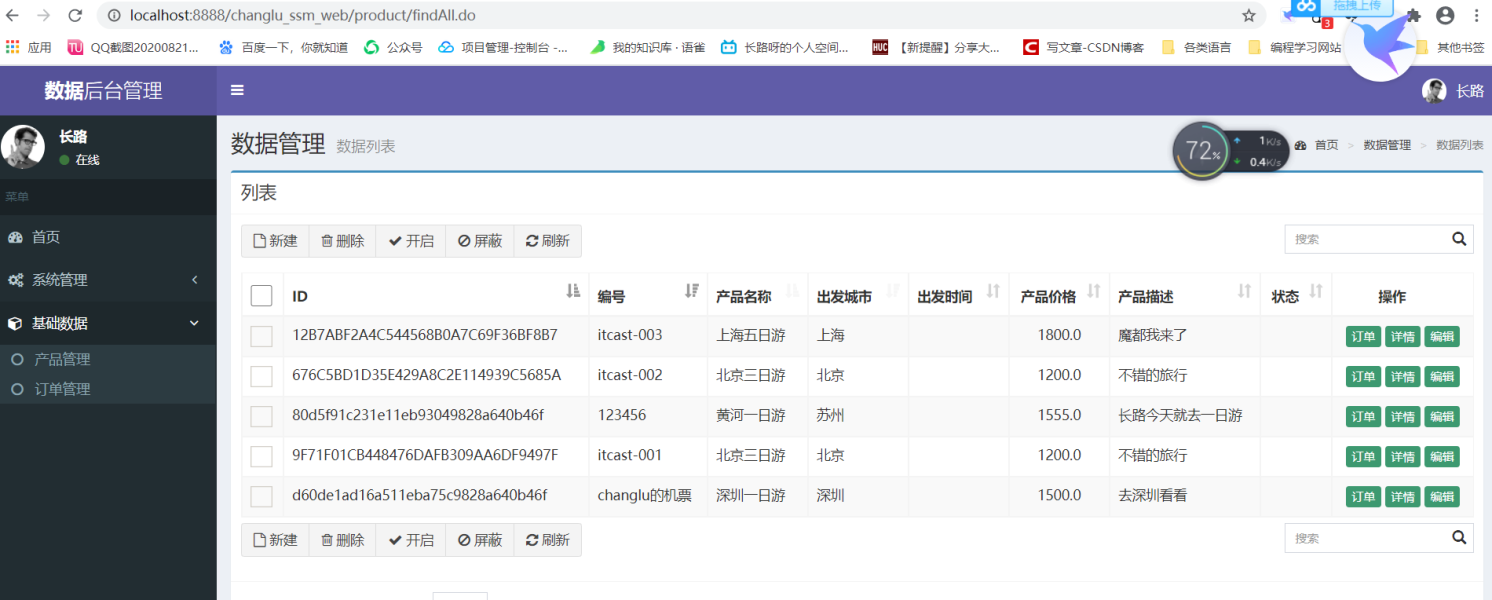
测试添加产品:
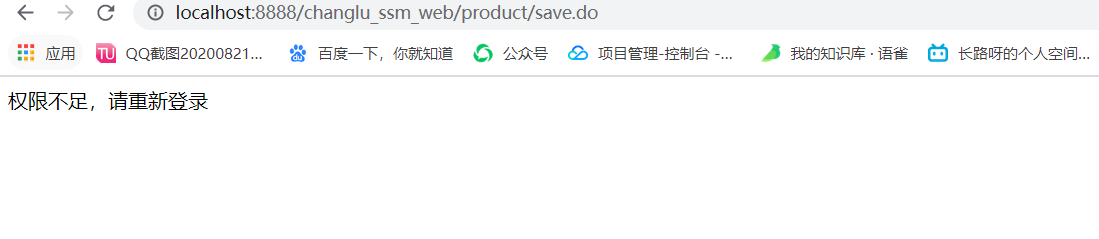
拦截成功,权限不足!!!
添加403跳转页面
根据错误页码跳转页面
在web.xml中添加配置文件
<error-page>
  <error-code>403</error-code>
  <location>/403.jsp</location>
</error-page>
效果展示
这里添加了JSR-250注解后对应用户没有权限跳转效果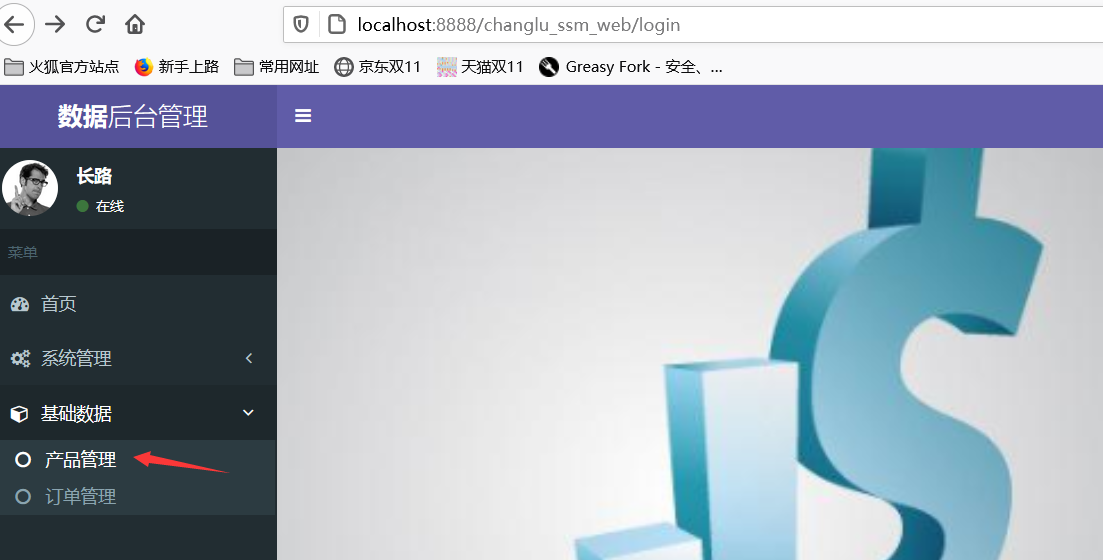

2、页面端权限控制
登陆后显示用户名称(使用authentication标签)
详细步骤(3步骤)
① pom.xml添加依赖
<dependency>
  <groupId>org.springframework.security</groupId>
  <artifactId>spring-security-taglibs</artifactId>
  <version>${spring.security.version}</version>
</dependency>
② 对应jsp页面导入
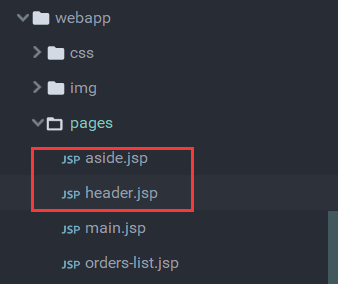
这两个页面进行导入
<%@taglib uri="http://www.springframework.org/security/tags" prefix="security"%>
③ 在aside.jsp以及header.jsp页面中添加authentication标签来显示登陆用户名
<security:authentication property="principal.username"></security:authentication>
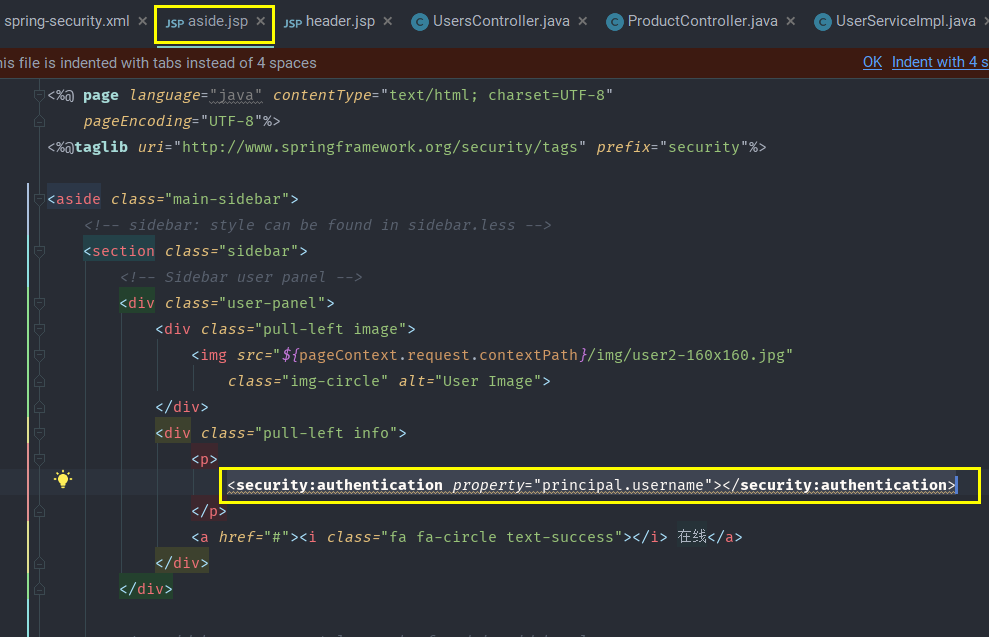
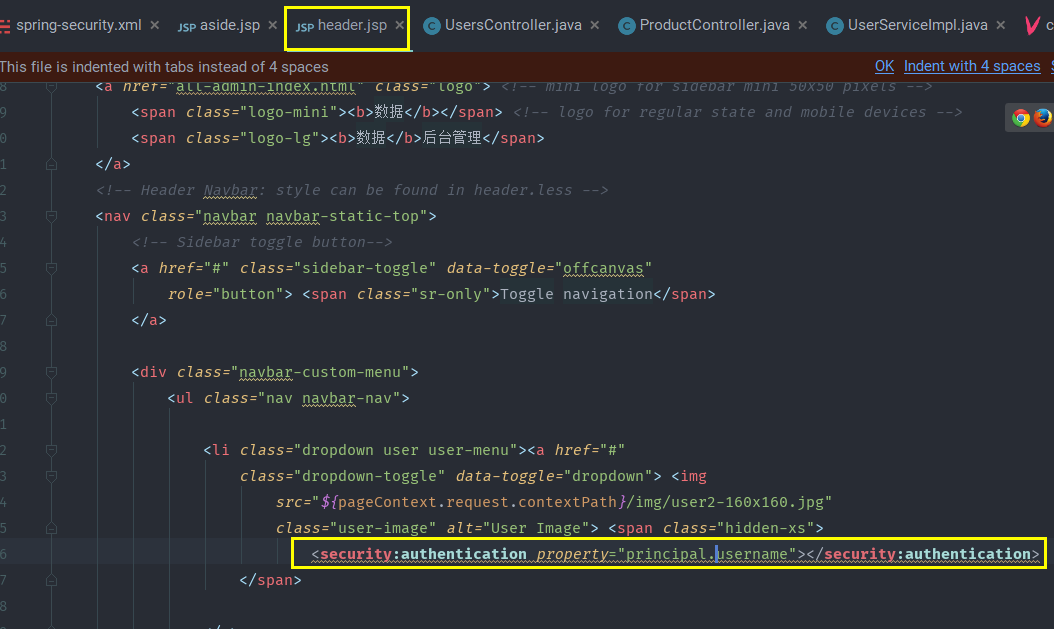
效果展示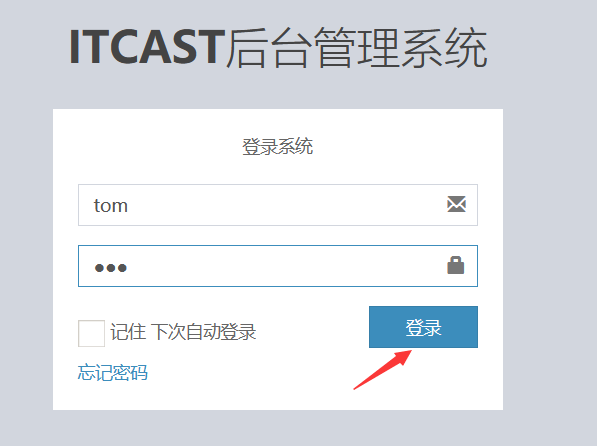
可以看到界面展示了登陆用户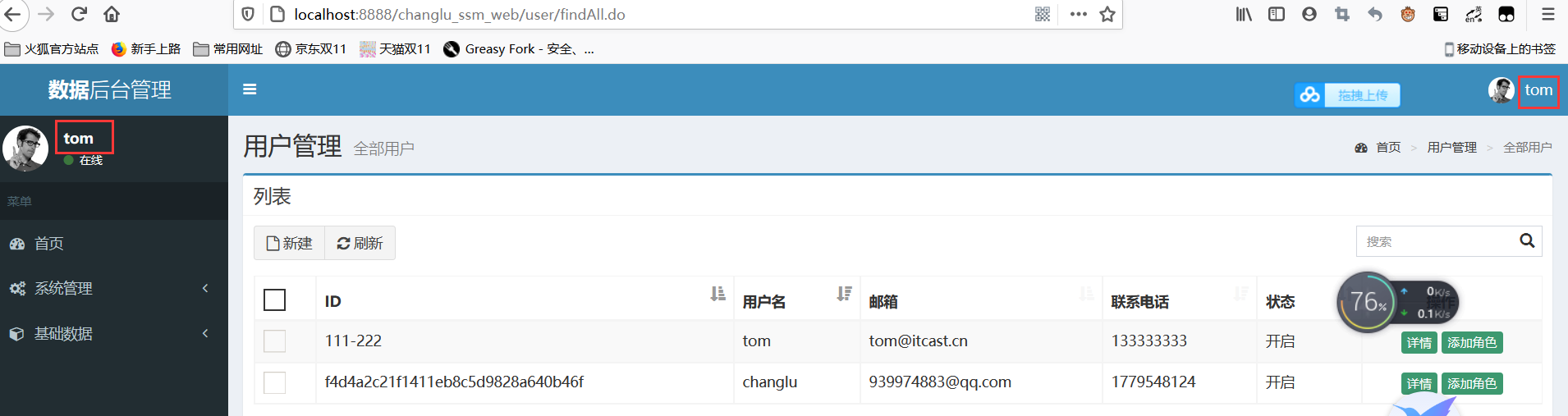
登陆后控制标签显示(authorize)
详细步骤
① 在pom.xml中添加依赖
<dependency>
  <groupId>org.springframework.security</groupId>
  <artifactId>spring-security-taglibs</artifactId>
  <version>${spring.security.version}</version>
</dependency>
② aside.jsp页面中导入,并在对应位置添加authorize标签
<%@taglib uri="http://www.springframework.org/security/tags" prefix="security"%>
添加权限判断标签:判断是否有teacher这个权限名称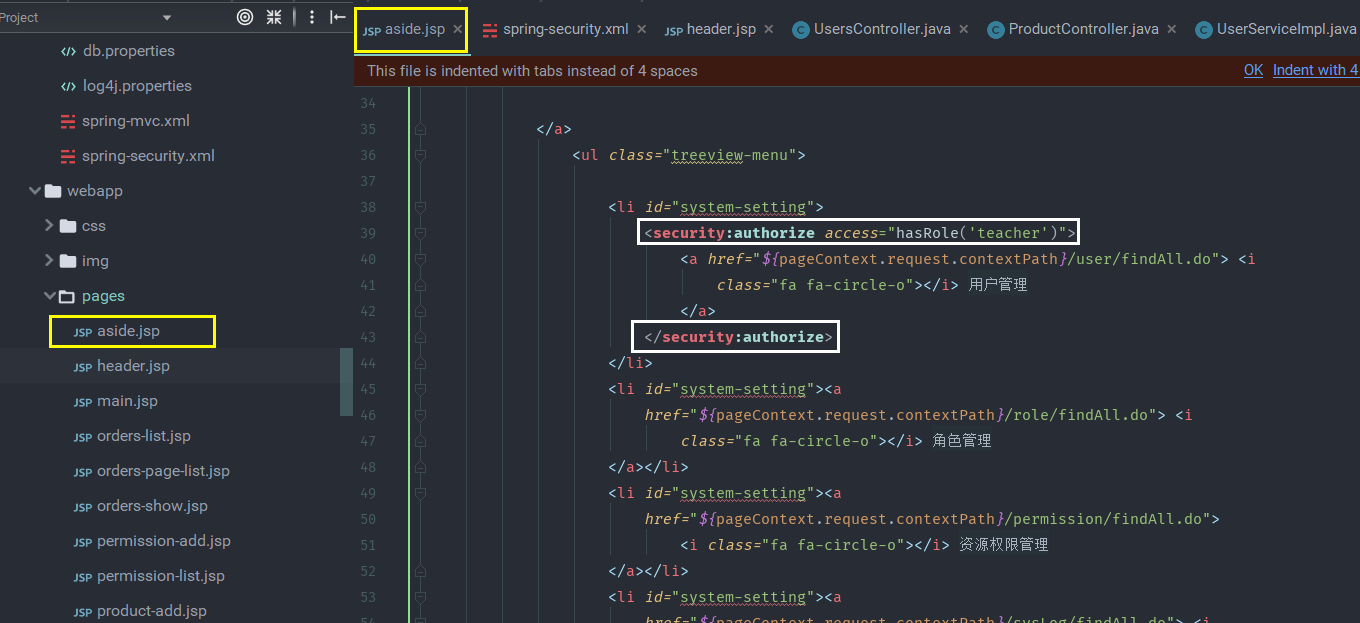
<security:authorize access="hasRole('teacher')">
        ...
</security:authorize>
③ 更改spring-security配置文件,这里如果不设置,就会出现报错信息
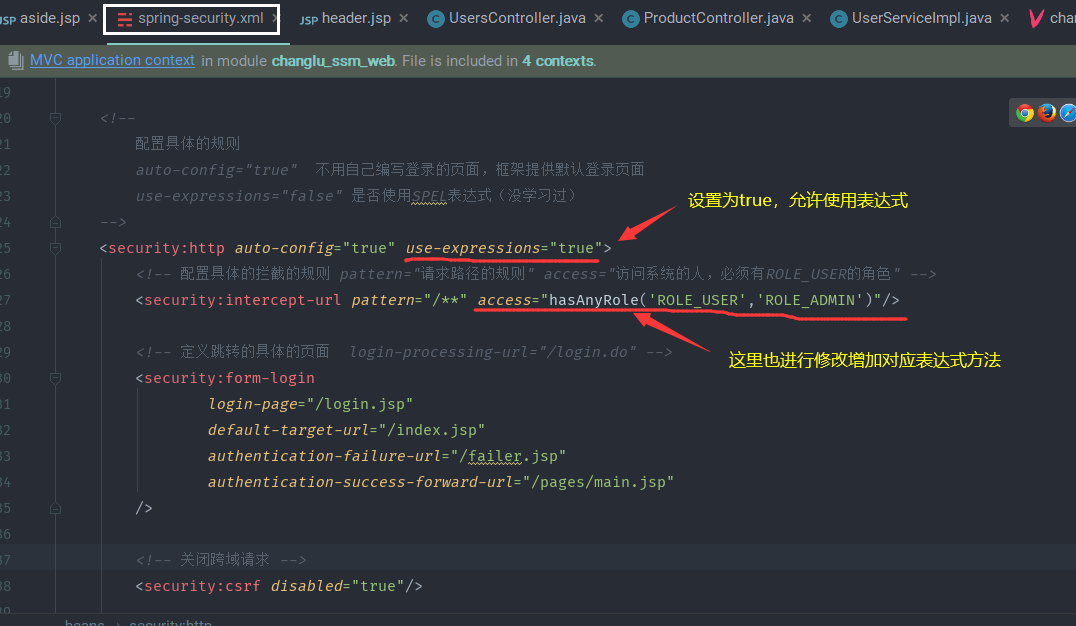
效果展示
changlu账号是没有teacher这个权限的,那么标签就会被隐藏
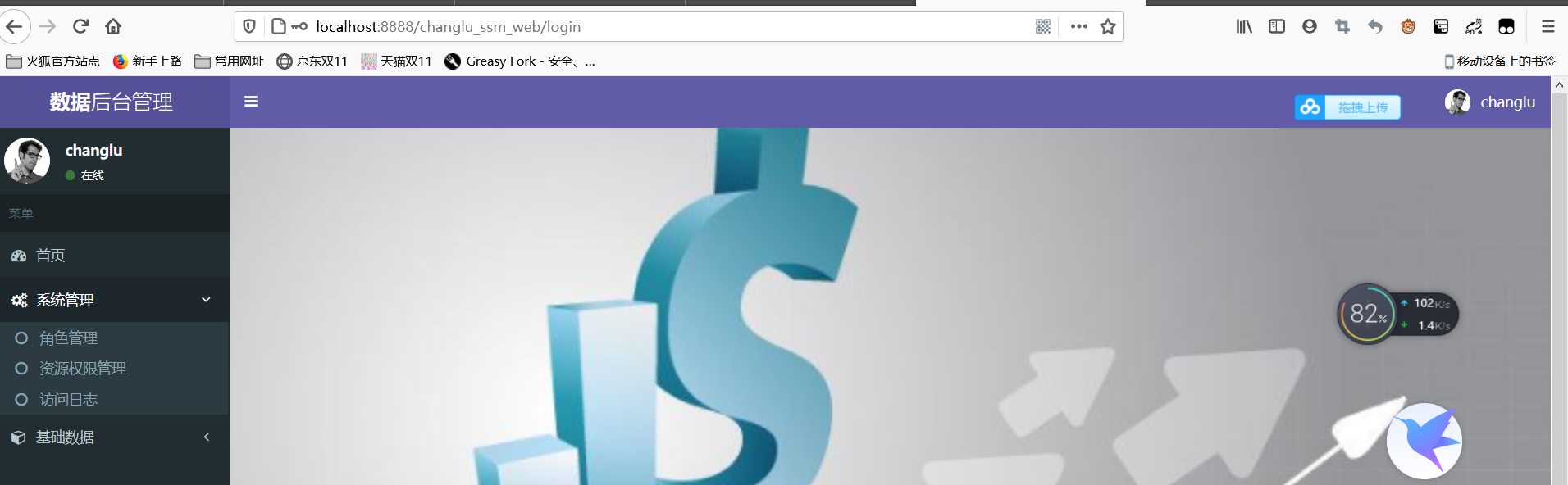
tom这个账号是有teacher权限的,那么标签就会生效

整理者:长路 时间:2020/11/9-2020/11/10

若有收获,就点个赞吧
0 人点赞


