博客园定制推荐
比较不错的博客
BNDong(推荐)
Github地址:https://github.com/BNDong/Cnblogs-Theme-SimpleMemory/tree/v1.3.3
配置文档:https://www.dbnuo.com/Cnblogs-Theme-SimpleMemory/docs/v1.1/#/
2.0:https://bndong.github.io/Cnblogs-Theme-SimpleMemory/v2/#/
手动定制
1、简易风格
参考博客: 博客园页面定制CSS代码
博客园自定义位置: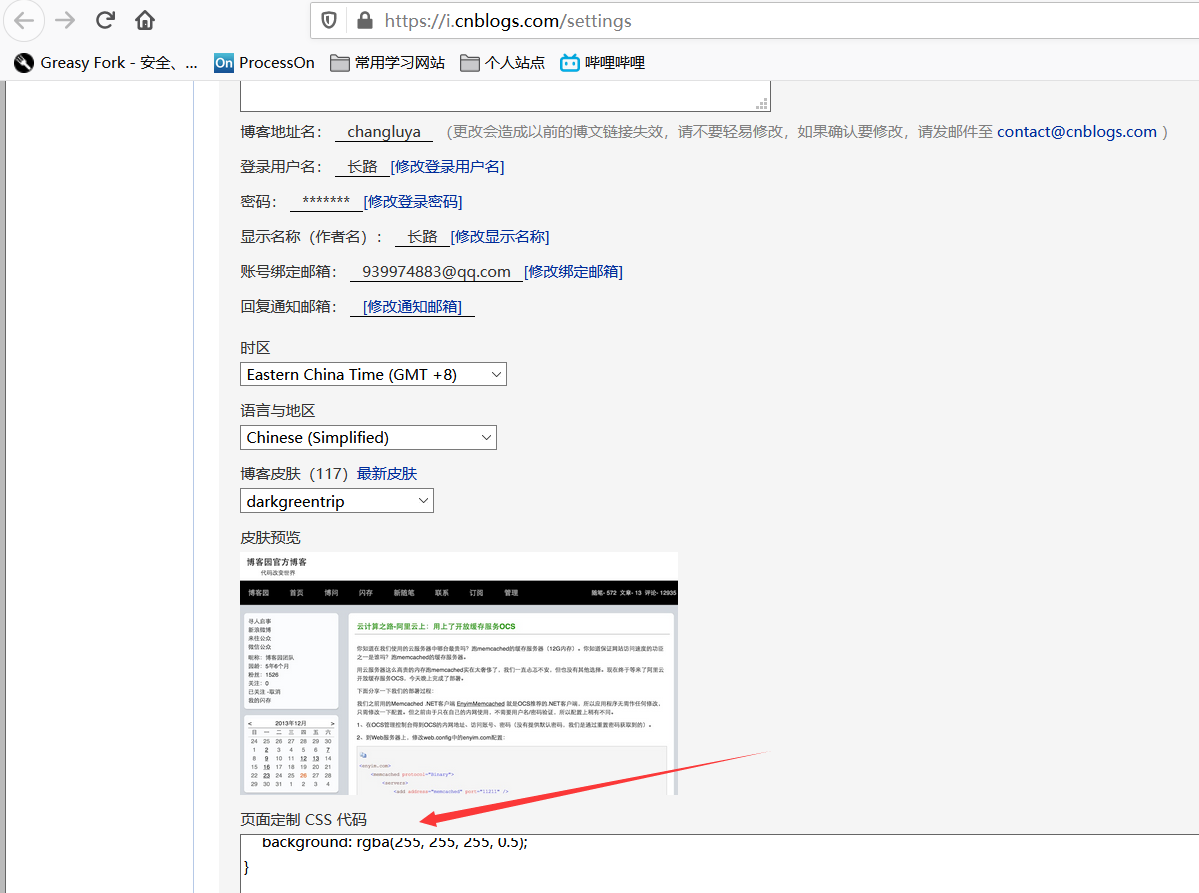
页首github地址改下: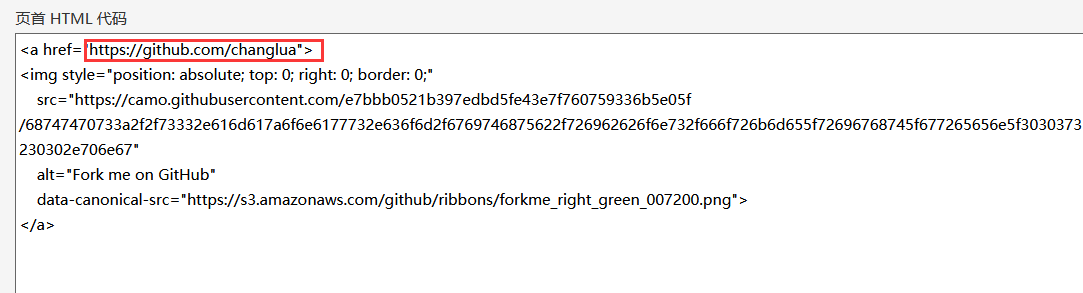
头像图片更改: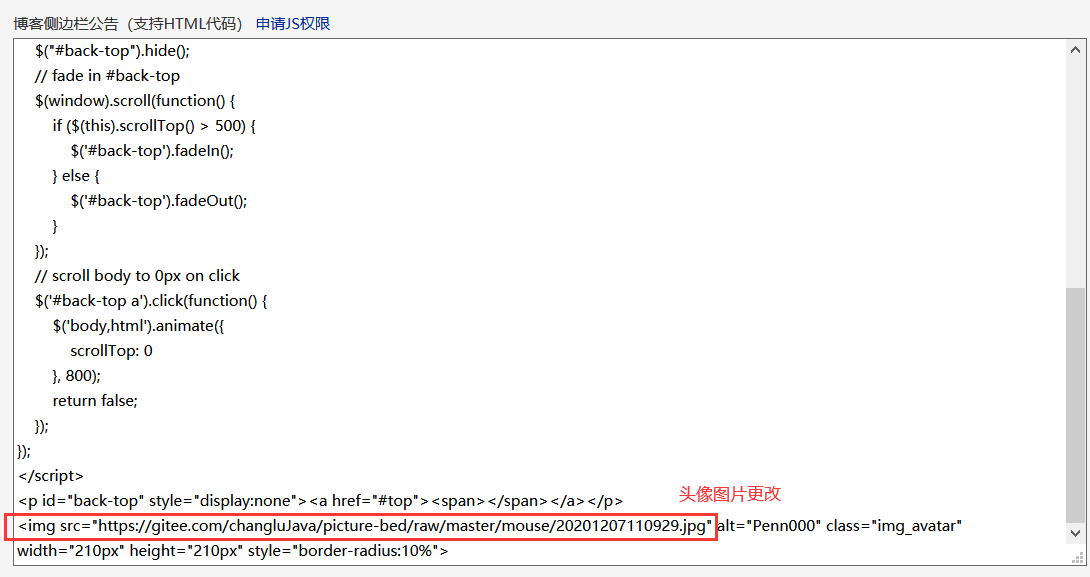
效果展示: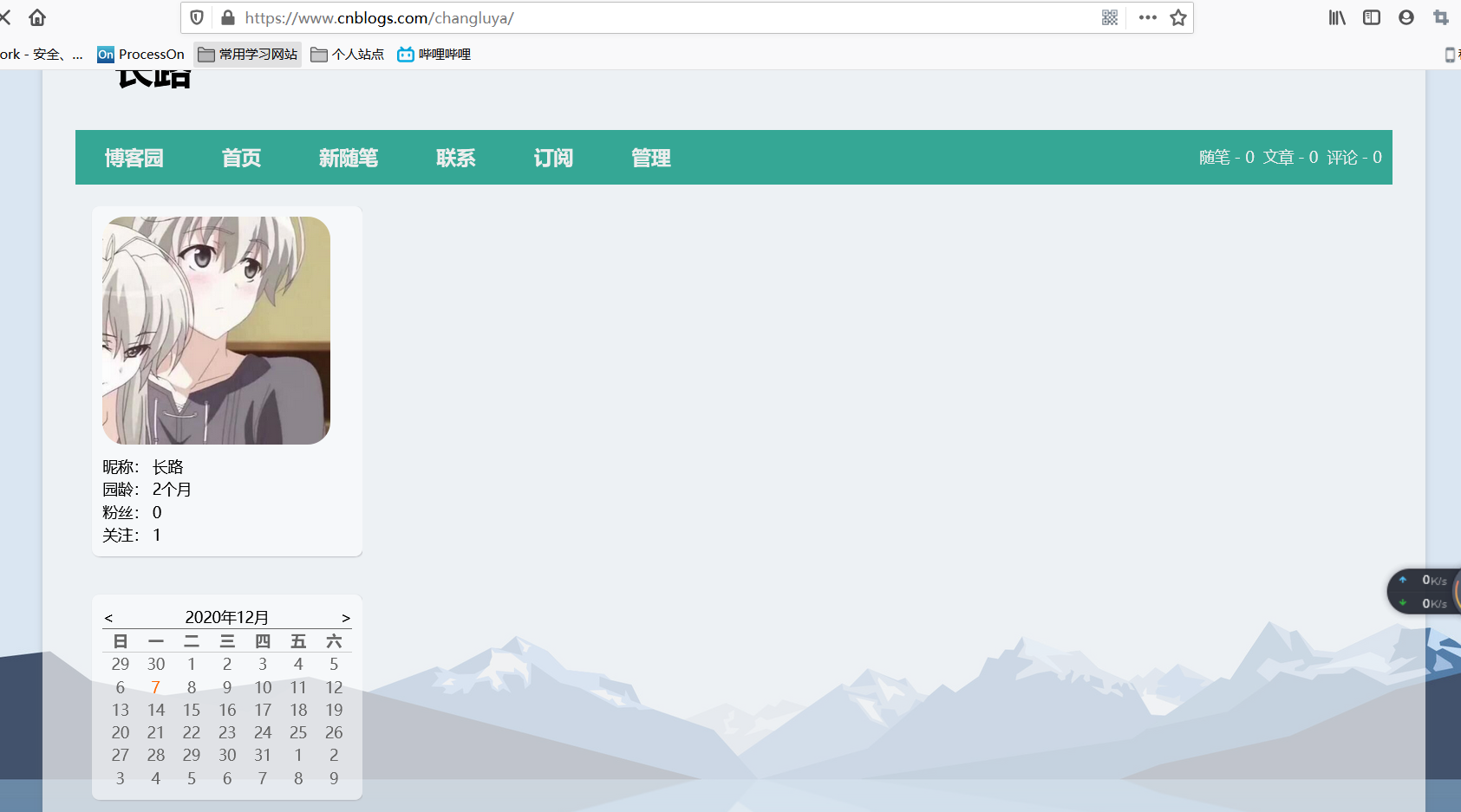
扩展功能
1、添加看板娘
live2d(Github英文):https://github.com/stevenjoezhang/live2d-widget
live2d(Github中文)https://github.com/EYHN/hexo-helper-live2d/blob/master/README.zh-CN.md
参考博客:网页添加Live2D看板娘简易教程、Hexo-Next 主题博客个性化配置超详细,超全面(两万字)
博客园主页上添加Live 2D模型、博客园 添加 Live 2D 模型
css代码:
#live2dcanvas {border: 0 !important;}
博客侧边栏公告(支持HTML代码) (支持 JS 代码) :
<script type="text/javascript" charset="utf-8"  src="https://files.cnblogs.com/files/liuzhou1/L2Dwidget.0.min.js"></script>
<script type="text/javascript" charset="utf-8"  src="https://files.cnblogs.com/files/liuzhou1/L2Dwidget.min.js"></script>
<script type="text/javascript">
    L2Dwidget.init({"display": {
        "superSample": 2,
        "width": 200,
        "height": 400,
             "position": "right",
                 "hOffset": 0,
        "vOffset": 0
          }
     });
</script>

若有收获,就点个赞吧
0 人点赞


