环境配置
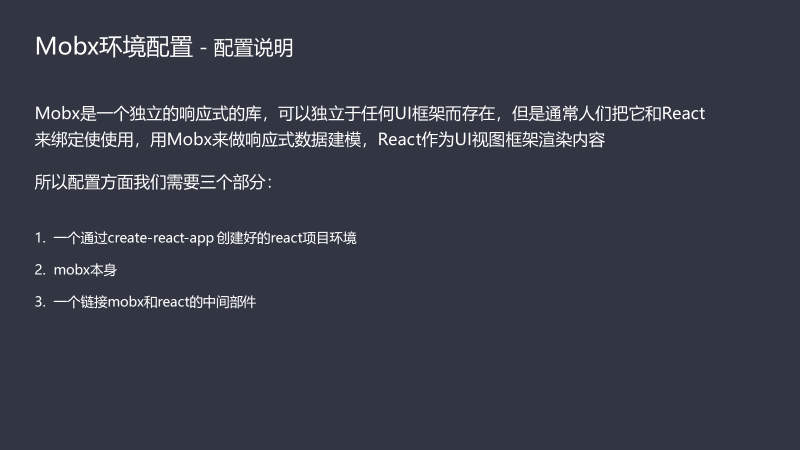
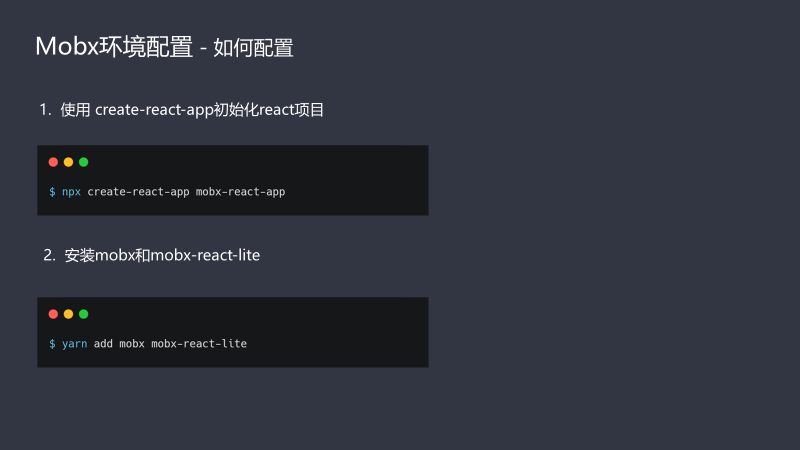
安装
store配置
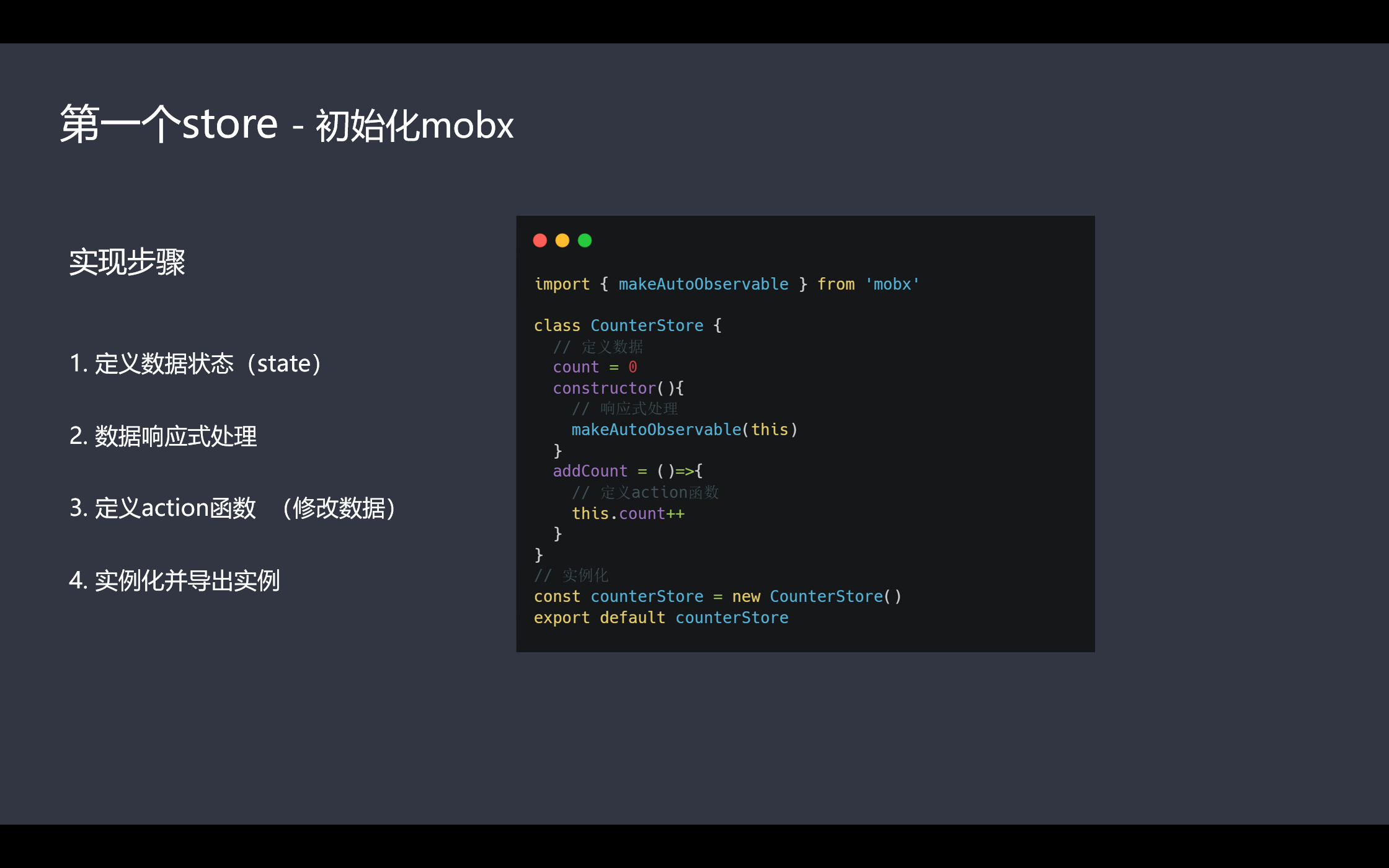
1.初始化mobx
2.链接react

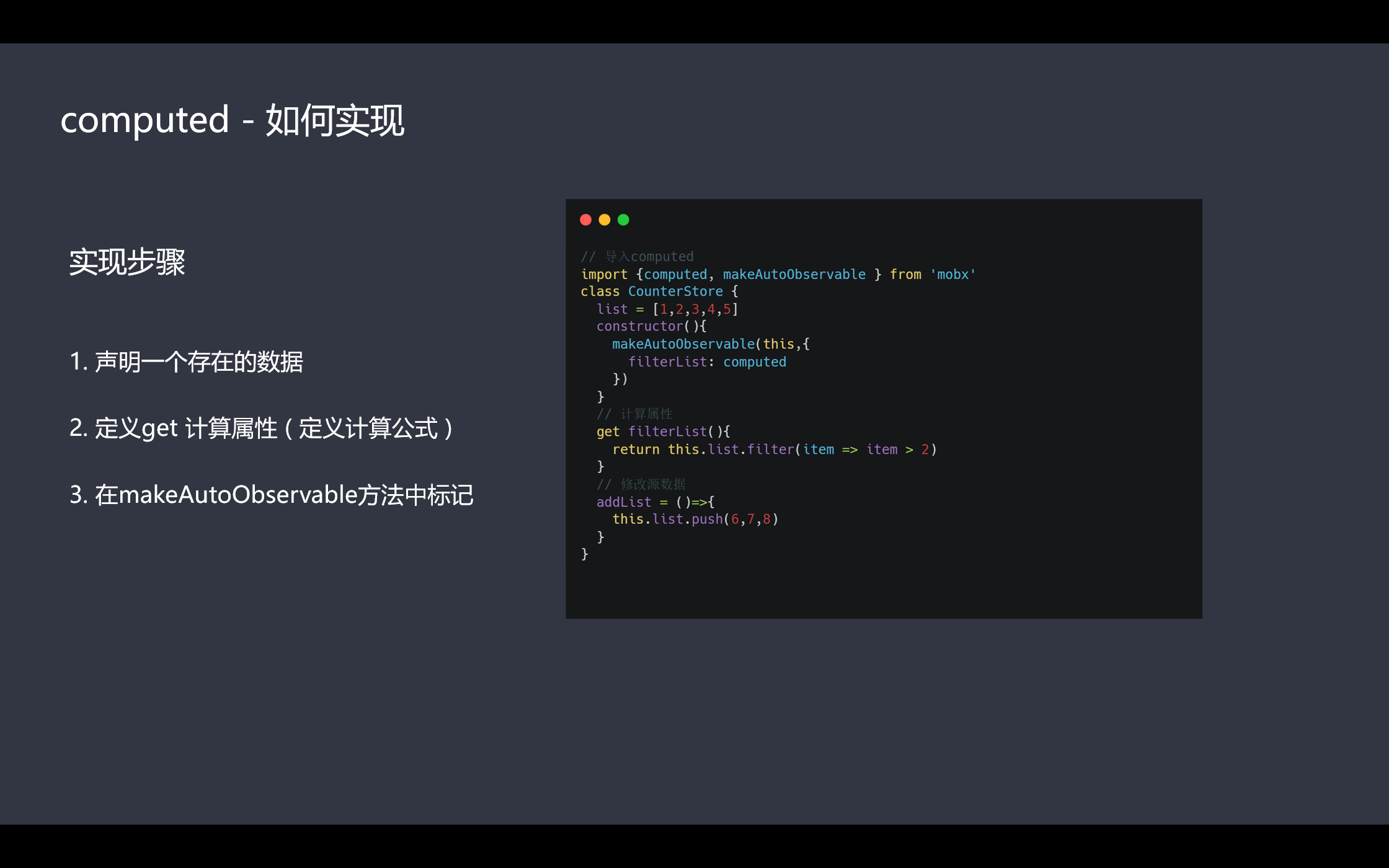
3.computed计算属性配置
4.模块化配置

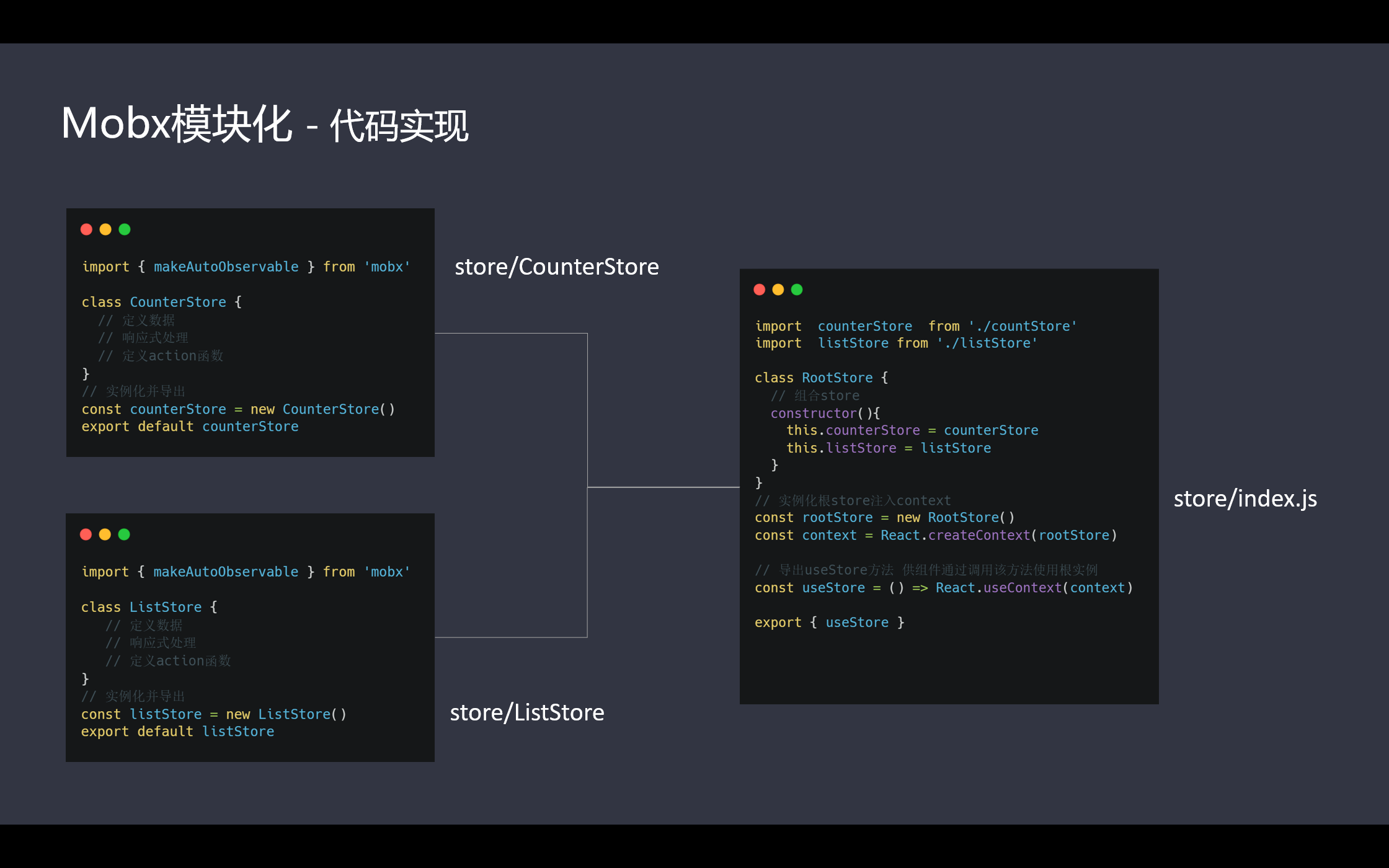
案例代码
store/index.js 汇总store
import React from "react"import countStore from "./CountStore";import listStore from "./ListStore";class RootStore {constructor(){this.countStore = countStore;this.listStore = listStore;}}const rootStore = new RootStore()const context = React.createContext(rootStore)const useStore = () => React.useContext(context)export {useStore}
CountStore.js
import {makeAutoObservable} from 'mobx'

class CountStore{
  //数据
  count=10

  constructor() {
    // 响应式
    makeAutoObservable(this)
  }
  //修改
  setCount(num){
    this.count=num
  }
  //getter
  get getCount(){
    return this.count *2
  }
}

const countStore = new CountStore()
export default countStore
ListStore.js
import {makeAutoObservable,computed} from 'mobx'

class ListStore {
  //数据
  List = [1,2,3];

  constructor(){
    makeAutoObservable(this,{
      filterList:computed
    })
  }
  //模拟异步获取数据
  getList(){
    setTimeout(()=>{
      this.List = ['Dan','Amanda','IV']
    },2000)
  }
  //getter
  get filterList(){
    return this.List.map(item=>item+'--')
  }
}
const listStore = new ListStore()
export default listStore

若有收获,就点个赞吧
0 人点赞


