在jenkins平台运行一个脚本来实现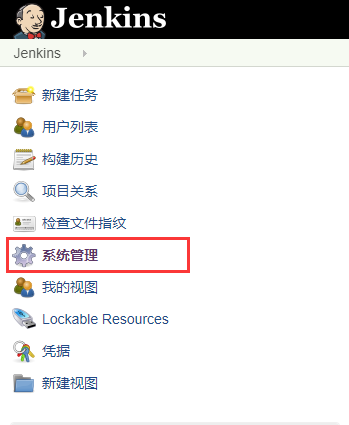
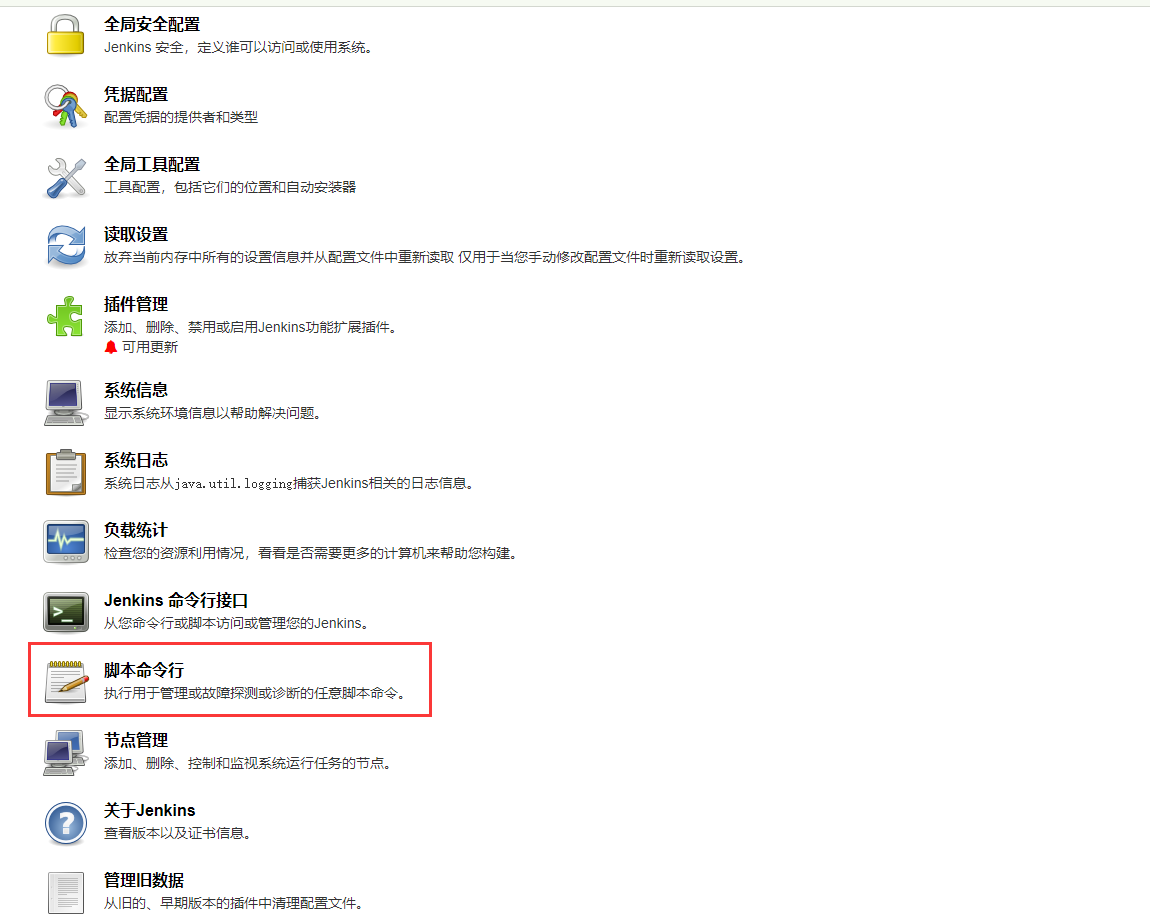
脚本内容如下:
目标视图需要先创建好
import hudson.model.*//源viewdef str_view = "test-sextant-dev"//目标viewdef str_new_view = "test"//源job名称(模糊匹配)def str_search = "sextant-"//目标job名称(模糊匹配后替换)def str_replace = "zzzzzzzzzz-"def view = Hudson.instance.getView(str_view)//copy all projects of a viewfor(item in view.getItems()){//跳过未模糊匹配到的构建 任务if (!item.getName().contains(str_search)) {// 说明文字,表示跳过未匹配到的job,可加可不加// println("but $item.name ignore ")continue}//create the new project namenewName = item.getName().replace(str_search, str_replace)// copy the job, disable and save itdef jobtry {//因为第一次导入后报错,所以添加了try-catch 跳过已存在的jobjob = Hudson.instance.copy(item, newName)} catch(IllegalArgumentException e) {// println(e.toString())println("$newName job is exists")continue} catch(Exception e) {println(e.toString())continue}job.disabled = truejob.save()// update the workspace to avoid having two projects point to the same location//下面开启后会报错,原因是groovy不用重新创建对象,注释后正常//AbstractProject project = job//def new_workspace = project.getCustomWorkspace().replace(str_search, str_replace)//project.setCustomWorkspace(new_workspace)//project.save()//add job to viewHudson.instance.getView(str_new_view).add(job)println(" $item.name copied as $newName is success")}

若有收获,就点个赞吧
0 人点赞


