helm3下载
github地址
https://github.com/helm/helm
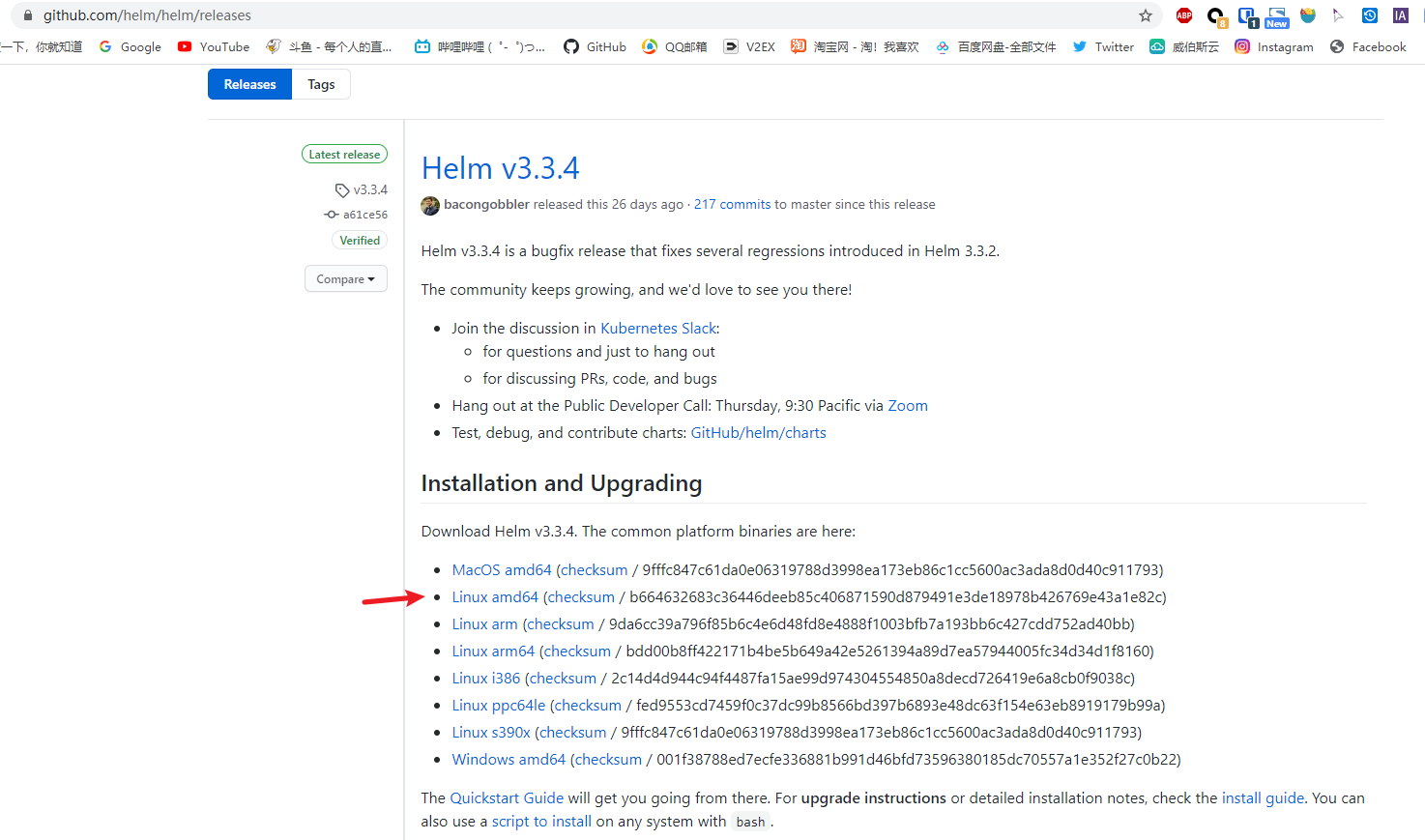
wget https://get.helm.sh/helm-v3.3.4-linux-amd64.tar.gz
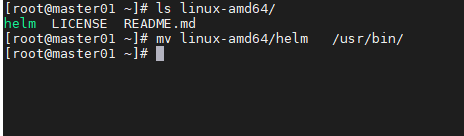
tar xvf helm-v3.3.4-linux-amd64.tar.gzchmod +x linux-amd64/helmmv linux-amd64/helm /usr/bin/
helm重要概念
Helm 重要概念:
- charts:包含了创建
Kubernetes的一个应用实例的必要信息 - values:包含了应用发布配置信息
- release:是一个 chart 及其配置的一个运行实例
- repo:charts仓库,用于存储charts
helm常用命令
常用的项目https://artifacthub.io/
repo
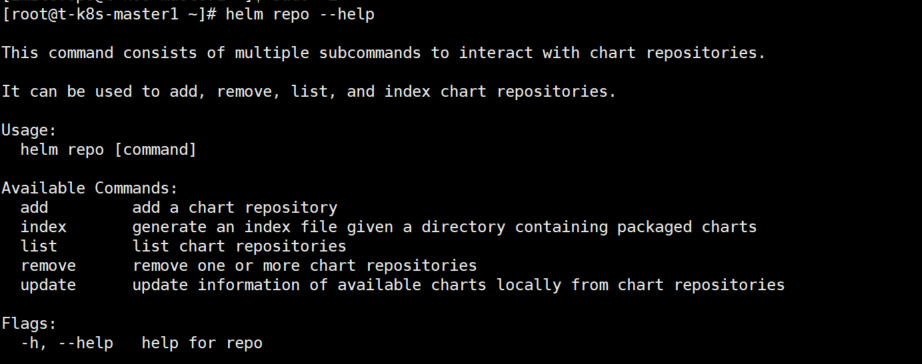
helm repo --help
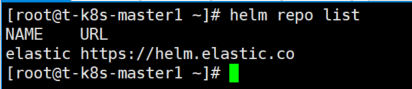
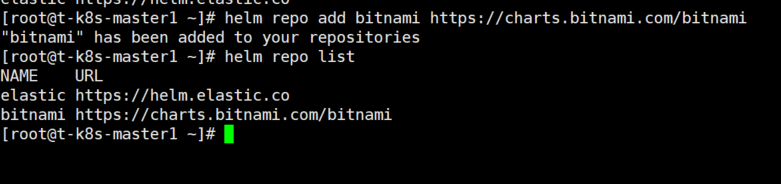
查看repo
helm repo list
增加repo
helm repo add bitnami https://charts.bitnami.com/bitnami
更新repo
helm repo update

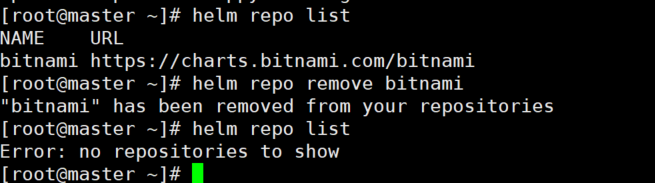
移除repo
helm remove bitnami
search
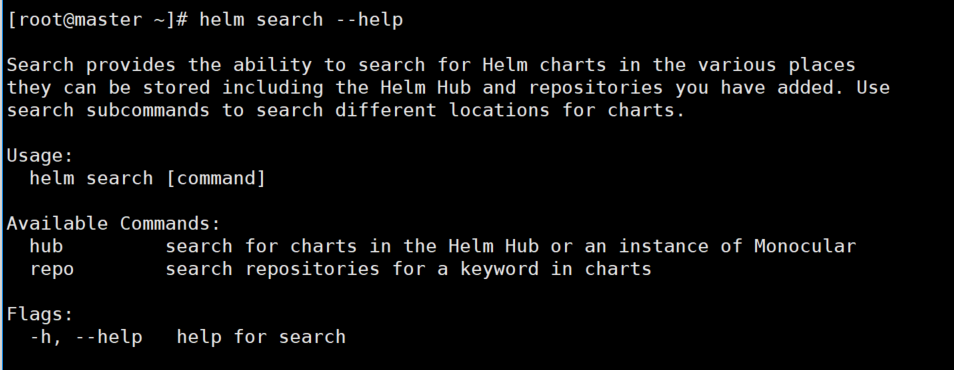
helm search --help
查看repo下面的包
helm search repo
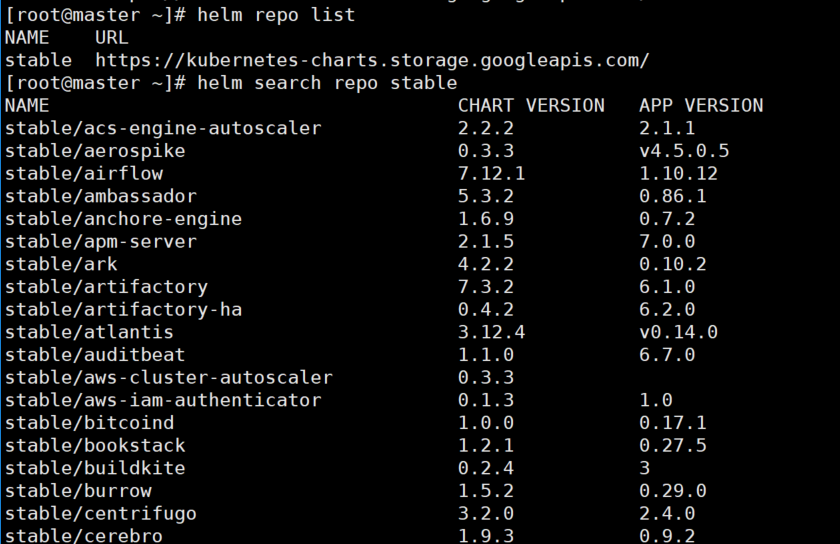
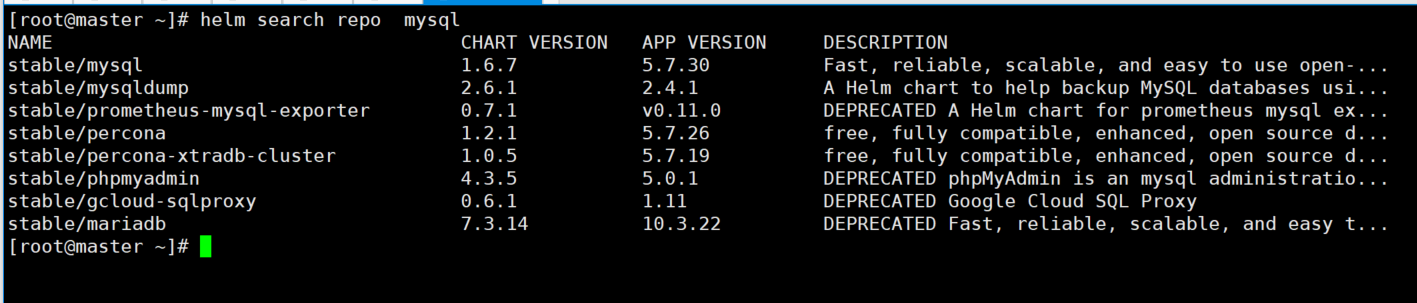
helm search repo mysql
show
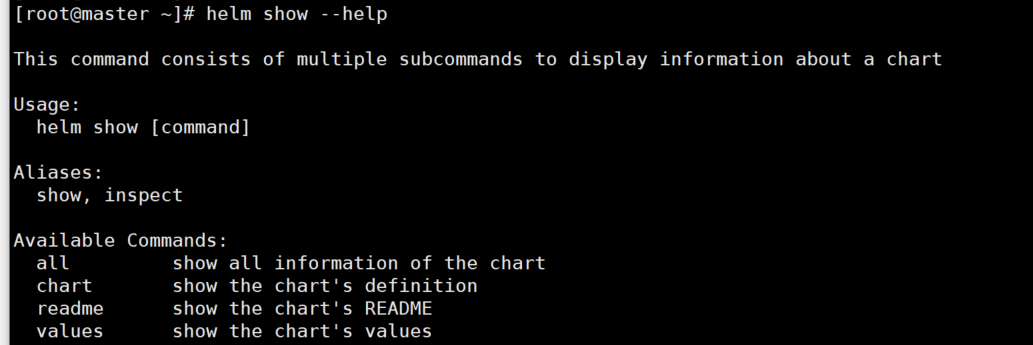
helm show --help
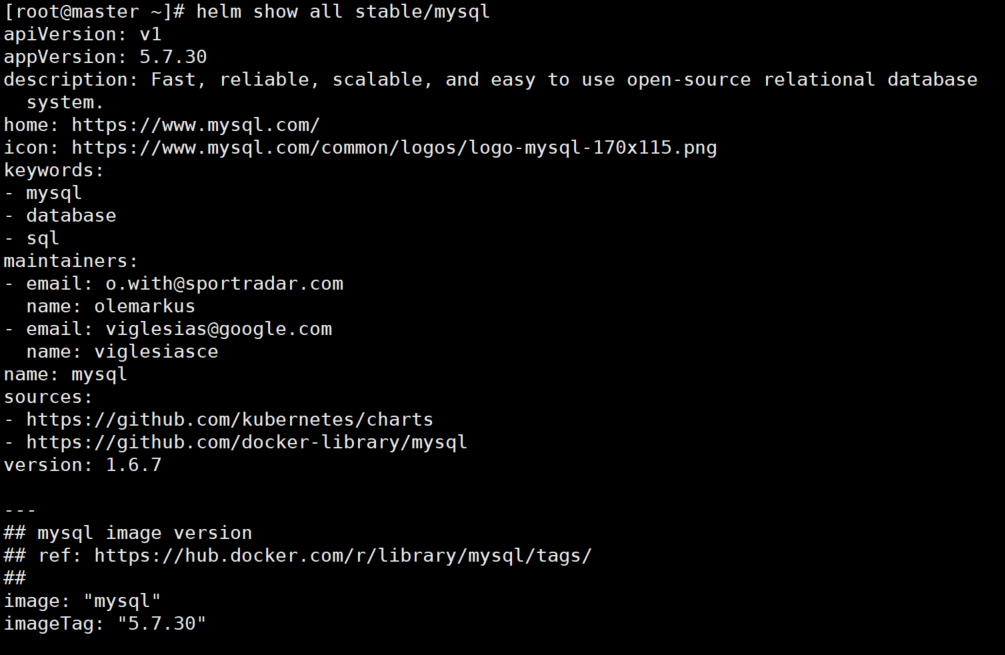
查看charts所有信息
helm show all stable/mysql
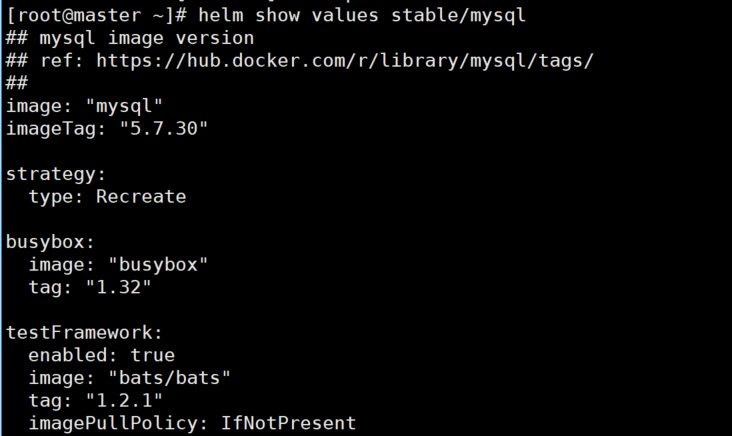
查看charts values信息
helm show values stable/mysql
install
helm install --help
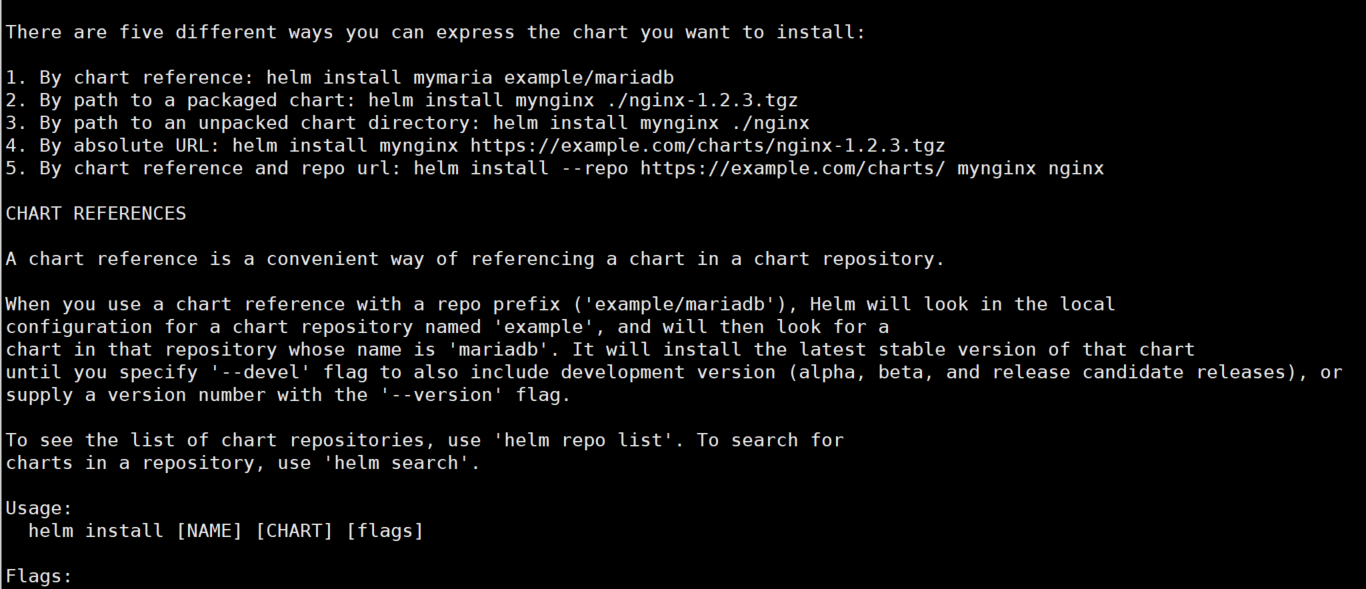
-n 指定namespace
helm install tomcat01 stable/tomcat -n test
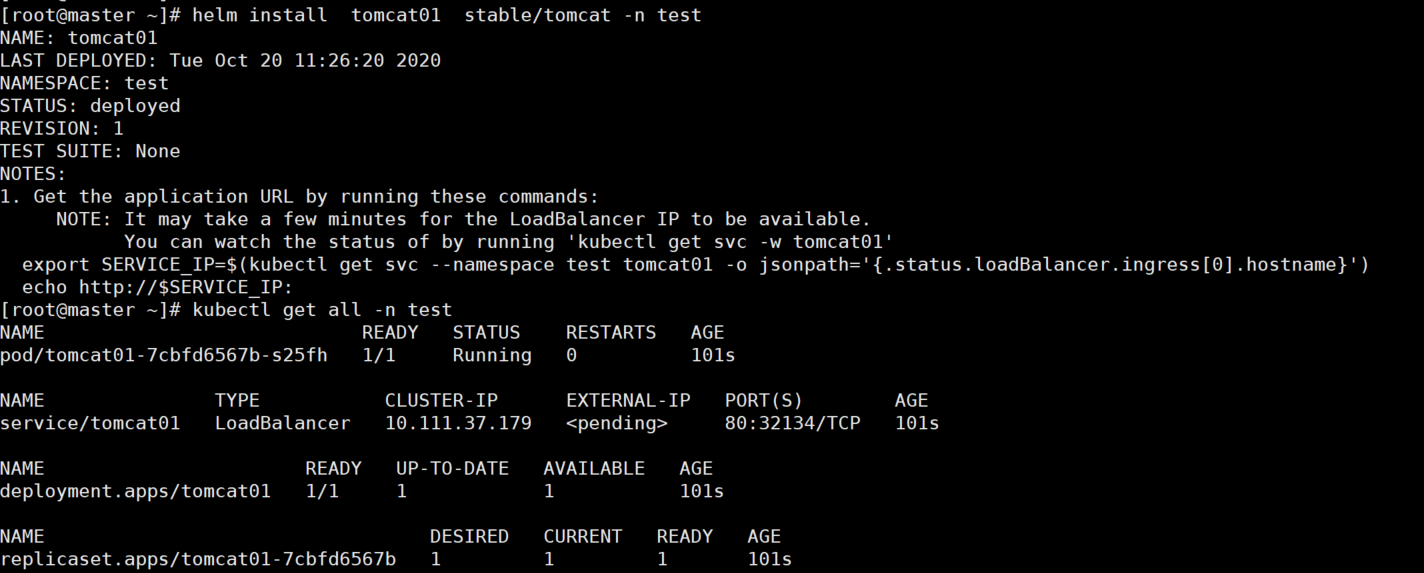
—set 设values变量
helm install tomcat02 stable/tomcat -n test --set hostPort=8010

list
helm list --help
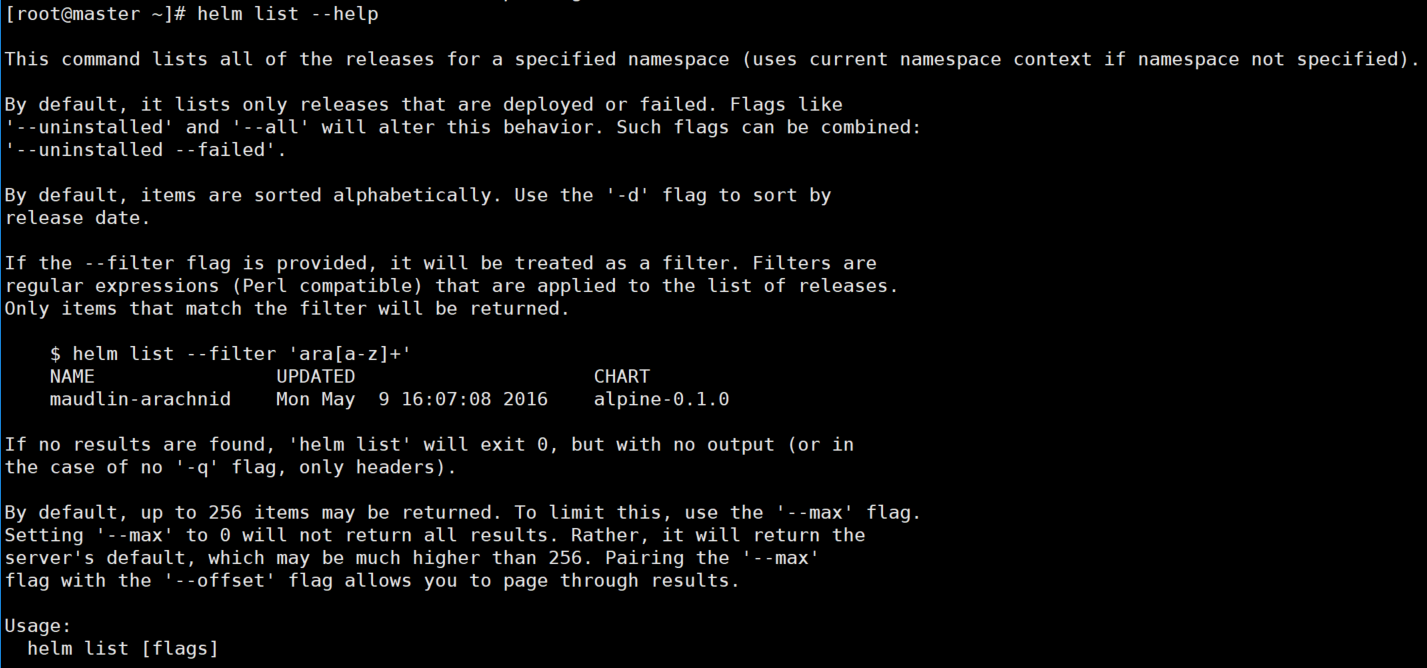
查看部署的项目
helm list -n test

upgrade
helm upgrade --help
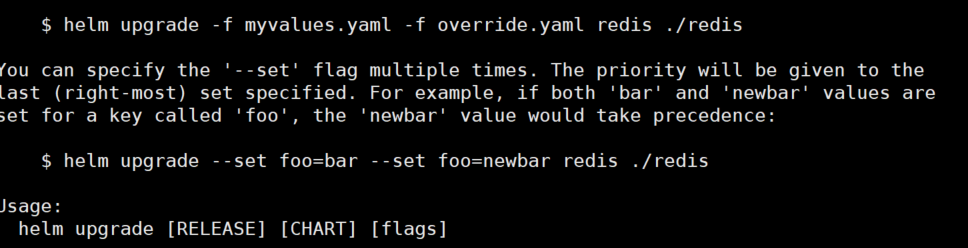
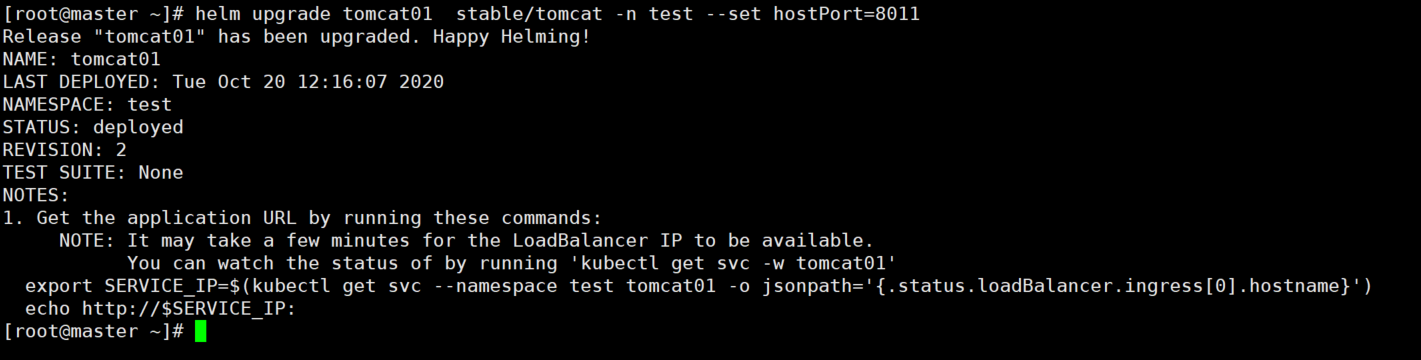
更新一个项目
helm upgrade tomcat01 stable/tomcat -n test --set hostPort=8011

status
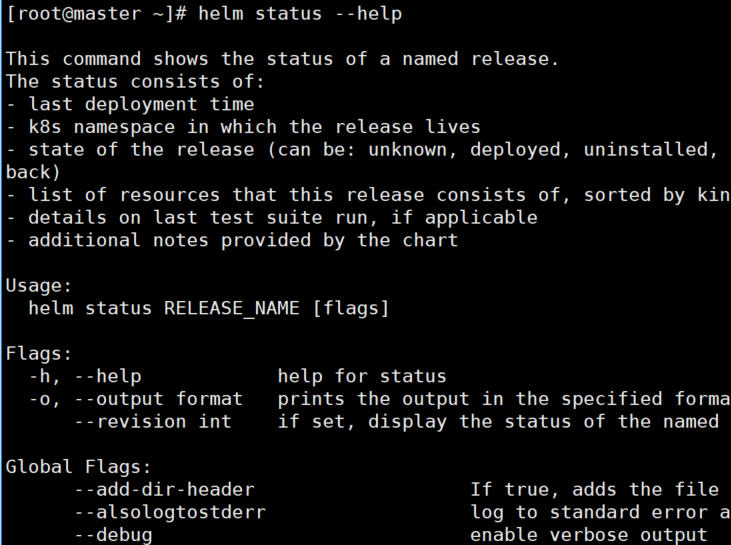
helm status --help
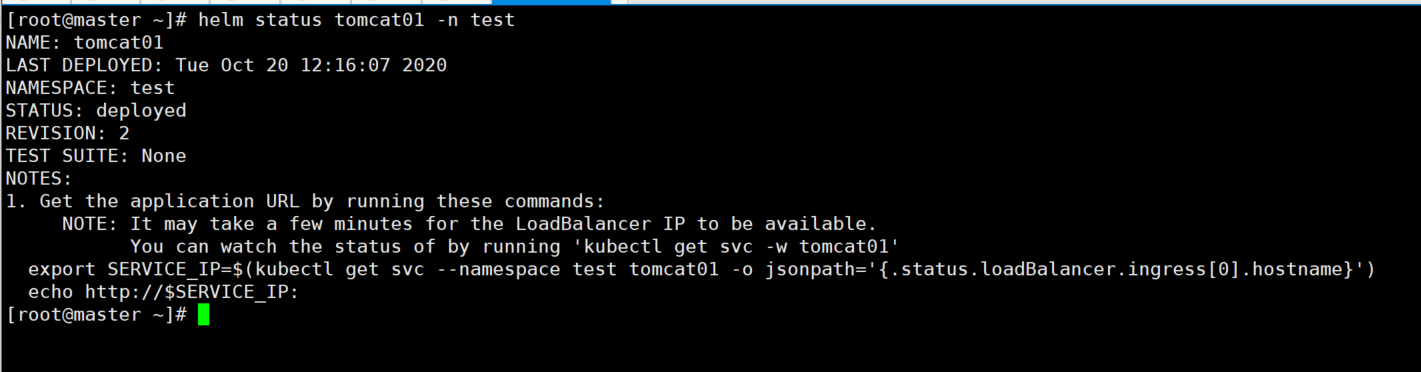
查看项目状态
helm status tomcat01 -n test
delete
helm delete --help
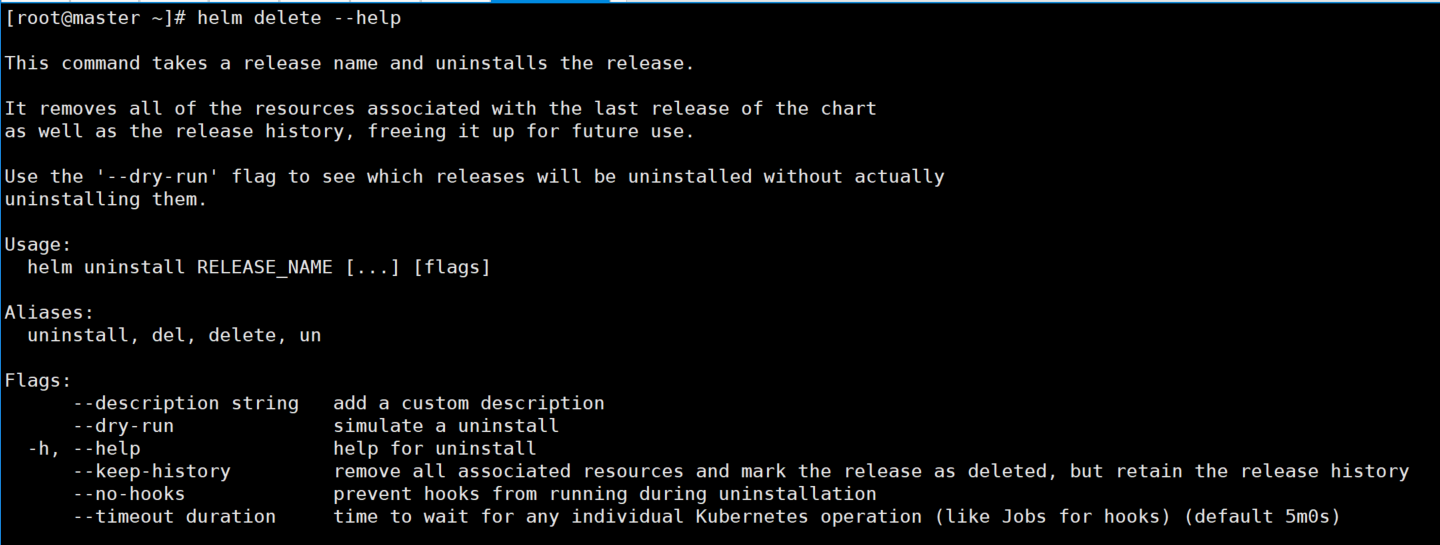
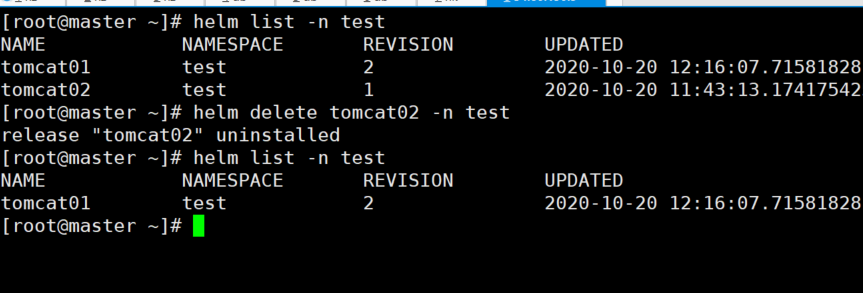
删除一个项目
helm delete tomcat02 -n test
rollback
helm rollback --help
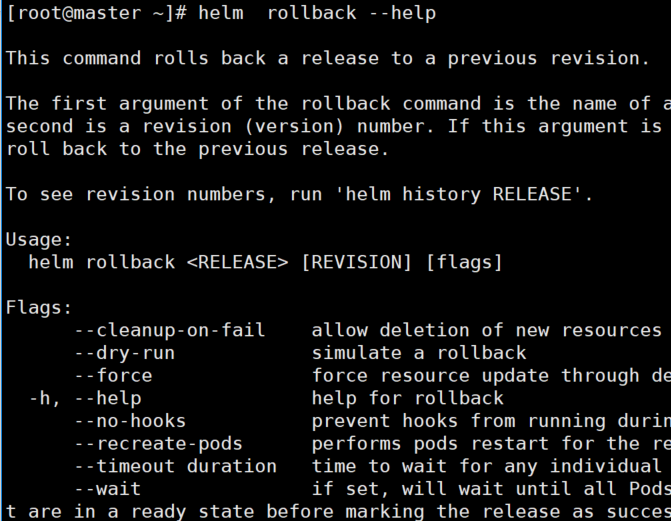
回滚上一个项目
helm rollback tomcat01 1 -n test

history
helm history --help
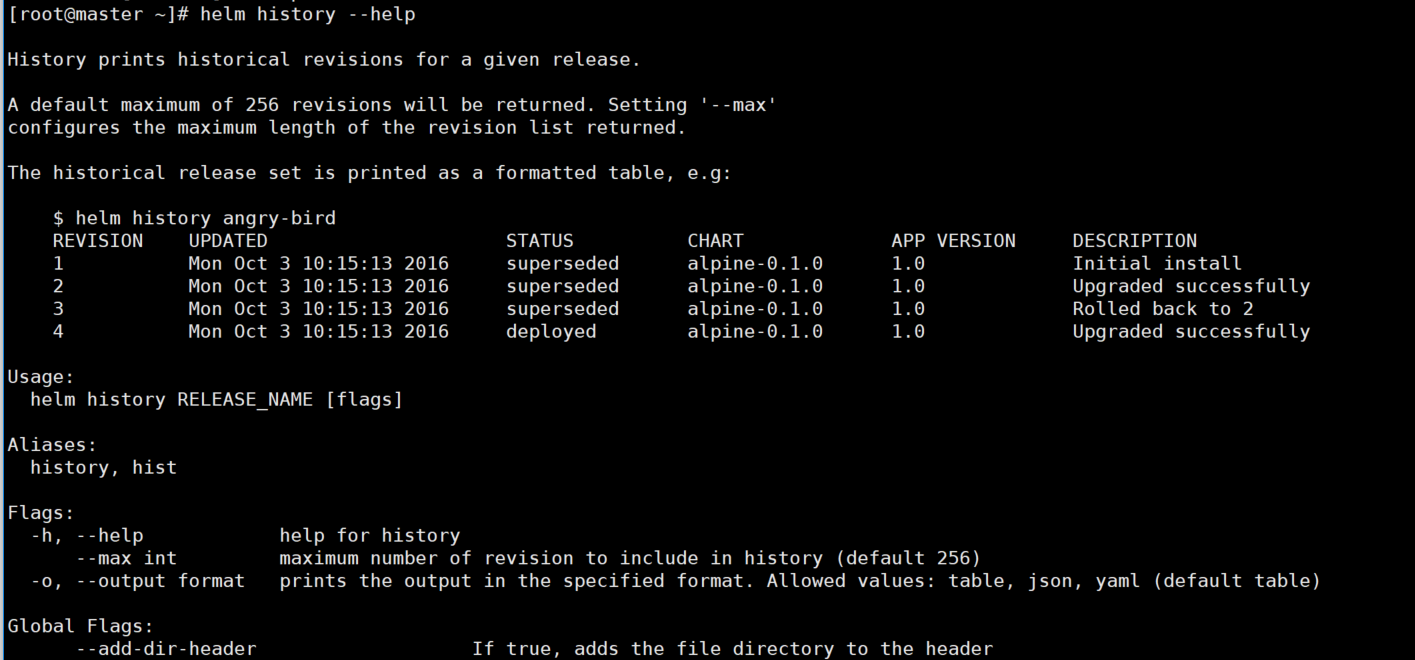
查看项目历史记录
helm history tomcat01 -n test

自定义chart
helm create test
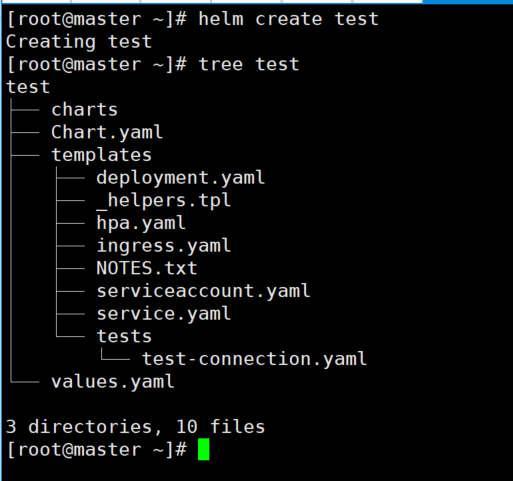
创建模板
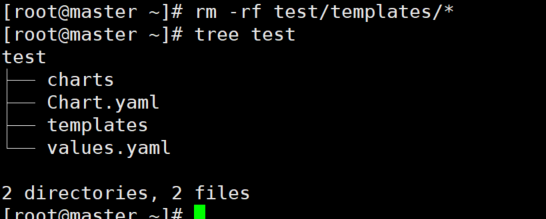
把 templates 目录下面所有文件全部删除掉,来创建模板文件
rm -rf test/templates/*
不加参数直接deployment
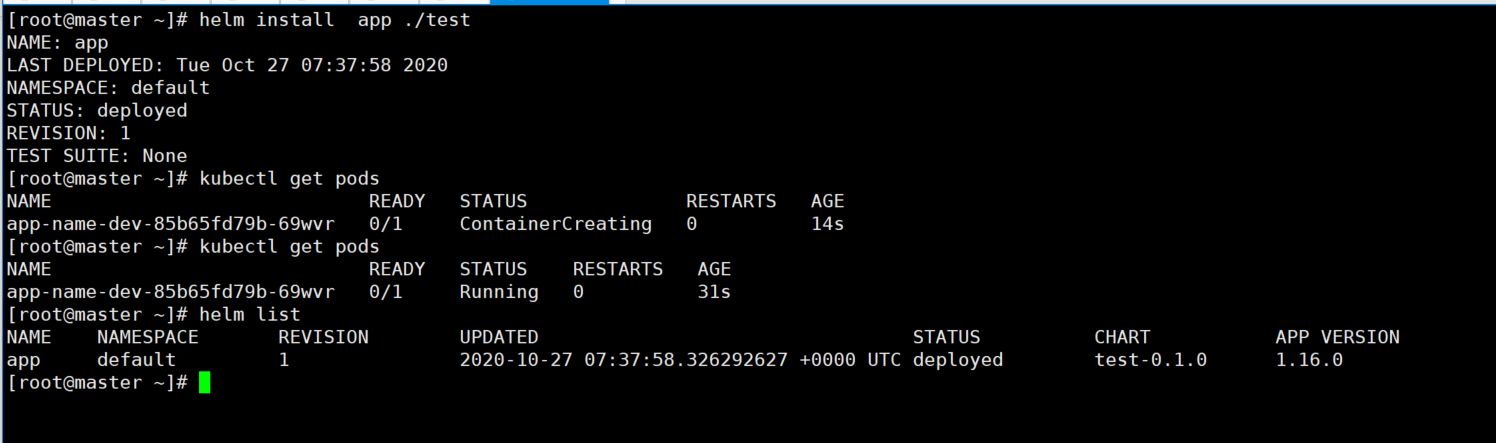
cat > test/templates/deployment.yaml << EOFapiVersion: apps/v1kind: Deploymentmetadata:name: app-name-devlabels:app: appspec:replicas: 1strategy:rollingUpdate:maxSurge: 1maxUnavailable: 1selector:matchLabels:app: appapp-name: app-nametemplate:metadata:labels:app: appapp-name: app-namespec:containers:- name: app-nameimage: tomcat:latestimagePullPolicy: AlwaysreadinessProbe:tcpSocket:port: 8080initialDelaySeconds: 50timeoutSeconds: 5periodSeconds: 3livenessProbe:tcpSocket:port: 8080initialDelaySeconds: 50timeoutSeconds: 5periodSeconds: 3ports:- name: httpcontainerPort: 8080resources:limits:memory: 1GivolumeMounts:- name: appmountPath: /opt/logsvolumes:- name: apphostPath:path: /opt/logstype: DirectoryOrCreateEOF
helm install app ./test
配置参数
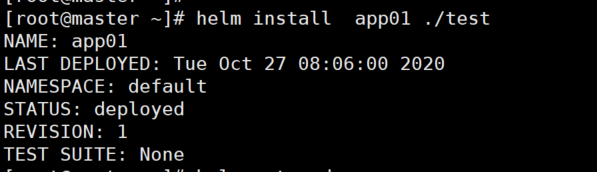
cat > test/templates/deployment.yaml << EOFapiVersion: apps/v1kind: Deploymentmetadata:name: {{ .Values.dev.appname }}-devlabels:app: {{ .Values.dev.app }}spec:replicas: 1strategy:rollingUpdate:maxSurge: 1maxUnavailable: 1selector:matchLabels:app: {{ .Values.dev.app }}app-name: {{ .Values.dev.appname }}template:metadata:labels:app: {{ .Values.dev.app }}app-name: {{ .Values.dev.appname }}spec:containers:- name: {{ .Values.dev.appname }}image: {{ .Values.container.image }}:{{ .Values.container.tag }}imagePullPolicy: AlwaysreadinessProbe:tcpSocket:port: {{ .Values.container.port }}initialDelaySeconds: 50timeoutSeconds: 5periodSeconds: 3livenessProbe:tcpSocket:port: 8080initialDelaySeconds: 50timeoutSeconds: 5periodSeconds: 3ports:- name: httpcontainerPort: {{ .Values.container.port }}resources:limits:memory: {{ .Values.container.memory }}volumeMounts:- name: appmountPath: /opt/logsvolumes:- name: apphostPath:path: /opt/logstype: DirectoryOrCreateEOF
cat > test/values.yaml << EOFdev:app: tomcatappname: tomcat-8container:image: tomcattag: latestport: 8080memory: 1GiEOF
helm install app01 ./test


若有收获,就点个赞吧
0 人点赞


