urllib 是一个软件包,收集了几个用于处理URL的模块:
urllib.request 用于打开和阅读URL
urllib.error 包含由引发的异常 urllib.request
urllib.parse 用于解析URL
urllib.robotparser用于解析robots.txt文件
一、resquest 模块
官方文档:https://docs.python.org/3/library/urllib.request.html#module-urllib.request
request模块是socket读取网络数据的接口,支持HTTP、FTP及gopher等连接。urllib.request.urlopen(url,data = None,[ timeout,] *,cafile = None,capath = None,cadefault = False,context = None )
参数:
url是一个URL字符串
data用来只当一个GET请求
urlopen() 方法返回一个stream对象,可以使用file对象的方法来操作此stream对象。
##import urllibfrom urllib import requesthtmlpage = urllib.request.urlopen('http://www.baidu.com/')htmlpage.read() #读取http://www.baidu.com/的页面print('url属性: ',htmlpage.url) #url属性print('headers属性: ') #headers属性for key,value in htmlpage.headers.items():print( key ," = ",value)print('状态码: ',htmlpage.status) #状态码##结果url属性: http://www.baidu.com/headers属性:Bdpagetype = 1Bdqid = 0xb8e635d500028510Cache-Control = privateContent-Type = text/html;charset=utf-8Date = Fri, 25 Dec 2020 11:55:37 GMTExpires = Fri, 25 Dec 2020 11:55:06 GMTP3p = CP=" OTI DSP COR IVA OUR IND COM "P3p = CP=" OTI DSP COR IVA OUR IND COM "Server = BWS/1.1Set-Cookie = BAIDUID=B2798B693EE09FB659835FC91F7D8358:FG=1; expires=Thu, 31-Dec-37 23:55:55 GMT; max-age=2147483647; path=/; domain=.baidu.comSet-Cookie = BIDUPSID=B2798B693EE09FB659835FC91F7D8358; expires=Thu, 31-Dec-37 23:55:55 GMT; max-age=2147483647; path=/; domain=.baidu.comSet-Cookie = PSTM=1608897337; expires=Thu, 31-Dec-37 23:55:55 GMT; max-age=2147483647; path=/; domain=.baidu.comSet-Cookie = BAIDUID=B2798B693EE09FB674189E9FEF21FE66:FG=1; max-age=31536000; expires=Sat, 25-Dec-21 11:55:37 GMT; domain=.baidu.com; path=/; version=1; comment=bdSet-Cookie = BDSVRTM=0; path=/Set-Cookie = BD_HOME=1; path=/Set-Cookie = H_PS_PSSID=1420_33221_33306_33257_31253_32970_33287_33343_33313_33312_33311_33310_33309_26350_33308_33307_33240_33267_33389_33370; path=/; domain=.baidu.comTraceid = 1608897337092096461813323395736566662416Vary = Accept-EncodingVary = Accept-EncodingX-Ua-Compatible = IE=Edge,chrome=1Connection = closeTransfer-Encoding = chunked状态码: 200
urllib模块的方法:
- urllib.request.urlretrieve(url,filename = None,reporthook = None,data = None )
将一个网络对象url复制到本机文件filename上
reporthook是一个hook函数,在网络连接完成的时候,会调用这个hook函数一次,在每读取一个区块后,也会 调用此hook函数一次
data必须是application/x-www-form-urlencoded格式
```python
import urllib
from urllib import request
htmlpage = urllib.request.urlretrieve(‘http://www.baidu.com/','E:\\pythonstduy\\ex.html‘)
print( htmlpage)
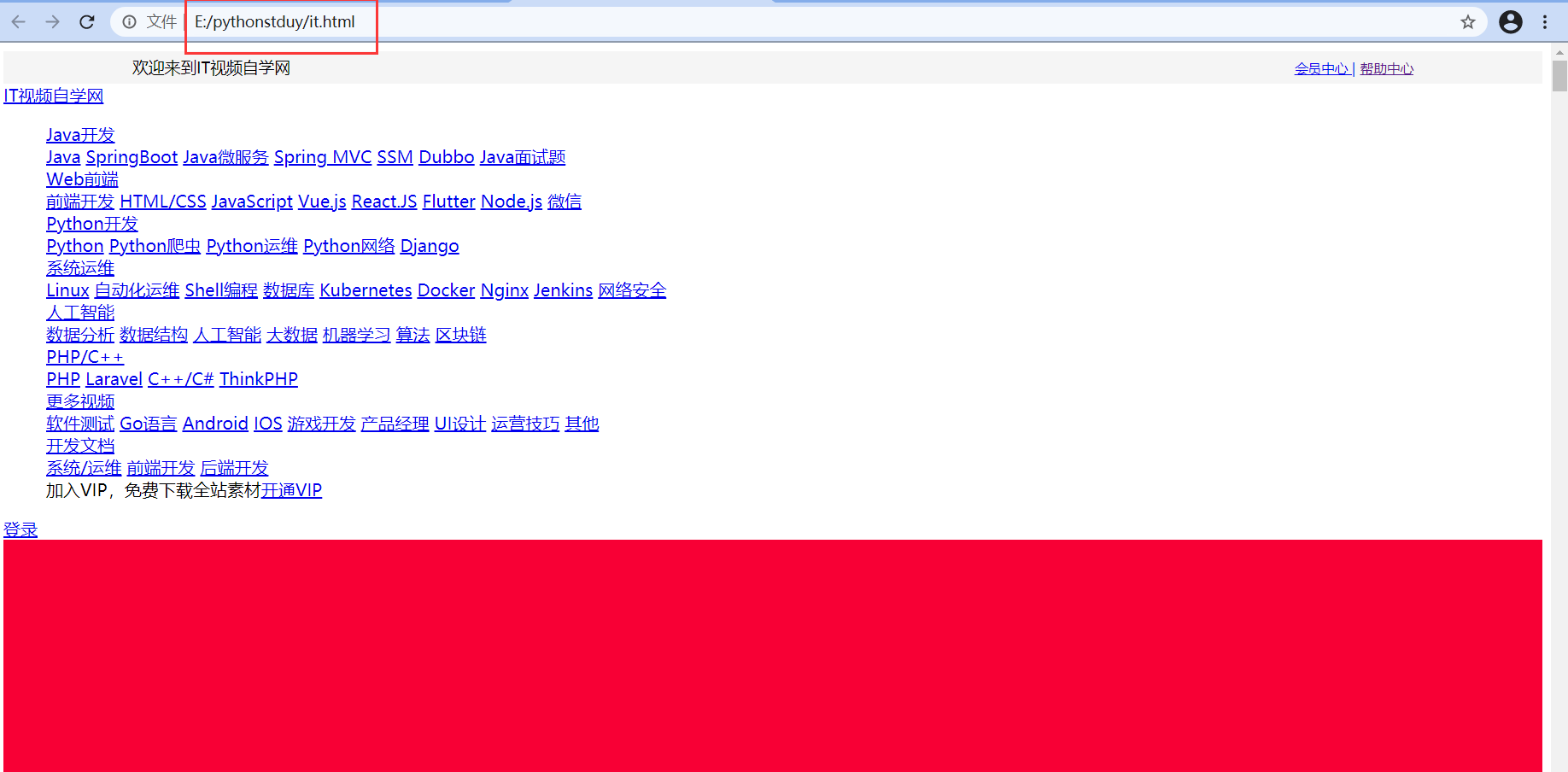
<br />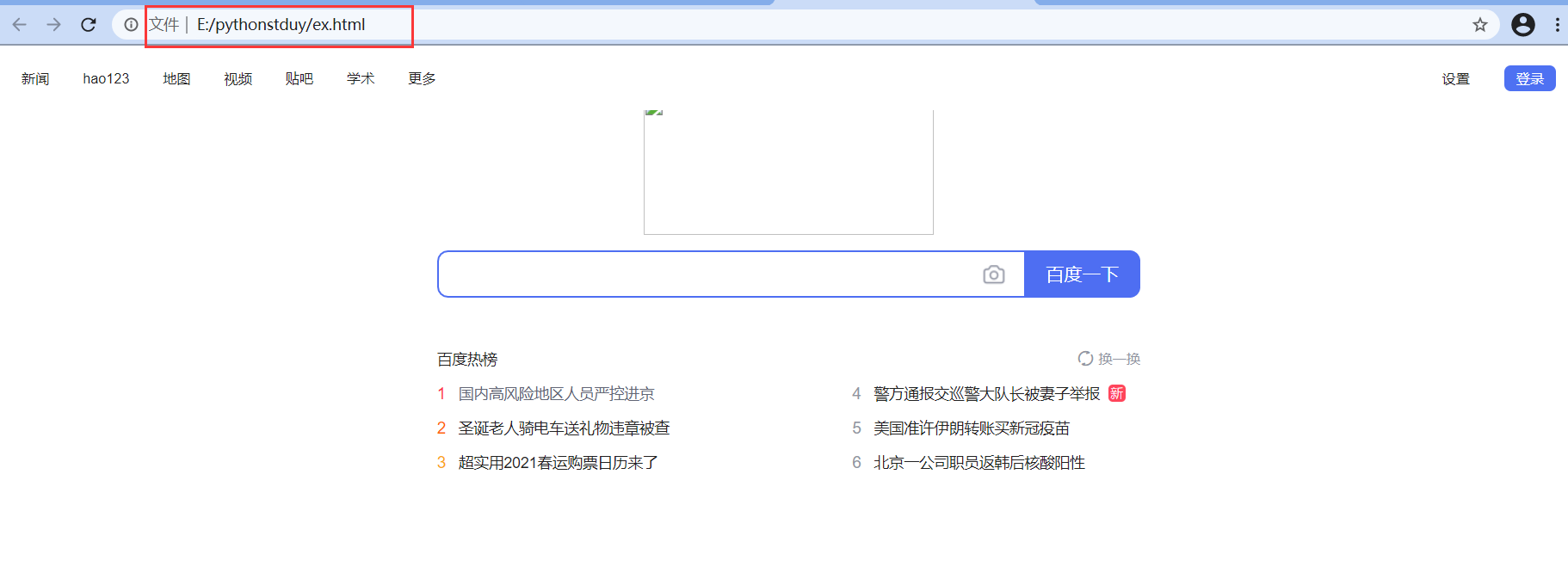2. **urllib.request.urlcleanup()**清除urlretrieve() 方法所使用的高速缓冲```pythonimport urllibfrom urllib import request#打开网页文件htmlpage = urllib.request.urlopen('https://itspzx.com/index.html')#在本地上创建一个新文件file = open('E:\\pythonstduy\\it.html','wb') ##以字节方式的只读模式打开#将网页文件存储到本地,每次读取512字节while True:data = htmlpage.read(512)if not data:breakfile.write(data)#关闭本机文件file.close()#关闭网页文件htmlpage.close()
二、parse 模块
官网文档:https://docs.python.org/3/library/urllib.parse.html
parse模块定义了一个标准接口,用于解析URL字符串并返回一个元组,(addressing scheme, network location, path,parameters,query,fragment,identifier)。parse模块可以将URL分解为数个部分,并能组合回来,还可以将相对地址转换为绝对地址。
2.1 URL解析
URL解析功能着重于将URL字符串拆分为其组件,或将URL组件组合为URL字符串
方法:
- urllib.parse.urlparse(urlstring,scheme =’’,allow_fragments = True )
将一个URL字符串分解为6个元素的元组,每个元素都是一个字符串,可能为空
即(addressing scheme,network location,path,parammeters,query,fragment identifier)
如果设置default_scheme参数,则指定addressing scheme
如果设置allow_fragments为0,则不允许fragment identifier
import urllib.parseurl = 'https://tianchi.aliyun.com/specials/promotion/cloudnative?spm=a2c41.14468205.0.0'result = urllib.parse.urlparse(url)print(result)print(type(result))print(type(result[0]))##结果ParseResult(scheme='https', netloc='tianchi.aliyun.com', path='/specials/promotion/cloudnative', params='', query='spm=a2c41.14468205.0.0', fragment='')<class 'urllib.parse.ParseResult'><class 'str'>
- urllib.parse.parse_qs(qs,keep_blank_values = False,strict_parsing = False,encoding =’utf-8’,errors =’replace’,max_num_fields = None )
解析作为字符串参数给出的查询字符串
数据作为字典返回。字典键是唯一的查询变量名称,而值是每个名称的值列表
可选参数keep_blank_values是一个标志,指示是否应将百分比编码的查询中的空白值视为空白字符串。真值表示应将空格保留为空白字符串。默认的false值指示将忽略空白值并将其视为未包含空白值。
可选参数strict_parsing是一个标志,指示如何处理解析错误。如果为false(默认值),则错误将被忽略。如果为true,则错误会引发ValueError异常
可选参数max_num_fields是要读取的最大字段数。如果设置,则ValueError如果读取的max_num_fields个字段以上 ,则抛出。
import urllib.parseurl = 'https://tianchi.aliyun.com/specials/promotion/cloudnative?spm=a2c41.14468205.0.0'result = urllib.parse.parse_qs(url)print(result)print(type(result))##结果{'https://tianchi.aliyun.com/specials/promotion/cloudnative?spm': ['a2c41.14468205.0.0']}<class 'dict'>
- urllib.parse.parse_qsl(qs,keep_blank_values = False,strict_parsing = False,encoding =’utf-8’,errors =’replace’,max_num_fields = None )
解析作为字符串参数给出的查询字符串(类型为 application / x-www-form-urlencoded的数据)
数据作为名称,值对的列表返回
可选参数keep_blank_values是一个标志,指示是否应将百分比编码的查询中的空白值视为空白字符串。真值表示应将空格保留为空白字符串。默认的false值指示将忽略空白值并将其视为未包含空白值。
可选参数strict_parsing是一个标志,指示如何处理解析错误。如果为false(默认值),则错误将被忽略。如果为true,则错误会引发ValueError异常。
可选的encoding和errors参数指定bytes.decode()方法所接受的如何将百分比编码的序列解码为Unicode字符 。
可选参数max_num_fields是要读取的最大字段数。如果设置,则ValueError如果读取的max_num_fields个字段以上 ,则抛出。
import urllib.parseurl = 'https://tianchi.aliyun.com/specials/promotion/cloudnative?spm=a2c41.14468205.0.0'result = urllib.parse.parse_qsl(url)print(result)print(type(result))##结果[('https://tianchi.aliyun.com/specials/promotion/cloudnative?spm', 'a2c41.14468205.0.0')]<class 'list'>
- urllib.parse.urlunparse(parts)
使用tuple创建一个URL字符串
import urllib.parset = ("http","www.python.org",'/News.html',"","","") #六个元素的元组url = urllib.parse.urlunparse(t)print(url)##结果http://www.python.org/News.html
- urllib.parse.urlsplit(urlstring, scheme=’’, allow_fragments=True)
类似于urlparse(),但不会从URL拆分参数,需要单独的功能来分隔路径段和参数
返回含有5项的元组(addressing scheme, network location, path, query, fragment identifier).
import urllib.parseurl = 'https://tianchi.aliyun.com/specials/promotion/cloudnative?spm=a2c41.14468205.0.0'result = urllib.parse.urlsplit(url)print(result)print(type(result))##结果SplitResult(scheme='https', netloc='tianchi.aliyun.com', path='/specials/promotion/cloudnative', query='spm=a2c41.14468205.0.0', fragment='')<class 'urllib.parse.SplitResult'>
- urllib.parse.urljoin(base,url,allow_fragments = True )
使用base和url创建一个绝对URL地址
from urllib.parse import urljoinresult = urljoin('http://www.cwi.nl/%7Eguido/Python.html', 'FAQ.html')print(result)##结果http://www.cwi.nl/%7Eguido/FAQ.html

若有收获,就点个赞吧
0 人点赞


