文字相关的属性
文字大小 font-size
- 单位
px,pt
font-size: 16px;浏览器默认文字大小为16px- 文字大小低于
12px之后,是不显示的 font-size: 9pt;9pt = 12px
数值为偶数(不可以设置为奇数)
<head><meta charset="UTF-8"><title>文字相关的属性</title><style type="text/css">#box {width: 400px;height: 100px;background-color: pink;/* 文字大小 *//* font-size: 16px;浏览器默认文字大小为16px */font-size: 12px;/* 偶数 */font-size: 10px;/* 偶数 *//* 扩展 */font-size: medium;/* 16px */font-size: large;font-size: larger;font-size: x-large;font-size: xx-large;font-size: xxx-large;font-size: smaller;font-size: small;font-size: x-small;}</style></head><body><div id="box">2022年1月4日</div></body>
文字颜色 color,rgb
color: pink;- 十六进制颜色
- 值 0 1 2 3 4 5 6 7 8 9 A B C D E F
12 3d fa
color:#aabbcc;=#abccolor: #05d2b3; color: #ff0000; color: #f00; color: #66bb00; color: #6b0; color: #abc;
rgb(颜色值,颜色值,颜色值)
- 颜色值的取值
0~255color: rgb(000, 000, 000); color: rgb(255,255,255);
-
文字字体 font-family
font-family: "楷体";
font-family: 'Times New Roman';
font-family: '甲骨文','草书','楷体','宋体';
/* 后三个文字字体为备选,以便不显示甲骨文时候使用 */
字体加粗 font-weight
文字加粗 font-weight: bold/bolder;
font-weight: bold;
font-weight: bolder;
font-weight: 600;
/* 600-900为加粗 */
加粗文字变常规文字 font-weight: normal;
font-weight: 500;
font-weight: 400;
font-weight: normal;
常规文字变细(字体轻量级变化)font-weight: lighter;
font-weight: 300;
font-weight: 200;
font-weight: 100;
font-weight: lighter;
文字倾斜 font-style
font-style: oblique;
font-style: italic;
倾斜文字变常规文字 font-style: normal
i,
em,
var {
 font-style: normal;
}
行高 line-height
单行文字,垂直居中:设置行高=高度值
- 多行不行,会被挤出去
适用场景:文字大小一致、颜色一致、多行之间有行间距
p{
 width: 600px;
 height: 200px;
 background-color: pink;
 line-height: 200px;/* 上下各100px */
}
代码汇总
```html
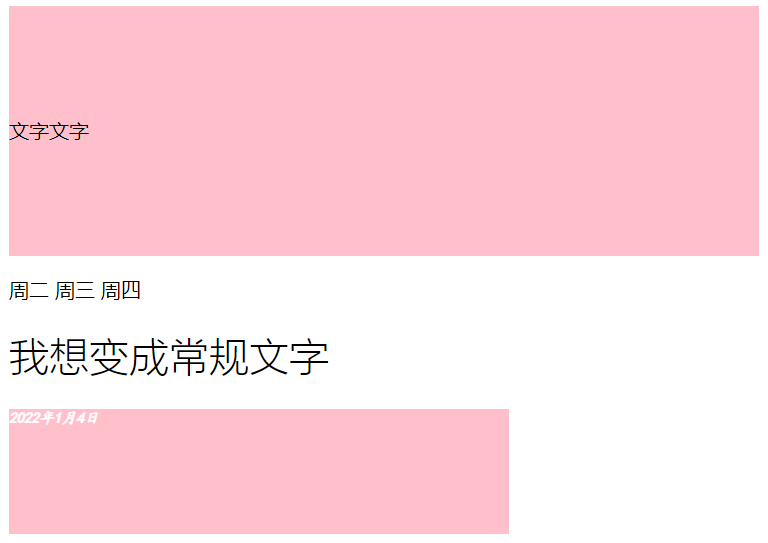
文字文字
周二 周三 周四我想变成常规文字
2022年1月4日
<a name="XAZAR"></a>
## 文字属性简写
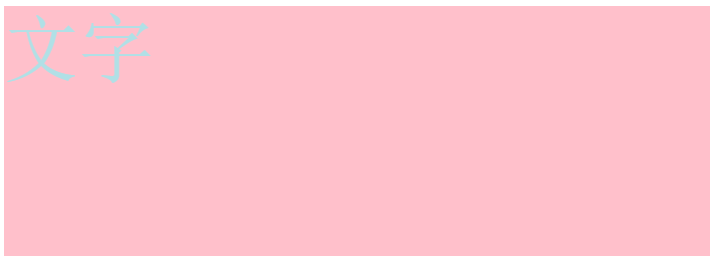
- `font: 加粗 倾斜 文字大小/行高 "字体";`
html
文字
<a name="hmFxO"></a>
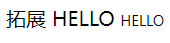
## 小型大写字母 font-variant: small-caps;
- 把段落设置为小型大写字母字体html
拓展 HELLO hello
<a name="rAGC9"></a>
# text 开头的属性
<a name="zABEP"></a>
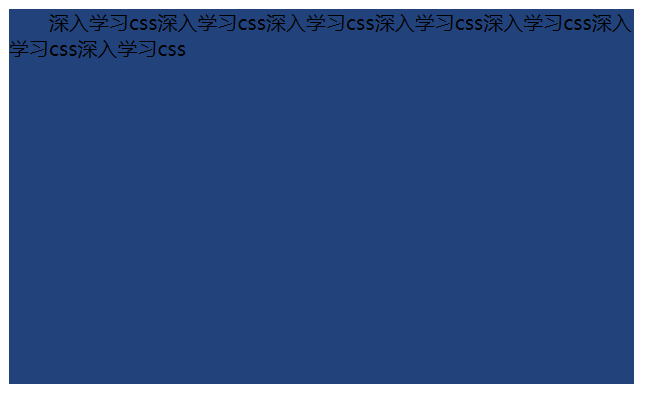
## 首行缩进 text-indent: XXem
1. `em`是一个表示大小的单位
- 该值可以为**负值**
- 默认情况下`**1em= 16px**`** **
2. `1em`表示一个文字的字体大小
2. `em`和该元素的字体大小相关
- 假设你设置`<p>`文字大小为`30px` 那么`1em=30px `
html
深入学习css深入学习css深入学习css深入学习css深入学习css深入学习css深入学习css
<a name="RcGzQ"></a>
## 文本水平居中/左/右/两端 text-align
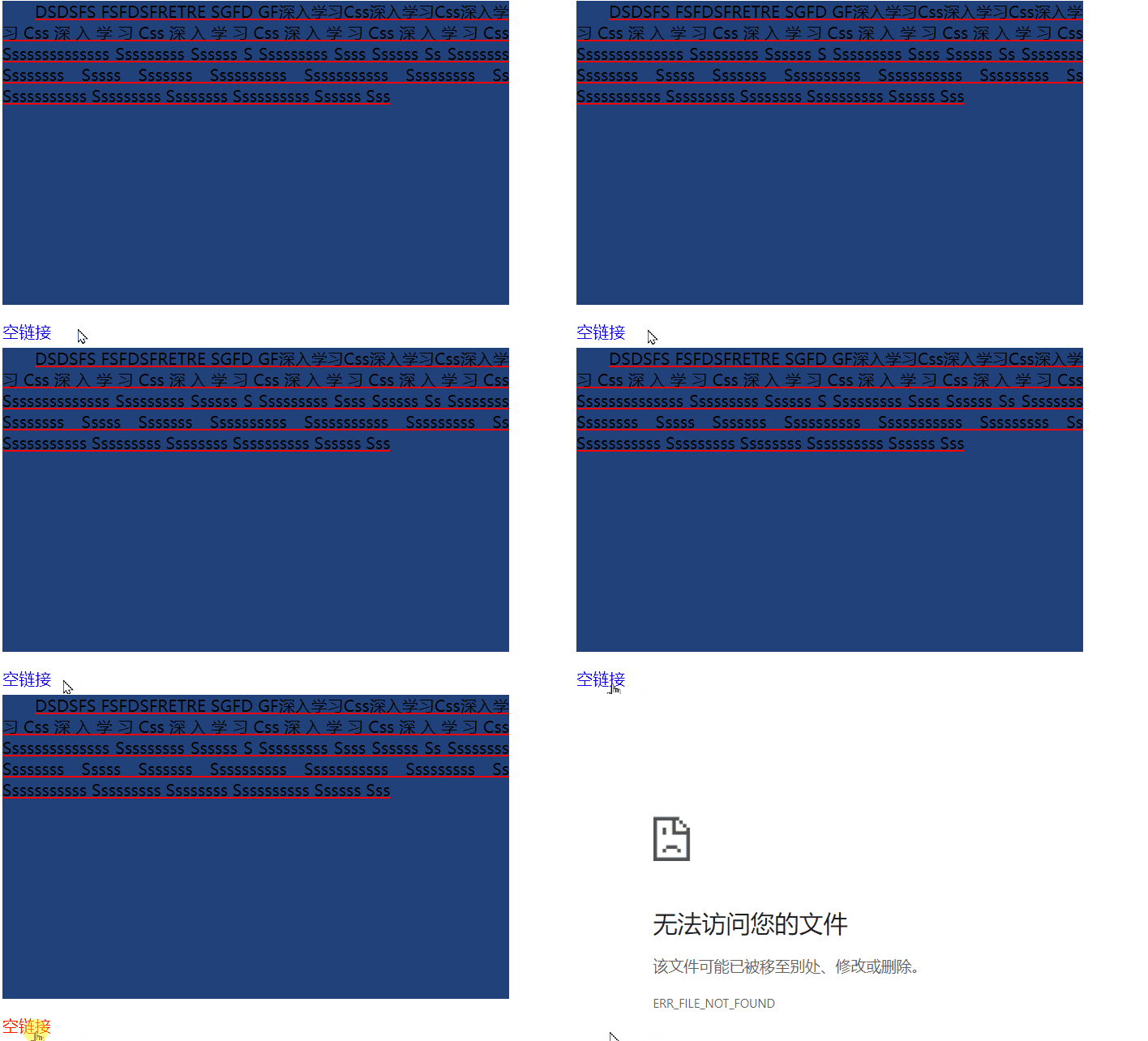
- 注意:只能设置给**块状元素**(给行内元素设置无效)css
text-align: left;/ 居左 默认值 /
text-align: center;/ 居中 /
text-align: right;/ 居右 /
text-align: justify;/ 居两端 针对多行英文 /
<a name="rVRiR"></a>
## 文本修饰(下划线)text-decoration
css
text-decoration: underline;/ 下划线 /
text-decoration: line-through;/ 中划线 /
text-decoration: overline;/ 上划线 /
/ 扩展 这个线可以 设置颜色: /
text-decoration: red underline;
```css
/* 去除页面所有超链接下划线 */
a {
    text-decoration: none;
}
## 检索英文字母大小写(了解)text-transform
css
text-transform: uppercase;/* 全大写 */
text-transform: lowercase;/* 全小写 */
text-transform: capitalize;/* 首字母大写 */
## 代码汇总
html
<head>
    <meta charset="UTF-8">
    <title>Document</title>
    <!-- 内部样式表的创建 -->
    <style type="text/css">
        p {
            width: 500px;
            height: 300px;
            background-color: rgb(33, 66, 123);
            /* 1.首行缩进 可以为负值 */
            text-indent: 2em;
            /* 2.文本水平居左/中/右/两端 */
            text-align: left;/* 居左 */
            text-align: center;/* 居中 */
            text-align: right;/* 居右 */
            text-align: justify;/* 居两端 针对多行英文 */
            /* 3.文本修饰(下划线) */
            text-decoration: underline;/* 下划线 */
            text-decoration: line-through;/* 中划线 */
            text-decoration: overline;/* 上划线 */
            /* 扩展 这个线可以 设置颜色: */
            text-decoration: red underline;
            /* 了解就好 4.检索英文字母大小写 */
            text-transform: uppercase;/* 全大写 */
            text-transform: lowercase;/* 全小写 */
            text-transform: capitalize;/* 首字母大写 */
        }

        /* 去除页面所有超链接下划线 */
        a {
            text-decoration: none;
        }
    </style>
</head>

<body>
    <p>DSDSFS FSFDSFRETRE SGFD GF深入学习css深入学习css深入学习css深入学习css深入学习css深入学习css深入学习css ssssssssssssss sssssssss ssssss s
        sssssssss ssss ssssss ss ssssssss ssssssss sssss sssssss ssssssssss sssssssssss sssssssss ss sssssssssss
        sssssssss ssssssss ssssssssss ssssss sss </p>
    <a href=":;">空链接</a>
</body>
 # 图片相关的属性 vertical-align
1. 图片默认自带3px间隙,如何解决图片3px问题?
- img添加:
vertical-align: top;
- img添加:display: block;
- float:浮动的意义就是为了解决缝隙
2. 注意!vertical-align这个属性只能给图片设置
- 给其他元素设置则无效
css
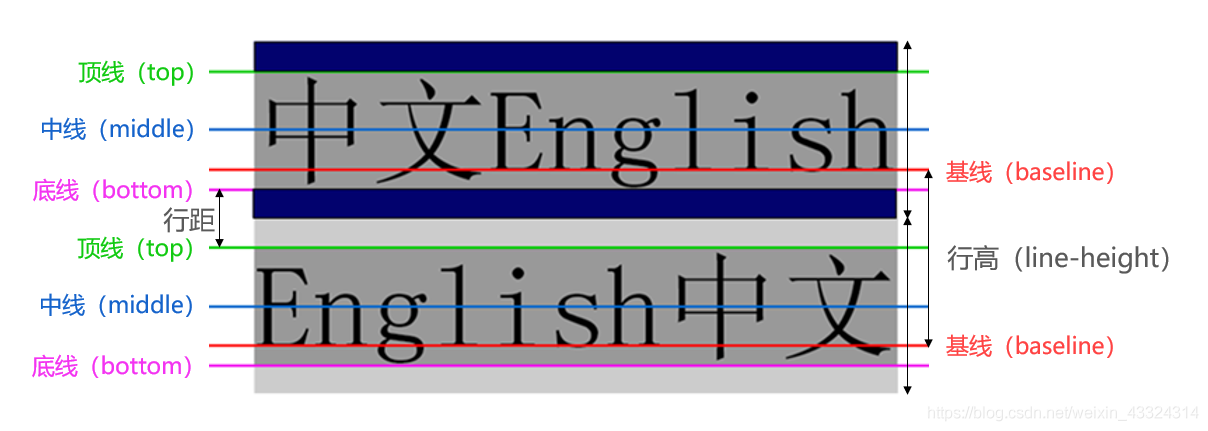
vertical-align: baseline;    /* 默认值 图片基线(图片底部往下3px)和其他元素对齐 */
vertical-align: bottom;        /* 图片底部和其他元素对齐 */
vertical-align: middle;        /* 图片中心和其他元素对齐 */
vertical-align: top;            /* 图片上边和其他元素对齐(一般用来解决图片3px问题) */
html
<head>
    <meta charset="UTF-8">
    <meta http-equiv="X-UA-Compatible" content="IE=edge">
    <meta name="viewport" content="width=device-width, initial-scale=1.0">
    <title>Document</title>
    <!-- 内部样式表的创建 -->
    <style type="text/css">
        img {
            width: 100px;
            height: 100px;
            vertical-align: baseline; /* 默认值 图片基线(图片底部往下3px)和其他元素对齐 */
            vertical-align: bottom;        /* 图片底部和其他元素对齐 */
            vertical-align: middle;        /* 图片中心和其他元素对齐 */
            vertical-align: top;            /* 图片上边和其他元素对齐(一般用来解决图片3px问题) */
        }
    </style>
</head>

<body>
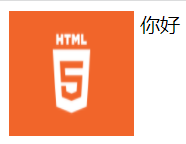
    <img src="https://aaludra.com/wp-content/uploads/2019/06/html5.gif" alt="">
    <span>你好</span>
</body>
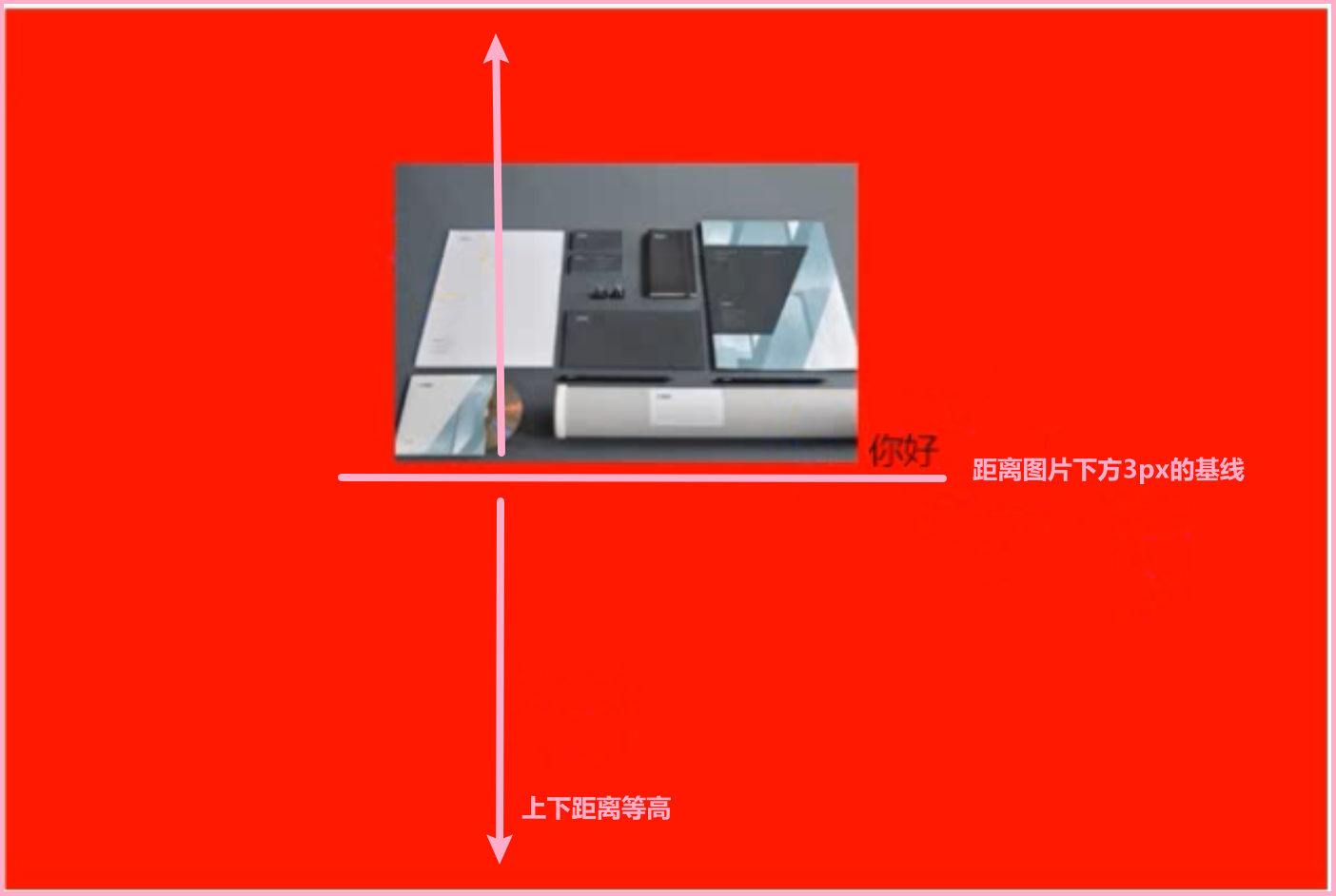
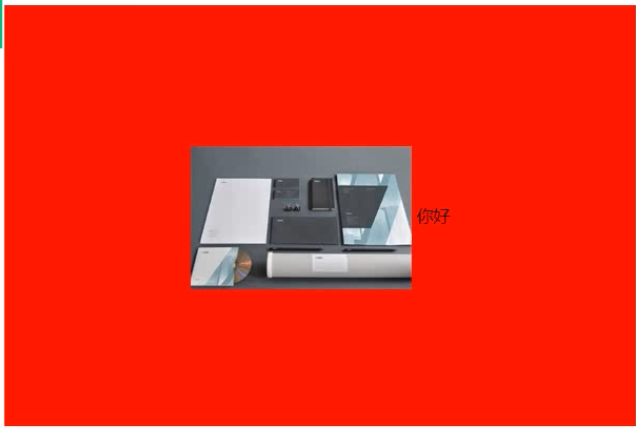
 ## 图片垂直水平居中div vertical-align: middle;
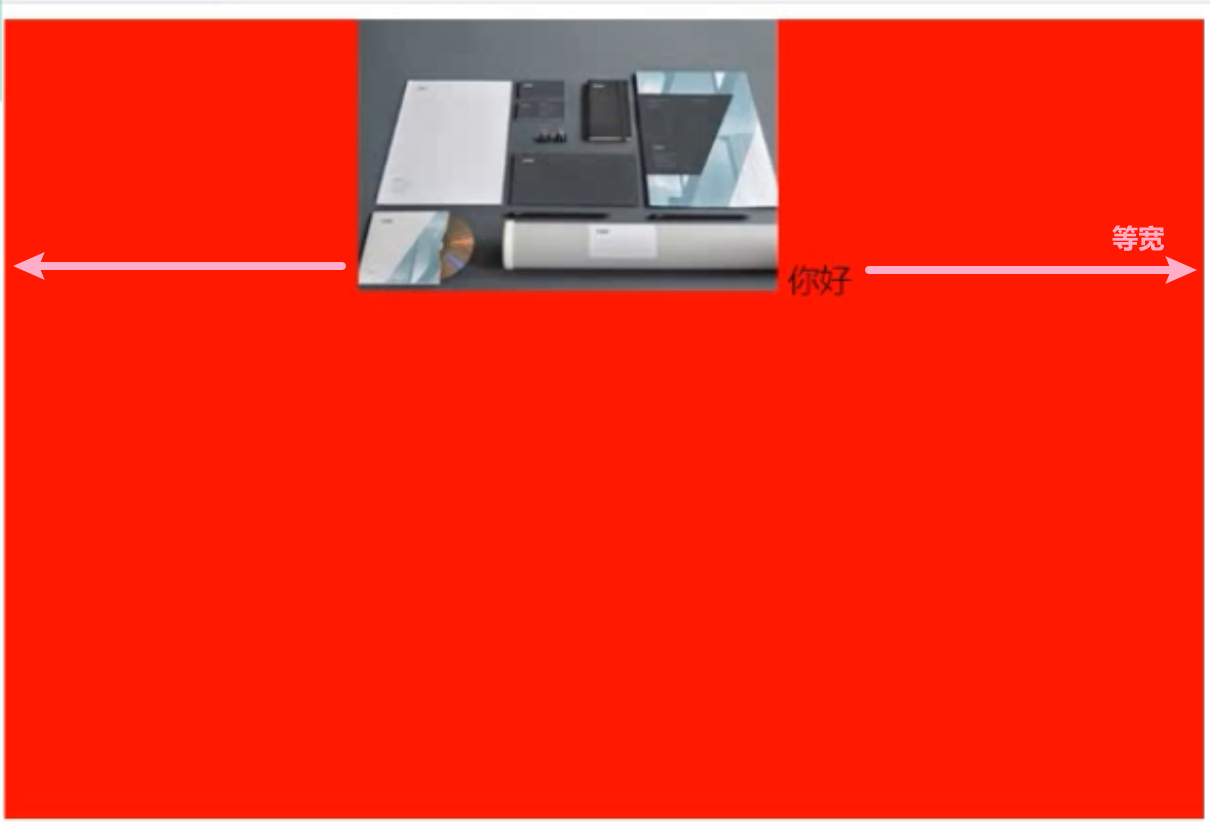
1. 需要给
div设置text-align: center;
- 目的是让<img>和<span>这一由两部分组合而成的整体在div布局上水平居中
2. 需要给div设置line-height: 高度值;
- 目的是让<img>在div上垂直居中,以默认基线3px来对齐(参考图上粉色线)
- 目的同时也是让<span>在div上垂直居中,
3. 需要给img设置vertical-align: middle;
- 目的是让图片中线在div上垂直居中
```html
<!DOCTYPE html>
 你好
<a name="jJvNw"></a>
# 扩展-字词间距
<a name="LCm3l"></a>
## 字间距 letter-spacing
- 用于**中文**
```css
div {
letter-spacing: 20px;
}
词间距 word-spacing
万事顺意,平安喜乐,nice
sss sss ssssss sssss ssss ssssssss sssss

<a name="TrQnA"></a>
# 列表的属性
<a name="vb0C7"></a>
## 去除样式 list-style: none;
```css
list-style: none;
更改小圆圈的样式 list-style-type
list-style-type: disc;                /* 实心圆 */
list-style-type: circle;            /* 空心圆 */
list-style-type: square;            /* 正方实体 */
list-style-type: none;                /* 去除样式 */
list-style-type: decimal;            /* 阿拉伯数字 */
list-style-type: georgian;        /* 格鲁吉亚语言 */
list-style-type: lower-roman;    /* 小罗马 */
list-style-type: lower-greek;    /* 希腊 */
list-style-type: lower-latin;    /* 英文 */
更改列表小圆圈的位置 list-style-position
- 默认值在
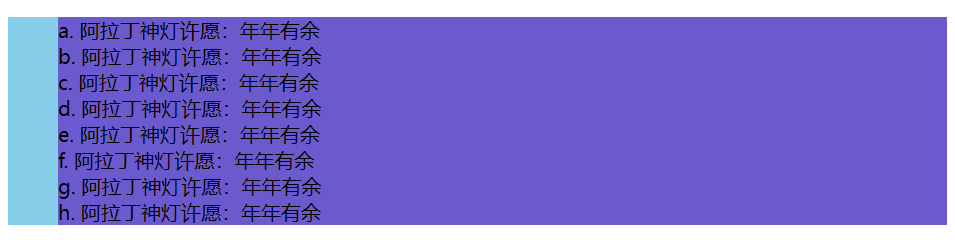
li外侧list-style-position: outside; /* 默认值 */ list-style-position: inside; /* 在li内侧 */自定义图片为列表样式 list-style-image: url
list-style-image: url(../images/1.jpg);代码汇总
```html <!DOCTYPE html>
- 阿拉丁神灯许愿:年年有余
- 阿拉丁神灯许愿:年年有余
- 阿拉丁神灯许愿:年年有余
- 阿拉丁神灯许愿:年年有余
- 阿拉丁神灯许愿:年年有余
- 阿拉丁神灯许愿:年年有余
- 阿拉丁神灯许愿:年年有余
- 阿拉丁神灯许愿:年年有余
```

若有收获,就点个赞吧
0 人点赞


