一、描述,是什么
Place an iconic palette next to a blank canvas; the user clicks on the palette buttons to create objects on the canvas. 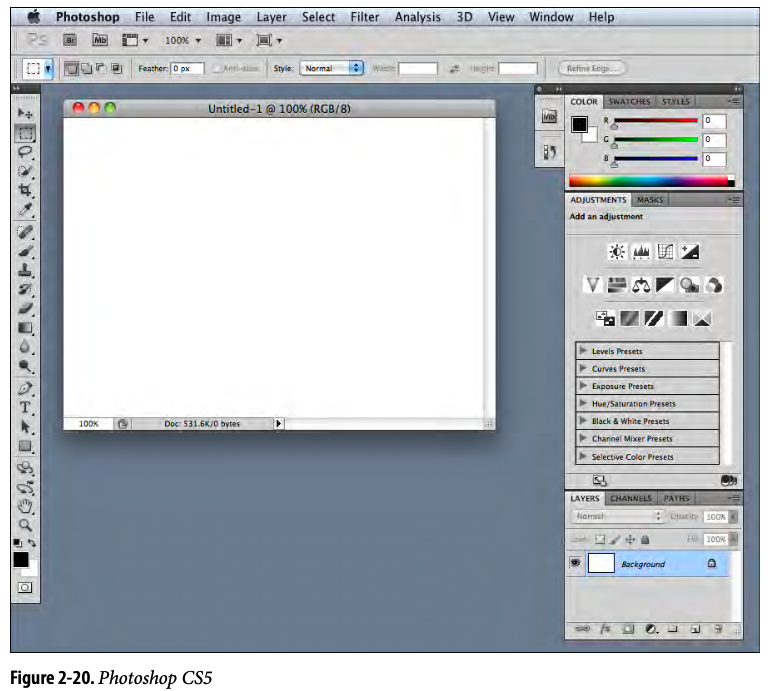
二、目标,为什么使用
——减少操作成本,降低耗时,提升操作效率的快速的找到用户需要的东西
四、时机,什么时候使用
You’re designing any kind of graphical editor. A typical use case involves creating new objects and arranging them on some virtual space.
- 这是从物理世界到虚拟世界的自然映射
- 空白的画板和调色盘
- 在任何图形编辑器上都可以使用这个模式
五、方案,如何使用
- 提供空白区域画布
- 上下左右提供各种合适的工具条
- It can be divided into subgroups, and you may want to use Module Tabs or Collapsible Panels to present those subgroups.
1、类型
自由式编辑
提供各式工具,更注重画布的自创性,注重工具带来的效率,提供快捷键帮助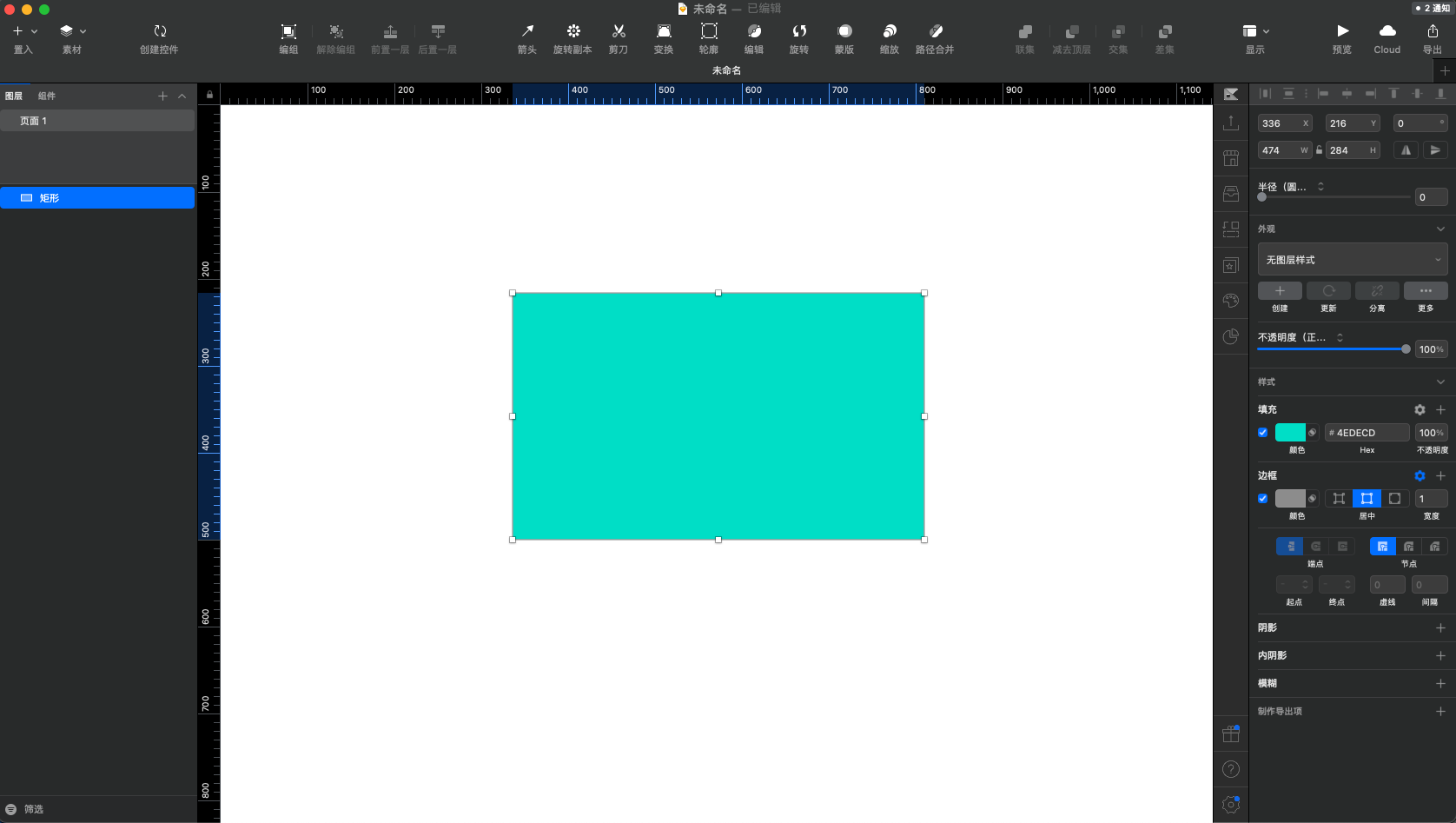
模版式编辑
傻瓜式操作(拖动为主,替换素材等主要交互操作),提供足够的模版,素材,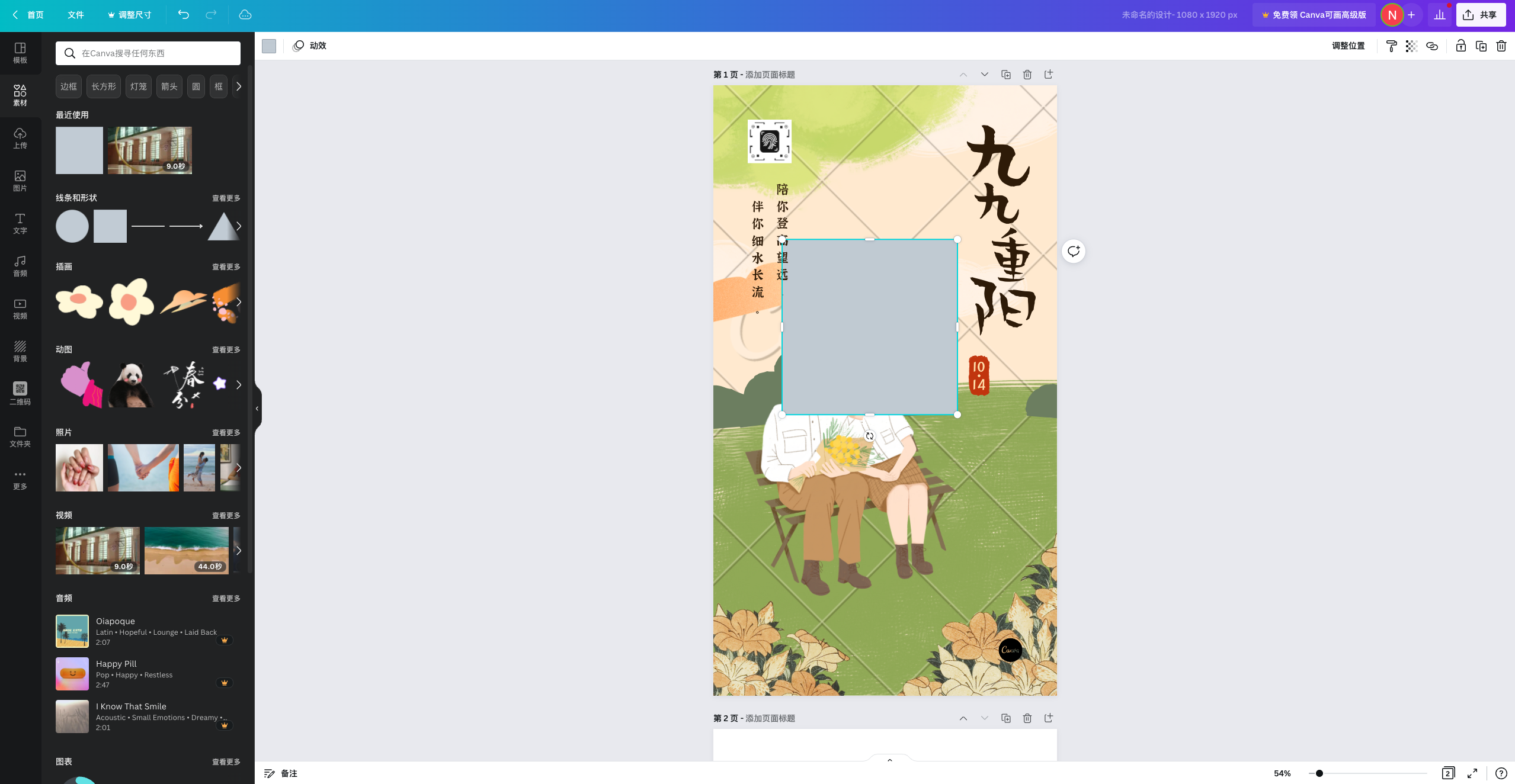
2、设计思考
- 图表化的外表是很有必要的,这样才更像工具条
- 工具分组,分组定优先级,不常用的可收起。
- 支持可自定义编排工具布局
- 灵活采用一次性模态和弹性加载模态
- 可用性测试很重要,每个用户的期望很不同
3、常见的样式布局
六、案例
常见的绘画/设计画板


类似引用
工具条编辑形式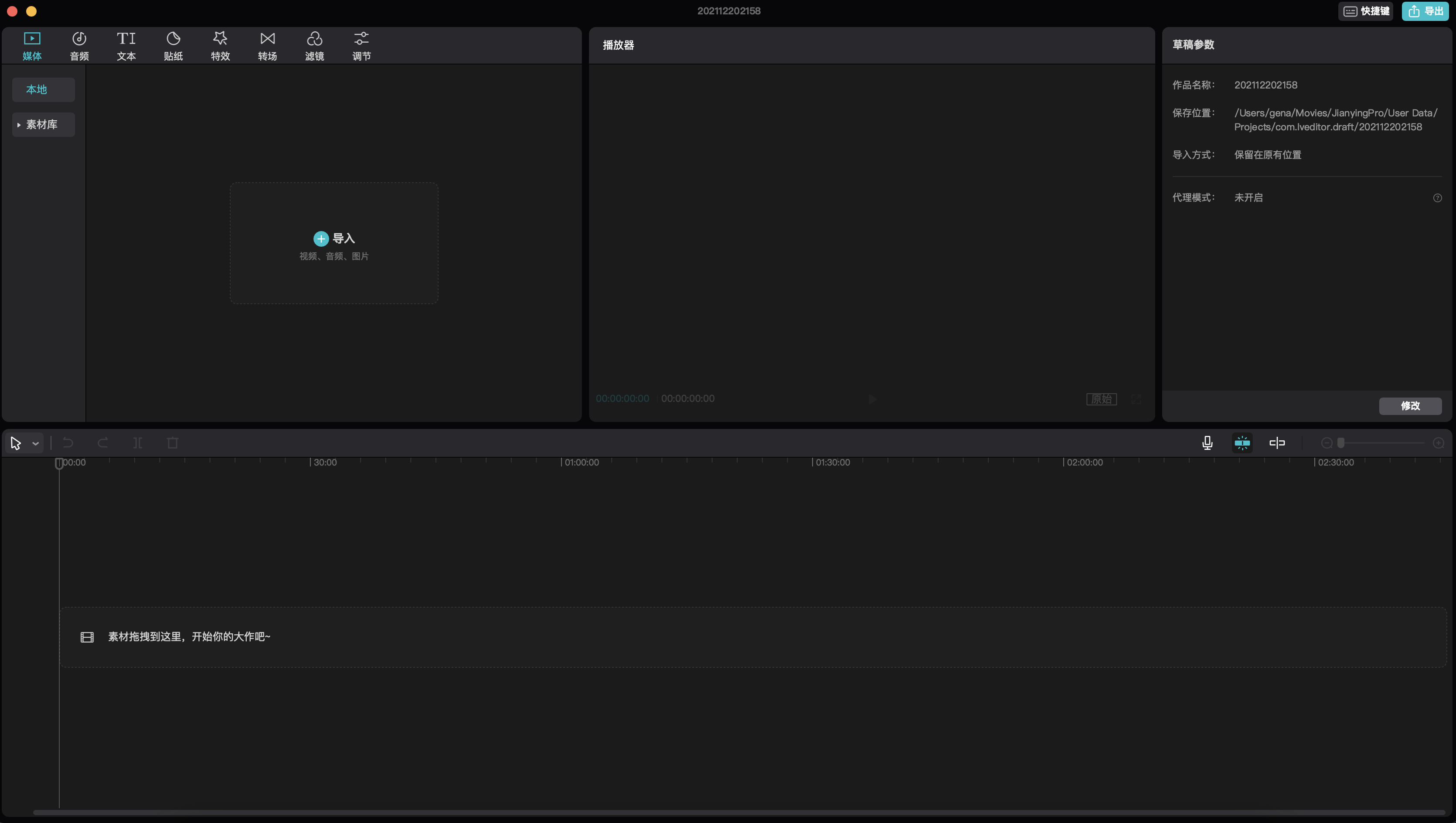

若有收获,就点个赞吧
0 人点赞


