一、描述,是什么

Use thumbnails,item views and a browsing interface to create a familiar structure for managing photos,videos,and other pictorial items
二、目标,为什么使用
三、痛点,常遇见什么问题
四、时机,什么时候使用
- People use your software to work with lists or collections of pictorial things: photos, draw- ings, video clips(视频片段), and so on.
- It might allow editing by the owner of the content, or it might simply show the content to the public for browsing, viewing, and comments.
五、方案,如何使用
Picture manager is also a guid of patterns - of a set of patterns linked together and surpporting each other in predictable ways.
Once someone sees a Thumbnail Grid(缩略图网格模式) of images or videos in the right context, she knows what to expect: browse, click to view, set up slideshows(播放幻灯片) or playlists,(播放列表) and so on.
Patterns and other components that often play parts in this guild include:
- Thumbnail Grid (缩略图网格模式)
- One-Window Drilldown (单窗口深入)
- Two-Panel Selector (双面板选择器)
- Pyramid (金字塔)
- Tabs and Collapsible Panels 可收起面板
- Button Groups 按钮组合
- Trees or outlines 树结构和大纲
- Keyboard Only仅支持键盘
- Sharing Widget共享组件
- Search box 搜索框
- Social comments and discussion 社交评论和讨论
1、视图类型
缩略图网格


单窗口深入

瀑布流浏览

2、设计思考
六、案例
Managing personal collections of images.
——eagle:图片管理客户端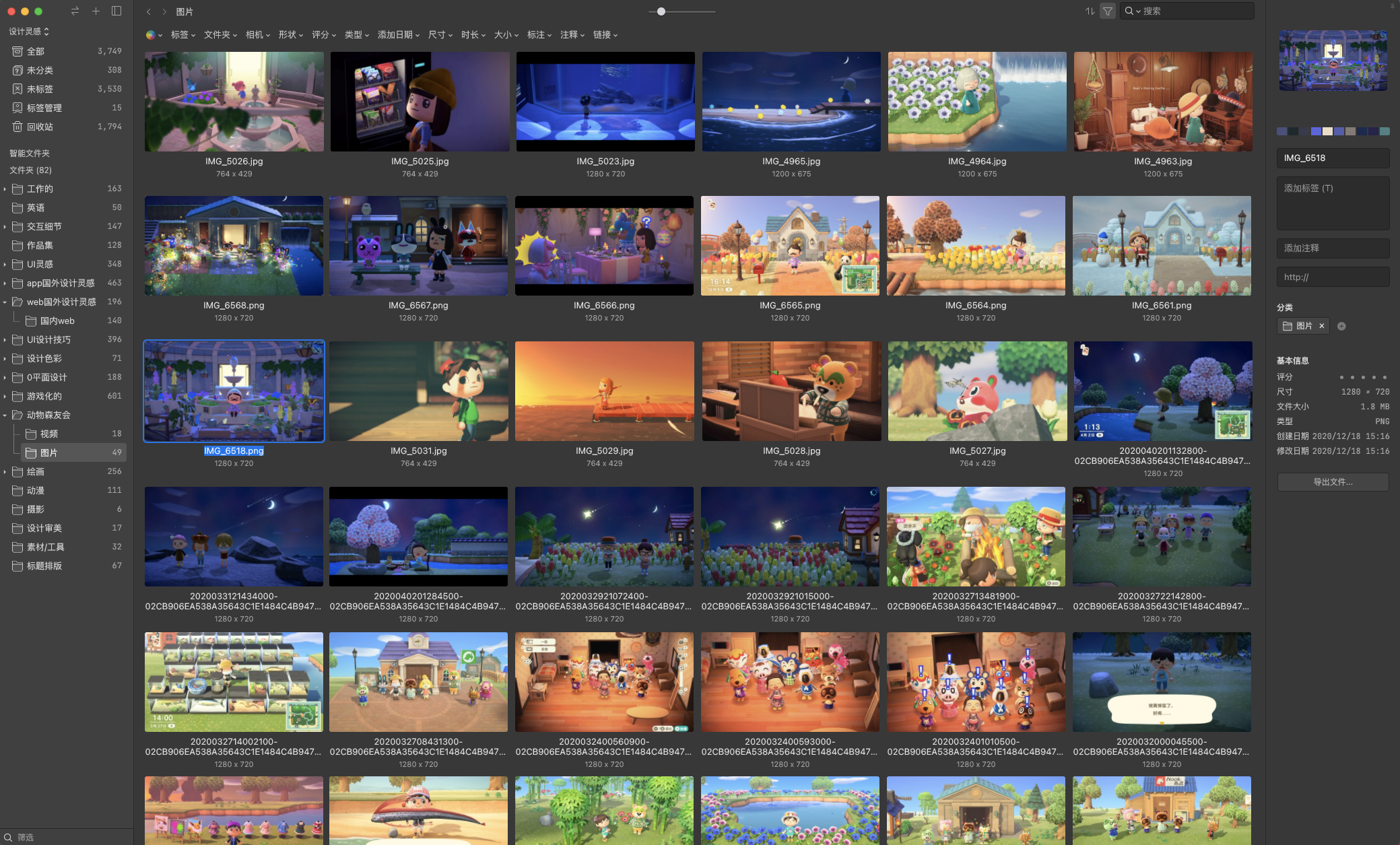

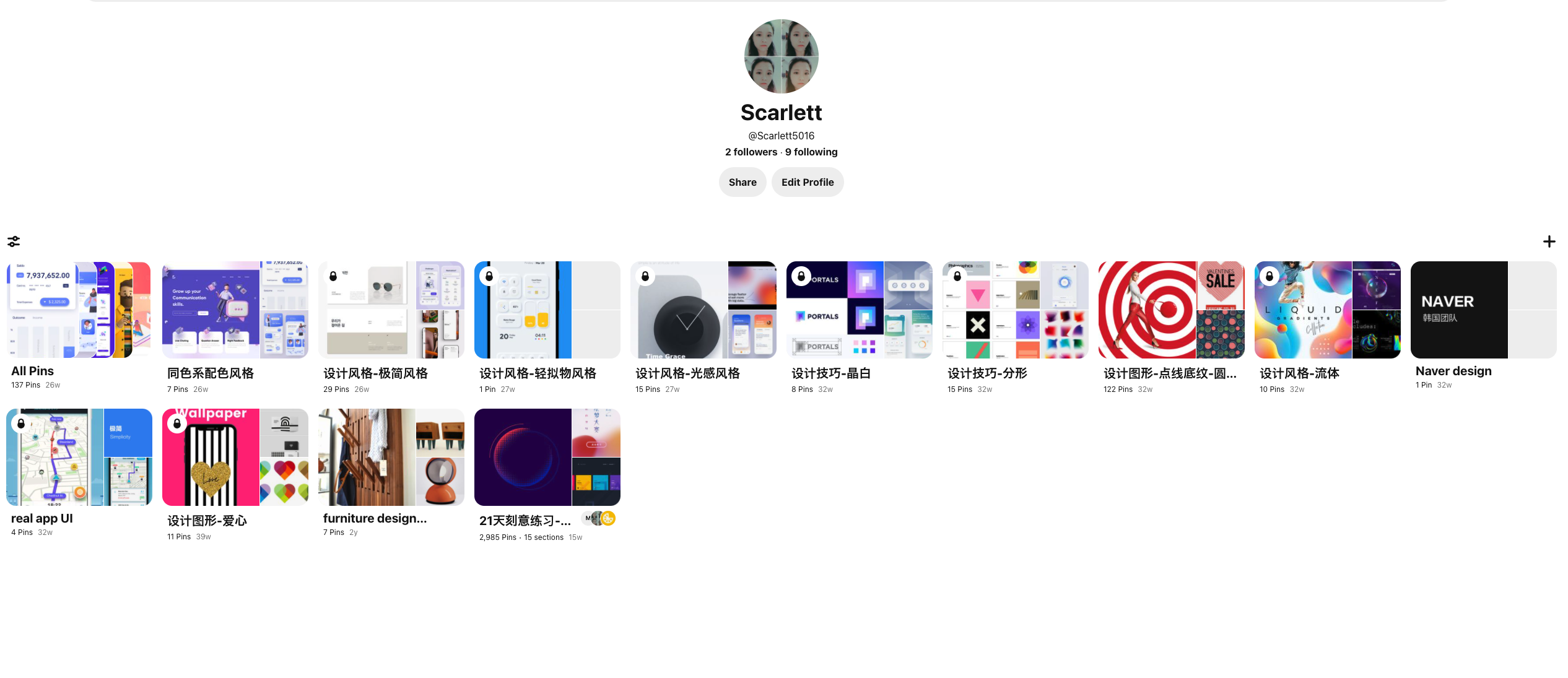


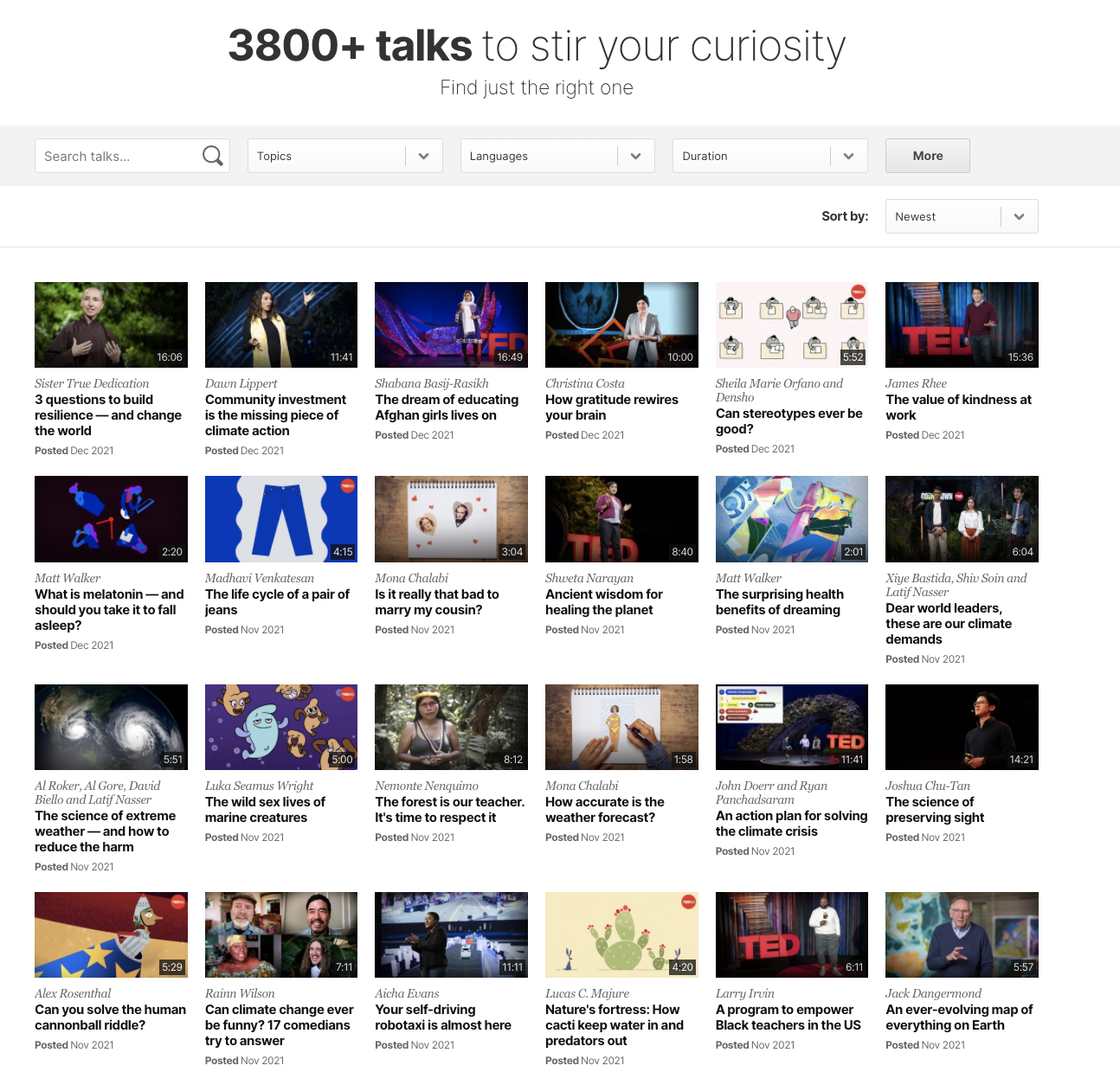
Even video sites fit this pattern.
When you view someone’s YouTube channel, you can choose to see either a Thumbnail Grid, or a list beside a video player (the default). 
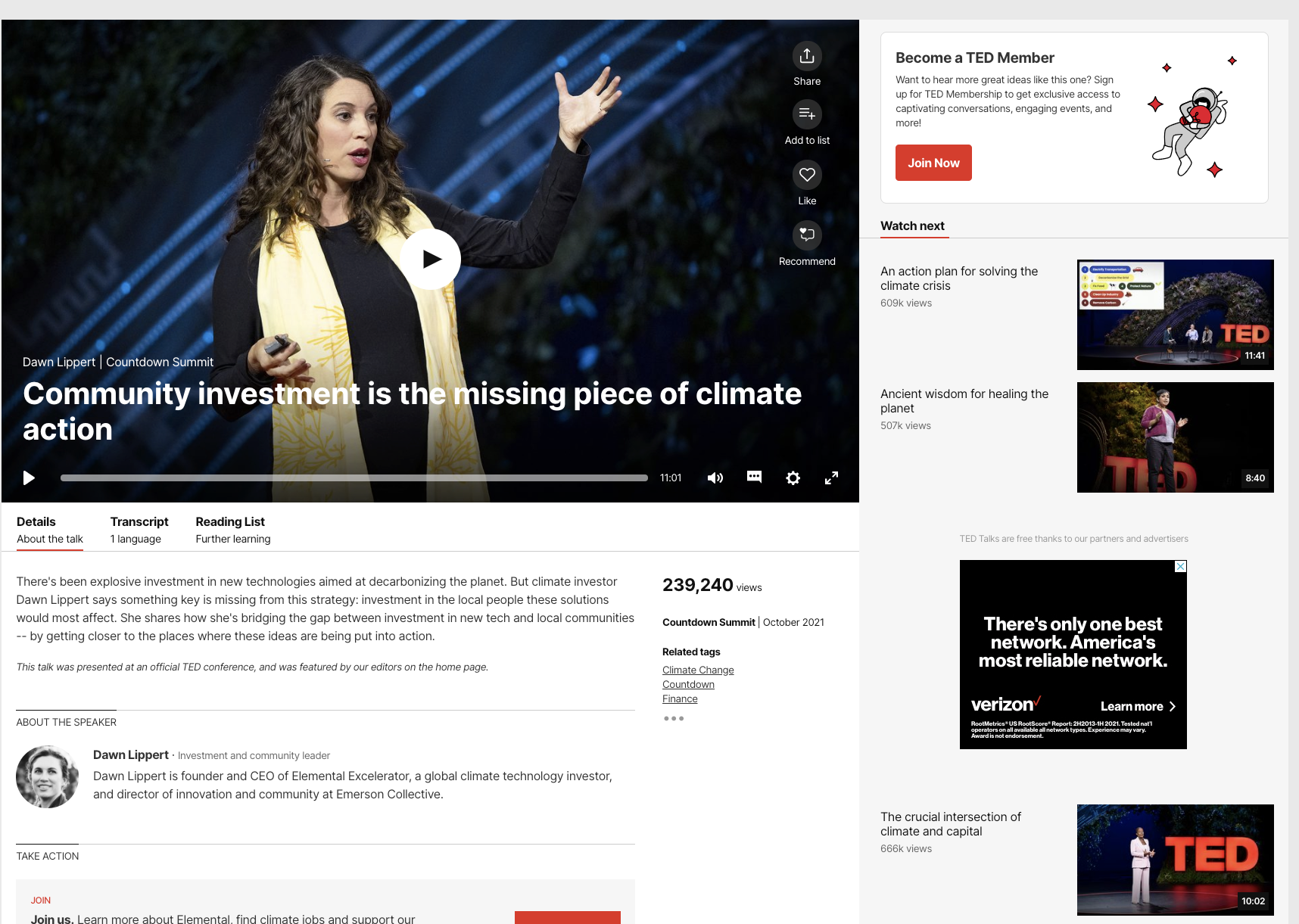
one- window,drilldown

若有收获,就点个赞吧
0 人点赞


