Stack个人感觉就是iOS中的 x,y,left,right …
Stack与Positioned配合使用,可以用于从left top bottom right等方面指定子widget的位置
Stack({Key key,this.alignment = AlignmentDirectional.topStart, //对齐方式,9个位置.this.textDirection, //对齐方向this.fit = StackFit.loose, //此参数用于决定 non-positioned子Widget 如何去适应Stack的大小this.overflow = Overflow.clip, //决定如何显示超出 Stack显示空间的 子widgetList<Widget> children = const <Widget>[], //}) : super(key: key, children: children);
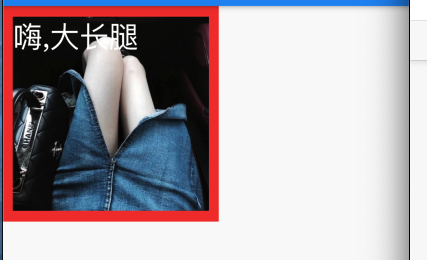
Stack(children: <Widget>[//因为默认对齐方式是 topStart 所以右上角开始Image.network("https://timgsa.baidu.com/timg?image&quality=80&size=b9999_10000&sec=1586249335016&di=3e3b2783d09385b45eb65293f8101352&imgtype=0&src=http%3A%2F%2Fb-ssl.duitang.com%2Fuploads%2Fitem%2F201805%2F12%2F20180512104335_ka4UX.thumb.700_0.jpeg",width: 200,height: 200,),Text("嗨,大长腿",style: TextStyle(fontSize: 30,color: Colors.white),),],),
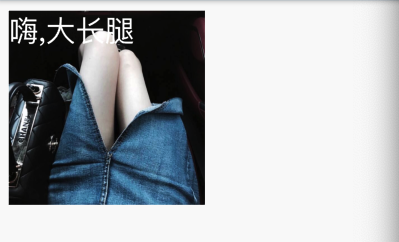
1. alignment、textDirection 略过其他文章里有
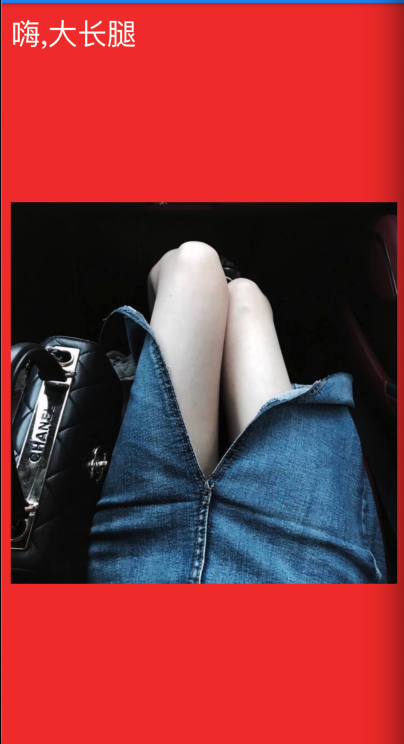
2. fit: non-positioned子Widget 如何去适应Stack的大小
fit: StackFit.expand, //子Widget 扩伸到Stack的大小
StackFit.loose // 使用 子Widget 自身的大小
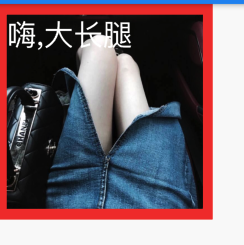
StackFit.passthrough //Stack的父Widget 的约束无修改的传递给 Stack的子Widget
3. overflow 决定如何显示超出 Stack显示空间的widget
| Overflow.visible | 超出部分仍能看见 |
|---|---|
| Overflow.clip | 超出部分会被剪裁 |
Positioned
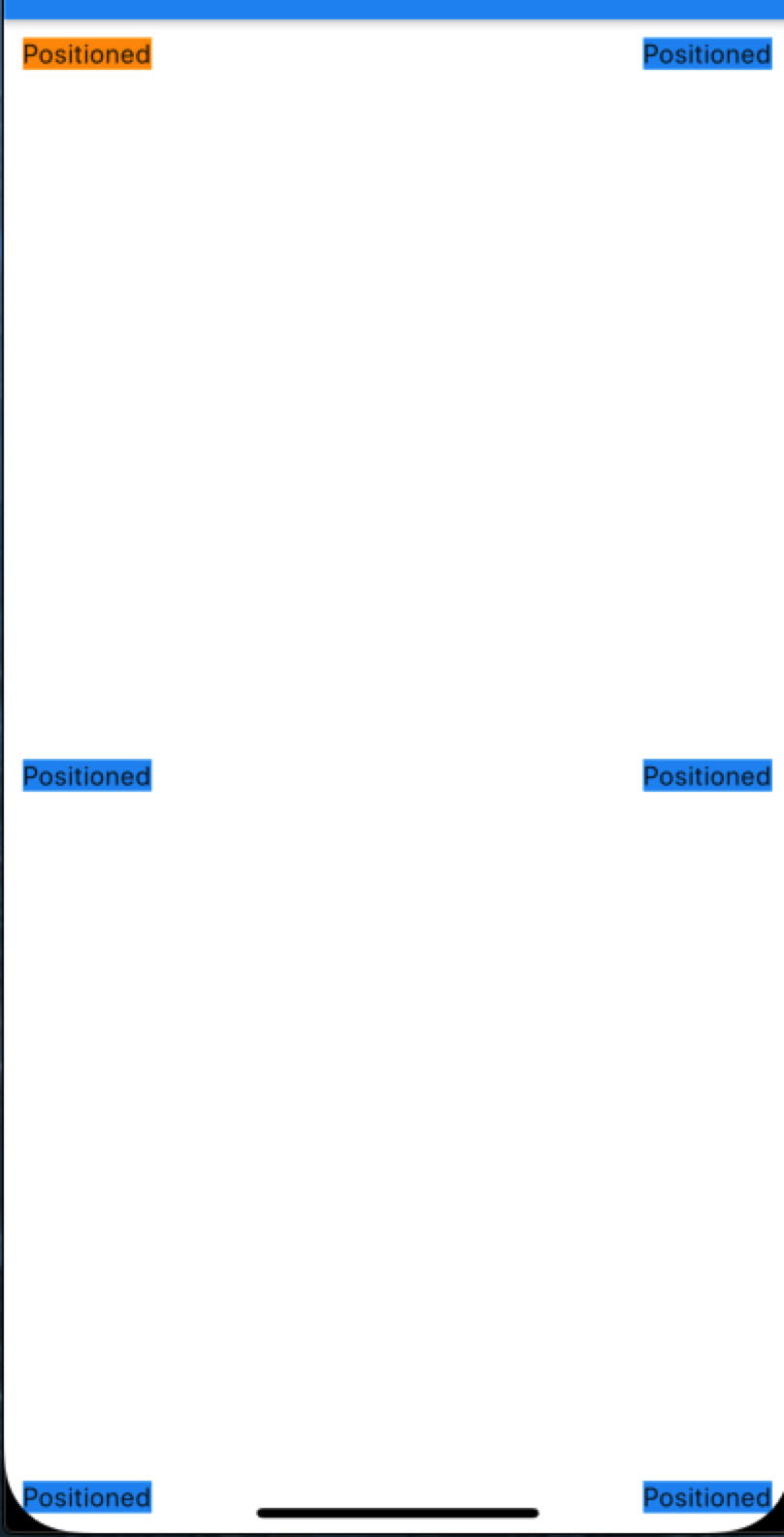
child: Stack(alignment: AlignmentDirectional.centerStart,children: <Widget>[Positioned(left: 10,top: 10,child: Text("Positioned",style: TextStyle(backgroundColor: Colors.orange),),),Positioned(right: 10,top: 10,child: Text("Positioned",style: TextStyle(backgroundColor: Colors.blue),),),Positioned(right: 10,child: Text("Positioned",style: TextStyle(backgroundColor: Colors.blue),),),Positioned(bottom: 10,left: 10,child: Text("Positioned",style: TextStyle(backgroundColor: Colors.blue),),),Positioned(bottom: 10,right: 10,child: Text("Positioned",style: TextStyle(backgroundColor: Colors.blue),),),Positioned(right: 10,child: Text("Positioned",style: TextStyle(backgroundColor: Colors.blue),),),Positioned(//当Stack 设置 alignment: AlignmentDirectional.centerStart 时 不设置上下间距默认是居中,其他同理left: 10,child: Text("Positioned",style: TextStyle(backgroundColor: Colors.blue),),),],),
Positioned 和iOS的UIView布局感觉很多都一样.就不在记录了

若有收获,就点个赞吧
0 人点赞


