- Install Guide:
- Why we need CNI Genie
- CNI Feature1
- Feature 1: CNI-Genie “Multiple CNI Plugins”
- Feature 3: Network Attachment Definitions
# Kubernetes CNI CNI Genie# 时间:20210829-[14:00-17:00]# 主题:CNI CNI Genie# 文档:# 作业:CNI CNI Genie
# FAQ:
Install Guide:
Why we need CNI Genie

1.User-story: based on "performance" requirements, "application" requirements, “workload placement” requirements, the user could be interested to use different CNI plugins for different application groups2.Different CNI plugins are different in terms of need for port-mapping, NAT, tunneling, interrupting host ports/interfaces
CNI Feature1
You can find here our existing & future features covered in CNI-Genie
Feature 1: CNI-Genie “Multiple CNI Plugins”
Motivation behind Multiple CNI Plugins
Right now Kubernetes Kubelet running on a slave node connects to at most one CNI plugin only i.e. either Canal or Romana or Weave.
This CNI-Genie feature enbales a pod, scheduled to run on a Node, to pickup over runtime any of the existing CNI plugins running on that particular node.
The current limitation and the reason why Kubernetes cannot do this is that when you are starting the kubelet, you are expected to pass cni-plugin details as a part of ‘kubelet’ process. In this case you have to pick only one of the existing CNI plugins and pass it as a flag to the kubelet. Now we feel that’s in a way too restrictive! What if we want certain set of pods to use Canal networking and other set of pods to use weave networking? This is currently not possible in Kubernetes. For any multi-network support we need changes to be done to the Kubernetes, which leads to backward compatibility issues.
So, CNI-Genie “Multiple CNI Plugins” feature is designed to solve this problem without touching the Kubernetes code!
What CNI-Genie feature 1, “Multiple CNI Plugins”, enables?

Demo
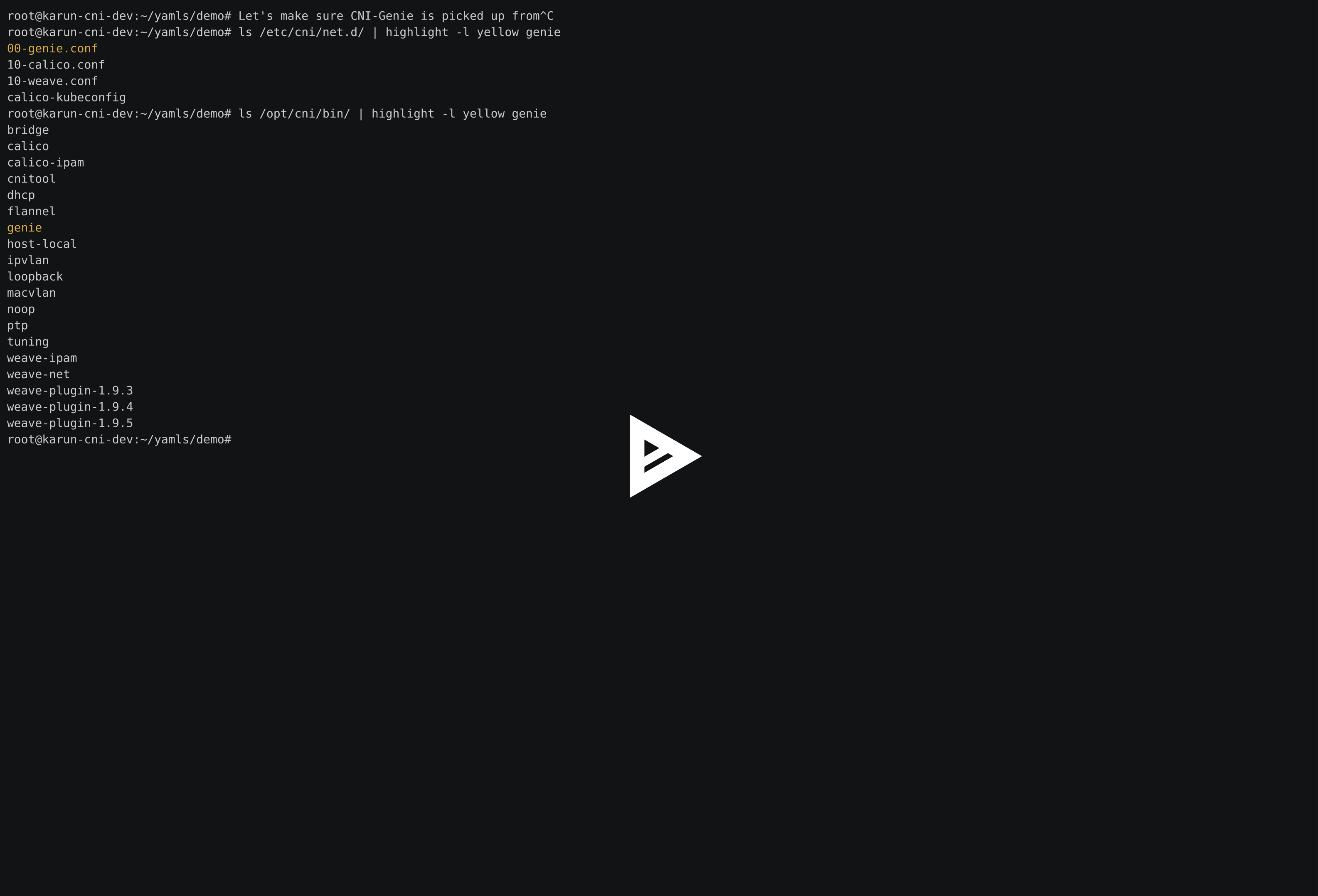
How CNI-Genie feature 1 works?
- Step 1: CNI-Genie should be installed as per instructions in getting started
Step 2:
- The user manually select the CNI plugin that he wants to add to a container upon creating a pod object. This goes under pod annotations
Example 1: for Canal CNI plugin
apiVersion: v1kind: Podmetadata:name: nginx-canal-masterlabels:app: webannotations:cni: "canal"spec:containers:- name: key-value-storeimage: nginx:latestimagePullPolicy: IfNotPresentports:- containerPort: 6379
Example 2: for Weave CNI plugin
apiVersion: v1kind: Podmetadata:name: nginx-weave-masterlabels:app: webannotations:cni: "weave"spec:containers:- name: key-value-storeimage: nginx:latestimagePullPolicy: IfNotPresentports:- containerPort: 6379
Step 3
- CNI-Genie gets pod name from args passed by kubelet
- Step 4
- CNI-Genie gets pod annotations from api-server

- Step 5
- CNI-Genie calls the network choice requested by the user
You can find here our existing & future features covered in CNI-Genie
- CNI-Genie calls the network choice requested by the user
Feature 3: Network Attachment Definitions
NetworkAttachmentDefinition objects are CRD objects through which user can specify plugin configuration and then pods can use these objects for network attachments.
This feature is the realization of Kubernetes Network Custom Resource Definition De-facto Standard. More details here.
NetworkAttachmentDefinition CRD definition:
yaml: netattachdef-crd.yaml

NetworkAttachmentDefinition object examples:
With plugin configuration as spec:
yaml: netattachdef-config-in-spec.yaml

With plugin configuration as file:
yaml: netattachdef-config-in-file.yaml

Creating pod using network-attachemnt-definition objects
Pod with annotaion specifying object name
yaml: pod-using-netattachdef-format-names.yaml

Pod with annotation in json format:
yaml: pod-using-netattachdef-format-json.yaml

Network status annotation
Network status annotation shows the result of network attachment (in json format) in the pod object.

Cluster-Wide Default Network
As per network CRD De-facto standard, a default network attachs to a pod first, along with other specified network attachments afterwards. When no other network attachment is specified in the network annotation, then the pod gets IP from the default network. Interface name ‘eth0’ is reserved for this network attachment. The default network is choosen based on the first valid configuration file present in the net dir (/etc/cni/net.d) in a node.


若有收获,就点个赞吧
0 人点赞


