程序运行期间,大部分数据都是在内存中进行操作,当程序结束或者关闭时,这些数据将丢失,如果需要将数据永久保存,其中一种方法就是可使用文件输入/输出流与指定的文件建立联系,将需要的数据永久保存到文件中。
FileInputStream与FileOutputStream类
FileInputStream和FileOutputStream类分别继承自InputStream类和OutputStream类,如果用户的文件读取需求比较简单就可以使用上述两类。
把数据写入文件:
package MyPackage_1;import java.io.File;import java.io.FileNotFoundException;import java.io.FileOutputStream;import java.io.IOException;public class MyClass {public static void main(String[] args) {String str = "花,是昨日之花;你的梦,是少年之梦。在属于未来的星空,无畏闪耀!";File f1=new File("test.txt");//实例化一个File类对象,该对象存放在本项目下FileOutputStream out=null;//引用一个空的文件输出流对象outtry {out=new FileOutputStream(f1);//对out进行实例化,输出流的目的地是文件f1byte b[]=str.getBytes();//将字符串str转化成字节并存储在字节数组中try {out.write(b);//将字节数据b中的字节通过输出流out输出到目的地} catch (IOException e) {e.printStackTrace();}} catch (FileNotFoundException e) {e.printStackTrace();}finally {if(out!=null){//out有可能是null,需要捕捉异常try {out.close();//如果out不为null,就关闭输出流out/**/} catch (IOException e) {e.printStackTrace();}}}}
运行结果: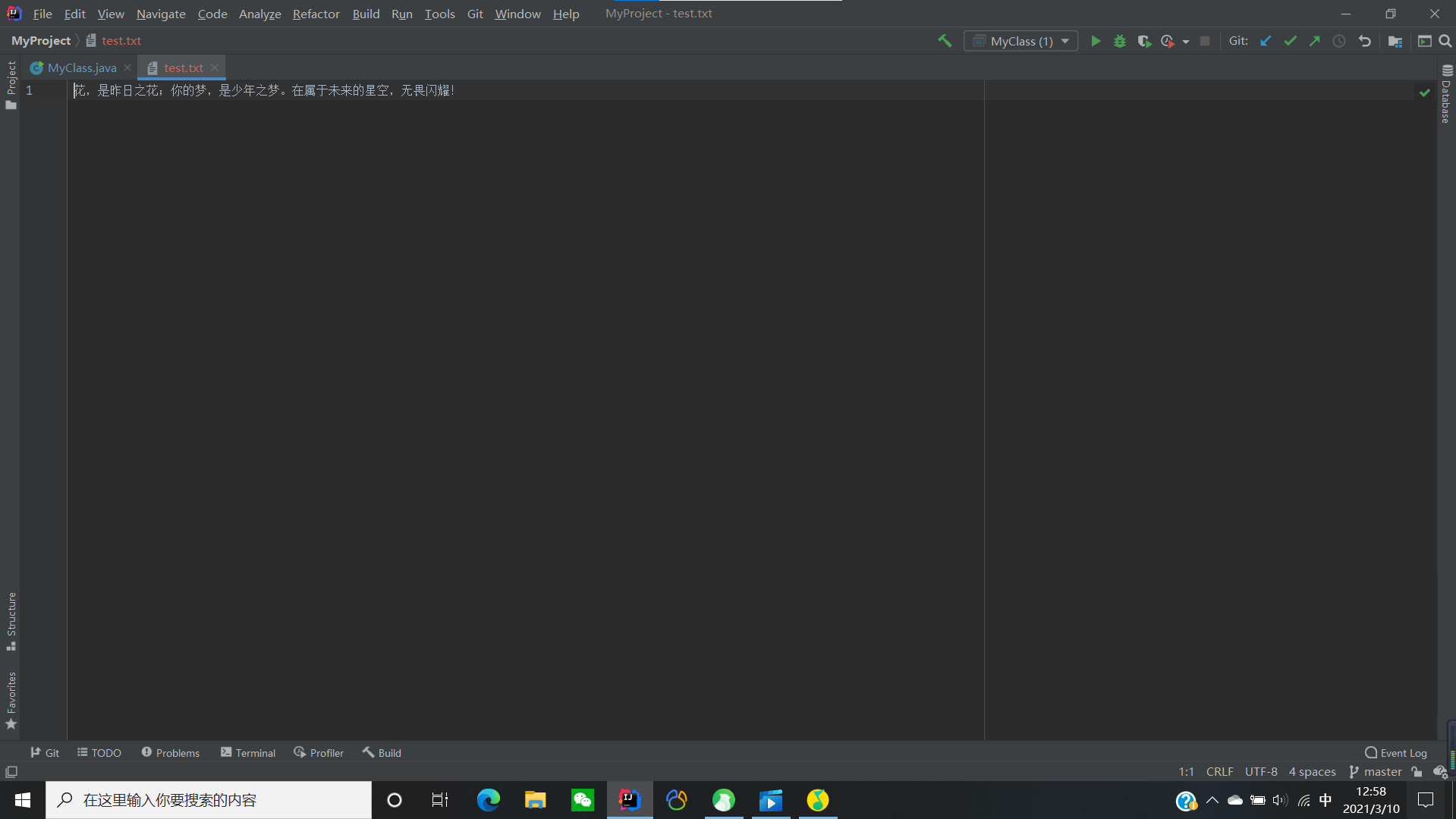
如果写入的方式是追加则需要改变参数值
package MyPackage_1;

import java.io.*;

public class MyClass {
    public static void main(String[] args) {
        String str = "花,是昨日之花;你的梦,是少年之梦。在属于未来的星空,无畏闪耀!";
        File f1 = new File("test.txt");//实例化一个File类对象,该对象存放在本项目下
        FileOutputStream out = null;//引用一个空的文件输出流对象out
        try {
            out = new FileOutputStream(f1,true);
            /*
            当布尔值为true时,向文件中追加指定的数据;
            当布尔值为false时,先删除文件中已有的数据,然后才写入指定的数据;
            false是默认值;
             */
            byte b[] = str.getBytes();//将字符串str字节并存储在字节数组中(即缓冲区)
            try {
                out.write(b);//将字节数据b中的字节通过输出流out输出到目的地
            } catch (IOException e) {
                e.printStackTrace();
            }
        } catch (FileNotFoundException e) {
            e.printStackTrace();
        } finally {
            if (out != null) {//out有可能是null,需要捕捉异常
                try {
                    out.close();//如果out不为null,就关闭输出流out
                } catch (IOException e) {
                    e.printStackTrace();
                }
            }
        }
    }
}
运行结果: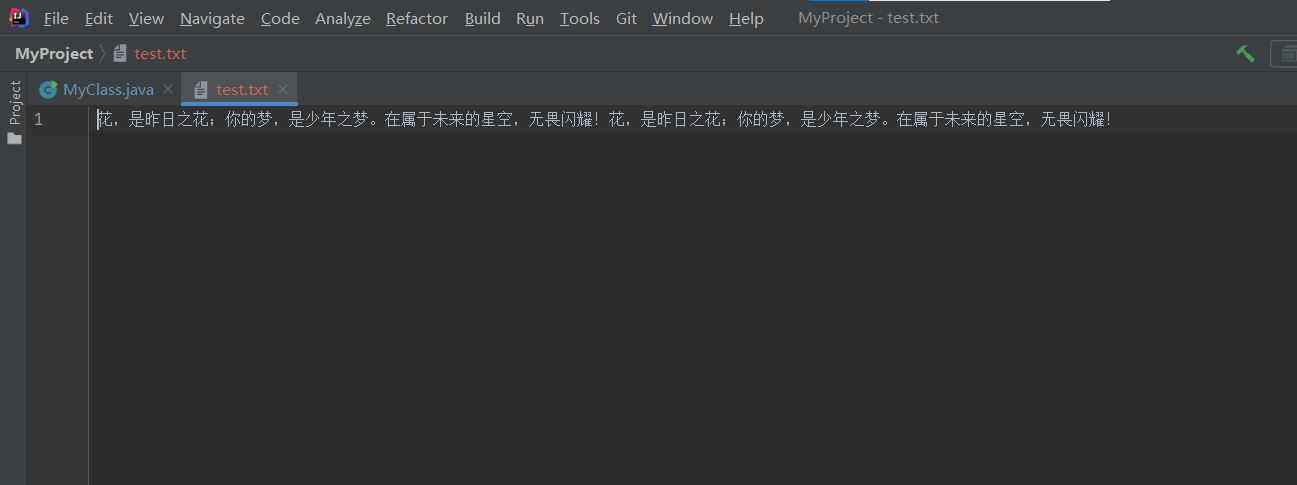
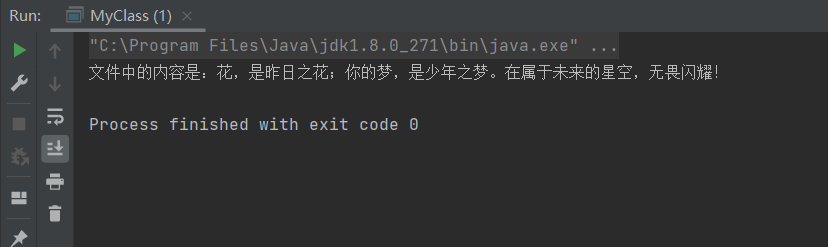
把文件中的数据读取出来:
package MyPackage_1;

import java.io.*;

public class MyClass {
    public static void main(String[] args) {
        FileInputStream in=null;
        File f1=new File("test.txt");
        try {
            in=new FileInputStream(f1);
            byte b[]=new byte[1024];//[]中的参数指的是数组b可以容纳多少个字节
            int length=in.read(b);//把数组b中的字节输入in流,即输入到程序中
            System.out.println("文件中的内容是:"+new String(b,0,length));//把索引是0~length的字节转化成字符串,去除length后面空字节
        } catch (FileNotFoundException e) {
            e.printStackTrace();
        } catch (IOException e) {
            e.printStackTrace();
        }finally {
            if(in!=null){
                try {
                    in.close();
                } catch (IOException e) {
                    e.printStackTrace();
                }
            }
        }
    }
}
FileReader与FileWriter类
使用FileInputStream与FileOutputStream类是以字节的形式输入和输出,需要把字符转化成字节,但如果转化不好或者处理不断都会造成乱码的现象,而采用FileReader与FileWriter类则可以避免这种现象,因为它们是采用字符的形式进行传输的。FileReader流顺序地读取文件,只要不关闭流,每次调用read()方法就顺序地读取源中的内容,直到源的末尾或流被关闭。
package MyPackage_1;

import java.io.*;

public class MyClass {
    public static void main(String[] args) {
      String str="再多喜欢阿离一点,可以吗?";
      File f1=new File("test.txt");
      FileWriter out=null;
        try {
            out=new FileWriter(f1,false);
            /*
            第二个参数为false表示先删除文本中的内容,然后再向文本写入指定内容;若为true则再文件末尾追加内容;默认值为false。
             */
            out.write(str);
             /*
            直接将字符(串)写入文件,无需再将字符先转化为字节
             */
        } catch (IOException e) {
            e.printStackTrace();
        }finally {
            if(out!=null){
                try {
                    out.close();//关闭输出流
                } catch (IOException e) {
                    e.printStackTrace();
                }
            }
        }
    }
}
运行结果: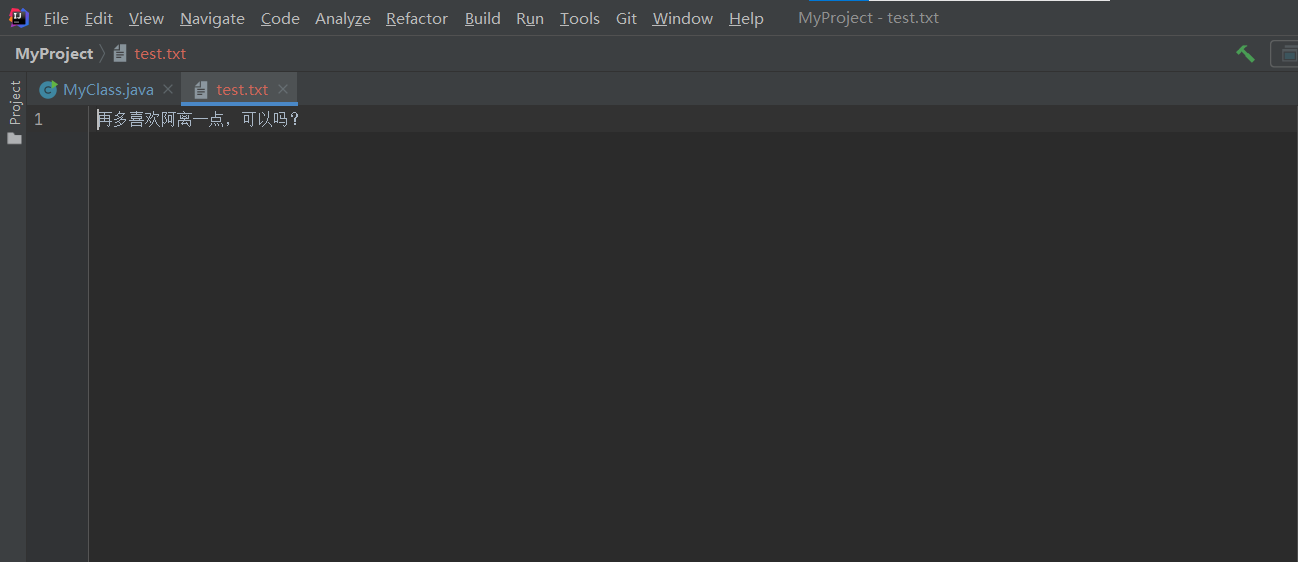
package MyPackage_1;

import java.io.*;

public class MyClass {
    public static void main(String[] args) {
      File f1=new File("test.txt");
      FileReader in=null;
        try {
            in=new FileReader(f1);
            char x[]=new char[1024];
            while(in.read(x)!=-1){
                System.out.println("文件的内容为:"+new String(x,0, x.length));
            }
        } catch (IOException e) {
            e.printStackTrace();
        }finally {
            if(in!=null){
                try {
                    in.close();//关闭输入流
                } catch (IOException e) {
                    e.printStackTrace();
                }
            }
        }
    }
}
运行结果: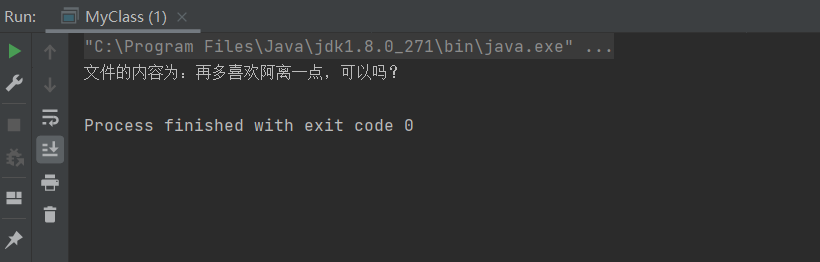

若有收获,就点个赞吧
0 人点赞


