https://zh-v2.d2l.ai/chapter_installation/index.html
https://github.com/d2l-ai/d2l-zh-pytorch-slides
AWS
conda env remove d2l-zhconda create -n -y d2l-zh python=3.8 pipconda activate d2l-zh
pip install jupyter d2l torch torchvision
wget https://zh-v2.d2l.ai/d2l-zh.zipunzip d2l-zh.zipjupyter notebook
本地配置
https://www.zhihu.com/zvideo/1363284223420436480
https://developer.nvidia.com/cuda-downloads
Windows
- 安装CUDA
Docker
{"builder": {"gc": {"defaultKeepStorage": "20GB","enabled": true}},"debug": false,"experimental": false,"features": {"buildkit": true},"insecure-registries": [],"registry-mirrors": ["http://hub-mirror.c.163.com"]}
参考
-
docker run -itd --gpus all --name 容器名 -e NVIDIA_DRIVER_CAPABILITIES=compute,utility -e NVIDIA_VISIBLE_DEVICES=all 镜像名
docker run -itd --gpus all --name dl2 -e NVIDIA_DRIVER_CAPABILITIES=compute,utility -e NVIDIA_VISIBLE_DEVICES=all ubuntu:20.04
关键是参数
--gpusNVIDIA_DRIVER_CAPABILITIES=compute,utility```shellnvidia-smi
Mon Feb 7 14:43:16 2022 +——————————————————————————————————————-+ | NVIDIA-SMI 495.47 Driver Version: 496.74 CUDA Version: 11.5 | |———————————————-+———————————+———————————+ | GPU Name Persistence-M| Bus-Id Disp.A | Volatile Uncorr. ECC | | Fan Temp Perf Pwr:Usage/Cap| Memory-Usage | GPU-Util Compute M. | | | | MIG M. | |===============================+======================+======================| | 0 NVIDIA GeForce … On | 00000000:07:00.0 On | N/A | | 48% 33C P0 30W / 130W | 1255MiB / 6144MiB | N/A Default | | | | N/A | +———————————————-+———————————+———————————+
+——————————————————————————————————————-+ | Processes: | | GPU GI CI PID Type Process name GPU Memory | | ID ID Usage | |=============================================================================| | No running processes found | +——————————————————————————————————————-+
```shellapt-get -y update upgradeapt-get -y install python3 python3-pip
需要配置ubuntu的国内源
pip install jupyter d2l torch torchvision rise -i https://pypi.tuna.tsinghua.edu.cn/simple
root@5bca661213be:/# python3Python 3.8.10 (default, Nov 26 2021, 20:14:08)[GCC 9.3.0] on linuxType "help", "copyright", "credits" or "license" for more information.>>> import torch>>> torch.cuda.is_available()True
启动jupyter
root@5bca661213be:/home/d2l/03# jupyter notebook --allow-root[I 15:35:38.016 NotebookApp] Serving notebooks from local directory: /home/d2l/03[I 15:35:38.016 NotebookApp] Jupyter Notebook 6.4.8 is running at:[I 15:35:38.017 NotebookApp] http://localhost:8888/?token=30f1ec99ba77dbcc2bcc97b7825f839f205f3a731625442c[I 15:35:38.017 NotebookApp] or http://127.0.0.1:8888/?token=30f1ec99ba77dbcc2bcc97b7825f839f205f3a731625442c[I 15:35:38.017 NotebookApp] Use Control-C to stop this server and shut down all kernels (twice to skip confirmation).[W 15:35:38.019 NotebookApp] No web browser found: could not locate runnable browser.[C 15:35:38.019 NotebookApp]To access the notebook, open this file in a browser:file:///root/.local/share/jupyter/runtime/nbserver-5067-open.htmlOr copy and paste one of these URLs:http://localhost:8888/?token=30f1ec99ba77dbcc2bcc97b7825f839f205f3a731625442cor http://127.0.0.1:8888/?token=30f1ec99ba77dbcc2bcc97b7825f839f205f3a731625442c
发现打不开http://localhost:8888/?token=30f1ec99ba77dbcc2bcc97b7825f839f205f3a731625442c
参考
- https://blog.csdn.net/weixin_40008349/article/details/81135847
- https://www.jianshu.com/p/7797c3fe046e
docker run -itd --gpus all -p 7777:8888 --name d2l -e NVIDIA_DRIVER_CAPABILITIES=compute,utility -e NVIDIA_VISIBLE_DEVICES=all ubuntu:20.04
root@3f1a0d12b531:/# pythonbash: python: command not foundroot@3f1a0d12b531:/# python3Python 3.8.10 (default, Nov 26 2021, 20:14:08)[GCC 9.3.0] on linuxType "help", "copyright", "credits" or "license" for more information.>>> from notebook.auth import passwd>>> passwd()Enter password:Verify password:'argon2:$argon2id$v=19$m=10240,t=10,p=8$+uwc8JXm1uAfBkwhE5SewQ$QtpqRRD3ZUZ34QsBeyjp3+TSAU0m6ZB+c3vZ9+qn674'
会生成jupyter notebook --generate-config
jupyter_notebook_config.pyc.NotebookApp.ip='*'c.NotebookApp.password = u'argon2:$argon2id$v=19$m=10240,t=10,p=8$+uwc8JXm1uAfBkwhE5SewQ$QtpqRRD3ZUZ34QsBeyjp3+TSAU0m6ZB+c3vZ9+qn674'c.NotebookApp.open_browser = Falsec.NotebookApp.port =8888
root@3f1a0d12b531:/home/d2l# jupyter notebook --allow-root[W 16:47:00.255 NotebookApp] WARNING: The notebook server is listening on all IP addresses and not using encryption. This is not recommended.[I 16:47:00.257 NotebookApp] Serving notebooks from local directory: /home/d2l[I 16:47:00.257 NotebookApp] Jupyter Notebook 6.4.8 is running at:[I 16:47:00.257 NotebookApp] http://3f1a0d12b531:8888/[I 16:47:00.257 NotebookApp] Use Control-C to stop this server and shut down all kernels (twice to skip confirmation).[I 16:47:19.664 NotebookApp] Writing notebook-signing key to /root/.local/share/jupyter/notebook_secret[W 16:47:19.665 NotebookApp] Notebook d2l-zh-pytorch-slides/chapter_linear-networks/linear-regression-scratch.ipynb is not trusted[I 16:47:19.924 NotebookApp] Kernel started: 6c0939a7-2cae-4b47-8bf3-d24bcaa6a2ce, name: python3

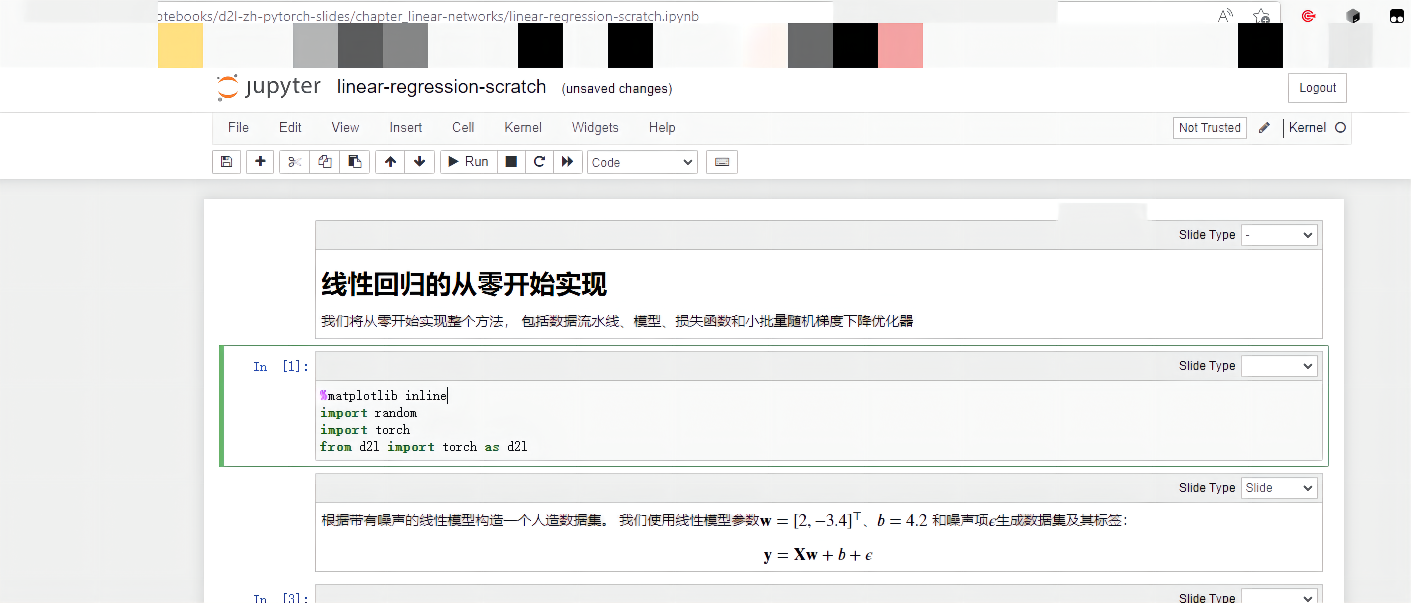
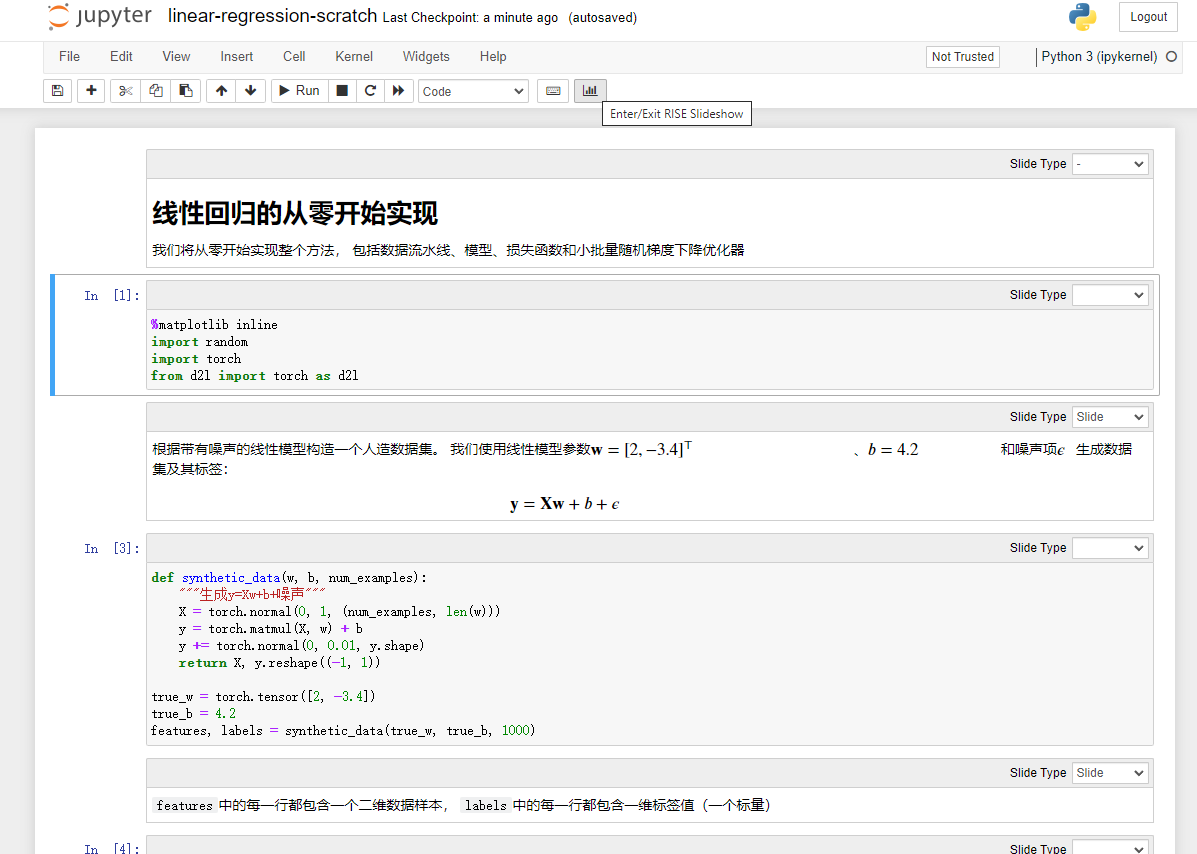
幻灯片模式

若有收获,就点个赞吧
0 人点赞


