笔记记录
编写人:老王
时间:2023-04-5
地点:广州
package javafx.test;import javafx.application.Application;import javafx.scene.Group;import javafx.scene.Scene;import javafx.scene.control.Button;import javafx.scene.text.Font;import javafx.stage.Stage;public class Main7 extends Application {public static void main(String[] args) {launch(args);}@Overridepublic void start(Stage stage) throws Exception {Button button1 = new Button("这是按钮...");//按钮的坐标button1.setLayoutY(100);button1.setLayoutX(100);//按钮的宽高button1.setPrefHeight(200);button1.setPrefWidth(400);//自定义字体button1.setFont(Font.font("sans-serif",40));Group group = new Group();group.getChildren().add(button1);Scene scene = new Scene(group);stage.setScene(scene);stage.show();}}
效果如下: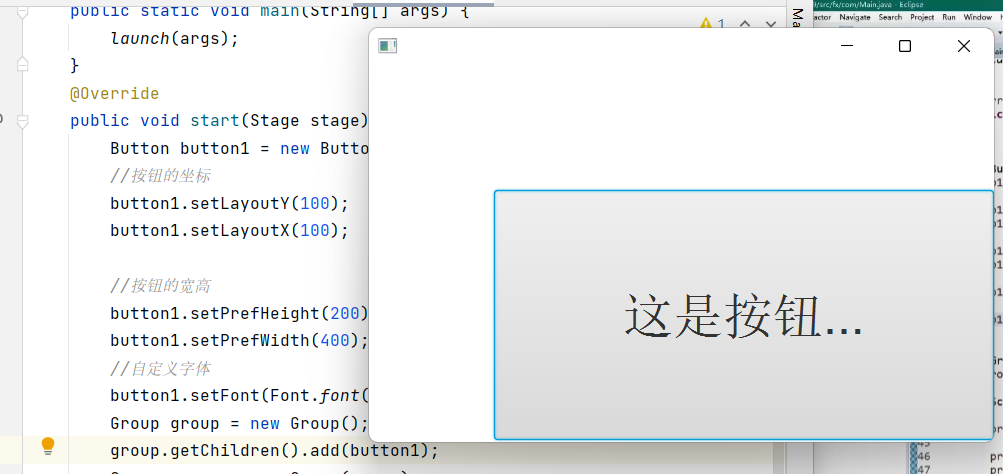 接下来设置边框和圆角以及各种样式:
package javafx.test;import javafx.application.Application;import javafx.geometry.Insets;import javafx.scene.Group;import javafx.scene.Scene;import javafx.scene.control.Button;import javafx.scene.layout.*;import javafx.scene.paint.Paint;import javafx.scene.text.Font;import javafx.stage.Stage;public class Main7 extends Application {public static void main(String[] args) {launch(args);}@Overridepublic void start(Stage stage) throws Exception {Button button1 = new Button("这是按钮...");stage.setWidth(500);stage.setHeight(500);//按钮的坐标button1.setLayoutY(50);button1.setLayoutX(50);//按钮的宽高button1.setPrefHeight(200);button1.setPrefWidth(400);//自定义字体样式button1.setFont(Font.font("sans-serif",40));//自定义字体的颜色button1.setTextFill(Paint.valueOf("#CD0000"));//自定义背景//BackgroundFill类里的参数分别是颜色,圆角,边框和按钮的距离BackgroundFill bgf = new BackgroundFill(Paint.valueOf("#8FBC8F"),new CornerRadii(20),new Insets(20));Background bg = new Background(bgf);button1.setBackground(bg);//设置边框的类型。分别是颜色,边框的样式(实线,虚线,点线),边框圆角,变宽的宽度。BorderStroke bos = new BorderStroke(Paint.valueOf("#8A2BE2"),BorderStrokeStyle.DOTTED,new CornerRadii(20),new BorderWidths(10));Border bo = new Border(bos);button1.setBorder(bo);Group group = new Group();group.getChildren().add(button1);Scene scene = new Scene(group);stage.setScene(scene);stage.show();}}
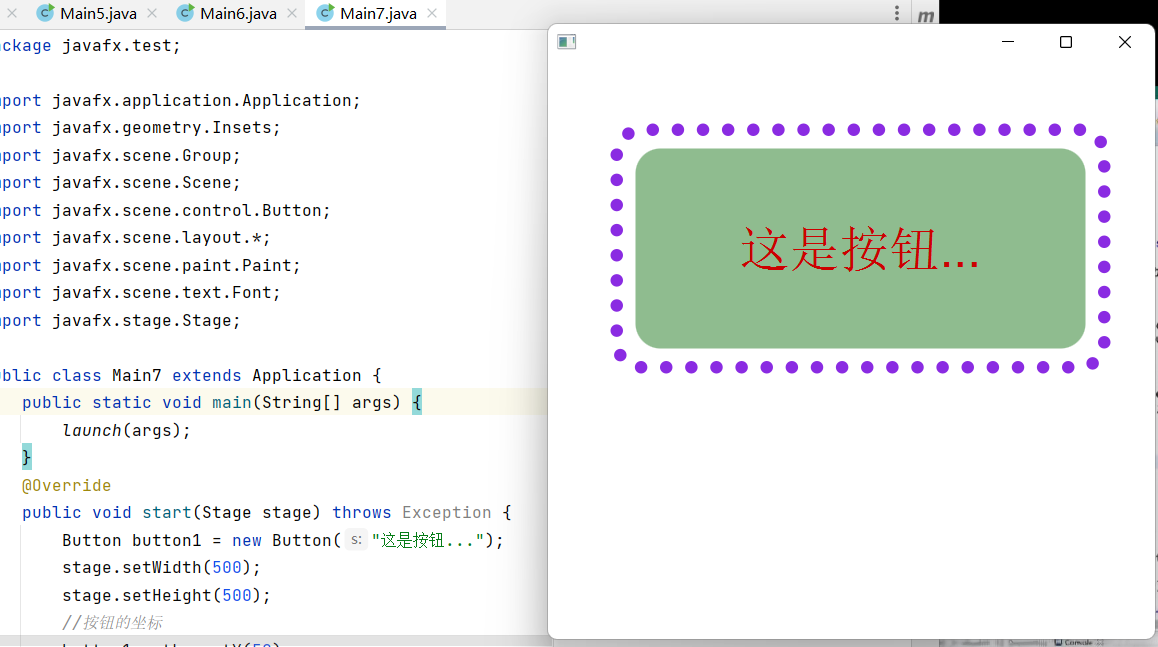 当然啦,像上面这种方式去定义按钮和文字的样式非常麻烦,需要一个一个的去设置,其实还有一个更简单的方法,那就是用javafx的CSS样式去设置按钮及其文字的样式,如下:
https://docs.oracle.com/javafx/2/api/javafx/scene/doc-files/cssref.html#typefont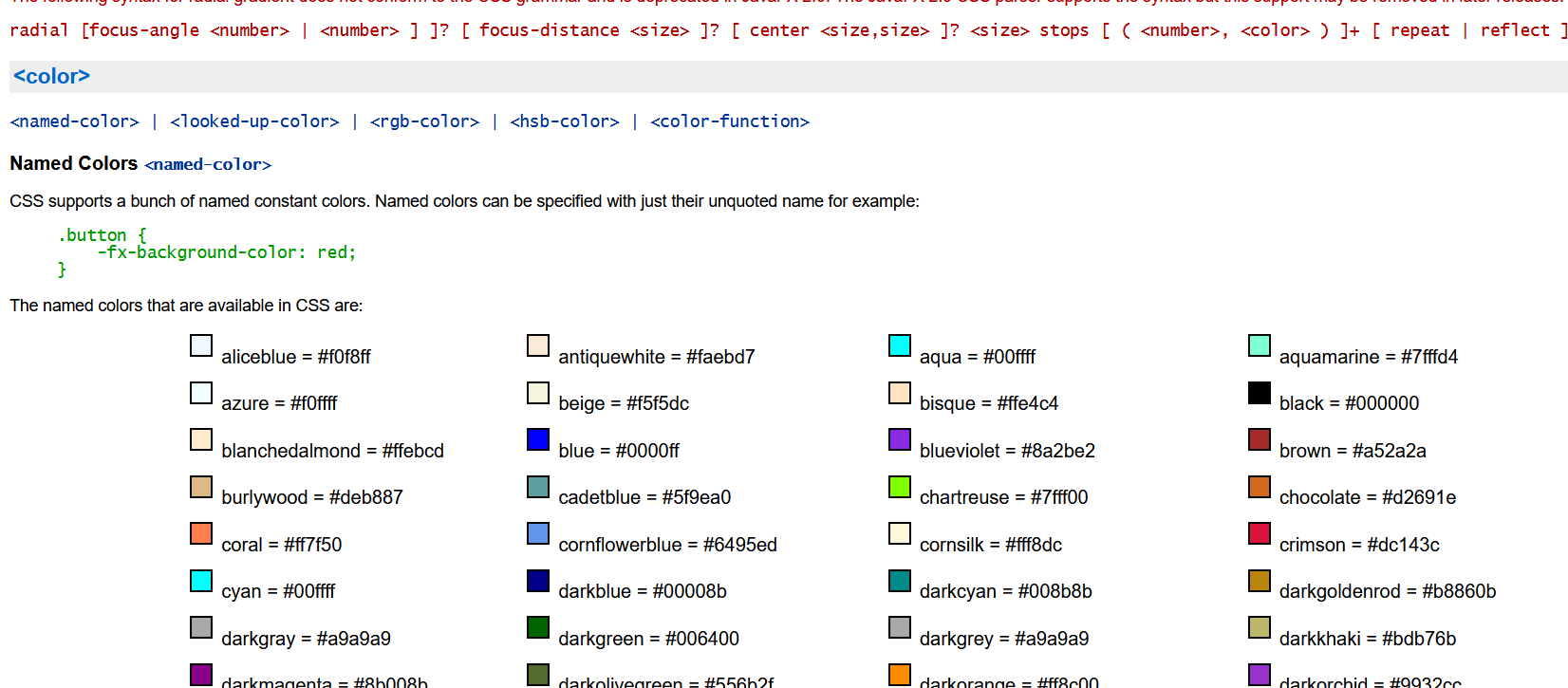
button1.setStyle("-fx-background-color: #ff6347;"+"-fx-font-family:sans-serif;"+"-fx-font-size:50;"+"-fx-font-style:italic;"+"-fx-font-weight:800;"+//字体颜色"-fx-text-fill:#5CACEE;"+//圆角"-fx-background-radius:20;");
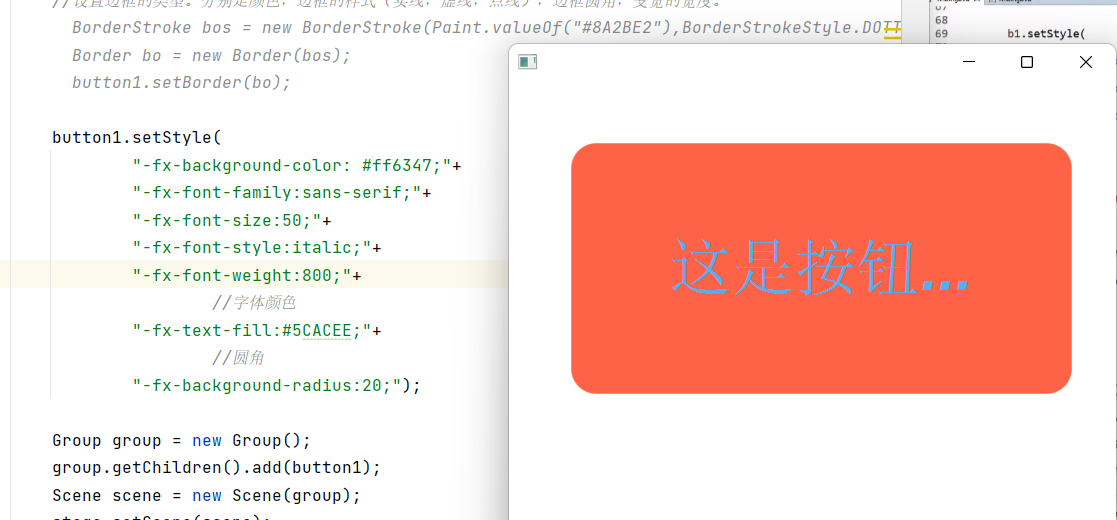

若有收获,就点个赞吧
0 人点赞


