笔记记录
编写人:老王
时间:2023-04-10
地点:广州
Hyperlink就是一个链接组件
点击不会发生跳转,要实现跳转功能要自己写一个监听事件才行。
package com.example.demo2;import javafx.application.Application;import javafx.scene.Scene;import javafx.scene.control.Button;import javafx.scene.control.Hyperlink;import javafx.scene.layout.AnchorPane;import javafx.scene.layout.HBox;import javafx.stage.Stage;public class Main4 extends Application {public static void main(String[] args) {launch(args);}@Overridepublic void start(Stage stage) throws Exception {Button button = new Button("网址按钮");stage.setHeight(400);stage.setWidth(800);Hyperlink hyperlink = new Hyperlink("www.baidu.com");HBox a1 = new HBox();a1.getChildren().addAll(button,hyperlink);Scene scene = new Scene(a1);stage.setScene(scene);stage.show();}}
运行效果如下: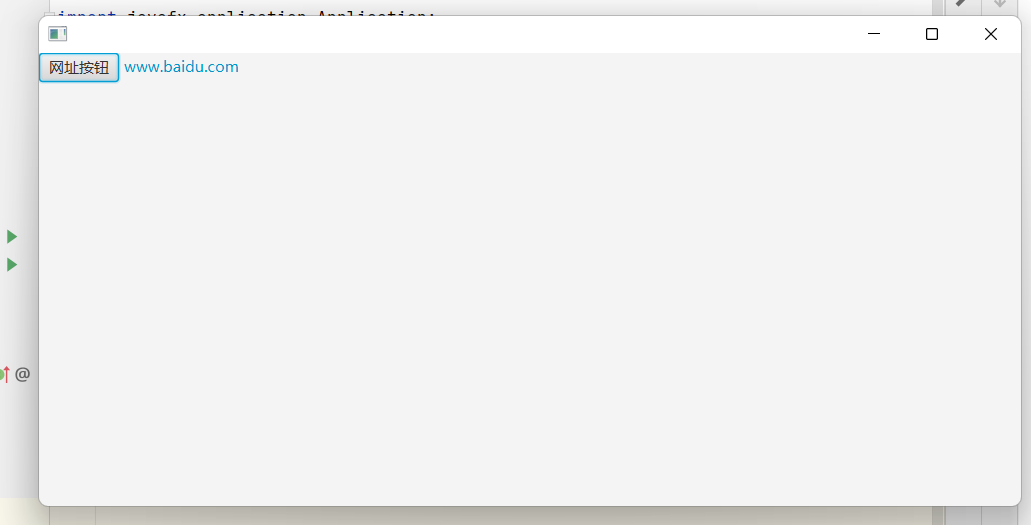 无论是点击按钮还是链接都无法跳转,要实现这个功能就需要下面这样去操作一下:
package com.example.demo2;import javafx.application.Application;import javafx.application.HostServices;import javafx.event.ActionEvent;import javafx.event.EventHandler;import javafx.scene.Scene;import javafx.scene.control.Button;import javafx.scene.control.Hyperlink;import javafx.scene.layout.AnchorPane;import javafx.scene.layout.HBox;import javafx.stage.Stage;public class Main4 extends Application {public static void main(String[] args) {launch(args);}@Overridepublic void start(Stage stage) throws Exception {Button button = new Button("网址按钮");stage.setHeight(400);stage.setWidth(800);Hyperlink hyperlink = new Hyperlink("www.baidu.com");hyperlink.setOnAction(new EventHandler<ActionEvent>() {@Overridepublic void handle(ActionEvent actionEvent) {HostServices host = getHostServices();host.showDocument(hyperlink.getText());}});HBox a1 = new HBox();a1.getChildren().addAll(button,hyperlink);Scene scene = new Scene(a1);stage.setScene(scene);stage.show();}}
此时点击链接处就能自动跳转到百度。 也可以用Hyperlink的一个类方法,直接添加一个组件,点击组件就可以打开网页的形式。如下: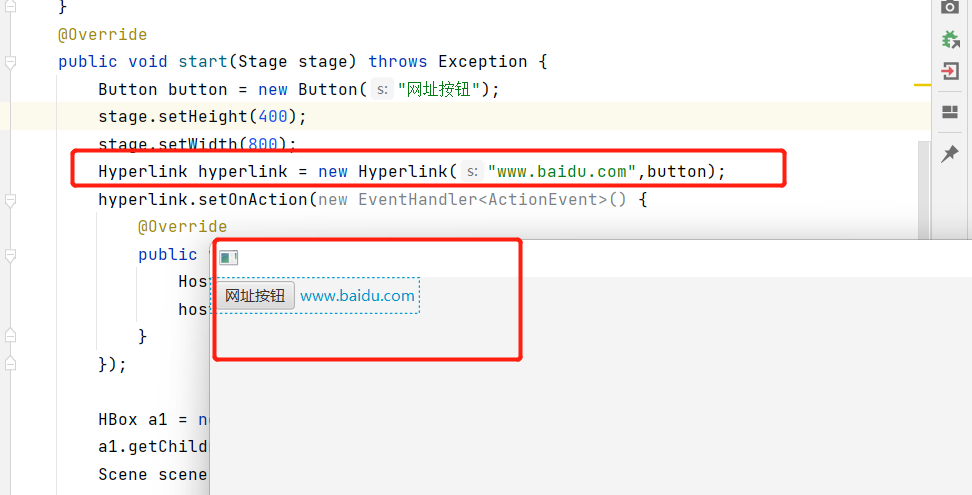

若有收获,就点个赞吧
0 人点赞


