1.下载Elasticsearch
https://www.elastic.co/guide/cn/elasticsearch/guide/current/running-elasticsearch.html
bin/elasticsearch.bat 运行
2.windows系统下无法使用IP:9200地址访问elasticsearch
解决方法:修改config/elasticsearch.yml中,新增
network.host: 0.0.0.0
discovery.seed_hosts: [“0.0.0.0”, “[::1]”]
重启就OK了,可以IP:9200访问。
3.下载kibana
https://www.elastic.co/cn/downloads/kibana
bin/kibana.bat 运行
访问:http://localhost:5601/app/home
4.下载IK
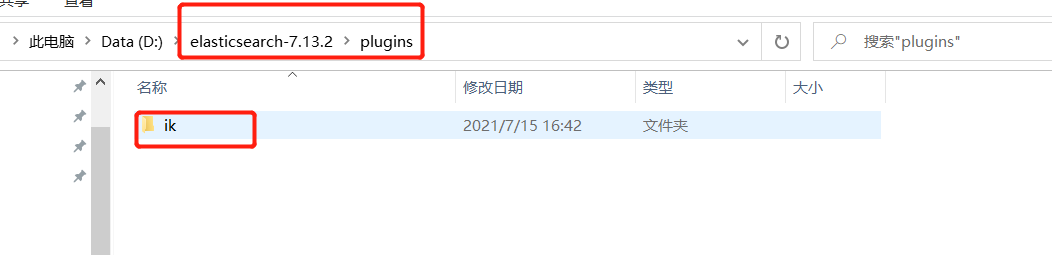

若有收获,就点个赞吧
0 人点赞


