系统环境
[root@xxx ~]# cat /etc/redhat-releaseCentOS Linux release 7.6.1810 (Core)[root@xxx ~]# uname -r3.10.0-957.el7.x86_64
MultiTail
安装MultiTail
:::info
说明:由于centos7 无法直接从yum安装,所以先去下载rpm包在进行安装
原因:可能是未开启相应的软件源,暂且不管
:::
下载:
centos 7 版本的下载地址:
https://centos.pkgs.org/7/repoforge-x86_64/multitail-6.2.1-1.el7.rf.x86_64.rpm.html
此文也提供rpm的压缩包,可直接下载
multitail-6.2.1-1.el7.rf.x86_64.tar
下载好安装包后,导入到虚拟机或者服务器上,此步骤省略,用什么方式都可以
安装rpm
[root@itmsp ~]# lsanaconda-ks.cfg multitail-6.2.1-1.el7.rf.x86_64.rpm[root@itmsp ~]# rpm -ivh multitail-6.2.1-1.el7.rf.x86_64.rpmwarning: multitail-6.2.1-1.el7.rf.x86_64.rpm: Header V3 DSA/SHA1 Signature, key ID 6b8d79e6: NOKEYPreparing... ################################# [100%]Updating / installing...1:multitail-6.2.1-1.el7.rf ################################# [100%]
命令 为 rpm -ivh [rpm包名]
简单使用
显示单一文件
格式 multitail -c [需要监控的文件]
例如:

当然 如果你不喜欢这个主题颜色 也是可以换的
颜色可配置。如果默认颜色方案不适合您,请在配置文件中编写自己的颜色方案。例如,使用以下
multitail -cS amir_log /path/to/log调用~/.multitailrc:colorscheme:amir_log cs_re:green:INFO cs_re:red:SEVERE
显示多个文件
格式: multitail -c [需要监控的文件] [需要监控的文件] ..
以列的形式显示多个文件
格式: multitail -C -s [数量] [需要监控的文件] [需要监控的文件]
例如:
:::info
部分命令 说明:
screen layout
-s x vertical split screen (in ‘x’ columns)
-sw x,x,… at what columns to split the screen, use ‘0’ for automatic size:::
:::info
-sn x,x,… number of windows per column:::
:::info
-wh x height of window:::
:::info
-C colorize all following file
-Cs colorize all following files with syslog-scheme
:::
[root@xxx ~]# multitail -C -s 2 /home/xxx/xxx/logs/xxx.log /home/xxx/xxx/logs/xxxx.log
效果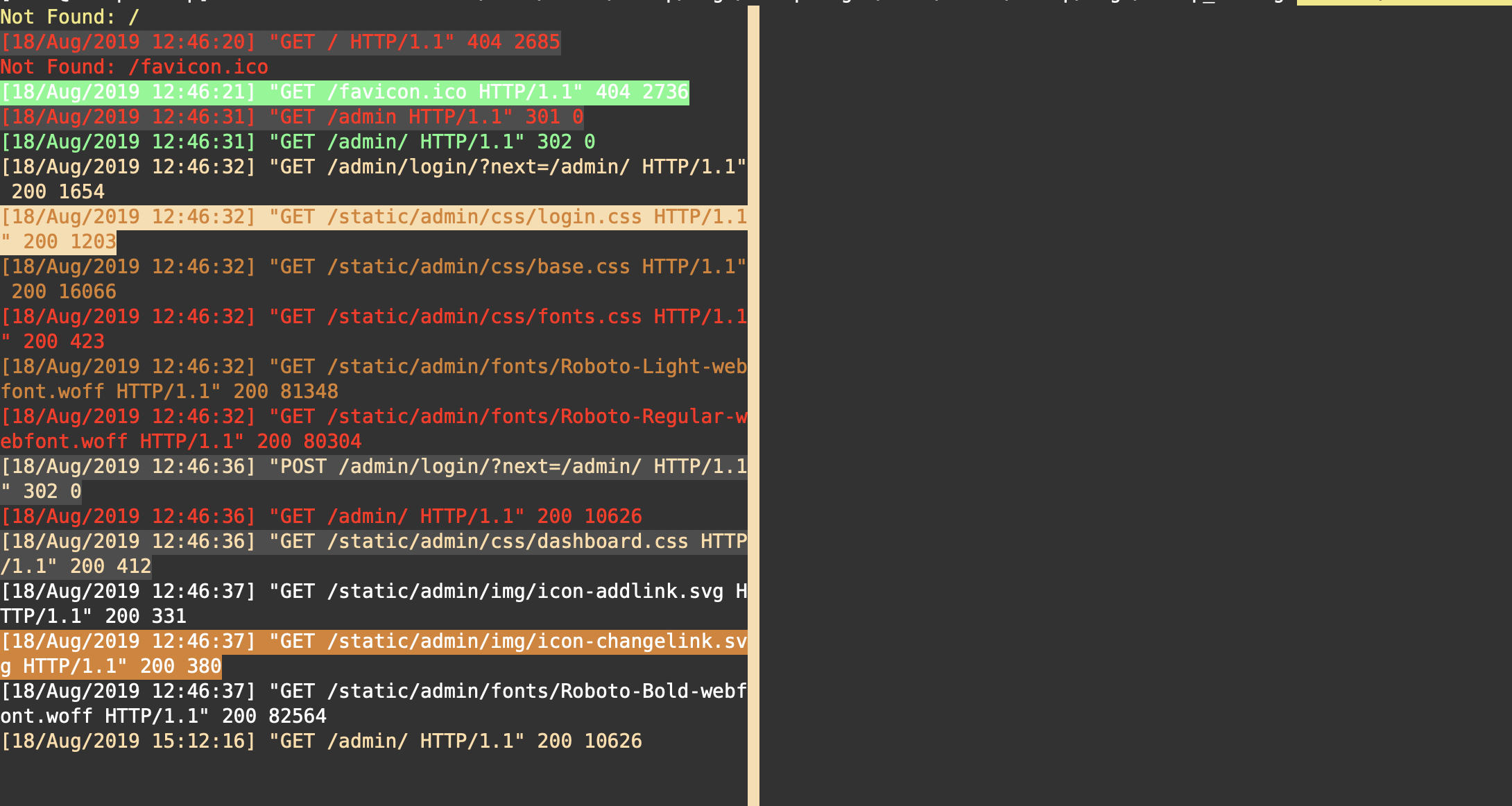

若有收获,就点个赞吧
0 人点赞


