一、完整版和运行时
1.定义
- 完整版:同时包含编译器和运行时的版本。
- 编译器(下面用
**compiler**表示):用来将模板字符串编译成为JavaScript渲染函数的代码。 - 运行时:用来创建
Vue实例、渲染并处理虚拟DOM等的代码。基本上就是除去编译器的其它一切。2.深入理解两种区别
| | Vue完整版本 | Vue非完整版 | 评价 | | :—-: | :—-: | :—-: | :—-: | | 特点 | 有 compiler | 无 compiler | 无 compiler 少30%体积 | | 视图 | 写在 HTML 里或者写在 template 选项 | 写在 render 函数里
用 h 来创建便签 | h是尤雨溪写好传给 render 的 | | cdn 引入 | vue.js | vue.runtime.js | 文件名不同。生产环境改为后缀为.min.js | | webpack 引入 | 需要配置 alias | 默认使用此版本 | 尤雨溪配置 | | @vue/cli 引入 | 需要额外配置 | 默认使用此版本 | 尤雨溪、蒋豪群配置 |
最佳实践:总是使用非完整版,然后配合vue-loader和vue文件
思路:
- 保证用户体验,用户下载的 JS 文件体积更小,但只支持 h 函数
- 保证开发体验,开发者可直接在 vue 文件里写 HTML 标签,而不写 h 函数
- 中间的转换过程让 loader 来做,
vue-loader把 vue 文件里的 HTML 转为 h 函数二、template 和 render 怎么用
1.完整版直接使用
template(可以直接写HTML)
基本写法
new Vue({template: '<div>{{ n }}</div>'})
添加+1按钮
new Vue({el:'#app',template:`<div>{{n}}<button @click="add">+1</button></div>`,data:{n:0},methods:{add(){this.n += 1}}})
2.非完整版(
render(){})基本写法
new Vue({render (h) {return h('div', this.n)}})
添加+1按钮
new Vue({el: '#app',render(h) {return h('div', [this.n, h('button', {on: {click: this.add}}, '+1')])},data: {n: 0},methods: {add() {this.n += 1}}})
三、Vue 单文件组件
新建一个
Demo.vue文件,里面有三个标签- template 写视图
- script 写其他
- style 写css样式
```vue
{{ n }}
- `main.js`内容;直接导出这个`Demo`,然后`render`一下(`render`会自动将`template`里内容转化为`vue`可识别的)```vue// 单文件组件import Demo from './Demo.vue'new Vue({el: '#app',render(h) {return h(Demo)}})
- 打印出的
Demo,自带render方法,不需要自己写
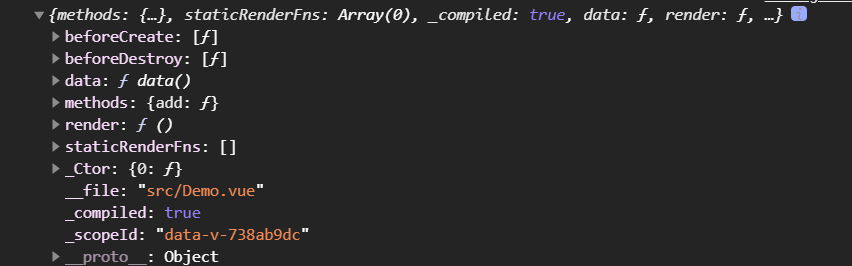
- 打印出的
Demo.render.toString()
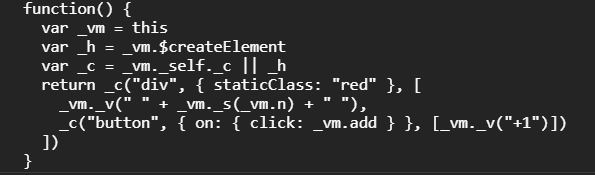
四、如何用 codesandbox.io 写 Vue 代码
具体步骤:
- 点击
create sandbox
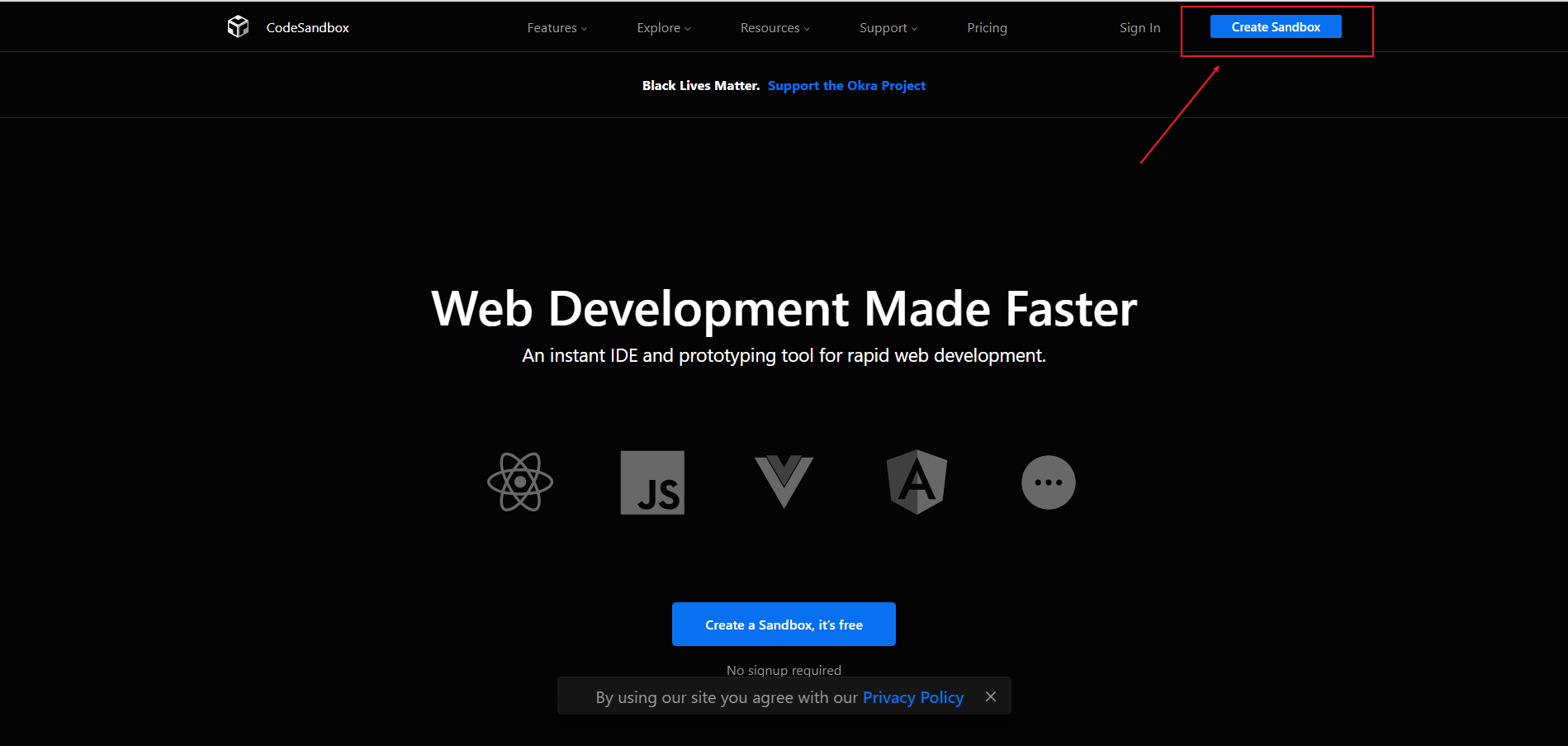
- 点击
Vue

- 创建之后,基本的文件就都自动生成了
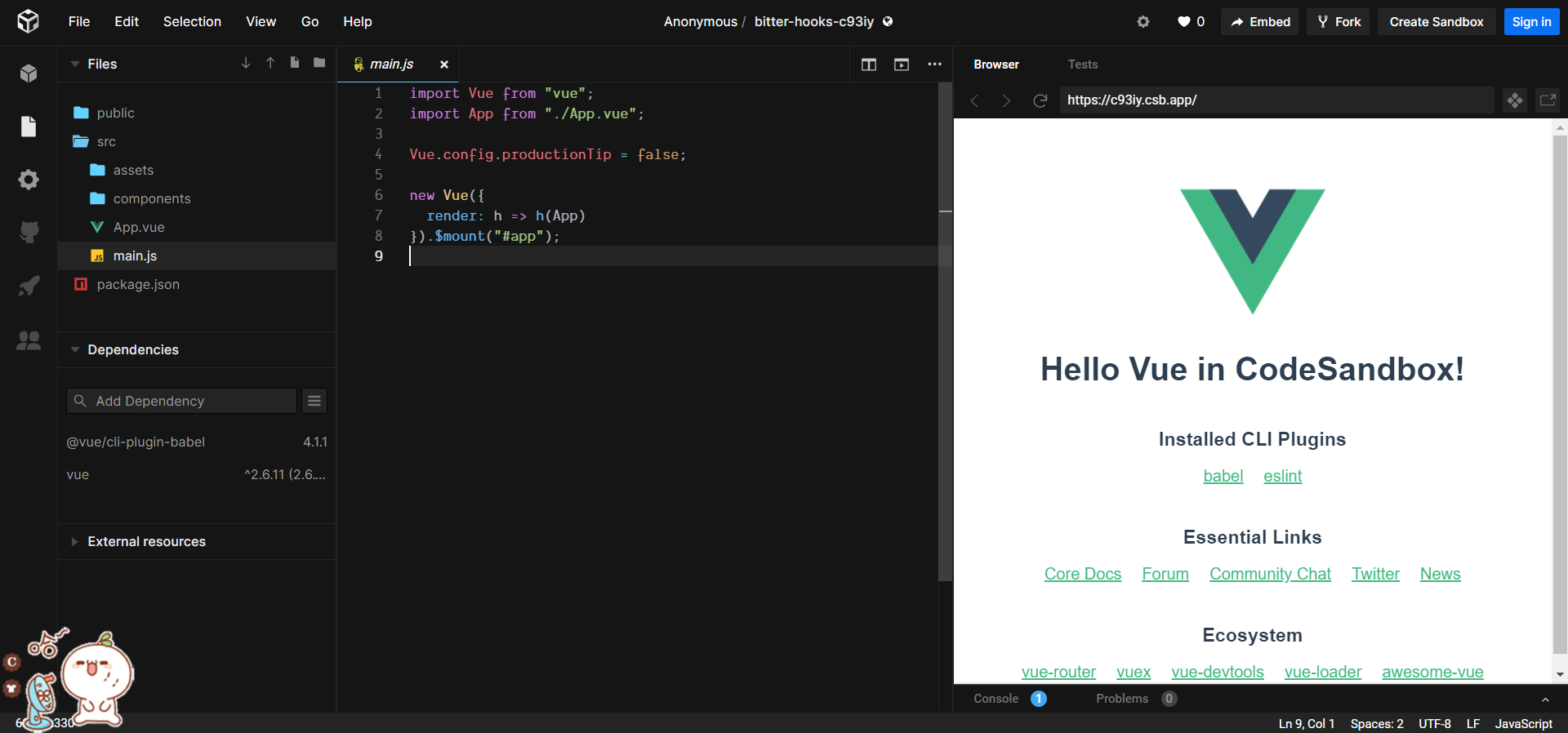
- 如果想要保存到本地,点击
File>Export to ZIP;导出压缩文件


若有收获,就点个赞吧
0 人点赞


