The private link is a special and exclusive link for each sales using for webinar invitation. Leads who registered webinars through your private link will be automatically identified as yours and distrubuted to your private pool later. You will get your private link before every webinar.
How to get the private link?
Step 1 Log in to the new CRM with your account name and password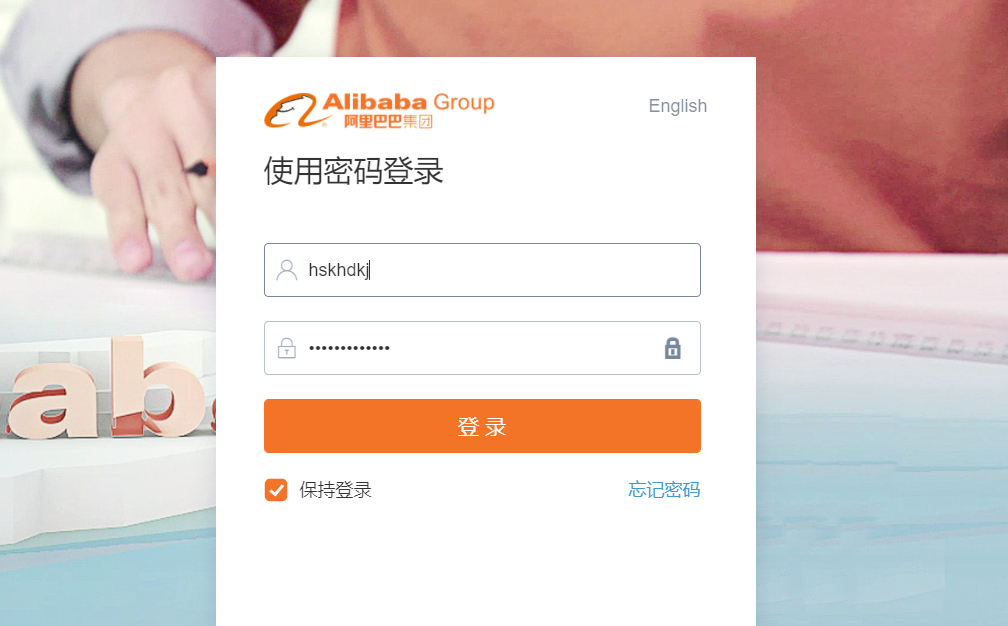
Step 2 Click the message button on the right top cover
Step 3 Find the private link message (usually it will be listed as top message)
Step 4 Open the message, click the link in the message content to get your private link.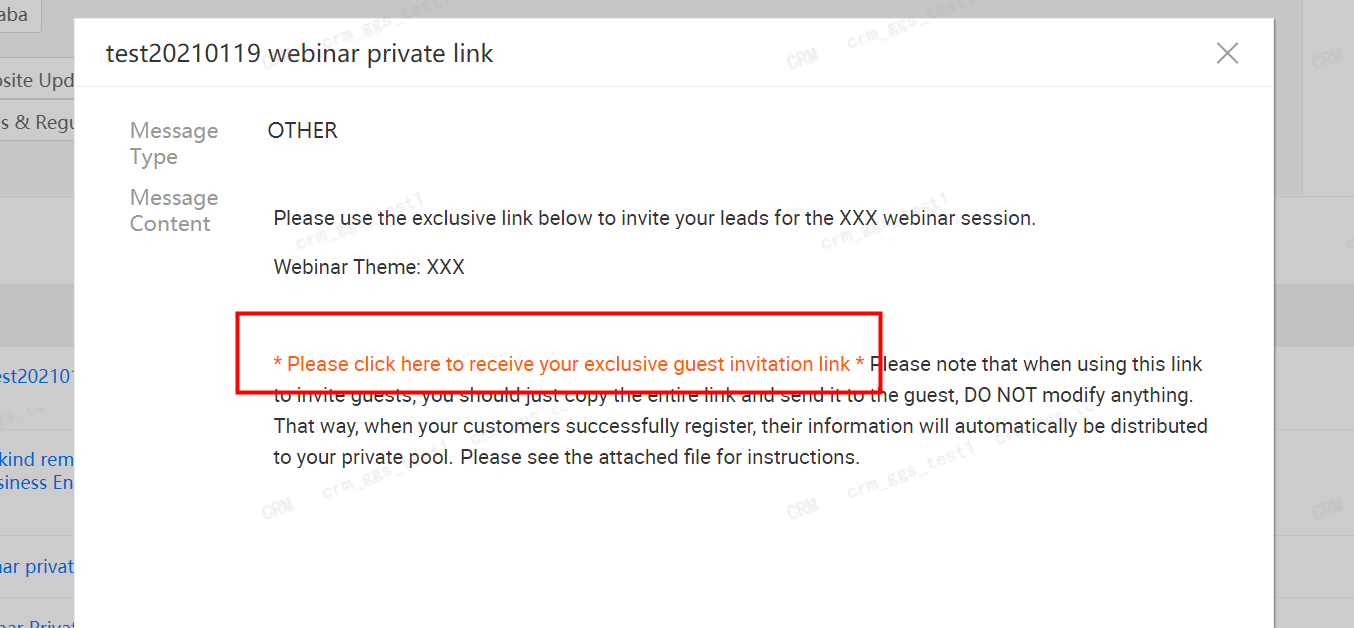
Step 5 Open the link and check if the link ends with “inviter=”. Copy it and make sure you use it to lock new leads you invited!
Remark:
- Private pool always comes first. This means if the leads are already in your private pool, they belongs to you anyway, even if others invite them through their own private link. The private link will not affact leads that have already been distributed to private pools.
- For the public pool, private link comes first. This means for public pool leads or new leads that never registered, they will be identified and distributed according to the private link. These leads who registered webinars through your private link will be automatically identified as yours and distrubuted to your private pool later.

若有收获,就点个赞吧
0 人点赞


