- http://localhost:9200 -d http://192.168.210.168:9200 -x es_medias_test2 -w=5 -b=10 -c 10000 —copy_settings —copy_mappings">同步数据和索引配置(主分片个数不同步,使用默认值5)
esm.exe -s http://localhost:9200 -d http://192.168.210.168:9200 -x es_medias_test2 -w=5 -b=10 -c 10000 —copy_settings —copy_mappings
https://github.com/medcl/esm下载源码或编译后软件: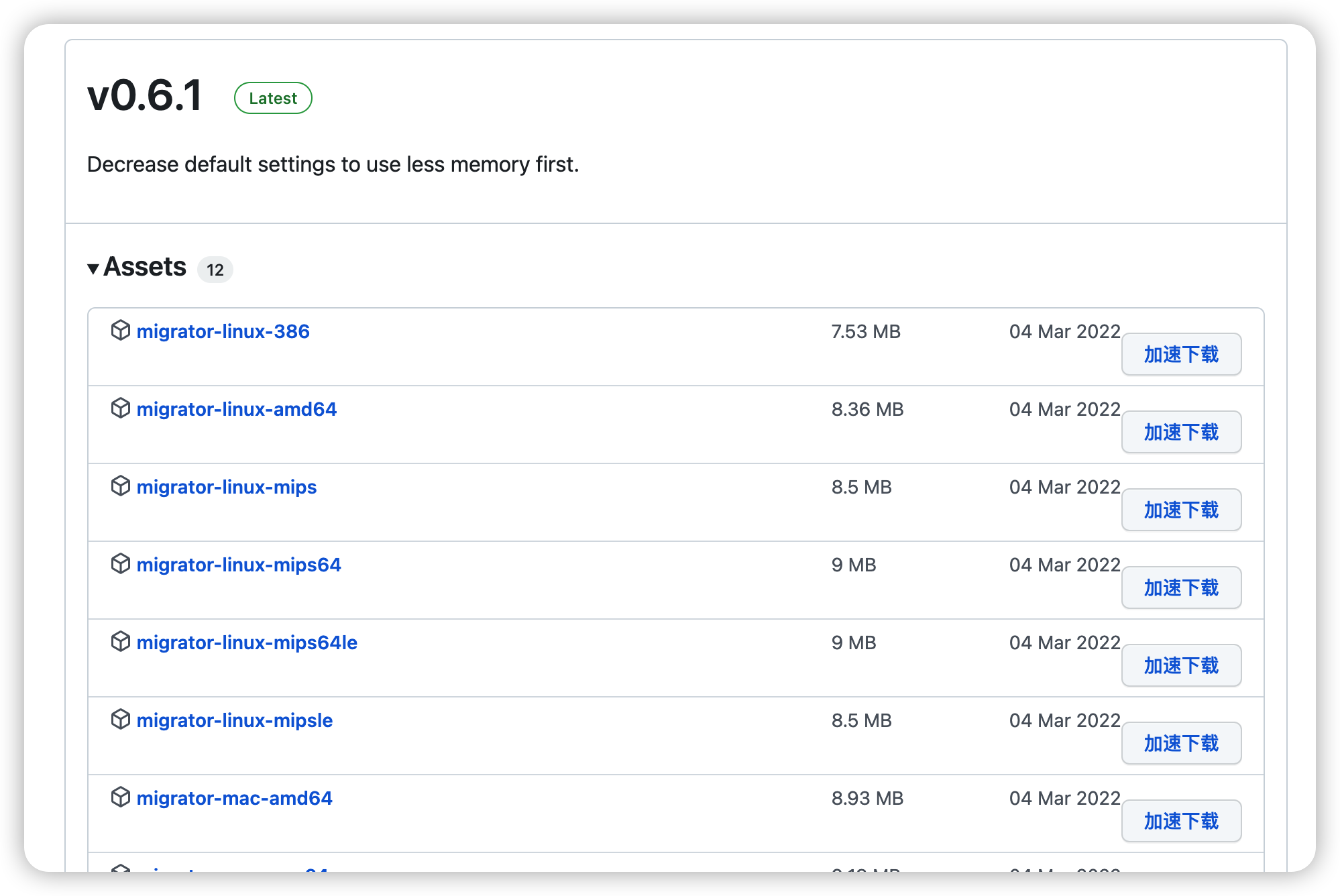
上传软件到/home下修改软件名称为ems
在es集群1上创建test_index_003 并插入数据
使用命令:
#同步索引index_name
esm -s http://10.62.124.x:9200 -d http://10.67.151.y:9200 -x index_name -w=5 -b=10 -c 10000
同步数据和索引配置(主分片个数不同步,使用默认值5)
esm.exe -s http://localhost:9200 -d http://192.168.210.168:9200 -x es_medias_test2 -w=5 -b=10 -c 10000 —copy_settings —copy_mappings
./ems -s http://172.16.4.200:9200 -d http://172.16.4.212:9200 -x test_index_004 -w=5 -b=10 -c 10000 —copy_settings —copy_mappings
#同步数据和索引配置(同步主分片数)
esm.exe -s http://localhost:9200 -d http://192.168.210.168:9200 -x es_medias_test -w=5 -b=10 -c 10000 —shards=1 —copy_settings —copy_mappings
bin/linux64/esm -s http://需要迁移的ES(IP地址):9200 -d http://迁移到的ES(IP地址):9200 -xindex索引 -w=5 -b=10 -c 10000 —all
-w 表示线程数
-b 表示一次bulk请求数据大小,单位MB默认 5M
-c 一次scroll请求数量
Usage:esm [OPTIONS]Application Options:-s, --source= source elasticsearch instance, ie: http://localhost:9200-q, --query= query against source elasticsearch instance, filter data before migrate, ie: name:medcl-d, --dest= destination elasticsearch instance, ie: http://localhost:9201-m, --source_auth= basic auth of source elasticsearch instance, ie: user:pass-n, --dest_auth= basic auth of target elasticsearch instance, ie: user:pass-c, --count= number of documents at a time: ie "size" in the scroll request (10000)--buffer_count= number of buffered documents in memory (100000)-w, --workers= concurrency number for bulk workers (1)-b, --bulk_size= bulk size in MB (5)-t, --time= scroll time (1m)--sliced_scroll_size= size of sliced scroll, to make it work, the size should be > 1 (1)-f, --force delete destination index before copying-a, --all copy indexes starting with . and _--copy_settings copy index settings from source--copy_mappings copy index mappings from source--shards= set a number of shards on newly created indexes-x, --src_indexes= indexes name to copy,support regex and comma separated list (_all)-y, --dest_index= indexes name to save, allow only one indexname, original indexname will be used if not specified-u, --type_override= override type name--green wait for both hosts cluster status to be green before dump. otherwise yellow is okay-v, --log= setting log level,options:trace,debug,info,warn,error (INFO)-o, --output_file= output documents of source index into local file-i, --input_file= indexing from local dump file--input_file_type= the data type of input file, options: dump, json_line, json_array, log_line (dump)--source_proxy= set proxy to source http connections, ie: http://127.0.0.1:8080--dest_proxy= set proxy to target http connections, ie: http://127.0.0.1:8080--refresh refresh after migration finished--fields= filter source fields, comma separated, ie: col1,col2,col3,...--rename= rename source fields, comma separated, ie: _type:type, name:myname-l, --logstash_endpoint= target logstash tcp endpoint, ie: 127.0.0.1:5055--secured_logstash_endpoint target logstash tcp endpoint was secured by TLS--repeat_times= repeat the data from source N times to dest output, use align with parameter regenerate_id to amplify the data size-r, --regenerate_id regenerate id for documents, this will override the exist document id in data source--compress use gzip to compress traffic-p, --sleep= sleep N seconds after finished a bulk request (-1)Help Options:-h, --help Show this help message

若有收获,就点个赞吧
0 人点赞


