1. 下载elasticsearch-analysis-pinyin插件:
由于github网站过慢,使用gitcode中代码进行编译:
https://gitcode.net/mirrors/medcl/elasticsearch-analysis-pinyin
选择对应的版本,我的elasticsearch是7.x版本所以下载master分支代码: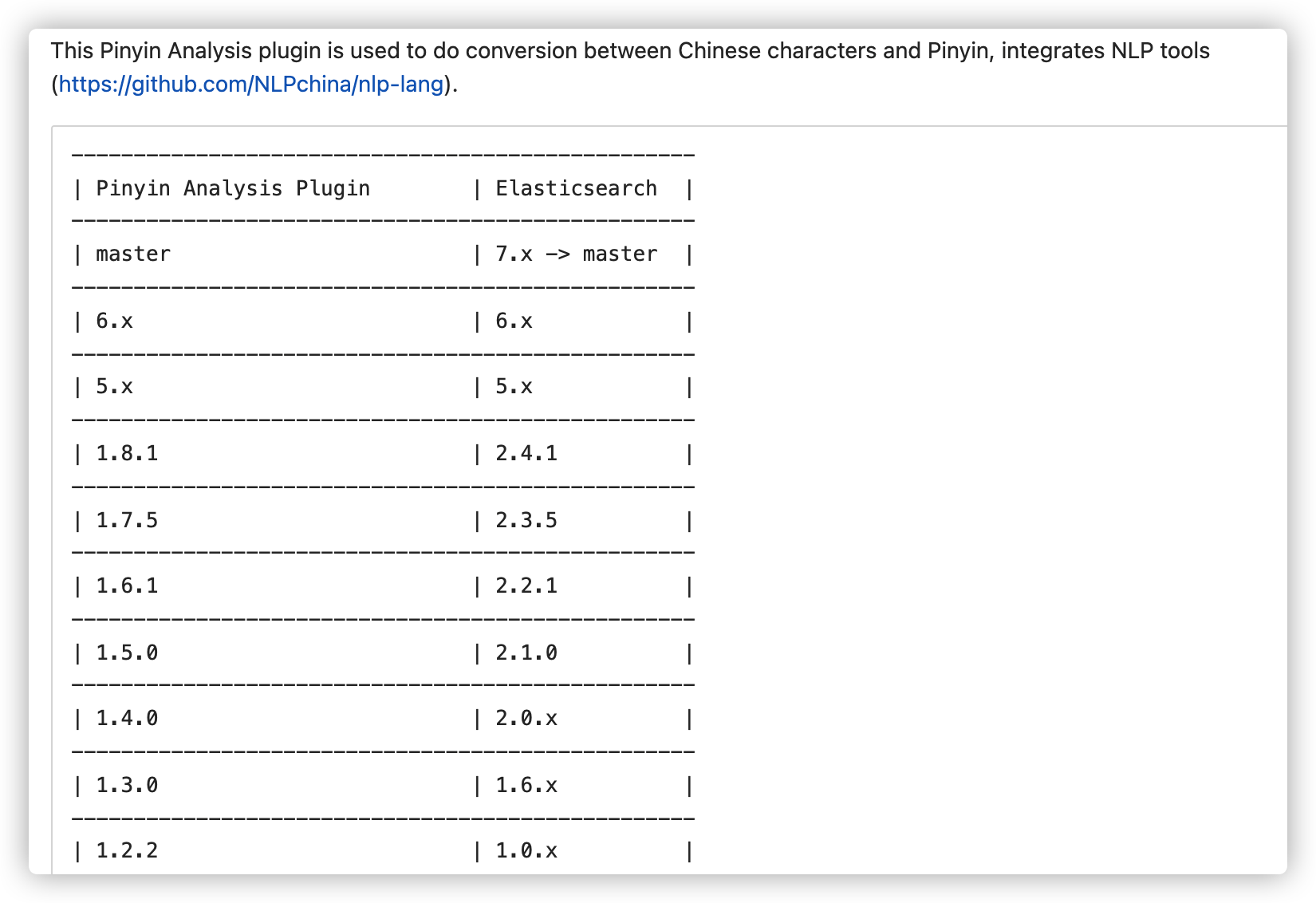
2. 编译:
解压后,进行目录:
使用maven命令进行编译:
mvn clean install -Dmaven.test.skip
编译后目录: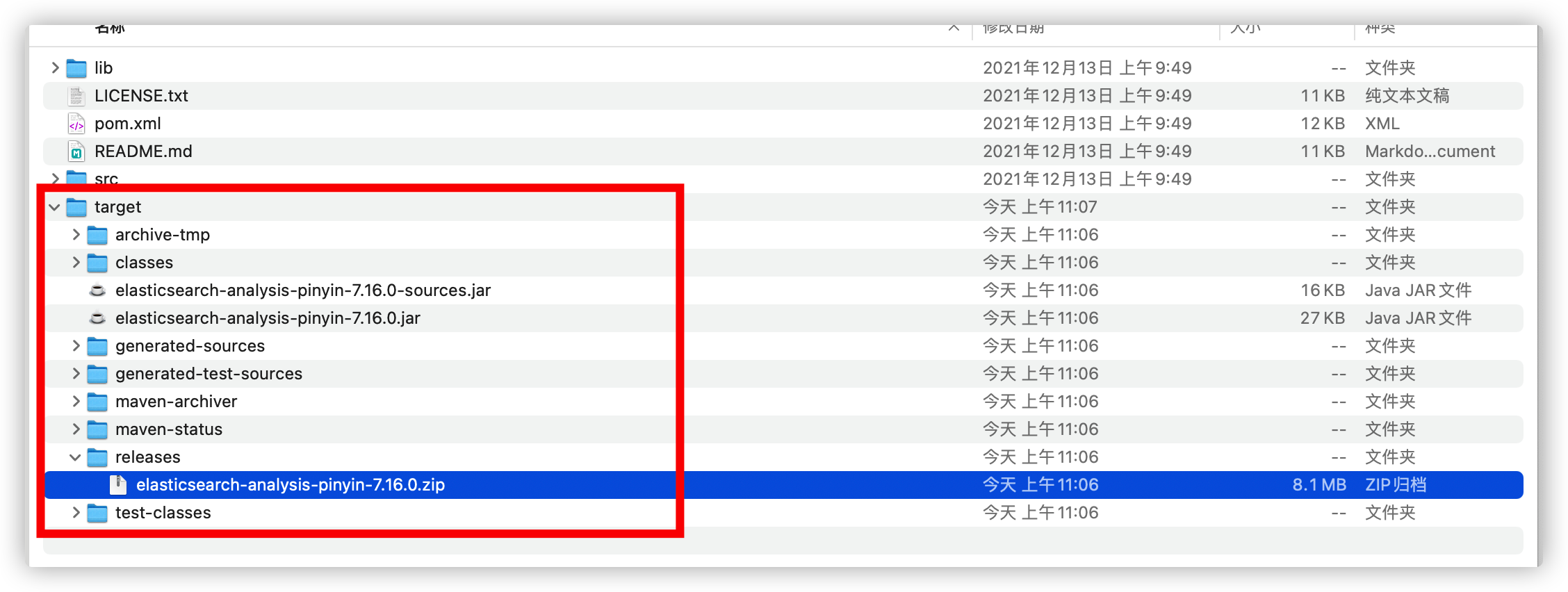
3. 安装:
拿到elasticsearch-analysis-pinyin-7.16.0.zip 放到elasticsearch/plugins/下面,重启elasticsearch服务;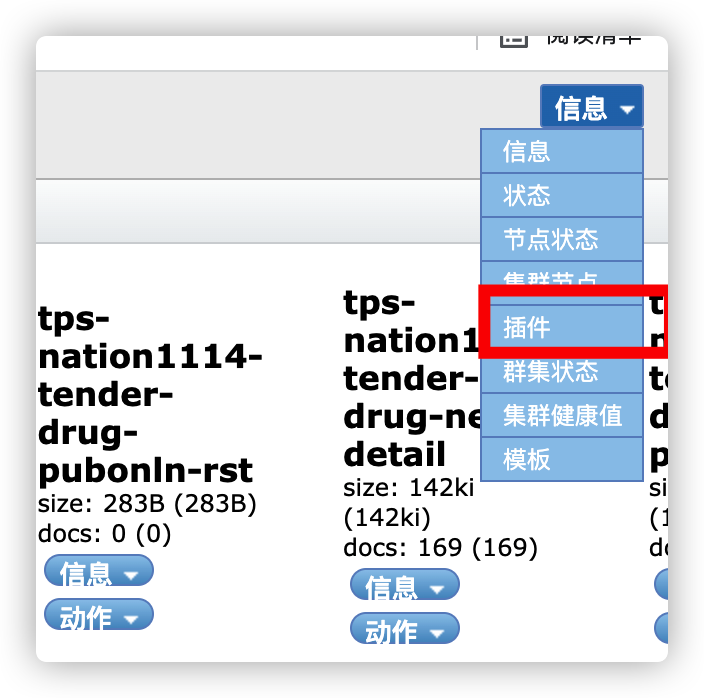

4. 拼音码使用:
4.1创建index
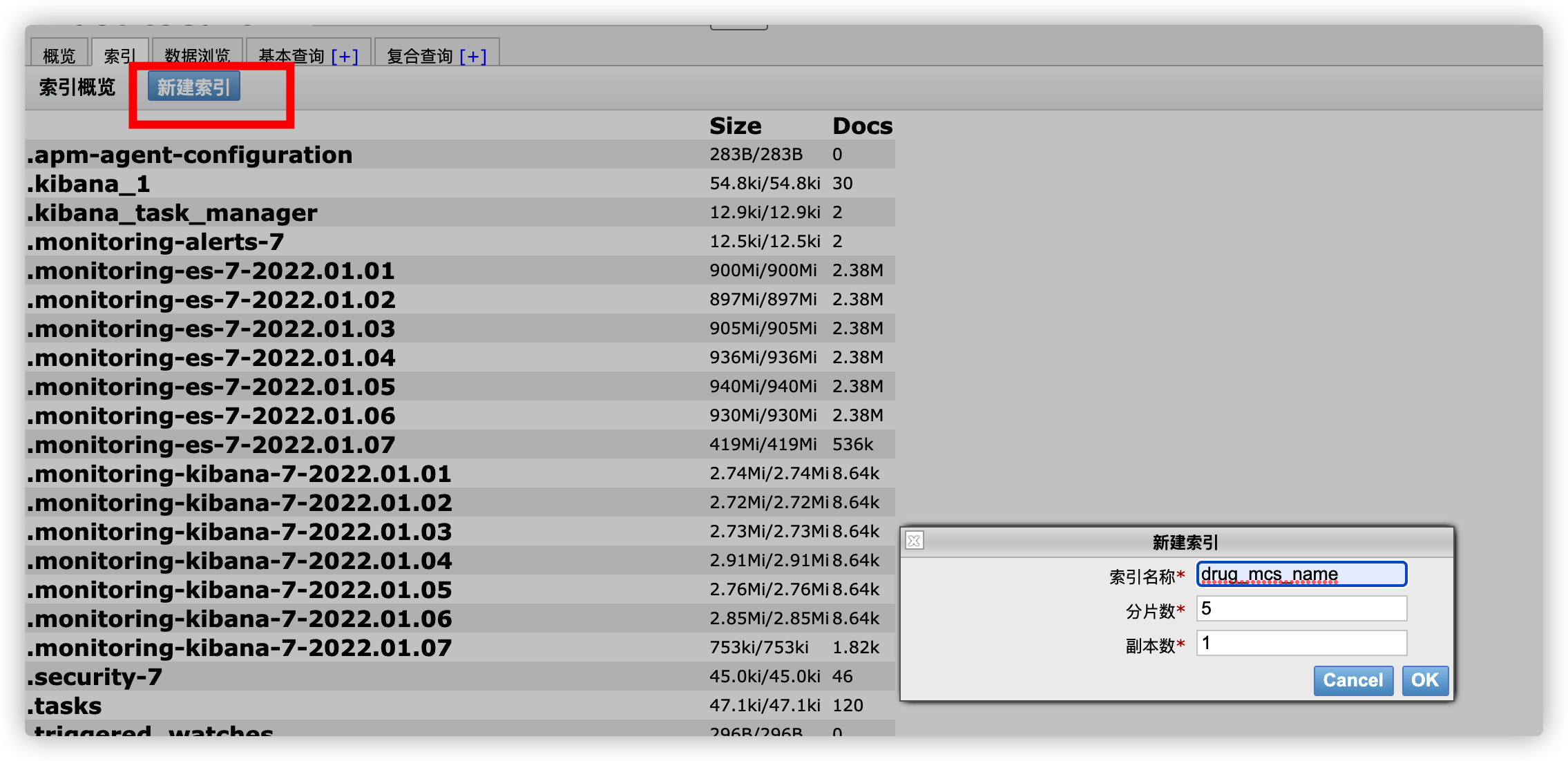
4.2 关闭index
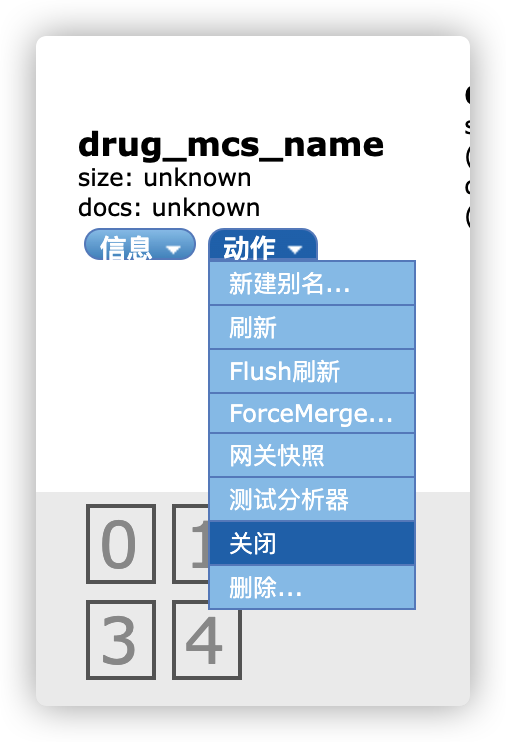
4.3 设置settings
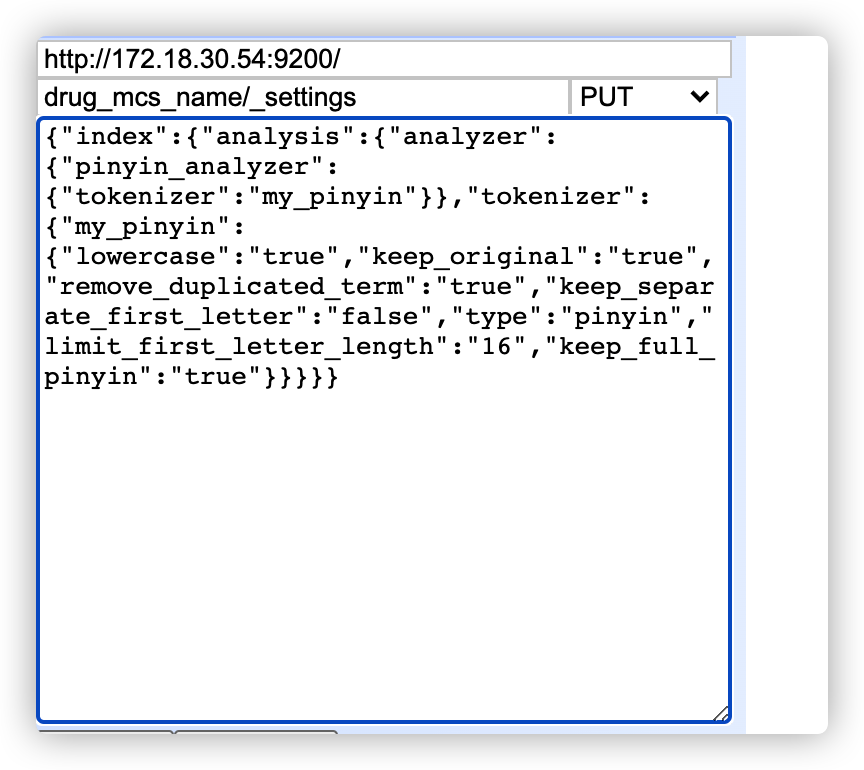
{"index": {"analysis": {"analyzer": {"pinyin_analyzer": {"tokenizer": "my_pinyin"}},"tokenizer": {"my_pinyin": {"lowercase": "true","keep_original": "true","remove_duplicated_term": "true","keep_separate_first_letter": "false","type": "pinyin","limit_first_letter_length": "16","keep_full_pinyin": "true"}}}}}
4.4 创建Mapping
drug_mcs_name/folks/_mapping?include_type_name=true
{"folks": {"properties": {"name": {"type": "keyword","fields": {"pinyin": {"analyzer": "pinyin_analyzer","term_vector": "with_offsets","boost": 10,"type": "text"}}}}}}

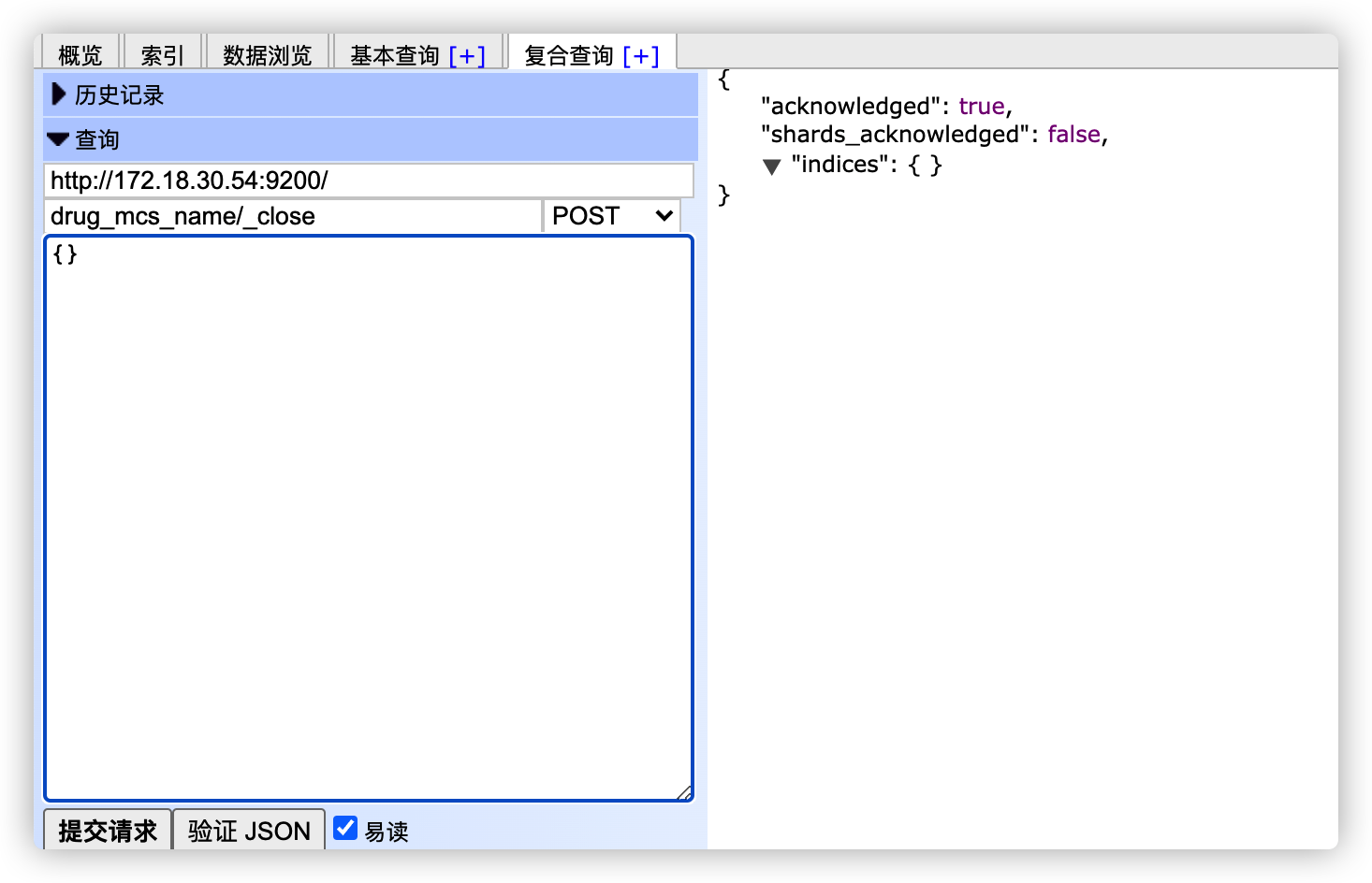
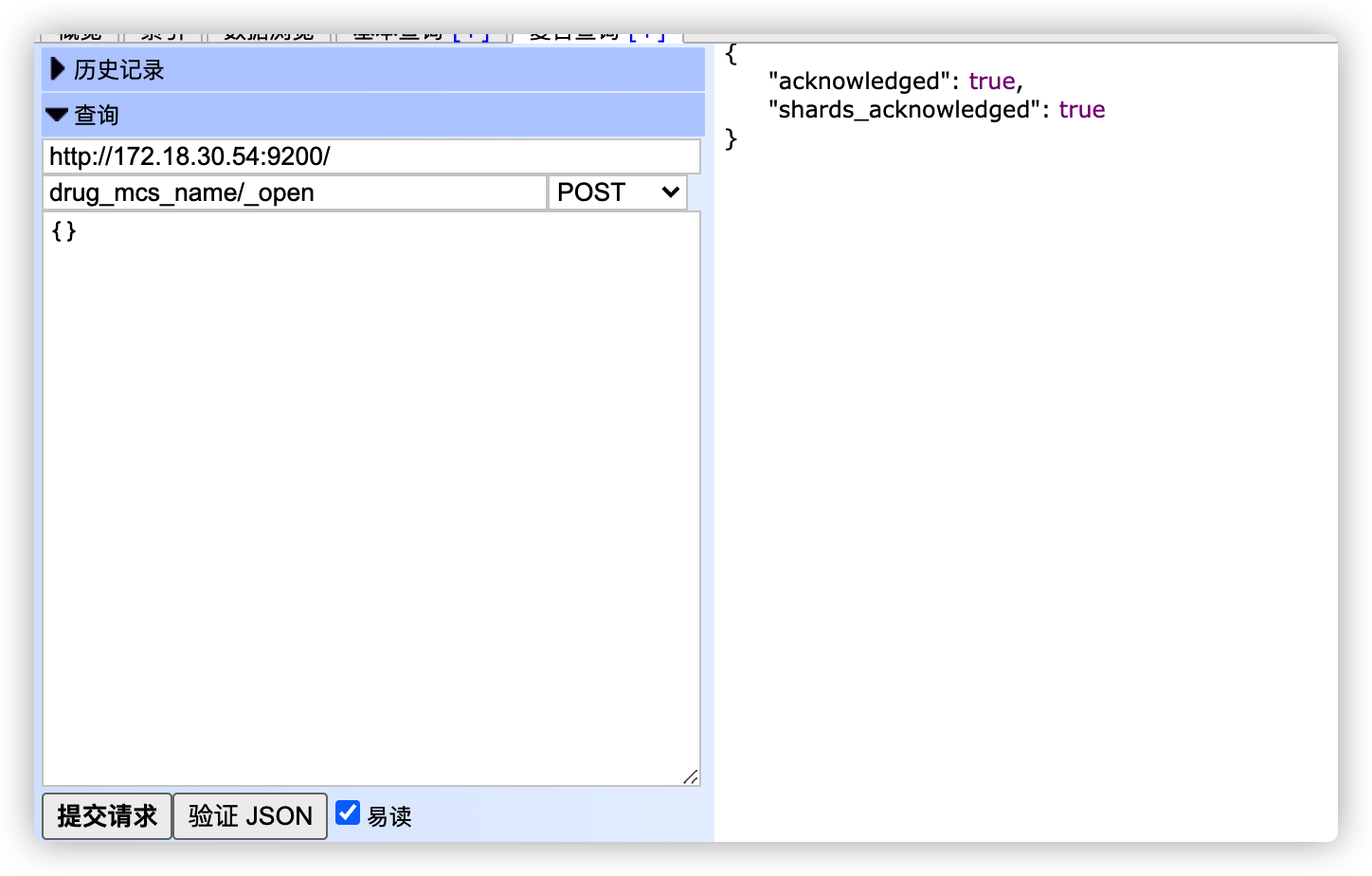
4.5 关闭重新打开index
drug_mcs_name/_close
drug_mcs_name/_open

若有收获,就点个赞吧
0 人点赞


