当一个请求url的协议、域名、端口三者之间任意一个与当前页面url不同即为跨域
教程视频:https://www.bilibili.com/video/BV1np4y1C7Yf?p=47
跨域文档:https://developer.mozilla.org/zh-CN/docs/Web/HTTP/CORS
使用nginx
服务端配置允许跨域

配置一下允许跨域就行了:
示例: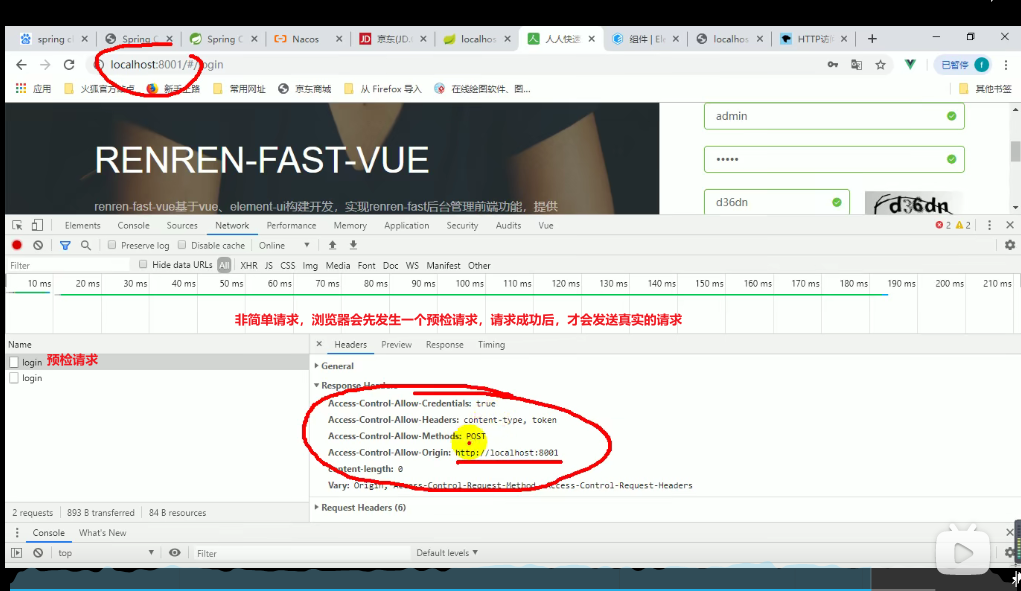

Vue前端解决方法
如在前端页面直接请求百度地图的接口,浏览器会报跨域错误

//根据地址获取经纬度getAddress(address) {console.log('地图', address)// let url = 'https://restapi.amap.com/v3/geocode/geo?parameters';let url = 'http://restapi.amap.com/v3/geocode/geo?parameters';this.$axios.get(url, {address: address,key: '1a461ccf3cde63264b4cbcf2a88f0d1e',}).then(res => {this.postionMap.lat = res.data.geocodes[0].location.split(',')[1];this.postionMap.lng = res.data.geocodes[0].location.split(',')[0];})}
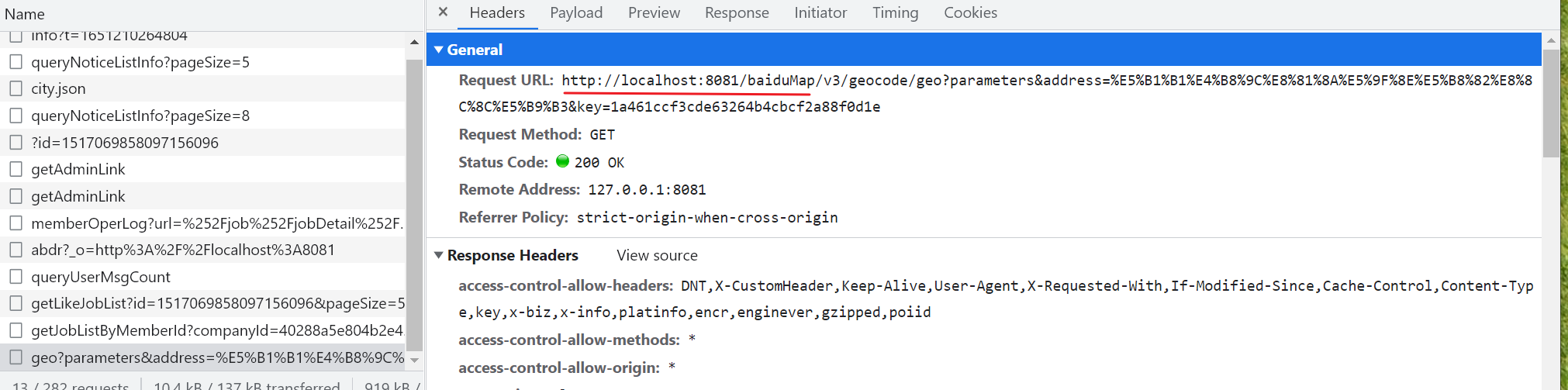
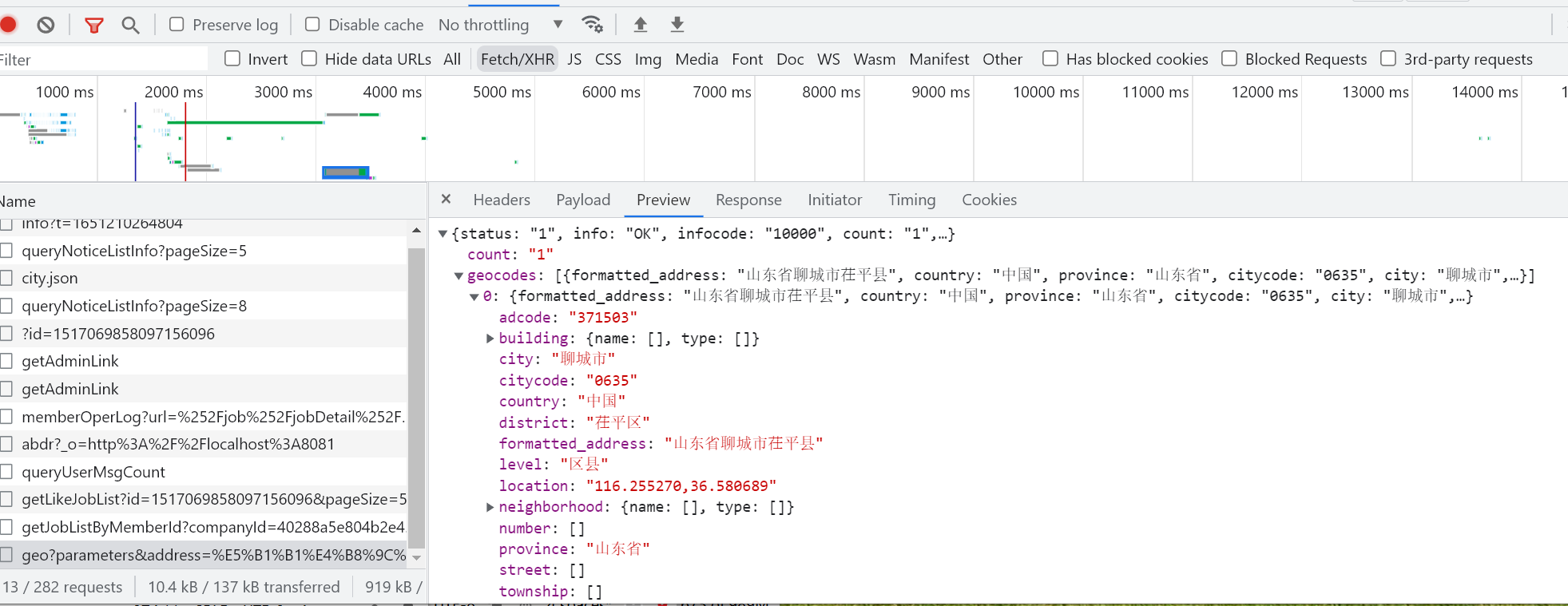
解决方法
在vue.config.js中配置代理
devServer: {
        port: 8081,
        proxy: {
            '/api': {
                //target: 'https://www.cdpee.org.cn/api',
                //target: 'http://192.168.1.210:8020',
                target: 'http://192.168.10.222:8088',
                changeOrigin: true,
                ws: true,
                pathRewrite: {
                    "^/api": ""
                }
            },
            '/baiduMap': {
                target: 'http://restapi.amap.com',
                changeOrigin: true,
                ws: true,
                pathRewrite: {
                    "^/baiduMap": ""
                }
            },
            '/baiduMaps': {
                target: 'https://restapi.amap.com',
                changeOrigin: true,
                ws: true,
                pathRewrite: {
                    "^/baiduMaps": ""
                }
            },
            '/address': {
                target: 'http://localhost:8081',
                changeOrigin: true,
                pathRewrite: {
                    "^/address": ""
                }
            },
            '/upload': {
                target: 'https://www.cdpee.org.cn', // 代理地址
                changeOrigin: true,
            },
        }
    }
//根据地址获取经纬度
getAddress(address) {
  console.log('地图', address)
  let url = '/baiduMap/v3/geocode/geo?parameters'
  this.$axios.get(url, {
    address: address,
    key: '1a461ccf3cde63264b4cbcf2a88f0d1e',
  }).then(res => {
    this.postionMap.lat = res.data.geocodes[0].location.split(',')[1];
    this.postionMap.lng = res.data.geocodes[0].location.split(',')[0];
  })
}

若有收获,就点个赞吧
0 人点赞


