Java命名规范
Java中的名称命名规范:
- 包名:多单词组成时所有字母都小写:xxxyyyzzz
- 类名、接口名:多单词组成时,所有单词的首字母大写:XxxYyyZzz
- 变量名、方法名:多单词组成时,第一个单词首字母小写,第二个单词开始每个
- 单词首字母大写:xxxYyyZzz
- 常量名:所有字母都大写。多单词时每个单词用下划线连接:XXX_YYY_ZZZ
注意1:在起名字时,为了提高阅读性,要尽量有意义,“见名知意”。
注意2:java采用unicode字符集,因此标识符也可以使用汉字声明,但是不建议使用。
Markdown 和快捷键全覆盖
💡 Tips:语雀支持全功能 markdown 语法,可以点击文档编辑页右下角小键盘查看全部支持的语法和快捷键。
- 支持导入导出
markdown文件。 - 支持自动识别粘贴的
markdown格式内容转换为富文本。行内代码
💡 Tips:可通过 markdown 语法(
+ `code` ++空格)或者快捷键ctrl/cmd+E快速插入行内代码。
代码块
💡 Tips:输入
/代码块或点击上方工具栏点击上方工具栏,选择「代码块」、插入代码卡片。
代码块同时支持多种颜色主题:
export default class QuickSort extends Sort {sort(originalArray) {const array = [...originalArray];if (array.length <= 1) {return array;}// Init left and right arrays.const leftArray = [];const rightArray = [];// Take the first element of array as a pivot.const pivotElement = array.shift();const centerArray = [pivotElement];// Split all array elements between left, center and right arrays.while (array.length) {const currentElement = array.shift();// Call visiting callback.this.callbacks.visitingCallback(currentElement);if (this.comparator.equal(currentElement, pivotElement)) {centerArray.push(currentElement);} else if (this.comparator.lessThan(currentElement, pivotElement)) {leftArray.push(currentElement);} else {rightArray.push(currentElement);}}// Sort left and right arrays.const leftArraySorted = this.sort(leftArray);const rightArraySorted = this.sort(rightArray);return leftArraySorted.concat(centerArray, rightArraySorted);}}
export default class QuickSort extends Sort {sort(originalArray) {const array = [...originalArray];if (array.length <= 1) {return array;}// Init left and right arrays.const leftArray = [];const rightArray = [];// Take the first element of array as a pivot.const pivotElement = array.shift();const centerArray = [pivotElement];// Split all array elements between left, center and right arrays.while (array.length) {const currentElement = array.shift();// Call visiting callback.this.callbacks.visitingCallback(currentElement);if (this.comparator.equal(currentElement, pivotElement)) {centerArray.push(currentElement);} else if (this.comparator.lessThan(currentElement, pivotElement)) {leftArray.push(currentElement);} else {rightArray.push(currentElement);}}// Sort left and right arrays.const leftArraySorted = this.sort(leftArray);const rightArraySorted = this.sort(rightArray);return leftArraySorted.concat(centerArray, rightArraySorted);}}
export default class QuickSort extends Sort {sort(originalArray) {const array = [...originalArray];if (array.length <= 1) {return array;}// Init left and right arrays.const leftArray = [];const rightArray = [];// Take the first element of array as a pivot.const pivotElement = array.shift();const centerArray = [pivotElement];// Split all array elements between left, center and right arrays.while (array.length) {const currentElement = array.shift();// Call visiting callback.this.callbacks.visitingCallback(currentElement);if (this.comparator.equal(currentElement, pivotElement)) {centerArray.push(currentElement);} else if (this.comparator.lessThan(currentElement, pivotElement)) {leftArray.push(currentElement);} else {rightArray.push(currentElement);}}// Sort left and right arrays.const leftArraySorted = this.sort(leftArray);const rightArraySorted = this.sort(rightArray);return leftArraySorted.concat(centerArray, rightArraySorted);}}
数学公式
💡 Tips:输入
/公式或点击上方工具栏点击上方工具栏,选择「公式」、插入公式卡片。
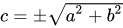 ,也支持块级嵌入。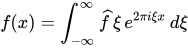
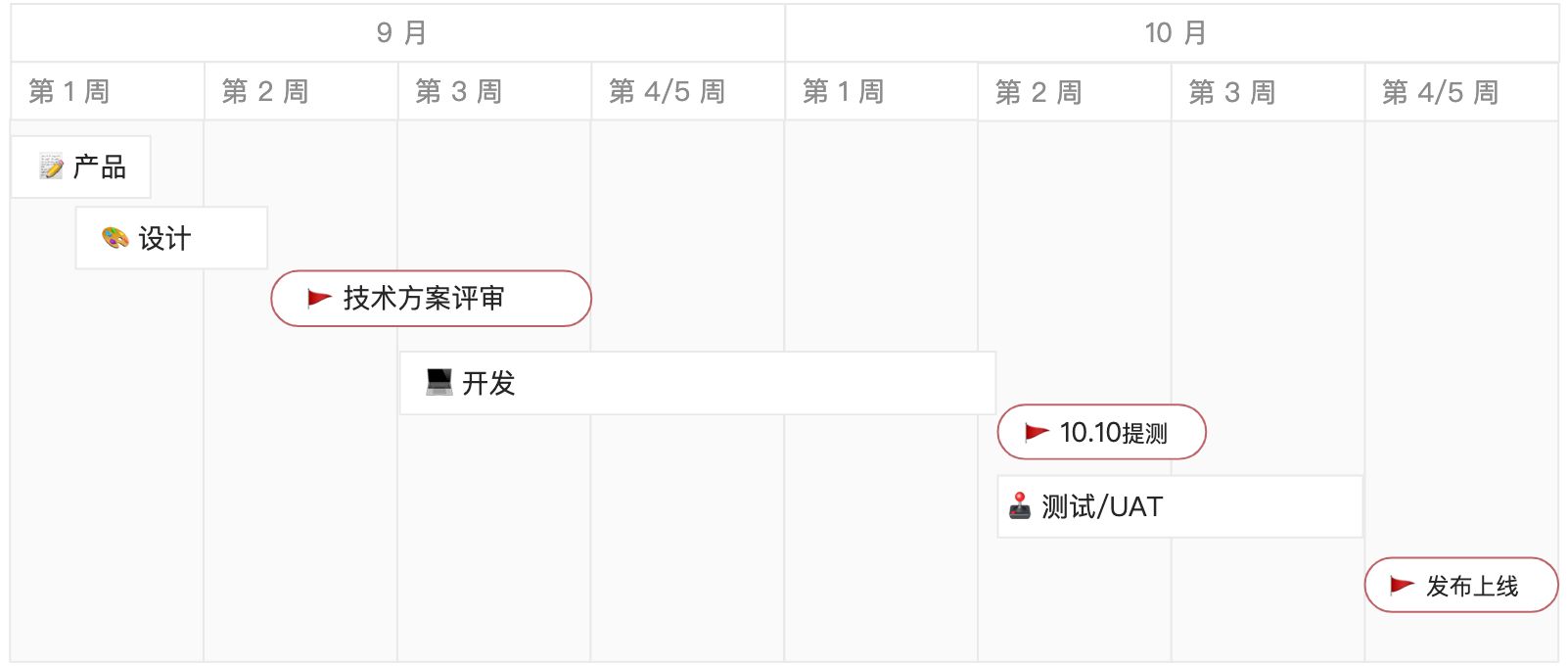
画板
💡 Tips:输入
/画板或点击上方工具栏,选择「画板」、绘制流程图、架构图等各种图形。
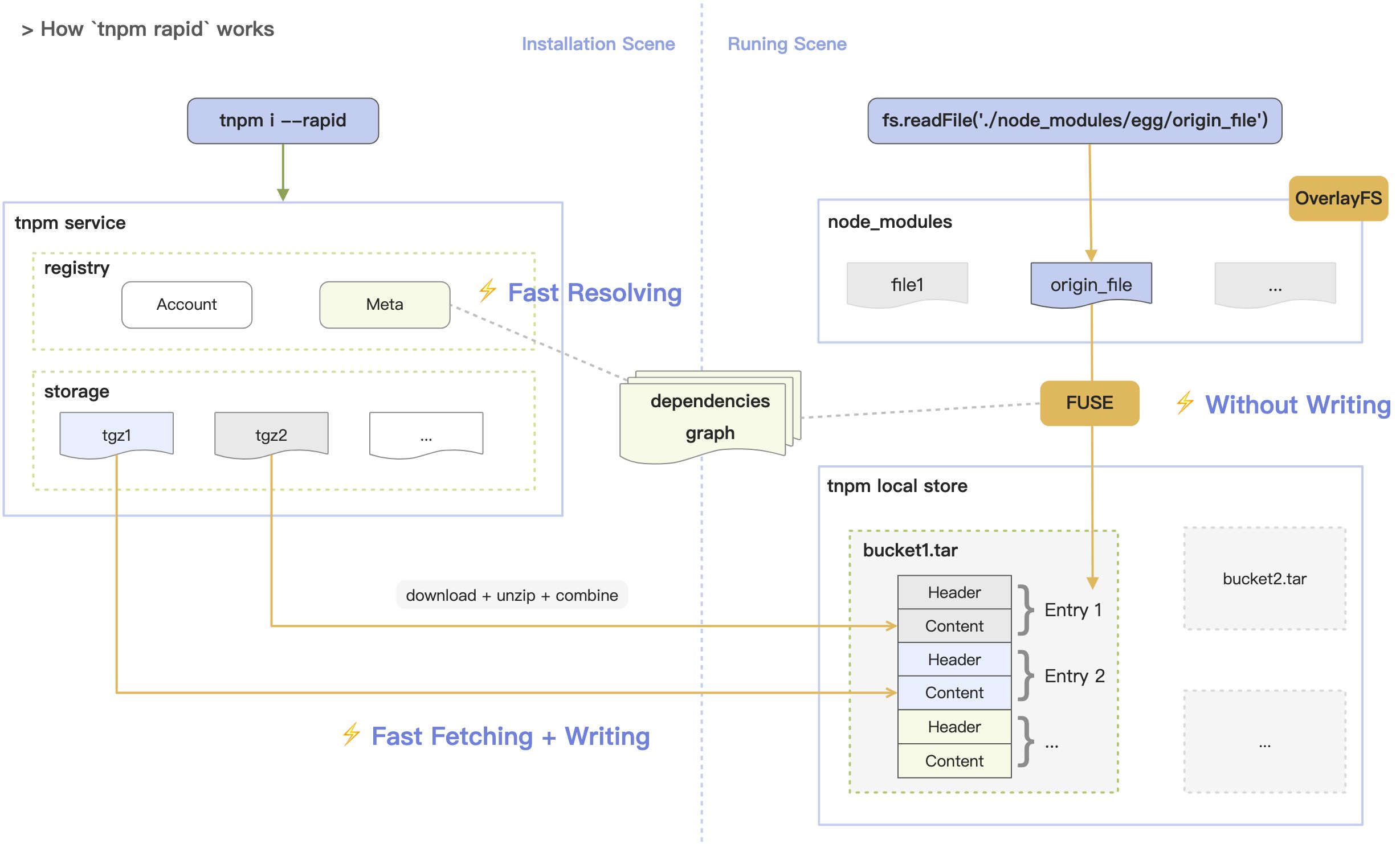
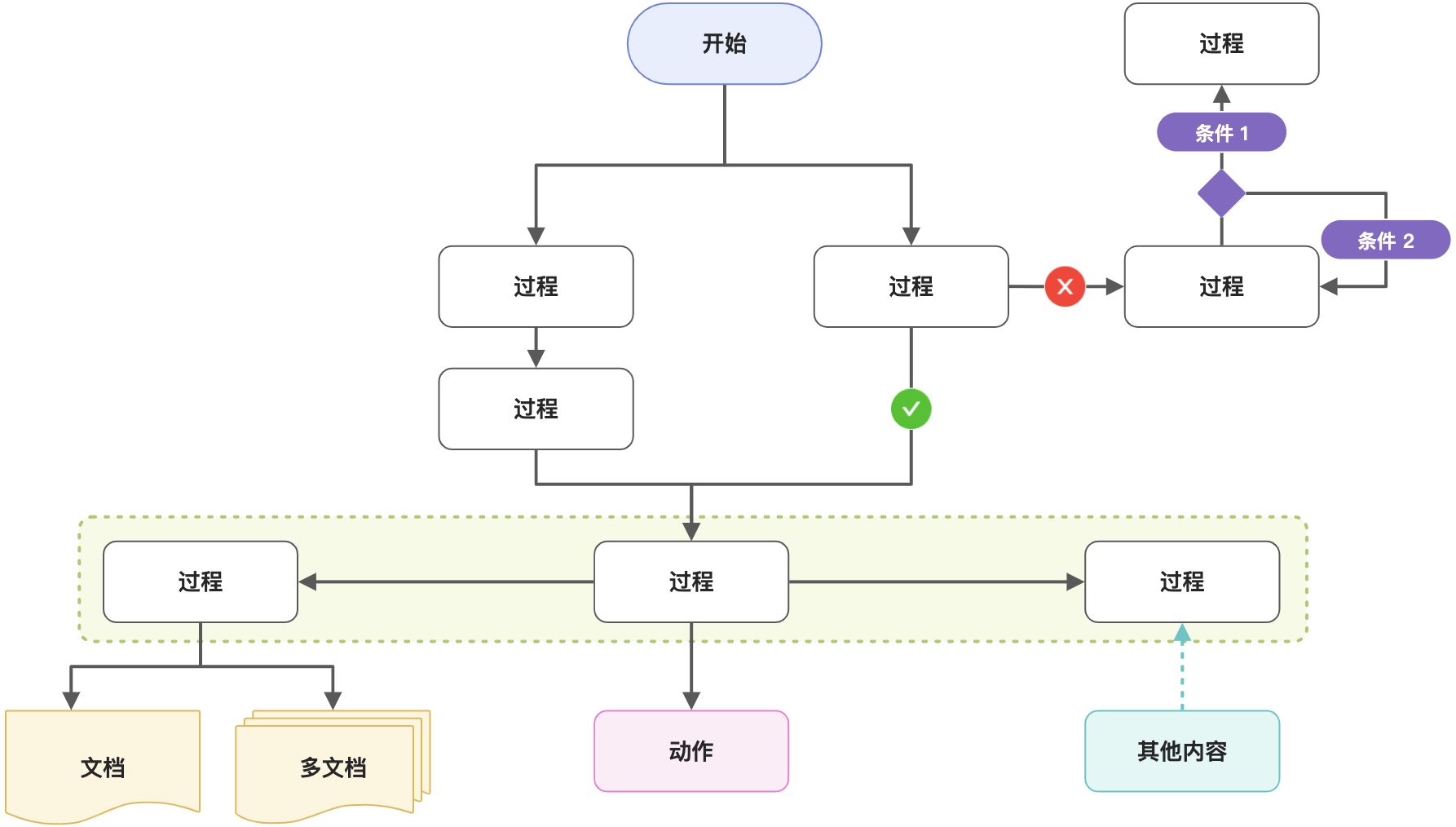
文本绘图
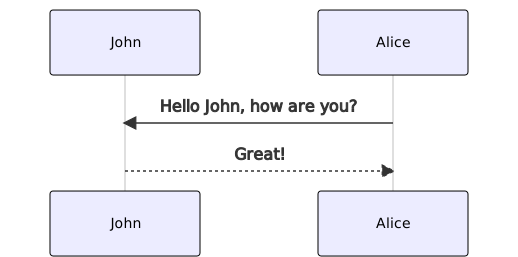
💡 Tips:输入
/文本绘图点击上方工具栏,选择「文本绘图」、插入文本绘图卡片。
支持 plantuml、mermaid 等多种格式,点击预览可看到图形。具体代码样式见说明文档。


若有收获,就点个赞吧
0 人点赞


