1、Ajax的概念
Ajax就是从服务器获取数据的一种技术—管道
异步 涉及到对资源(文件的上传下载)的操作都应该是异步
http
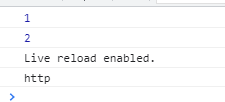
<script>/* Ajax就是从服务器获取数据的一种技术--管道 *//* 1 */console.log(1)con.log()console.log(2)/* 异步 涉及到对资源(文件的上传下载)的操作都应该是异步http*/</script>

2、模拟异步操作
<script>console.log(1);setTimeout(()=>{console.log("http")},1000)console.log(2)</script>
3、原生Ajax实现
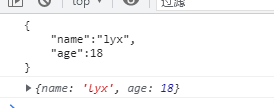
<script>/* 实现Ajax的前提1、html页面2、需要后端给我们提供的数据接口3、DOM将获取的数据放到页面上*/var url = "http://127.0.0.1:5000/mock/index.json"/* 1、创建Ajax的核心对象 */var xhr =new XMLHttpRequest();/* 2、需要与服务器建立连接 */xhr.open("GET",url,true)/* 3、发送请求 */xhr.send();/* 4、响应数据 *//* onreadystatechange监听服务器状态的变化 */xhr.onreadystatechange = function(){/* readyState值代表服务器响应的变化 ==4 请求响应完成 *//* status==200请求成功,数据成功的响应 */if(xhr.readyState == 4 && xhr.status == 200){console.log(xhr.responseText)var res = JSON.parse(xhr.responseText);console.log(res);}}</script>
4、JQuery实现Ajax
<script>var url = "http://127.0.0.1:5000/mock/index.json"$.ajax({url,success:res=>{console.log(res);}})</script>

5、豆瓣接口实现
<script>/* 前后端接口联调 */var url = "http://47.108.197.28:8000/book"var xhr = new XMLHttpRequest();xhr.open("get",url,true);xhr.send();xhr.onreadystatechange = function(){if(xhr.readyState==4 && xhr.status==200){var res = JSON.parse(xhr.responseText);console.log(res);}}</script>
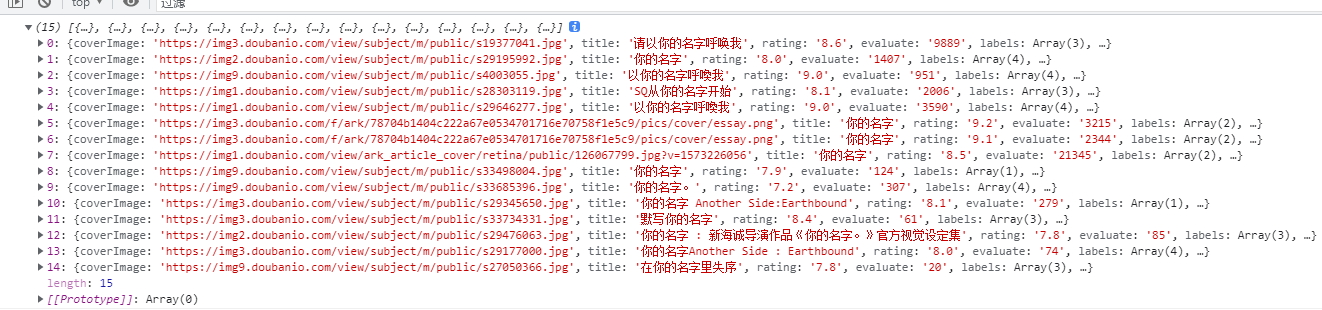
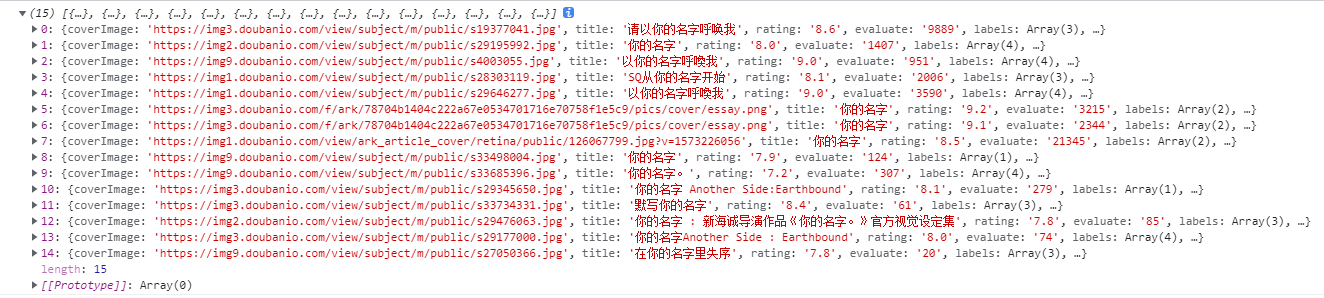
<script>var url = "http://47.108.197.28:8000/book";$.ajax({url,success:res=>{console.log(res);}})</script>
6、封装原生Ajax
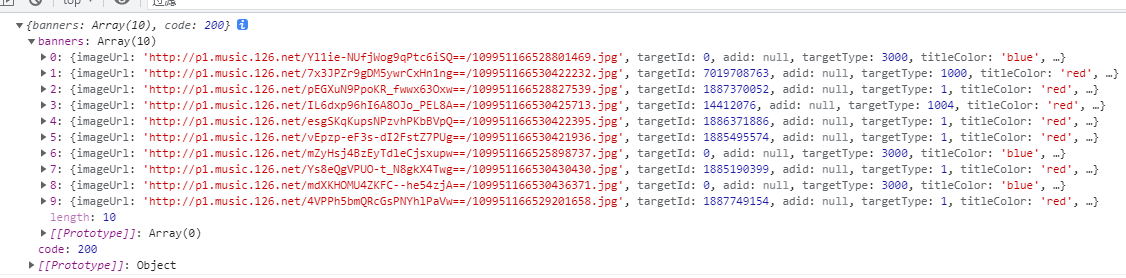
<script>var url = "http://47.108.197.28:3000/banner"function $ajax(url,success){var xhr = new XMLHttpRequest();xhr.open("get",url,true)xhr.send();xhr.onreadystatechange = function(){if(xhr.readyState==4 && xhr.status==200){var res = JSON.parse(xhr.responseText);success(res);}}}$ajax(url,res=>{{console.log(res);}})</script>
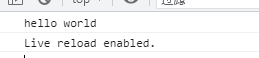
回调函数:
<script>function $ajax(callback){var res = "hello world";callback(res);}$ajax(res=>{console.log(res)})</script>
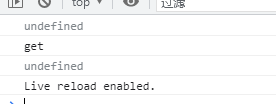
<script>function $ajax({success}){var res = "hello world"success(res);}$ajax({success:res=>{console.log(res);}})</script>

7、传参顺序
<script>/* 函数的参数 */// function ajax(url,method,c){// console.log(url);// console.log(method);// console.log(c);// }// ajax("http","get",1)// ajax(1,"http","get")/* 如果参数过多,可以传对象 */function ajax({url,method,c}){console.log(url);console.log(method);console.log(c);}ajax({method:"get"})</script>
例子
1.
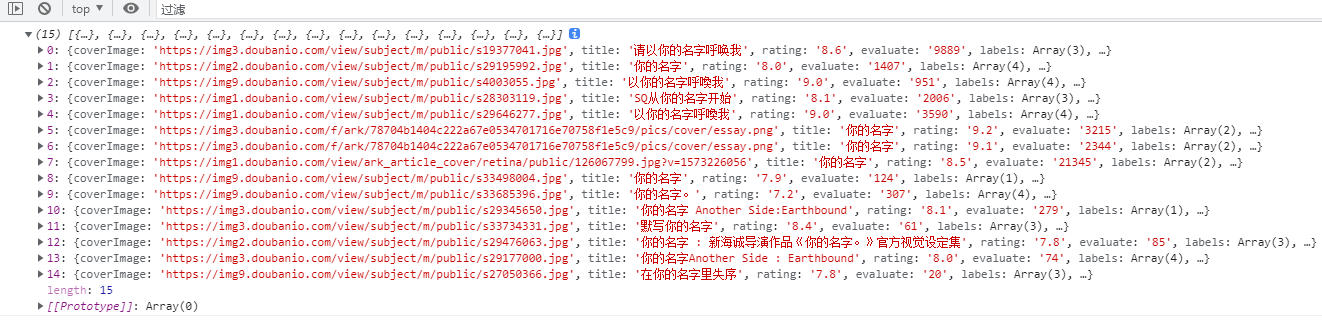
<script>var url = "http://47.108.197.28:8000/book"function $ajax(url){var xhr = new XMLHttpRequest();xhr.open("get",url,true)xhr.send();xhr.onreadystatechange = function(){if(xhr.readyState==4 && xhr.status==200){var res = JSON.parse(xhr.responseText);console.log(res);}}}$ajax(url)</script>
2.
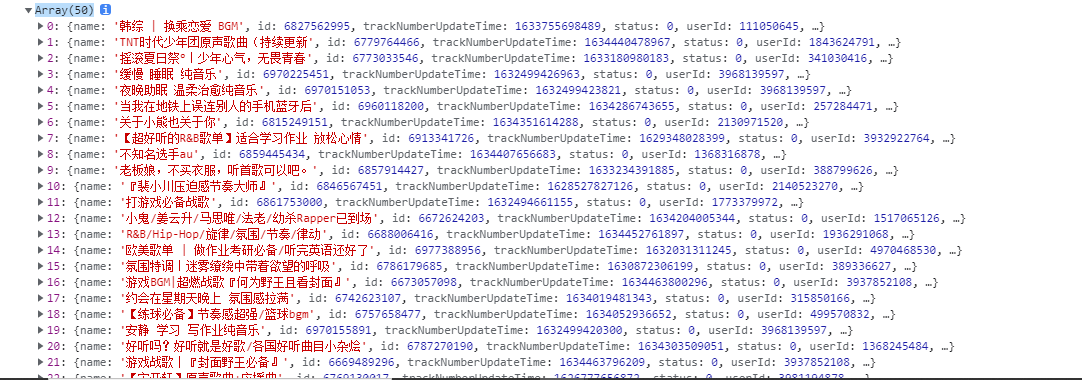
<style>#container{width: 960px;border: 1px solid #333;overflow: hidden;}.item{width: 200px;/* height: 200px; */float: left;border: 1px solid #333;}.item img{width: 200px;}</style></head><body><div id="container"><div class="item"><img src="" alt=""><p>hello</p><p>hello</p></div></div><script>url = "http://47.108.197.28:3000/top/playlist?order=hot"var xhr = new XMLHttpRequest();xhr.open("get",url,true)xhr.send();xhr.onreadystatechange = function(){if(xhr.readyState==4 && xhr.status==200){var res = JSON.parse(xhr.responseText);console.log(res.playlists);var playlists = res.playlists;var musics = [];playlists.forEach(item=>{var {name,coverImgUrl,playCount} = item;musics.push({name,coverImgUrl,playCount})})musics.splice(0,8).forEach(item=>{var {name,coverImgUrl,playCount} = item;var template = `<div class="item"><img src="${coverImgUrl}" alt=""><p>${name}</p><p>${playCount}</p></div>`$("#container").append(template)})}}</script></body>

3.
<script>var url = "http://47.108.197.28:3000/top/playlist?order=hot"$.ajax({url,success:res=>{console.log(res)}})</script>

4.
<script>var ajax = function({url,success}){var xhr = new XMLHttpRequest();xhr.open("Get",url,true)xhr.send();xhr.onreadystatechange = function(){if(xhr.readyState==4 && xhr.status==200){var res = JSON.parse(xhr.responseText);success(res);}}}var url = "http://47.108.197.28:3000/top/album"ajax({url,success:res=>{console.log(res)}})</script>


若有收获,就点个赞吧
0 人点赞


