一、配置基础环境
[root@localhost ~]# yum install -y net-tools vim gcc gcc-c++ gdb
二、使用官方脚本自动安装
安装命令如下:
curl -fsSL https://get.docker.com | bash -s docker —mirror Aliyun
也可使用国内daocloud一键安装命令:
curl -sSL https://get.daocloud.io/docker | sh
三、手动安装
卸载旧版本:[root@localhost ~]# yum remove docker docker- docker-client docker-client-latest docker-common docker-latest docker-latest-logrotate docker-logrotate docker-engine
设置仓库:
官方源地址(慢):yum-config-manager —add-repo https://download.docker.com/linux/centos/docker-ce.repo
阿里云:yum-config-manager —add-repo http://mirrors.aliyun.com/docker-ce/linux/centos/docker-ce.repo
清华大学源:yum-config-manager —add-repo https://mirrors.tuna.tsinghua.edu.cn/docker-ce/linux/centos/docker-ce.repo
安装Docker Engine-Community
yum install docker-ce docker-ce-cli containerd.io
四、启动docker服务
[root@localhost ~]# service docker.service start
[root@localhost ~]# service docker.service status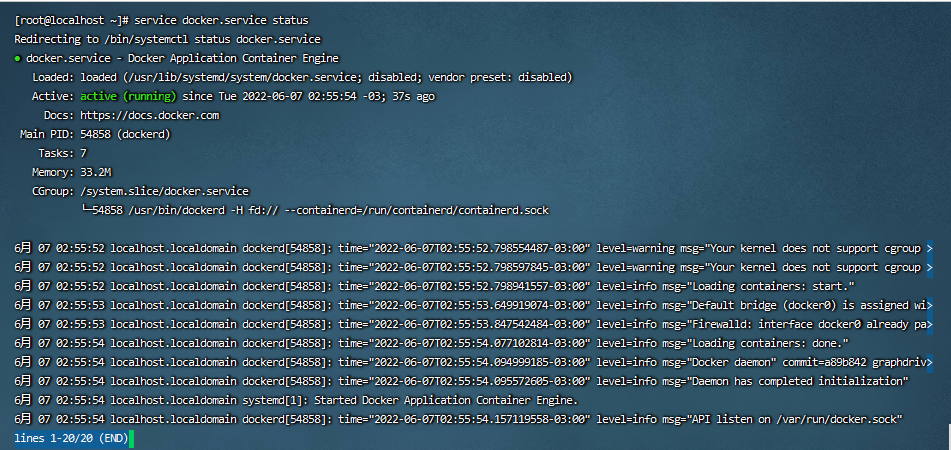
五、查看版本
[root@localhost ~]# docker —version
[root@localhost ~]# docker version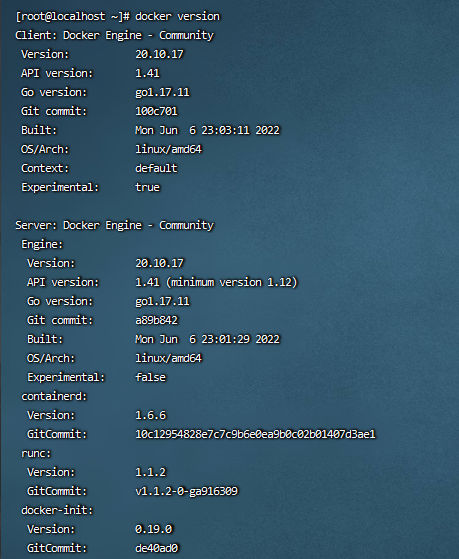

若有收获,就点个赞吧
0 人点赞


