首先要知道neo4j的系统要求:MacOS 10.10 (Yosemite)+, Windows 7+, Ubuntu 12.04+, Fedora 21, Debian 8.
由于我使用的是MacOS,就以MacOS为例子来说明。
下载
- 在官网下载了neo4j的社区版使用。下载地址参见:https://neo4j.com/download/
- 同时需要安装JDK,我安装的是JDK11,主要是11是一个LTS版本。当然JDK8好像也可以。JDK下载地址参见:https://www.oracle.com/java/technologies/javase-downloads.html
- 我希望使用Python操作neo4j,所以我还下载安装了Anaconda。
启动
安装JDK和Anaconda的方法应该不用我多说了,直接安装就好。安装好以后,我们开始neo4j的安装和使用。直接将neo4j解压到桌面(或者别的地方),然后在shell里面cd到文件夹下的bin,然后启动neo4j:
顺便一提,停止是cd neo4j-community-4.0.6cd bin./neo4j start # 启动# ./neo4j stop # 停止
stop哦~
现在,打开浏览器输入:
localhost:7474
就进入了neo4j的界面: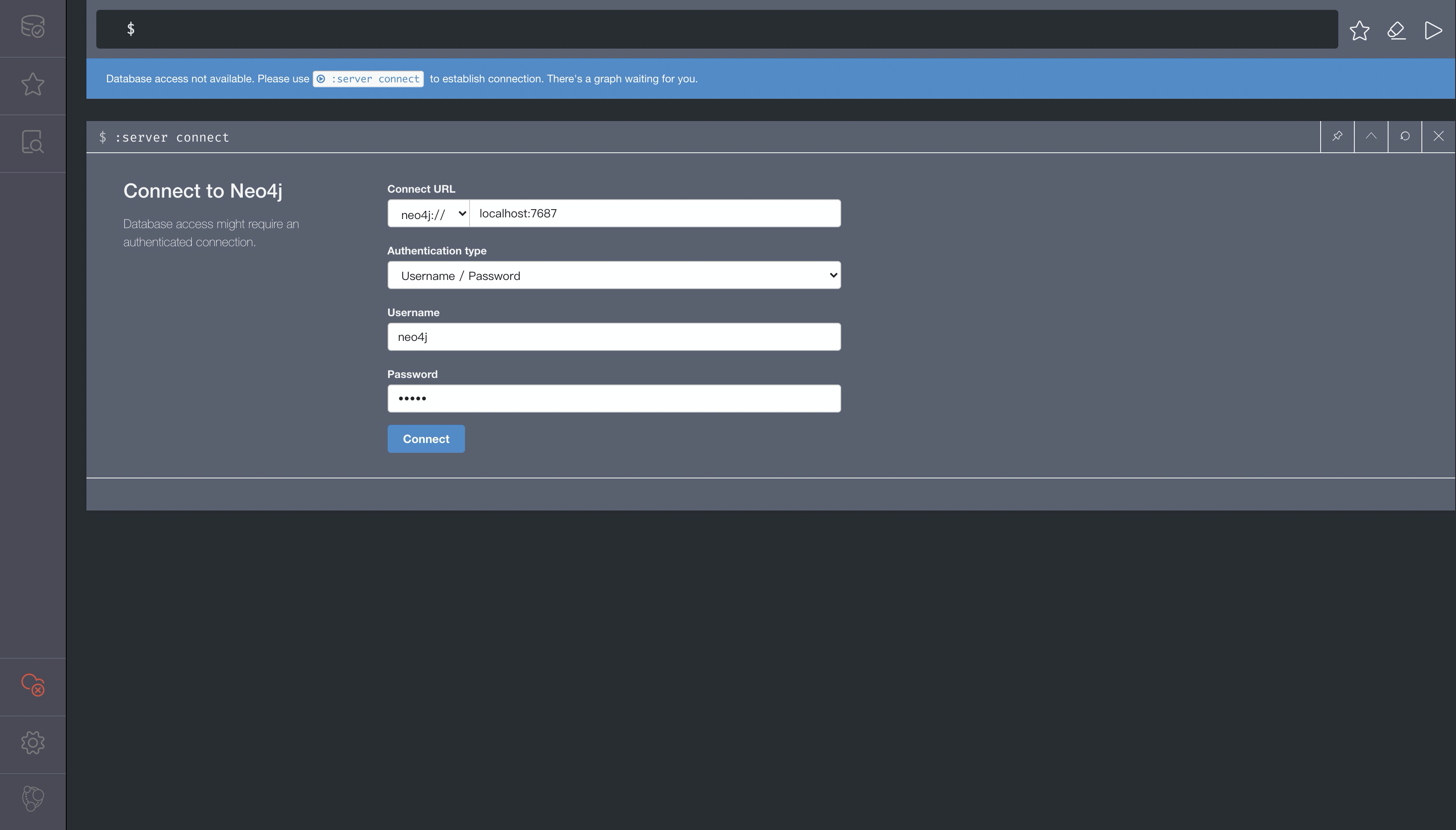
设置好用户名和密码,首次使用的话,用户名和密码默认为 neo4j 。
点击 connect 后,会让你输入新用户名和密码。
然后就正式进入我们的界面了:

Python连接
进入界面以后,先别急操作。先看看Python是否能够顺利连接上?
from neo4j import GraphDatabaseclass HelloWorldExample:def __init__(self, uri: str, user: str, password: str):"""[summary]Args:uri ([type]): 默认。一般为 localhost:7687user (str): 用户名password (str): 密码"""self.driver = GraphDatabase.driver(uri, auth=('neo4j', '8888888')) # 替换成你自己的用户名和密码def close(self):self.driver.close()def print_greeting(self, message):with self.driver.session() as session:greeting = session.write_transaction(self._create_and_return_greeting, message)print(greeting)@staticmethoddef _create_and_return_greeting(tx, message):result = tx.run("CREATE (a:Greeting) ""SET a.message = $message ""RETURN a.message + ', from node ' + id(a)", message=message)return result.single()[0]if __name__ == "__main__":greeter = HelloWorldExample("bolt://localhost:7687", "neo4j", "password")greeter.print_greeting("hello, world")greeter.close()
如果运行反馈如下:
hello, world, from node 0
则说明正常~

若有收获,就点个赞吧
0 人点赞


