一、网络问题排查
如果确认服务器端口已经运行服务,可按下面方式排查
1、先看能不能ping通,确认网络是否可达
ping 1.1.1.1
telnet 1.1.1.1 80
二、关闭防火墙
Centos7 以后都用 firewalld 取代了 iptables ,systemctl取代了service
查看状态
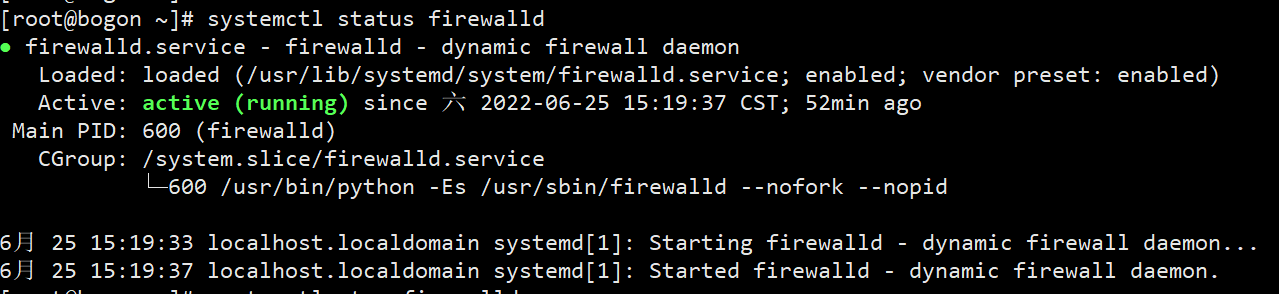
关闭
systemctl stop firewalld
1、windows本地启动了虚拟机linux
2、ssh也可以链接通
3、但虚拟机linux启动了ngixn却在windows中不能访问80端口
4、关闭了防火墙好了
systemctl stop iptables

三、配置网络
网卡存放位置


三、配置DNS
五、启动
重启网络
systemctl restart network
六、查看网络
查看DNS cat /etc/resolv.conf
cat /etc/resolv.conf
[root@ecs-c96d ~]# yum install -y nslookup
经过网上查阅相关资料,nslookup命令在bind-utils套件中,直接使用yum安装此套件
[root@ecs-c96d ~]# yum install bind-utils
nslookup
nslookup命令使用方法:1、【nslookup www.baidu.com】查询域名对应的IP地址;2、【nslookup -qt=ns www.baidu.com】查询域名使用的是哪一家DNS服务器。

若有收获,就点个赞吧
0 人点赞


