1、准备
html, body{margin: 0;padding: 0;height: 100%;background-color: pink;}
#title {color: #fff;}
// 引入样式资源import './index1.css';import './index.less';
2、webpack.config.js配置
/*webpack.config.js webpack的配置文件作用: 当你运行 webpack 指令时,会加载里面的配置所有构建工具都是基于nodejs平台运行的~模块化默认采用commonjs。*/const { resolve } = require('path');module.exports = {// webpack配置// 入口起点entry: './src/index.js',// 输出output: {// 输出文件名filename: 'built.js',// 输出路径path: resolve(__dirname, 'build')},// loader的配置module: {rules: [// 详细loader配置// 不同文件必须配置不同loader处理{test: /\.css$/,use: [// use数组中loader执行顺序:从右到左,从下到上 依次执行//css-loader导出的模块数组,将样式通过style标签或者其他形式插入到DOM中'style-loader',//1、会对 @import 和 url() 进行处理,2、默认生成一个数组存放存放处理后的样式字符串,并将其导出'css-loader']},{test: /\.less$/,use: ['style-loader','css-loader',// 将less文件编译成css文件'less-loader']}]},// plugins的配置plugins: [// 详细plugins的配置],// 模式mode: 'development', // 开发模式// mode: 'production'}
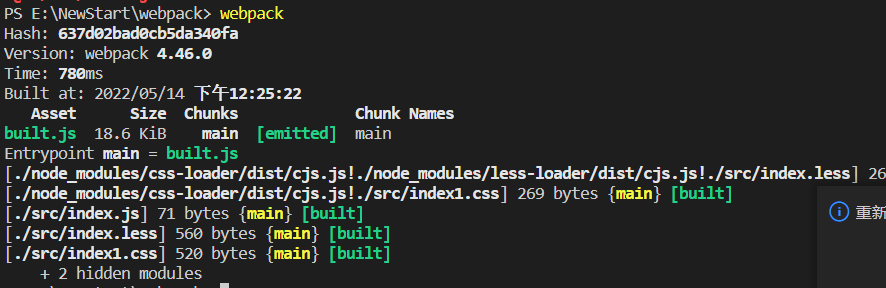
3、打包结果

若有收获,就点个赞吧
0 人点赞


