配置yum源
cat> /etc/yum.repos.d/gitlab-ce.repo<< EOF[gitlab-ce]name=Gitlab CE Repositorybaseurl=https://mirrors.tuna.tsinghua.edu.cn/gitlab-ce/yum/el7/gpgcheck=0enabled=1EOF
重载yum缓存
yum clean allyum makecache
安装依赖
yum install curl policycoreutils-python openssh-server
安装gitlab
sudo EXTERNAL_URL="gitlab.mrlapulga.com" yum install -y gitlab-ce-12.3.5
重载配置
修改配置文件时使用。
/opt/gitlab/bin/gitlab-ctl reconfigure
启动服务
/opt/gitlab/bin/gitlab-ctl start
浏览器访问
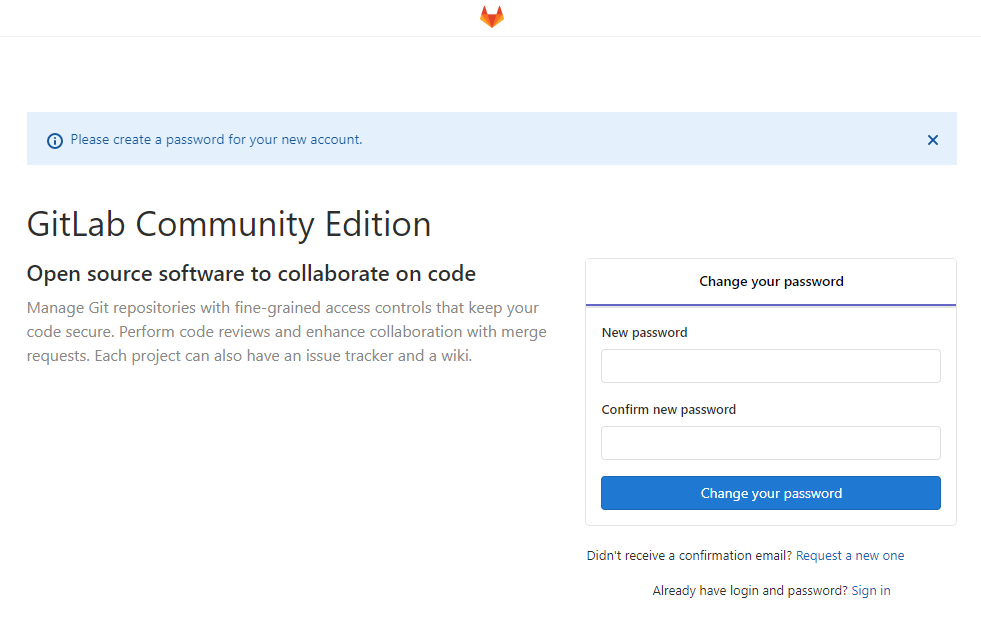
在浏览器输入:[http://gitlab.mrlapulga.com](http://gitlab.mrlapulga.com),设置root账号初始密码:
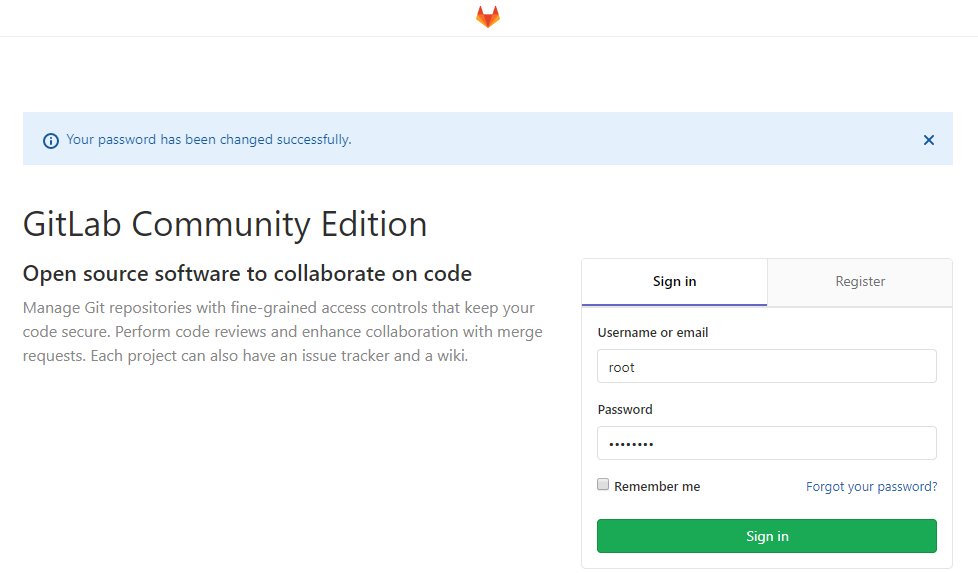
登录:
常用命令
gitlab-ctl start # 启动所有 gitlab 组件;gitlab-ctl stop # 停止所有 gitlab 组件;gitlab-ctl restart # 重启所有 gitlab 组件;gitlab-ctl status # 查看服务状态;vim /etc/gitlab/gitlab.rb # 修改gitlab配置文件;gitlab-ctl reconfigure # 重新编译gitlab的配置;gitlab-rake gitlab:check SANITIZE=true --trace # 检查gitlab;gitlab-ctl tail # 查看日志;gitlab-ctl tail nginx/gitlab_access.log # 查看日志。

若有收获,就点个赞吧
0 人点赞


