简介
Angular CLI 用于创建项目,生成应用和库代码,以及执行各种持续开发任务,比如测试、打包和部署。
Git 的安装与配置
Angular CLI 创建项目时需要用到 Git,否则会提示 git: not found,所以我们先安装 Git。
Windows
下载地址:https://gitforwindows.org/,下载后打开,按照提示操作即可。
Linux
见:https://git-scm.com/download/linux
macOS
见:https://git-scm.com/download/mac
配置全局用户名和邮箱
Angular CLI 创建项目时会使用 Git 全局用户名和邮箱,如果没有配置会提示如下:
Author identity unknown * Please tell me who you are.
Run
git config —global user.email “you@example.com” git config —global user.name “Your Name”
to set your account’s default identity. Omit —global to set the identity only in this repository.
fatal: unable to auto-detect email address (got ‘xxx@xxx.(none)’)
# 查看 Git 配置$ git config --list# 配置 Git 全局用户名$ git config --global user.name "用户名"# 配置 Git 全局邮箱$ git config --global user.email "邮箱"
安装 Angular CLI
# 安装 Angular CLI。-g 为全局安装,包会下载到 npm config get prefix 所在目录$ npm install -g @angular/cli…………? Would you like to share anonymous usage data with the Angular Team at Google under Google’s Privacy Policy at https://policies.google.com/privacy? For more detailsandhow to change this setting, see https://angular.io/analytics. (y/N) # 是否与谷歌的 Angular 团队分享匿名使用数据,默认否即可+ @angular/cli@12.0.1added xxx packages from xxx contributors in xx.xxxs
创建 Angular 项目并运行
# 创建项目。--skip-install 为跳过 npm 包依赖的安装,--routing 为添加路由,--style=xxx 为选择 CSS 预编译器$ ng new ng-demo --skip-install? Would you like to add Angular routing? (y/N) # 是否添加 Angular 路由,暂时不需要? Which stylesheet format would you like to use? # 选择 CSS 预编译期CSS> SCSS [ https://sass-lang.com/documentation/syntax#scss ]Sass [ https://sass-lang.com/documentation/syntax#the-indented-syntax ]Less [ http://lesscss.org ]…………Successfully initialized git.# 进入项目目录$ cd ng-demo# 如果在创建项目时跳过 npm 包依赖安装(--skip-install)的话需要先安装 npm 包依赖$ npm install…………added xxxx packages from xxxx contributors in xxx.xxxs# 运行项目方式一:通过 ng 命令$ ng serve --open# 运行项目方式二:通过 package.json 中定义的命令$ npm start…………** Angular Live Development Server is listening on localhost:4200, open your browser on http://localhost:4200/ **
运行后浏览器会自动打开项目主页: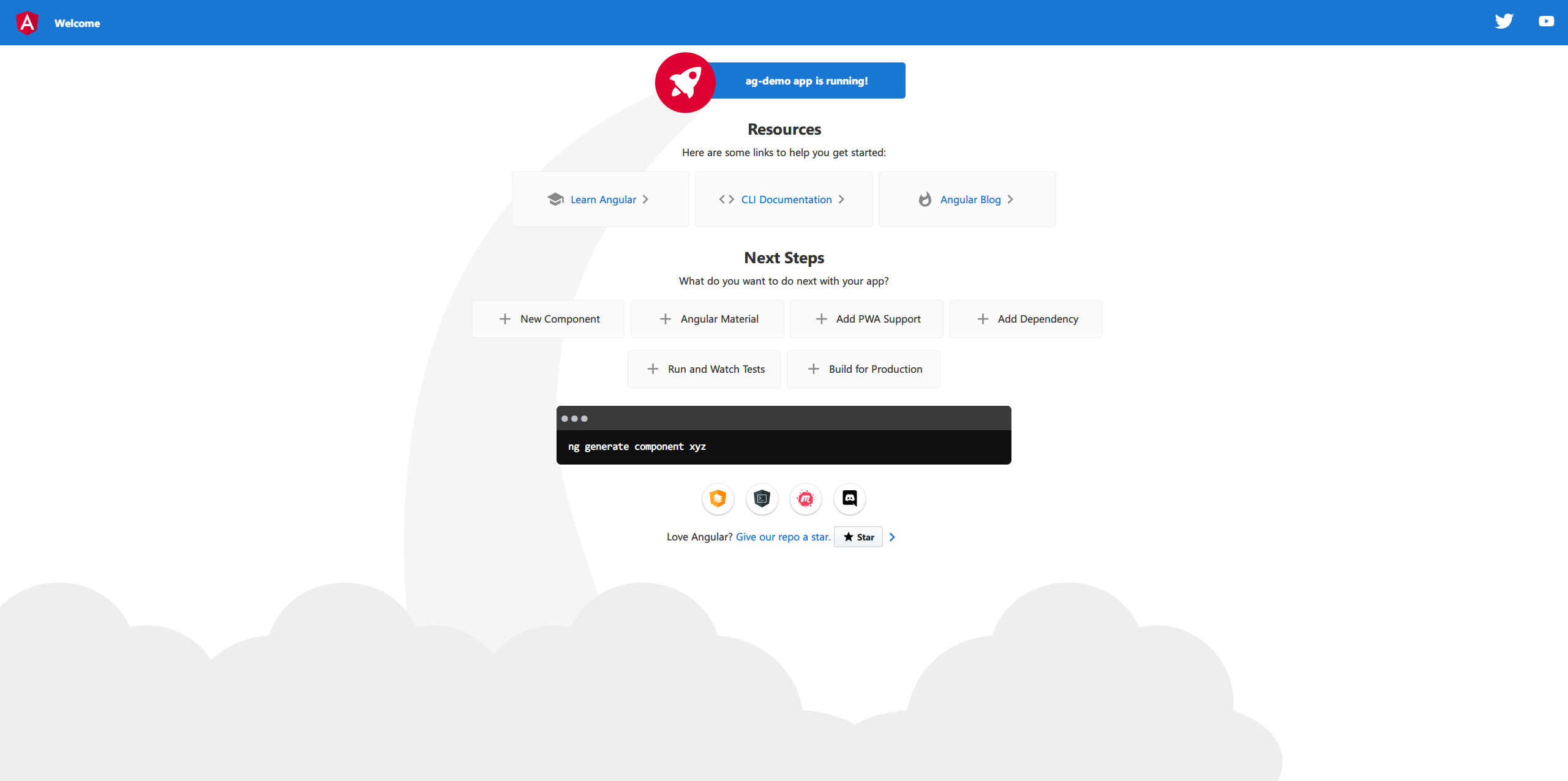
问题
An unhandled exception occurred: spawn EPERM See “……\angular-errors.log” for further details.
删除项目目录中的 package-lock.json 文件和 node_modules 文件夹,重新安装 npm 包依赖即可。
参考来源

若有收获,就点个赞吧
0 人点赞


