1.保证docker和docker-compose安装完成
2.宿主机创建挂在到容器的文件,例如

3.编辑nginx站点配置文件
目录:宿主机:/fanfan/www/conf/nginx/test.conf ```php server {
listen 80;server_name localhost;location / {root /usr/share/nginx/html;index index.html index.htm index.php;}error_page 500 502 503 504 /50x.html;location = /50x.html {root /usr/share/nginx/html;}location ~ \.php$ {fastcgi_pass php:9000;fastcgi_index index.php;# 注意,这个文件是个容器使用的,文件的路径要写容器内的路径fastcgi_param SCRIPT_FILENAME /site/$fastcgi_script_name;include fastcgi_params;}
}
<a name="oye0Z"></a>#### 4.编辑docker-composer.yml文件```phpversion: "2.2"services:nginx:image: nginxprivileged: trueports:- "80:80"volumes:- /fanfan/www/site:/usr/share/nginx/html- /fanfan/www/conf/nginx:/etc/nginx/conf.d- /fanfan/www/logs/nginx:/var/log/nginxnetworks:- web-netphp:image: phpdockerio/php72-fpmprivileged: truevolumes:- /fanfan/www/site:/sitenetworks:- web-netmysql:image: mysqlports:- "3306:3306"environment:- MYSQL_ROOT_PASSWORD=rootnetworks:- web-netnetworks:web-net:
5.启动
docker-compose -f ./docker-composer.yml up -d
6.查看效果

7.访问服务器
编辑站点文件
cd /fanfan/www/sitevim index.php# 输入一下内容<?phpphpinfo();
访问服务器,浏览器输入ip
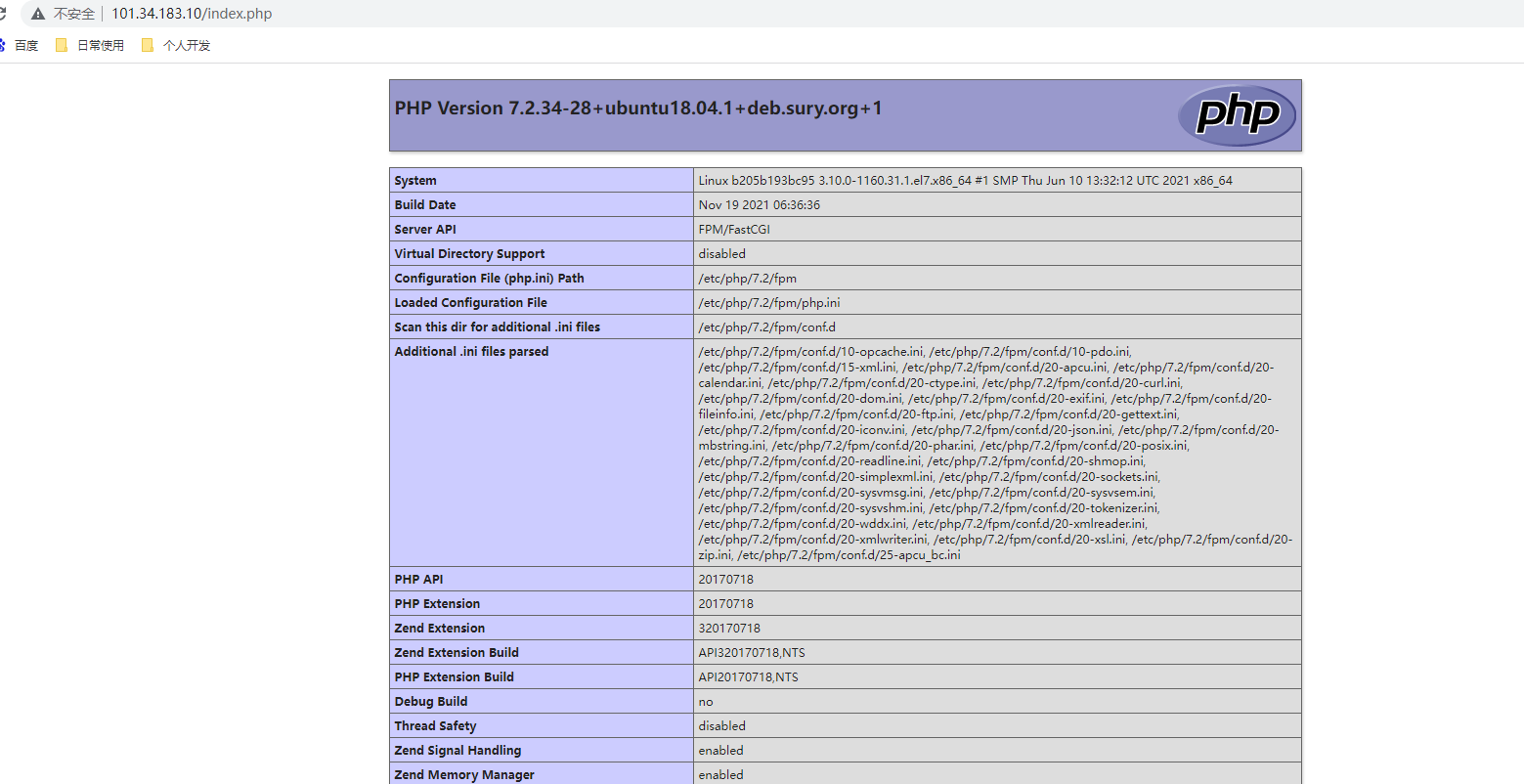
8.打完收工

若有收获,就点个赞吧
0 人点赞


