1.拉取镜像
docker pull docker.elastic.co/elasticsearch/elasticsearch:6.3.2
2.启动es
docker run -d --name es -p 9200:9200 -p 9300:9300 -e "discovery.type=single-node" docker.elastic.co/elasticsearch/elasticsearch:6.3.2
3.进入容器,配置跨域
docker exec -it es /bin/bash# 显示文件ls结果如下:LICENSE.txt README.textile config lib modulesNOTICE.txt bin data logs plugins# 进入配置文件夹cd config# 显示文件ls结果如下:elasticsearch.keystore ingest-geoip log4j2.properties roles.yml users_roleselasticsearch.yml jvm.options role_mapping.yml users# 修改配置文件vi elasticsearch.yml# 加入跨域配置http.cors.enabled: truehttp.cors.allow-origin: "*"
4.重启容器
由于修改了配置,因此需要重启ElasticSearch容器。
docker restart es
5. Docker 部署 ElasticSearch-Head
拉取镜像
docker pull mobz/elasticsearch-head:5
运行容器
docker run -d --name es_admin -p 9100:9100 mobz/elasticsearch-head:5
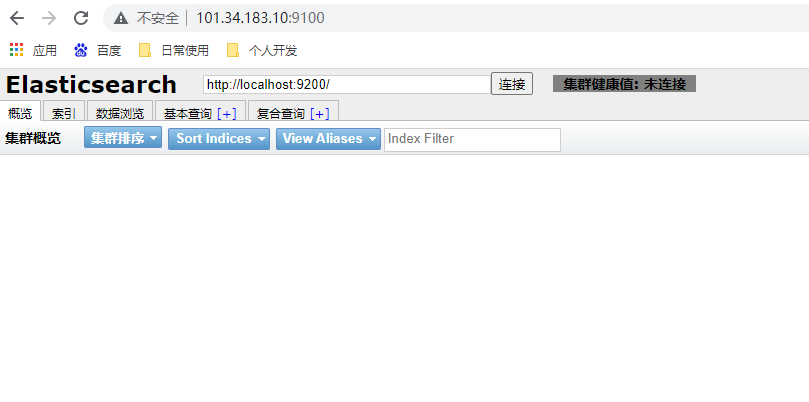
访问后台
6.打完收工

若有收获,就点个赞吧
0 人点赞


