需要阅读上文 点我跳转 , 如果你已经理解如何实现点击文字变色原理,可以直接阅读本文
scroll-view
这是一个可滚动视图区域,我们需要先设置可滑动导航栏
wxml
<scroll-view scroll-x="true" ><view bindtap="add" class="{{ index === current ? 'active' : '' }}" data-index="{{index}}" wx:for="{{title}}" wx:key="{{index}}">{{item}}</view></scroll-view>
wxss
scroll-view{background: black;width: 100%;height: 50rpx;white-space: nowrap;}view{color: white;display: inline-block;width: 30%;}.active{color: red;}.active:after{content: '';width: 30%;height: 2rpx;background-color: pink;display: block;}
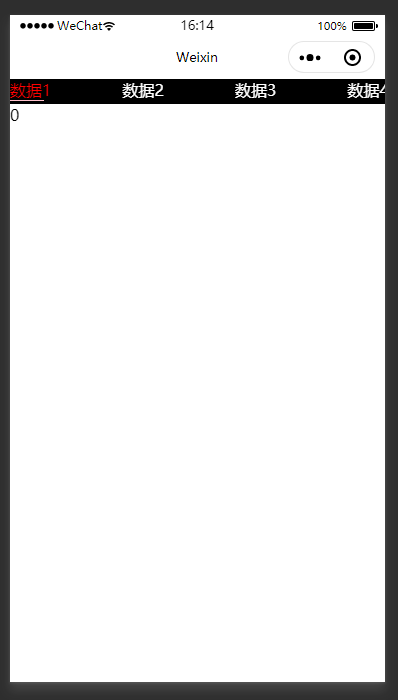
- scroll-x 向右滑动许可,默认为fasle
white-space :nowrap合并连续的空白与换行,否则无法实现右滑swiper
这是一个滑块视图容器(也可以实现轮播图)wxml
// 设置它的 下标<swiper current="{{current}}"><swiper-item wx:for="{{[0,1,3,4,5] }}">{{item}}</swiper-item></swiper>
current在swiper-item中实现翻页
js
const app = getApp()Page({data: {title:['数据1','数据2','数据3','数据4','数据5','数据6','数据7'],current:null},onLoad: function () {},add(e){let index = e.currentTarget.dataset.indexthis.setData({current : index})}})

若有收获,就点个赞吧
0 人点赞


