服务端安装NFS服务
1、查看系统是否已安装NFS
[root@bogon ~]# rpm -qa | grep nfs
[root@bogon ~]# rpm -qa | grep rpcbind
2、安装NFS
[root@bogon ~]# yum -y install nfs-utils rpcbind
服务端配置
在NFS服务端上创建共享目录/export/nfs并设置权限
[root@bogon ~]# mkdir -p /export/nfs
[root@bogon ~]# chmod 666 /export/nfs/
编辑export文件
[root@bogon ~]# vim /etc/exports
/export/nfs 10.10.103.0/24(rw,no_root_squash,no_all_squash,sync)
[root@bogon ~]# systemctl start nfs
配置生效
[root@bogon ~]# exportfs -r
启动rpcbind、nfs服务
[root@bogon lys]# service rpcbind start
查看 RPC 服务的注册状况
[root@bogon lys]# rpcinfo -p localhost
[root@bogon lys]# showmount -e localhost
Export list for localhost: /export/nfs 10.10.103.0/24
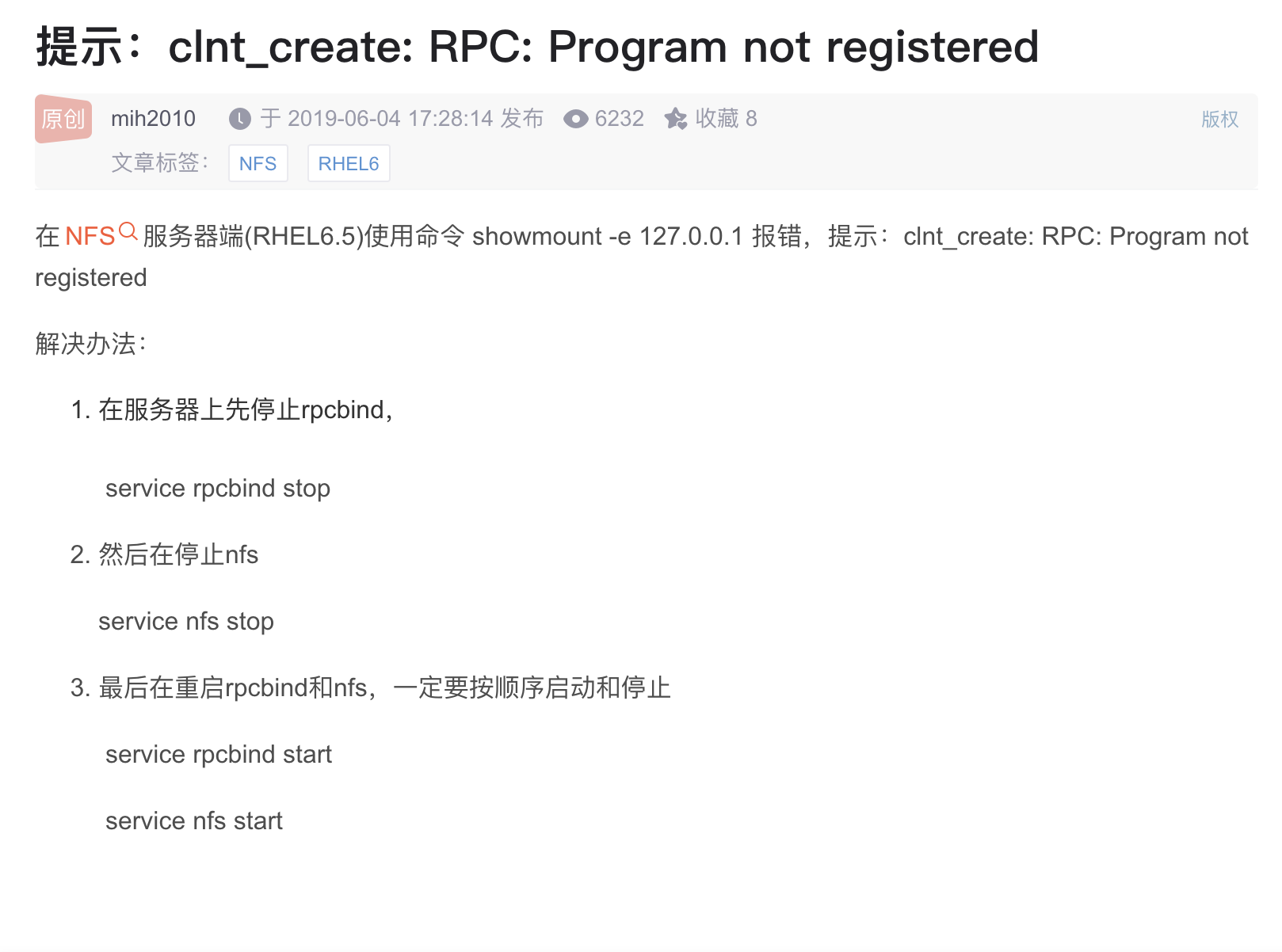
六、客户端配置
安装nfs-utils客户端
[root@bogon ~]# yum -y install nfs-utils
完毕!
创建挂载目录
[root@bogon ~]# mkdir /testnfs
查看服务器抛出的共享目录信息
[root@bogon ~]# showmount -e 10.10.103.80
Export list for 10.10.103.80: /export/nfs 10.10.103.0/24
[root@bogon ~]# mount -t nfs 10.10.103.80:/export/nfs /testnfs
七、测试结果
查看挂载结果
[root@bogon ~]# df -h
服务端
[root@bogon testnfs]# echo “test” > test.txt
客户端
[root@bogon ~]# cat /testnfs/test.txt test
[root@bogon ~]# echo “204” >> /testnfs/test.txt
服务端
[root@bogon lys]# cat /export/nfs/test.txt test 204
卸载已挂在的NFS
[root@bogon ~]# umount /lys/
[root@bogon ~]# df -h
错误集合
mount.nfs: access denied by server while mounting 47.99.222.61:/export/nfs//更新配置vim /etc/export内容如下/root/nfs_root/ *(insecure,rw,sync,no_root_squash)mkdir /root/nfs_rootsystemctl enable rpcbindsystemctl enable nfs-serversystemctl start rpcbindsystemctl start nfs-serverexportfs -rexportfs

若有收获,就点个赞吧
0 人点赞


