STEP1: get the AE-CPS promo links
1)apply the task
A、 Log on to AE Connect at :https://connect.aliexpress.com/
B、On the Task Square, click ‘Apply for task’ to view the Task Details page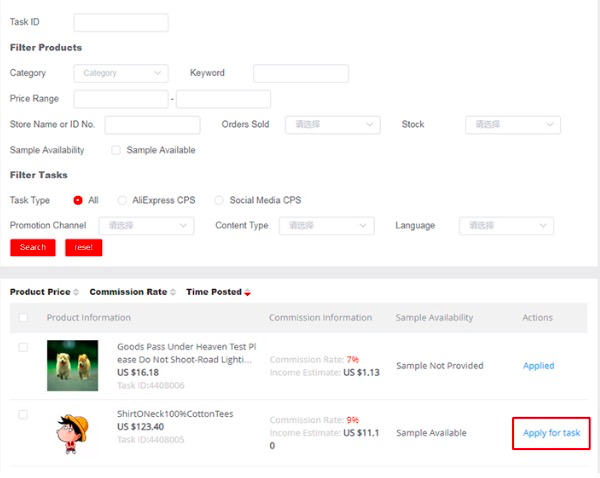
2)get your promo links
Once the seller has “approved” your application, you will be able to get the task promotion link from the Task Details page. Please be sure that you use the correct promotion link, so that you will be able to claim your CPS earnings later on!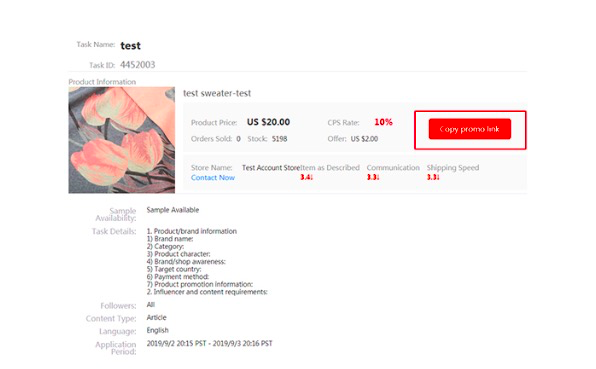
tips:
1)your application will be approved immediately if your task form the product pool,such as :Premium Products 、Best for SNS. ( and remember to select “AliExpress CPS” please)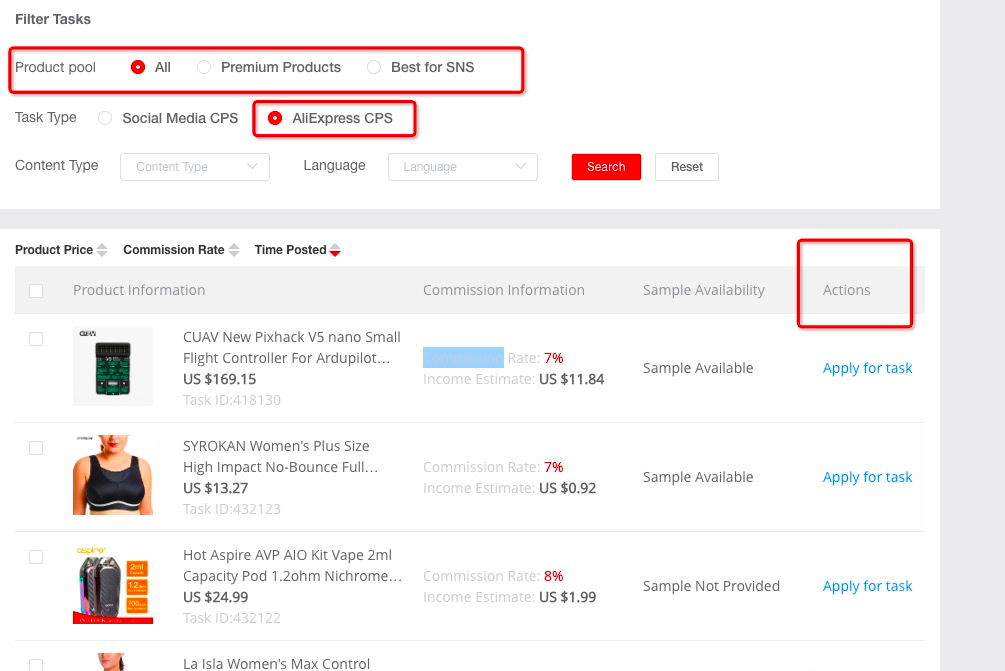
how to use CONNECT platform, click this link to see the guide
:https://sale.aliexpress.com/__pc/Oi3Ac195hY.htm?spm=a2g0o.ams_88620.b085bb9.1.3b17kWu7kWu7wa
STEP2:add the links to your post (NOW,Only article can add promo links)
when you get your promo link
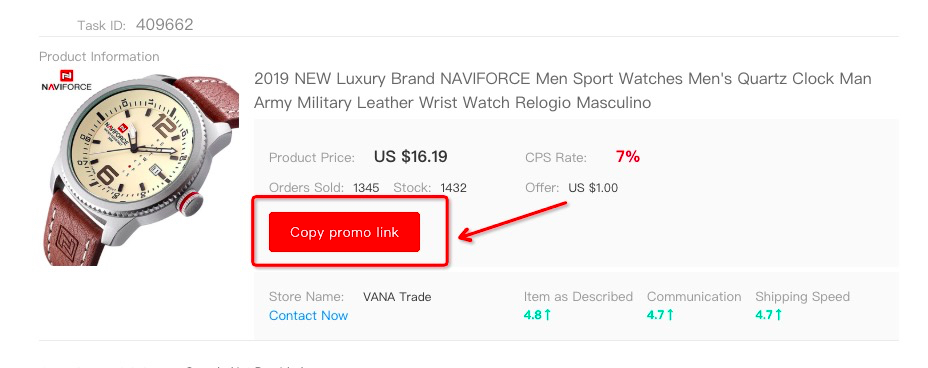
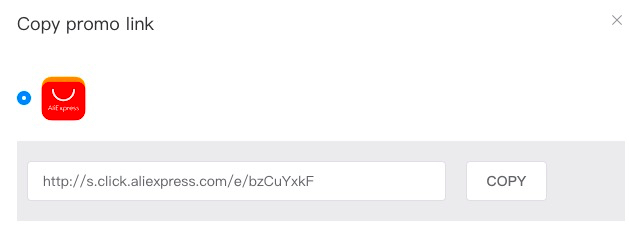
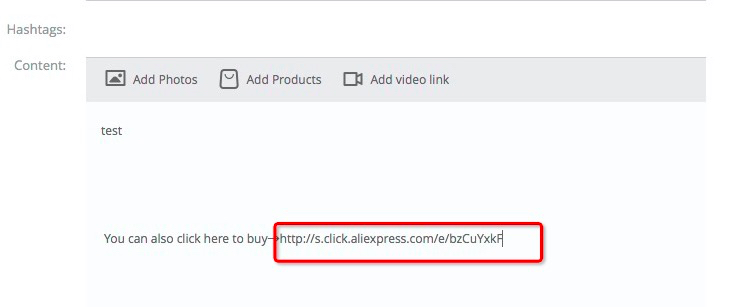
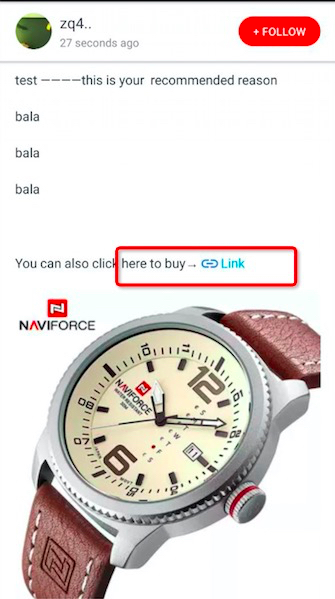
create an Article with the promo link. only the consumer buy the product via this promo link , you will get the cps commission .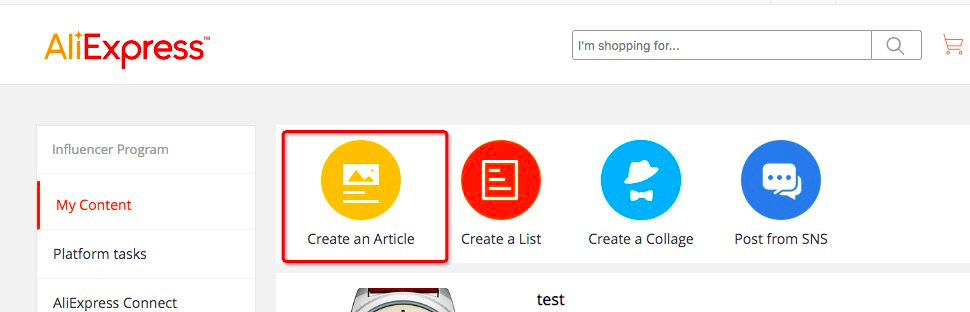
STEP3:get your Commission
click this link to View data and estimated incomes information:https://portals.aliexpress.com/
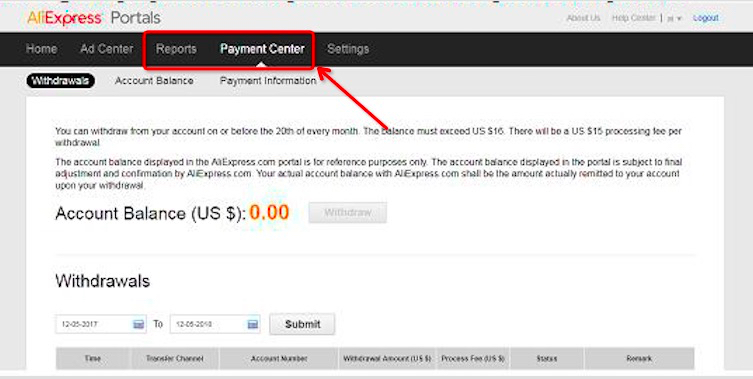
tips:
BTW,you can not add the promo link when you use the “add Products” tool now. if you use the “add Products” tool, you should add the original item link ,and can not get the cps commission. (we are trying to update it,be patient 。)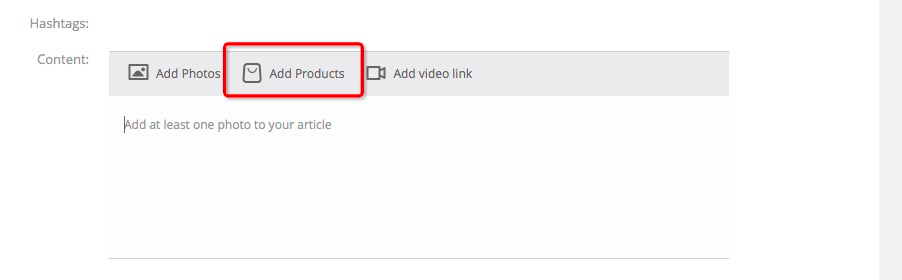
original item link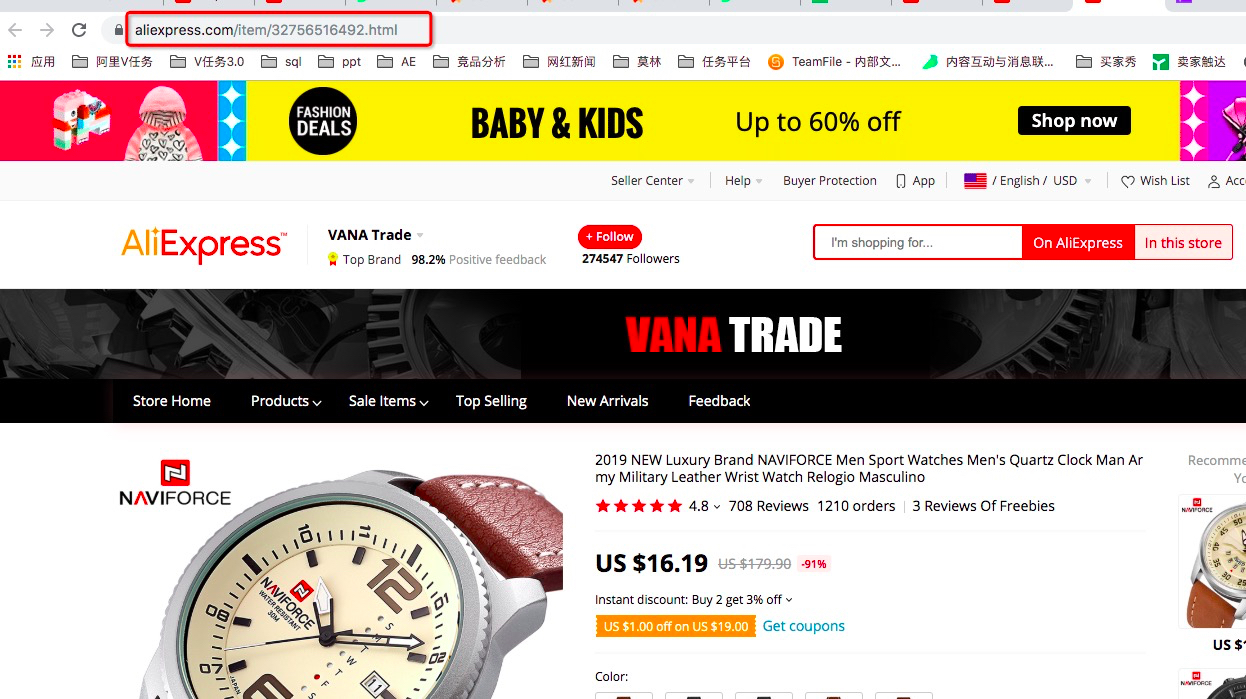
if you use the promo link , there is an error like this: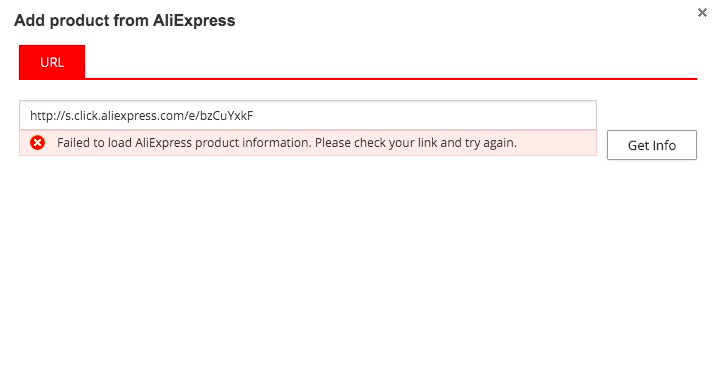

若有收获,就点个赞吧
0 人点赞


